
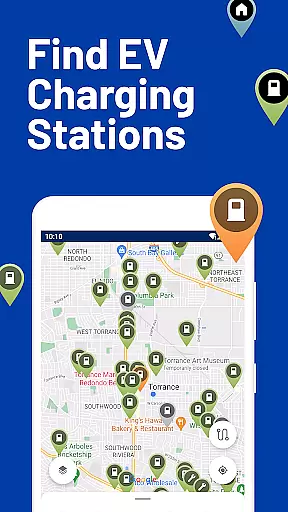
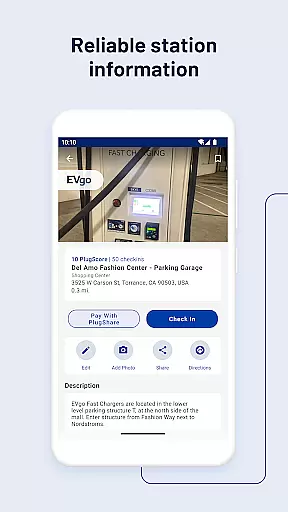
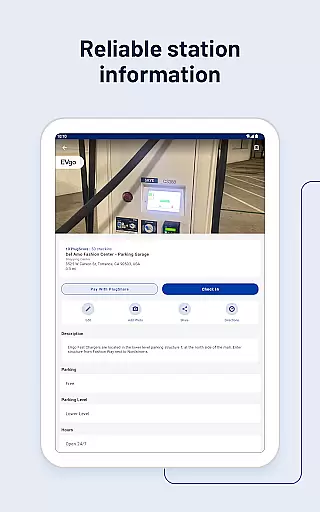
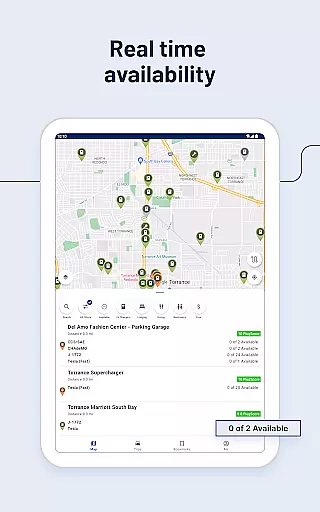
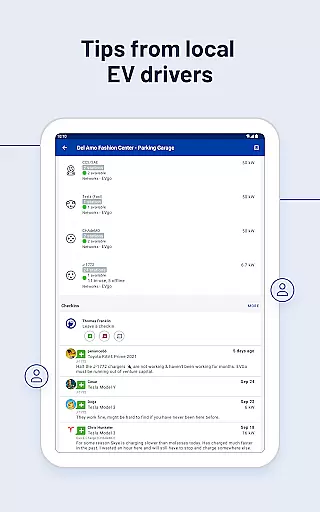
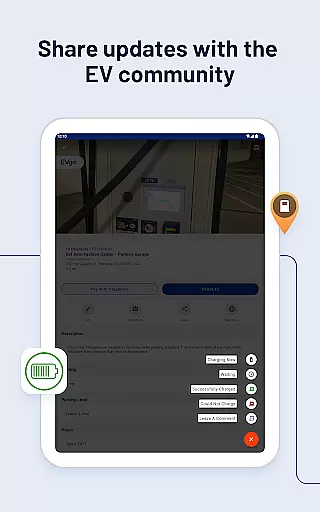
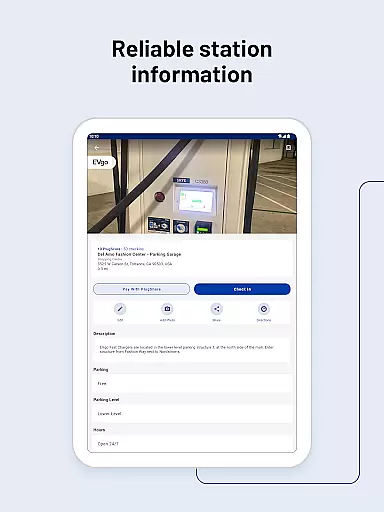
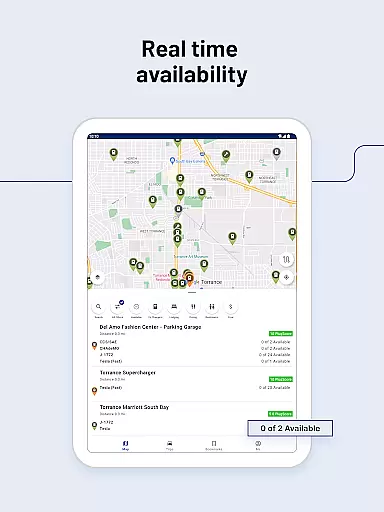
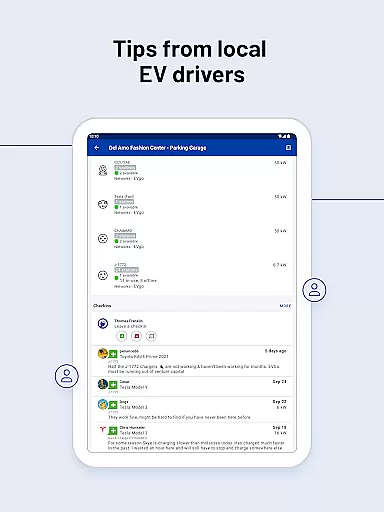
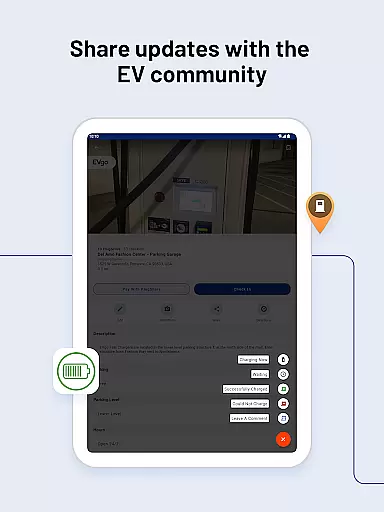
PlugShare is the world's largest EV driver community, offering the most accurate and comprehensive map of EV and Tesla charging stations globally. With detailed station information contributed by drivers, including reviews and photos, PlugShare helps users make informed charging decisions. The app supports all major EV charging networks across North America, Europe, and beyond, covering providers like ChargePoint, Tesla Destination, Electrify America, and many others.
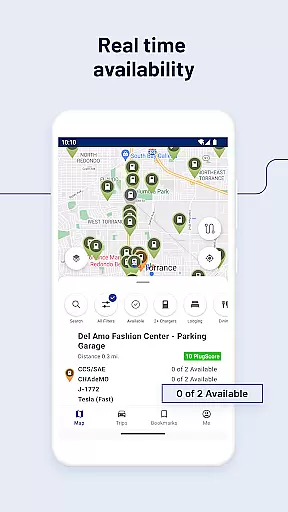
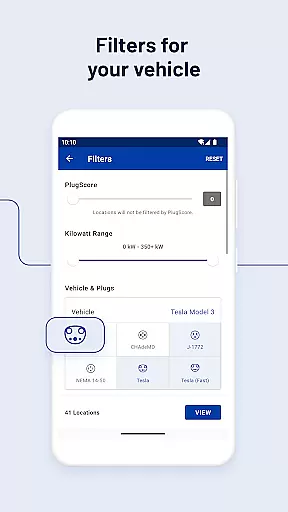
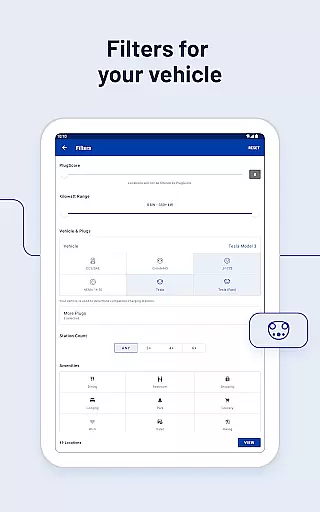
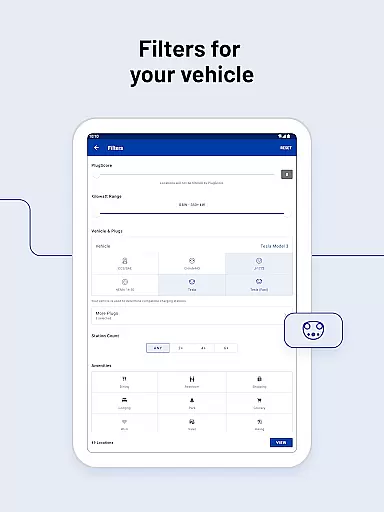
Users can filter the map by plug type (CHAdeMO, SAE/CCS), charging speed (Level 1, Level 2, DC Fast Chargers), and charging provider. PlugShare also provides real-time functionality checks and availability statuses for each station. Compatible with Android Auto, the app allows seamless navigation to charging stations and offers features such as Pay with PlugShare for easy payment processing at participating locations. Whether you own a Tesla Model X, Ford Mustang Mach-E, or any other EV, PlugShare ensures you can find the right charger for your vehicle.
PlugShare stands out with its extensive filtering options, allowing users to search for charging stations based on connector type, charging speed, and nearby amenities like food or restrooms. The app integrates with popular navigation apps, providing turn-by-turn directions to selected chargers. One of its key innovations is the Pay with PlugShare feature, enabling users to pay for charging sessions directly through the app at supported locations.
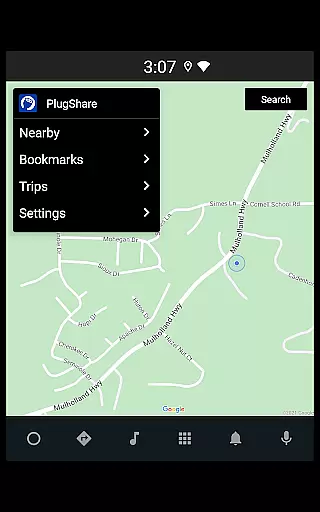
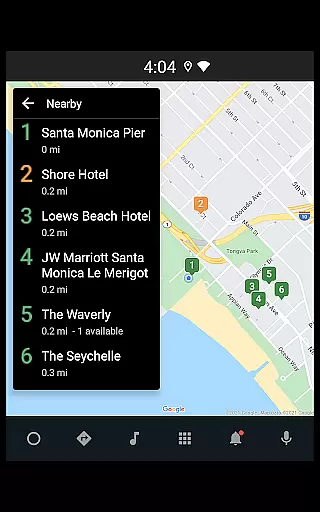
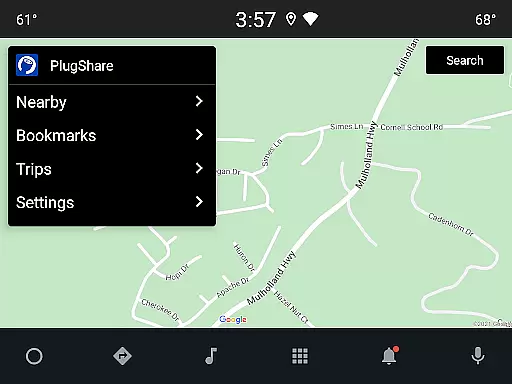
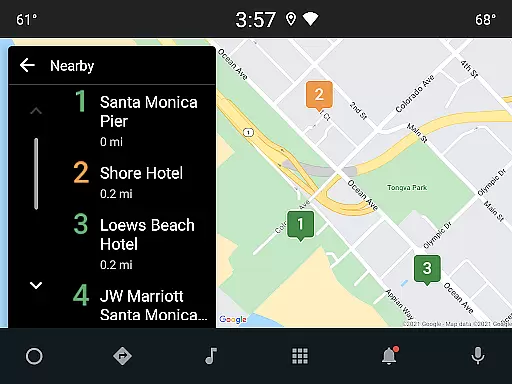
The app also supports multiple electric vehicles, letting users find compatible chargers for all their EVs. Real-time notifications alert users when new chargers are installed nearby. Additionally, PlugShare's compatibility with Android Auto enhances the user experience by displaying nearby charging locations and planned trips directly on the vehicle's built-in display. These features collectively ensure that EV drivers have a reliable and convenient charging experience wherever they go.
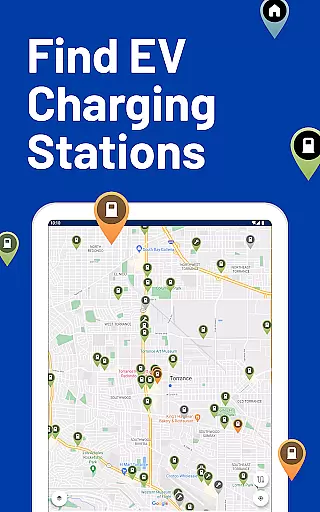
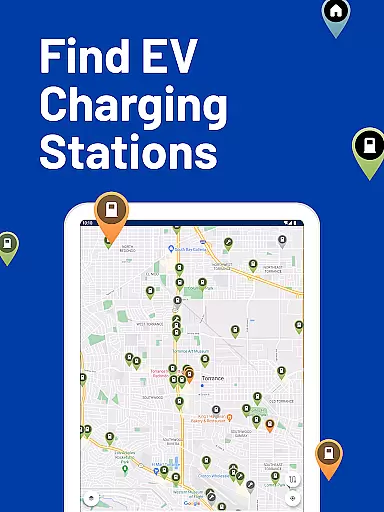
Map accuracy is essential for electric vehicle owners who rely on precise location data to find charging stations. PlugShare excels in this area by offering the most accurate and comprehensive EV charging station map available. The platform aggregates data from multiple sources, including real-time user contributions and detailed information from major EV charging networks across North America, Europe, and beyond.
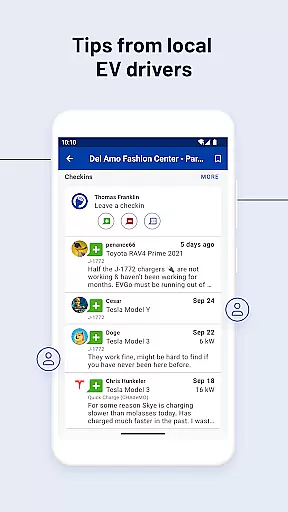
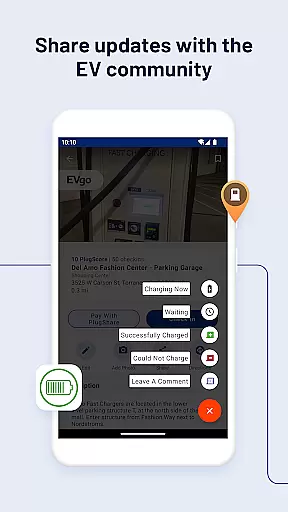
PlugShare's map accuracy is further enhanced by its vast community of EV drivers who actively contribute reviews and photos. This crowdsourced information helps verify the existence and functionality of charging stations, ensuring that users can depend on the map's reliability when planning their trips. Additionally, the map includes filters for plug types and charging speeds, allowing users to pinpoint the exact stations compatible with their vehicles.
The value of PlugShare's accurate mapping cannot be overstated for EV drivers. It eliminates the uncertainty often associated with finding charging stations, especially in unfamiliar areas. By providing verified and up-to-date information, PlugShare ensures that drivers can confidently navigate to charging points without the fear of encountering non-operational or incompatible chargers. This level of precision significantly enhances the overall EV ownership experience.
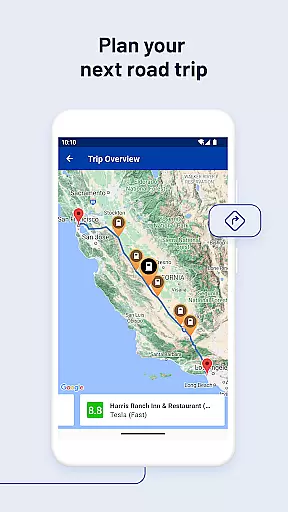
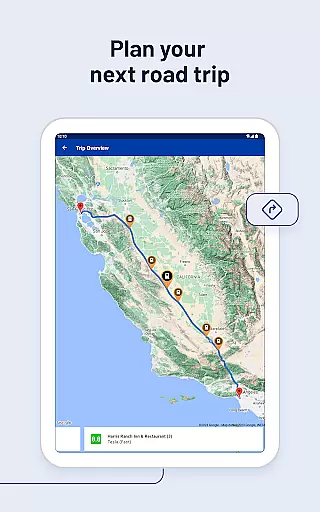
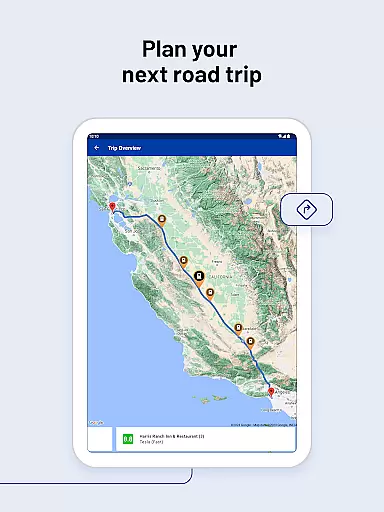
Effective route planning is crucial for electric vehicle drivers to ensure they can reach their destinations with ease and efficiency. PlugShare addresses this need by integrating advanced route planning features into its platform. Users can filter the map by various criteria such as plug type, charging speed, and nearby amenities, which allows them to tailor their routes according to their specific requirements and preferences.
In addition to filtering options, PlugShare provides seamless integration with popular navigation apps. This feature enables drivers to receive turn-by-turn directions to their selected charging stations directly from their preferred navigation tools. Furthermore, PlugShare supports real-time updates and notifications about newly installed chargers, ensuring that users always have access to the latest charging infrastructure developments along their routes.
By leveraging PlugShare's route planning capabilities, EV drivers can optimize their travel plans, reduce range anxiety, and enjoy a smoother driving experience. The ability to locate and navigate to compatible charging stations effortlessly not only saves time but also enhances the convenience and practicality of owning an electric vehicle. PlugShare's commitment to delivering reliable route planning tools underscores its dedication to supporting the growing EV community.
User-friendly interface
Comprehensive charging network
Real-time station updates
Pay with PlugShare
Active driver community
Limited rural coverage
Occasional data inaccuracies
Premium feature costs
Regional restrictions
Dependent on user contributions

Play in the outdoors with Android as your Handheld GPS and offline topo maps!
 3.50
3.50
Your guide to the recreational opportunities of the Bureau of Land Management!
3.40
America’s largest public fast charging network, with over 500 charging stations.
4.50
Number locator, real connection map
4.10
Voice GPS with driving directions, offline maps navigation GPS for safe travel
4.50
Navigate confidently with our precise Digital Compass app & Direction Compass!
4.70
Find radar maps, GPS coordinates, altitude, offline maps, location, travel route
4.40
Parcel map, property lines, owner, acres, land use, zoning and more from Regrid.
4.60
Truck Safe GPS Navigation & Maps: Parking, Fuel, Diesel, Weight Station
4.80
Ride or drive at YOUR price
4.70
GPX Viewer PRO shows tracks, routes and waypoints from gpx and kml files.
4.60
Route tracker, Speedometer, Odometer, Fuel, HUD mode, save route as .GPX
4.40
Maps, Driving Directions & GPS navigation using directions app & GPS App
4.30
Lets explore the world's famous places by using Live Cams, GPS & Satellite View.
4.20
GPS phone tracker, family locator, secure location sharing app
4.20
Route Planner is travel map to get turn by turn navigation & driving directions
3.90
NJ TRANSIT information and ticketing at your fingertips
3.70
OpenCPN is a full featured ChartPlotter and Navigator for Android.
3.60
Explore offline maps with radar, satellite view, and real-time alerts.
3.60


User Reviews