

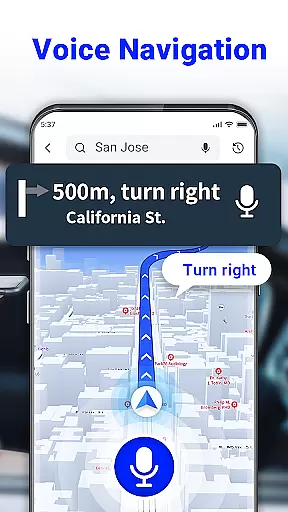
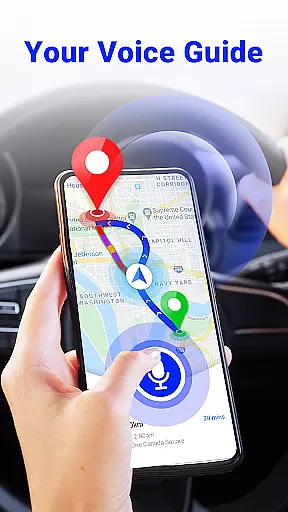
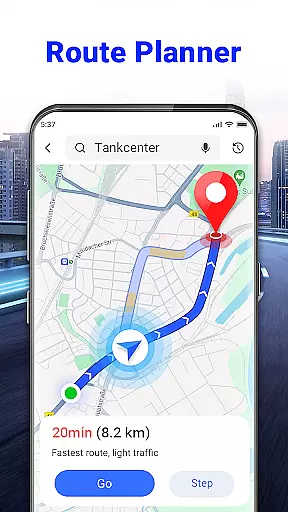
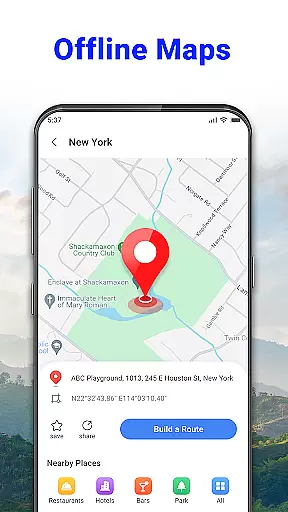
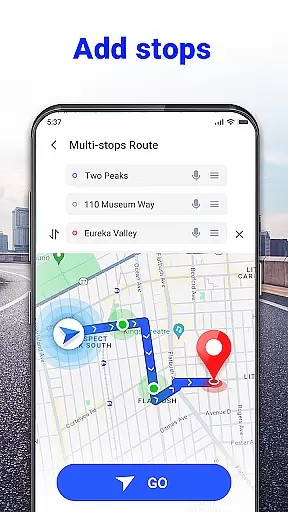
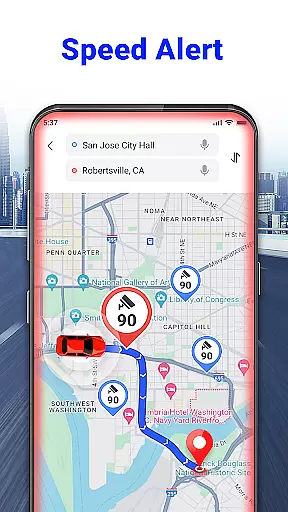

GPS Voice Navigation: Live Map is a comprehensive navigation solution designed for drivers, hikers, and travel enthusiasts who seek to avoid getting lost. This app offers an advanced free GPS Route Planner with voice navigation capabilities, ensuring users can reach their destinations safely and efficiently. With features like voice-guided directions, shortest route planning, and offline functionality, it allows users to navigate without constant visual checks on their smartphones.
In addition to its core navigation features, the app provides valuable tools such as radar maps that alert users to speed cameras, over-speed alerts, and traffic notifications. Whether you're commuting daily or exploring new places, this app ensures you stay informed about nearby points of interest, including grocery stores, hotels, and parking lots. Its intuitive design and accurate voice recognition make it an essential tool for anyone looking to enhance their travel experience.
One of the standout features of GPS Voice Navigation: Live Map is its robust voice navigation system. Users can input destinations using simple voice commands, allowing for hands-free operation which is crucial for safety while driving. The app intelligently plans the shortest and fastest routes, taking into account real-time traffic conditions to help users avoid congestion and arrive on time.
Beyond basic navigation, the app includes several additional functionalities that enhance user experience. It has a built-in radar map feature that warns drivers about speed checks, helping them avoid fines. Moreover, the app provides over-speed alerts and a GPS speedometer, ensuring users maintain safe driving speeds. These features collectively contribute to a safer and more efficient journey, making it an indispensable companion for both regular commutes and adventurous travels.
Map accuracy is essential for any navigation app, and GPS Voice Navigation: Live Map excels in this area. The application provides precise location data, ensuring that users can trust the app when traveling through unfamiliar areas.
The app's maps are regularly updated to reflect the latest changes in road networks, points of interest, and other critical navigation information. This commitment to up-to-date data means users can rely on the app for the most current directions available.
With features like offline maps, users can access map data without an internet connection, which is particularly useful in areas with poor connectivity. This ensures that even when offline, the accuracy of the map remains uncompromised, providing a dependable navigation tool.
Overall, the dedication to maintaining high standards of map accuracy makes GPS Voice Navigation: Live Map a trustworthy companion for drivers, hikers, and travel enthusiasts alike.
Effective route planning is a cornerstone of GPS Voice Navigation: Live Map, allowing users to reach their destinations efficiently and safely. By analyzing real-time traffic conditions, the app suggests the fastest routes, helping users avoid congestion and save time.
Voice commands enable hands-free interaction, making it easy to input destinations and receive turn-by-turn directions without taking eyes off the road. This intuitive approach to route planning enhances safety, as drivers can focus on driving while the app guides them.
In addition to real-time traffic updates, the app offers alternative route suggestions, giving users flexibility in their travel plans. Whether avoiding toll roads or seeking scenic paths, the app caters to various preferences and needs.
Ultimately, the robust route planning capabilities of GPS Voice Navigation: Live Map ensure that users not only arrive at their destinations on time but also enjoy a stress-free journey.
User-friendly interface
Accurate voice recognition
Real-time traffic updates
Offline map availability
Comprehensive safety features
Limited customization options
Occasional voice command errors
Heavy battery consumption
Requires frequent updates
Some features need internet

Play in the outdoors with Android as your Handheld GPS and offline topo maps!
 3.50
3.50
"Balad" is a map and navigator with a Persian voice assistant and a complete city guide
4.40
Navigate confidently with our precise Digital Compass app & Direction Compass!
4.70
Find radar maps, GPS coordinates, altitude, offline maps, location, travel route
4.40
Get route map navigation with 3D satellite view, and live earth camera streaming
3.70
MapQuest is your go-to app for maps, GPS, voice navigation & live traffic.
3.80
Find radar, speed camera, flight tracker. Use hud, location tracker, speedometer
4.20
Use GPS Maps and GPS Voice Navigation to find your way and get directions
4.10
Get matched with a nearby driver — you’ll be on your way in minutes.
4.30
Airport parking, with airport shuttle (TPS shuttle), reservations, and Spot Club
4.80
GPX Viewer PRO shows tracks, routes and waypoints from gpx and kml files.
4.60
Find trails, organize your locations and navigate with offline maps.
4.60
Navigate MTA, NJ Transit, MBTA, SEPTA, BART, MARTA, CTA & 900+ cities
4.60
Number locator, real connection map
4.10
Get directions, Maps, GPS navigation & GPS Maps using GPS App
4.10
Drive safe with real-time speed camera radar, police, and traffic alerts
3.80
NJ TRANSIT information and ticketing at your fingertips
3.70
Navigate via GPS Maps of GPS Voice Navigation, driving directions to find routes
3.60
Offline maps for phone and smart watch: topographic maps, satellite images...
3.30


User Reviews