
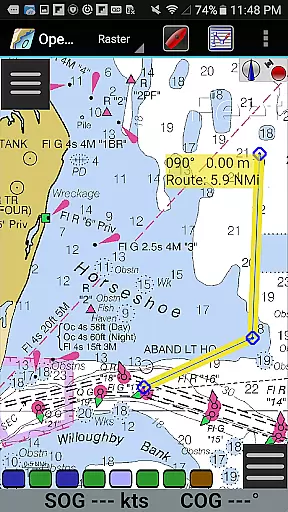
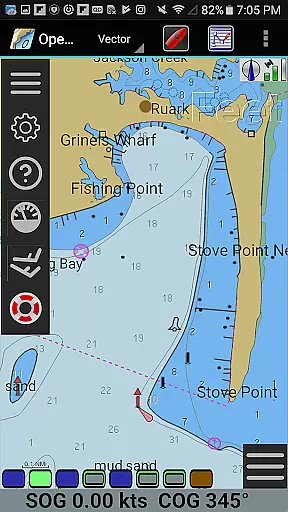
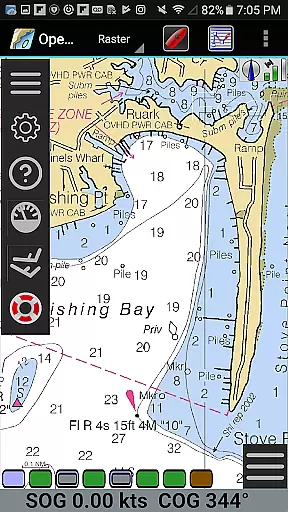
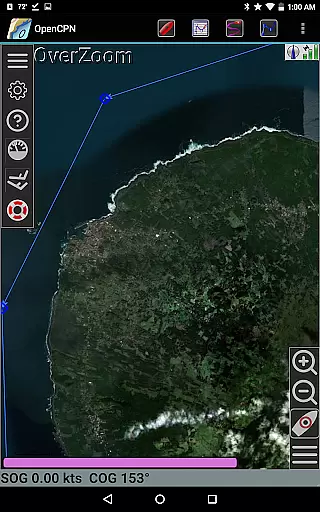
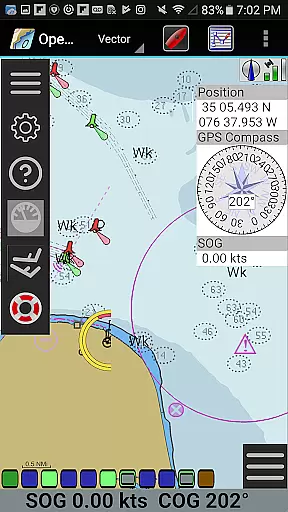
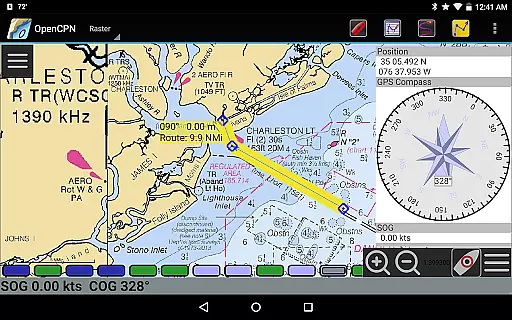
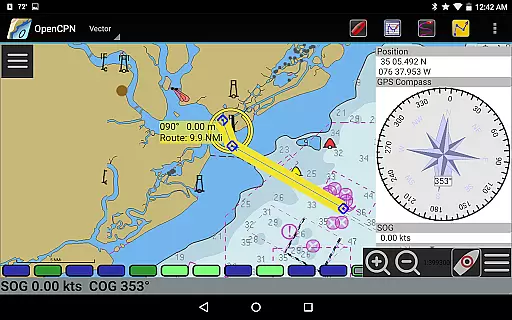
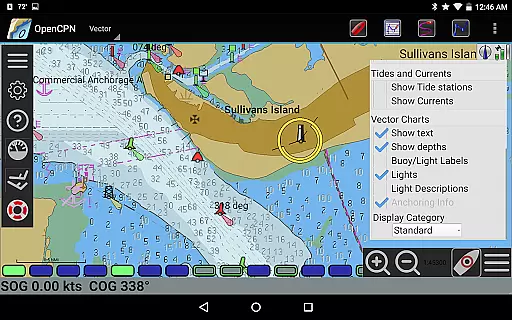
OpenCPN is a comprehensive chart plotter and navigation application designed for both desktop and mobile platforms. It offers advanced features such as BSB v3 raster chart support, S57 vector chart display, and integrated chart downloading. The app supports multiple display modes including North-up, Course-up, and Chart-up, providing flexible navigation options.
With built-in GPS support and networked AIS input, OpenCPN ensures accurate positioning and collision alerting. Additional functionalities include route planning with tidal support, GPX file handling, and Google Maps integration. These features make it an essential tool for marine enthusiasts looking to enhance their safety and performance on the water.
OpenCPN stands out with its extensive chart support, including BSB v3 raster charts, S57 vector charts, and CM93 vector charts with per-cell corrections. The app provides IHO S52 compliant displays and MBTiles overlay support, ensuring high-quality chart visualization. Its integrated chart downloader simplifies access to necessary navigational data.
The application supports various navigation modes like moving-map display, route navigation with ship tracking, and waypoint navigation. With true north or magnetic north settings, users can customize their navigation experience. Advanced features include autopilot output support, AIS target tracking, and anchor watch functions, making OpenCPN a versatile tool for professional and recreational use.
Map accuracy is a fundamental aspect of any navigation application, and OpenCPN excels in this area. The app supports various chart formats including BSB v3 raster charts, S57 vector charts, and CM93 vector charts with per-cell offset corrections. This ensures that users have access to highly detailed and precise maritime charts.
The application's compliance with IHO S52 standards for displaying S57 vector charts guarantees that the information presented adheres to international hydrographic guidelines. Additionally, OpenCPN offers MBTiles chart overlay support, allowing for enhanced map layers that can provide even more accurate and up-to-date navigational data.
With an integrated Chart Downloader, users can easily obtain the latest charts directly within the app. This feature not only enhances convenience but also ensures that sailors are using the most current and accurate maps available, which is crucial for safe navigation on the water.
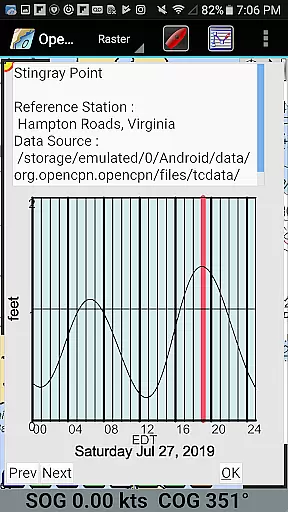
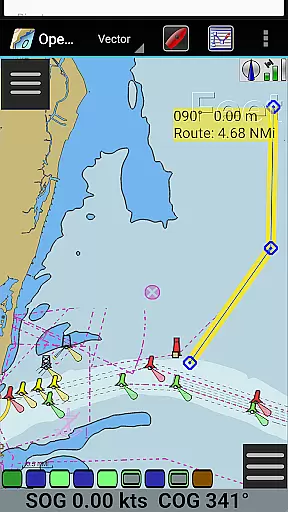
Effective route planning is essential for efficient and safe maritime travel, and OpenCPN provides robust tools for this purpose. The app allows users to plan routes with tidal support, taking into account the complexities of ocean currents and tides, which can significantly impact travel time and fuel consumption.
OpenCPN features built-in great-circle routing, enabling users to plot the shortest possible path over long distances. This capability is particularly beneficial for offshore voyages where minimizing distance traveled is critical for both safety and efficiency.
In addition to traditional waypoint navigation, OpenCPN supports advanced NMEA message handling structures with a built-in multiplexer. This ensures seamless integration with various GPS devices and networked AIS inputs, providing real-time tracking and collision alerting. Such comprehensive route planning tools empower mariners to make informed decisions, enhancing their overall boating experience.
User-friendly interface
Comprehensive chart support
Flexible navigation modes
Accurate GPS positioning
Active community support
Complex for beginners
Resource-intensive
Limited offline functionality
Occasional bugs
Steep learning curve

Find AI powered cameras, ALPRs, and other surveillance infrastructure near you
 4.70
4.70
Explore a light pollution map to find suitable dark sky locations for observing.
4.30
Find 93 Octane Gas: Locate Gasoline Stations Selling Premium 93 Octane or Higher
4.4
Your guide to the recreational opportunities of the Bureau of Land Management!
3.40
Airport parking, with airport shuttle (TPS shuttle), reservations, and Spot Club
4.80
Number locator, real connection map
4.10
Ride CTA, Metra & Pace: Manage your fares, buy Metra tickets, get arrivals.
3.00
Explore Earth with live GPS, satellite view & street navigation
3.60
Park in Chicago, NYC, Boston, SF, Houston & more!
4.70
This app is military GPS coordinate systems helper. (MGRS, UTM & DMS Maps)
4.80
Bolt is a ride-hailing app for requesting fast, safe, and affordable transport
4.80
Explore with GPS Navigation with GPS offline, voice GPS, speed camera radar
4.60
Neshan: map & navigation app with 20M+ monthly active users
4.50
Turn your Android device into a real off-road GPS using off-line topo maps!
4.40
Maps, Driving Directions & GPS navigation using directions app & GPS App
4.30
GPS navigation offers route finder, compass, translator, currency converter, etc
4.30
Get matched with a nearby driver — you’ll be on your way in minutes.
4.30
Easy, Moderate and difficult offroad adventures.
4.00
Route Planner is travel map to get turn by turn navigation & driving directions
3.90


User Reviews