
Hometown Fan is a comprehensive digital ticketing solution designed for fans to search, purchase, and manage event tickets for their school or organization. Trusted in the industry, it caters to K-12 schools, districts, conferences, associations, collegiate spaces, and organizations. With this app, users can handle their entire ticketing experience right from their mobile device.
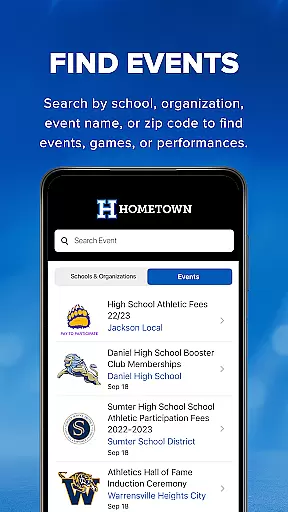
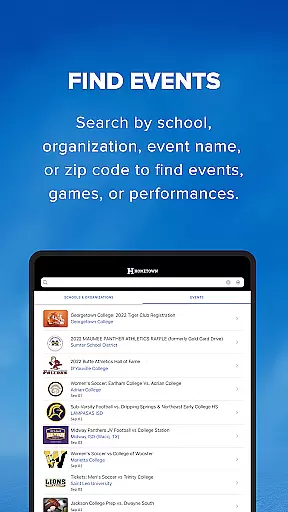
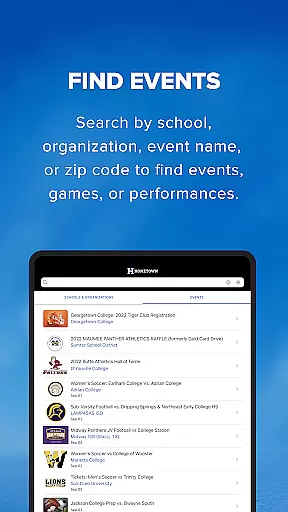
The app offers key features such as finding events by various filters like school, organization, event name, or zip code. It also allows users to buy tickets conveniently and store them within the app, using QR codes for entry. Additionally, users can save their favorite schools or organizations to stay updated on upcoming events.
Whether you're a parent attending your child's school events or a college student looking to enjoy campus activities, Hometown Fan provides a seamless and professional-level ticketing experience that saves time and enhances convenience.
Hometown Fan stands out with its robust set of features tailored for efficient event management. One of the primary functionalities is the ability to find events easily through multiple search criteria including school, organization, event name, or zip code. This ensures users can quickly locate the events they are interested in without hassle.
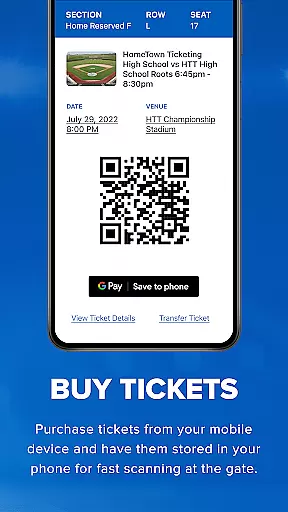
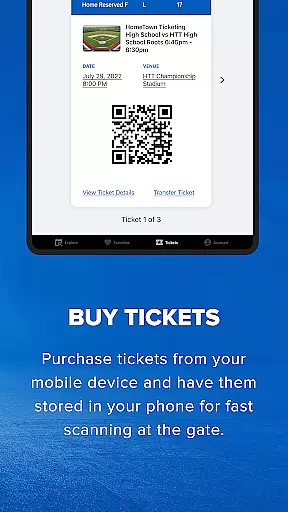
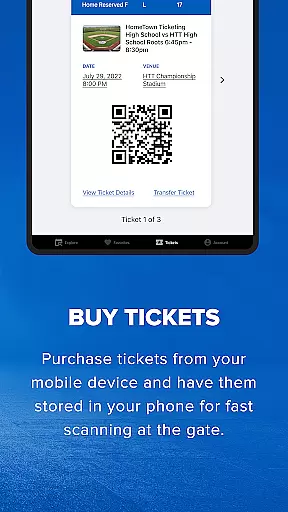
Another significant feature is the ability to buy tickets directly through the app. Users can skip long lines and purchase tickets at their convenience, storing them securely within the app. The tickets are presented as QR codes, which can be scanned at the gate for entry, streamlining the admission process.
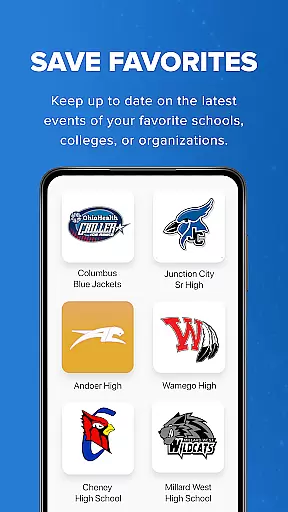
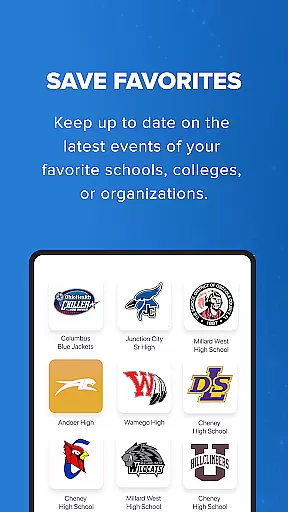
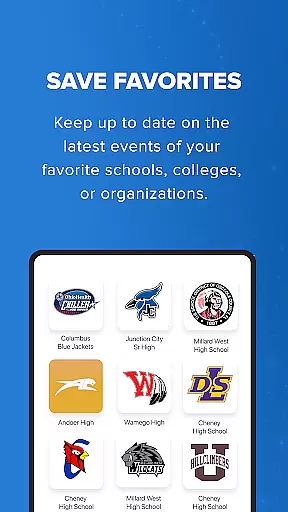
Additionally, the app allows users to save their favorite schools, colleges, or organizations, ensuring they remain informed about the latest events. This personalized approach not only enhances user engagement but also simplifies the process of staying updated with relevant happenings.
Task creation and detail customization are essential features for managing event tickets efficiently. The Hometown Fan App excels in this area by providing users with the ability to search for events using multiple criteria such as school, organization, event name, or zip code. This flexibility ensures that users can easily find and select the events most relevant to them.
The app allows fans to purchase tickets and passes conveniently from their mobile devices, streamlining the entire ticketing process. By eliminating the need to stand in long lines, the app saves time and enhances the overall user experience. Additionally, all purchased tickets are stored within the app, making it easy for users to access and manage their tickets whenever needed.
Furthermore, the Hometown Fan App offers the functionality to save favorite schools, colleges, or organizations. This feature helps users stay informed about upcoming events and performances, ensuring they never miss out on important occasions. With these capabilities, the app provides a comprehensive and personalized ticketing solution tailored to each user's preferences.
Overall, the task creation and detail customization features of the Hometown Fan App empower users to manage their event experiences seamlessly. Whether searching for specific events or keeping track of favorite organizations, the app delivers a professional-level and fully automated ticketing solution right at your fingertips.
Reminder settings play a crucial role in ensuring that users never miss an important event. The Hometown Fan App incorporates robust reminder functionalities that enhance the ticketing experience. By allowing users to set reminders for upcoming games, performances, or other events, the app ensures timely notifications that keep fans well-informed and engaged.
One of the standout features of the app is its ability to store all purchased tickets and passes within the app itself. This means that users can simply show a QR code at the gate to gain entry, eliminating the need for physical tickets. The reminder settings complement this feature by notifying users of event details, including date, time, and location, ensuring they are always prepared.
In addition to reminders for individual events, the app also enables users to save their favorite schools, colleges, or organizations. This way, users receive regular updates on the latest events and activities from these entities. Such personalized notifications help build a stronger connection between fans and their preferred organizations, enhancing overall engagement.
By integrating effective reminder settings, the Hometown Fan App not only simplifies the ticketing process but also keeps users actively involved in the events they care about. This combination of convenience and personalization makes the app an invaluable tool for managing and enjoying event experiences.
User-friendly interface
Comprehensive event search
Convenient mobile ticketing
Secure QR code entry
Personalized favorites list
Limited to specific regions
Occasional app glitches
Dependent on internet connectivity
No offline functionality
Premium features require subscription

An App for Bhutanese
 4.2
4.2
Microsoft Build is an annual developer conference hosted by Microsoft
4.20
TV Garden is a video player to play your own TV streams from around the world!
4.3
Rocket Monkey - Space rocket launch schedule for launch sites around the world
4.20
Instant photo sharing for every occasion
3.80
Meet people over dinner
4.40
Discover events, experiences, and things to do near you - Anytime, Anywhere!
4.70
Octrober 2025: We've updated the MyGenMobile App with a new look and feel!
4.40
Discover events & experiences in NYC, LA, Chicago, DC, Miami and more!
4.70
TodayTix is the easiest way to get tickets to the best shows in your city.
4.90
Plan your wedding for free on the go: vendors, budget, website and checklists!
4.80
Here you can choose tickets for films, performances, concerts and other events
4.60
Everything you need for the Best Thursday Ever.
4.40
Freebie Games for Epic Games, Steam, Amazon, Rockstar etc.
4.40
Get live football here
4.30
Microsoft Ignite is an event that showcases latest advancements in technology
4.00
Purchase line-skip passes, drinks, cover, and more at bars and clubs
3.50
TV.Garden is a video player to play your own TV streams from around the world!
3.40
Thanksgiving Wishes, Thanksgiving Stickers & Animated GIF for Whatsapp Stickers
4.0


User Reviews