
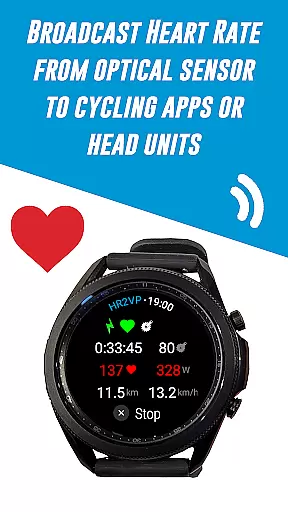
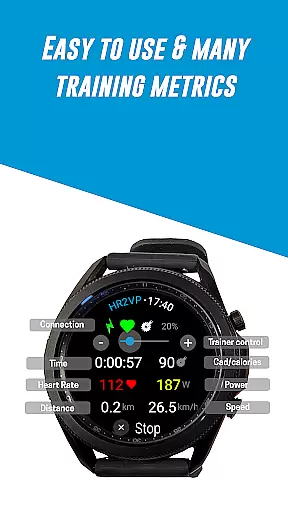
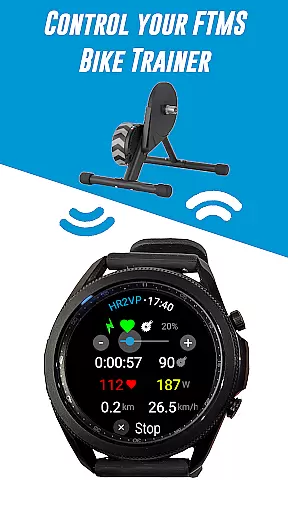
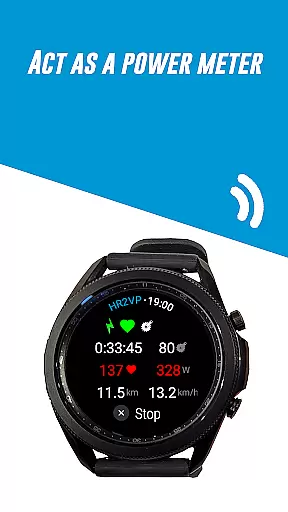
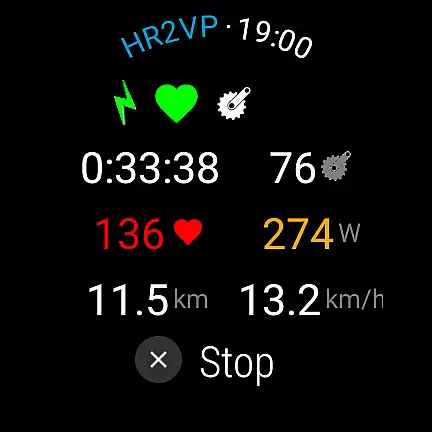
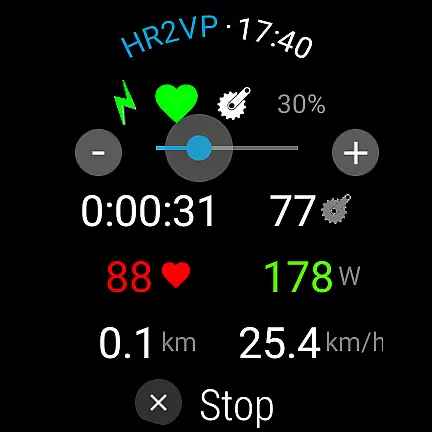
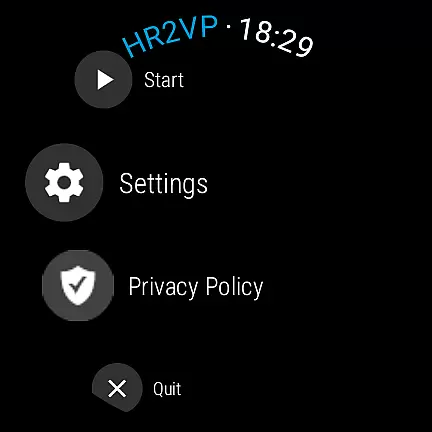
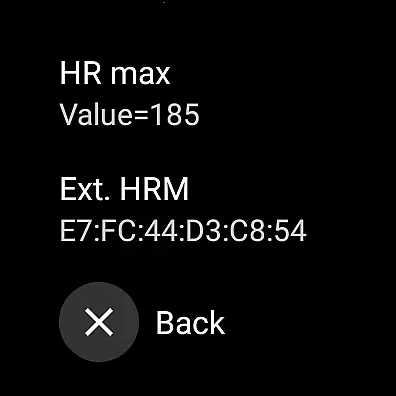
HR2VP Watch Bike Computer is a cutting-edge application designed to transform your Wear OS watch into a powerful heart rate monitor and cycling tracker. This app enables cyclists to seamlessly connect their smartwatches with bike computers or indoor training platforms, broadcasting vital stats such as heart rate and power via Bluetooth Low Energy or ANT+. Whether you're training indoors on apps like Zwift or riding outdoors, HR2VP ensures that your performance metrics are accurately captured and displayed.
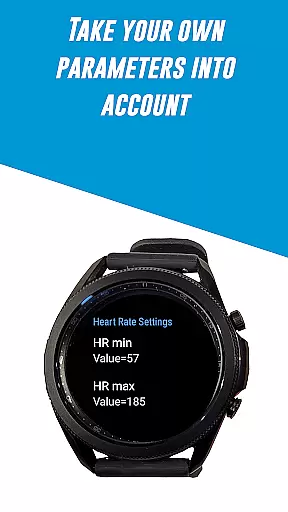
The app not only measures heart rate using the watch's built-in optical sensor but also computes power output based on individual parameters like FTP, resting heart rate, and maximum heart rate. With additional features such as compatibility with external sensors and automatic uploads to Strava, HR2VP offers a comprehensive solution for cyclists seeking detailed workout analysis and fitness tracking.
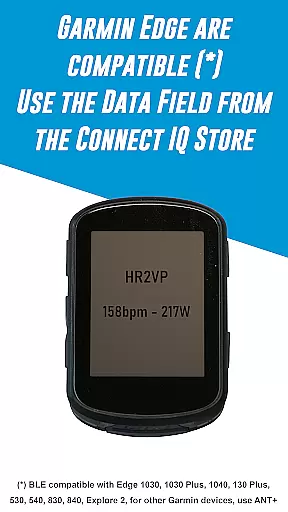
HR2VP Watch Bike Computer stands out with its advanced functionalities tailored for cycling enthusiasts. The app leverages the built-in optical sensor of Wear OS watches to measure heart rate and broadcast it as a BLE heart rate monitor during workouts. It further enhances user experience by allowing connection to Garmin Edge bike computers through a dedicated data field available on the Connect IQ store.
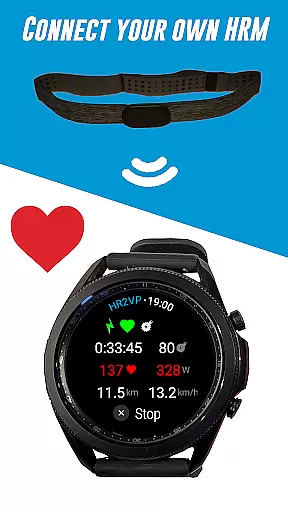
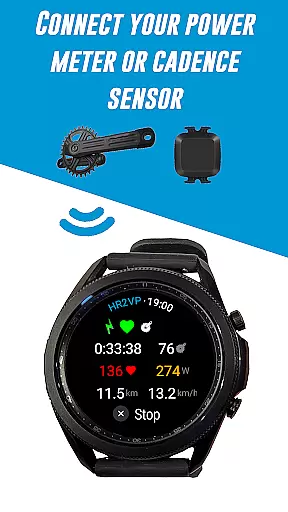
One of the key highlights is the ability to integrate various external sensors including Bluetooth Smart power meters, cadence sensors, and heart rate monitors. The app's sophisticated algorithm computes power output based on heart rate, providing users with an estimation of calories burned and overall fitness levels. Additionally, the feature enabling ANT+ connectivity expands compatibility with numerous bike computers, making it a versatile tool for both indoor and outdoor cycling sessions.
Personalized planning in fitness applications refers to the ability to tailor workout routines based on individual user data, ensuring optimal results and engagement. HR2VP Watch Bike Computer excels in this area by integrating advanced algorithms that compute power output based on heart rate measurements.
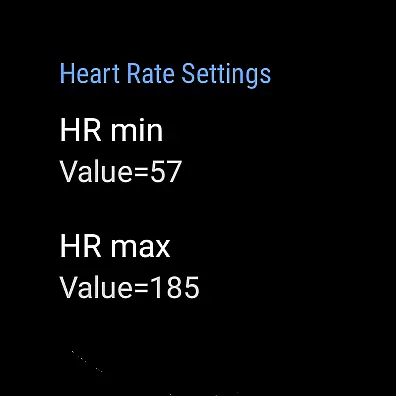
The app utilizes the built-in optical sensor of Wear OS watches to measure heart rate accurately. It then applies individual parameters such as Functional Threshold Power (FTP), resting heart rate, and maximum heart rate to refine its calculations. This personalized approach ensures that each workout is specifically designed to match the user's fitness level and goals.
Users benefit from a highly customized experience that adapts to their unique physiological responses. Whether riding indoors or outdoors, HR2VP provides real-time feedback and adjustments, enhancing both performance and safety during workouts.
This personalized planning feature not only improves accuracy but also keeps users motivated by offering insights into their progress. By monitoring metrics like calories burned and fitness levels, individuals can track improvements over time, making their training sessions more effective and rewarding.
Progress visualization is a critical component of any fitness application, allowing users to see their achievements and stay motivated. HR2VP Watch Bike Computer offers robust tools for visualizing progress through detailed metrics and integration with popular platforms like Strava.
The app tracks essential data points such as heart rate, power output, and calories burned during each ride. These metrics are presented in an easy-to-understand format within the app, providing users with immediate feedback on their performance. Additionally, HR2VP supports automatic uploads to Strava, where users can visualize their rides on maps and analyze trends over time.
By leveraging these visualization tools, users gain valuable insights into their fitness journey. They can identify patterns, set new goals, and celebrate milestones, which enhances overall engagement and commitment to their training regimen.
Ultimately, the progress visualization features in HR2VP empower users to make informed decisions about their workouts. With clear, actionable data at their fingertips, they can continually refine their strategies and achieve better outcomes in their cycling endeavors.
Advanced heart rate monitoring
Power calculation based on HR
ANT+ and BLE support
Integration with Strava
Compatibility with external sensors
Requires phone for ANT+
Short intervals may be inaccurate
Initial setup can be complex
Limited head unit compatibility
Occasional disconnections reported

The Wear OS BeechBand app is designed to alleviate anxiety and other conditions
 4.2
4.2
Relax to calm sounds, white noise, music, guided meditation and bedtime stories
4.40
Pack of 66 calming lullabies for smooth fall asleep and relaxation
4.10
The Sleep Miracle Sound Machine: Soothes baby to sleep with a gentle "Shhh"
3.00
Using Recognise™ has been shown to reduce pain and improve performance
4.4
Eat smarter with Eato, your personal calorie counter and nutrition tracker!
4.40
Step Counter, track steps when you walk or run
4.70
Your portable blood pressure tracker. Record, monitor, and analyze BP anytime.
4.30
Pilates, Calisthenics, Yoga
4.50
Beauty Care, Makeup & Skin Care Scanner | Pregnancy App For A Mom | Healthy Baby
5.00
Mind on steroids - relaxation, productivity, meditation and sleep!
4.60
The Official Blood Type Diet® App - know your categorized foods anytime.
4.50
FODMAP, Gluten, Allergy, Vegan
4.50
50 HD sounds to help you relax during the day and sleep great at night!
4.40
Get alert about getting out of desired heart rate zone.
4.10
Your personal BP tracking companion, focus on helping you achieve wellness goal.
4.10
Text notifications, button control, heart monitor & more for your Amazfit.
2.40
Insanity blocks of intense physical activity, short breaks of 30 seconds.
4.4
A simple way to calculate peptide doses and also to convert different units.
4.5


User Reviews