
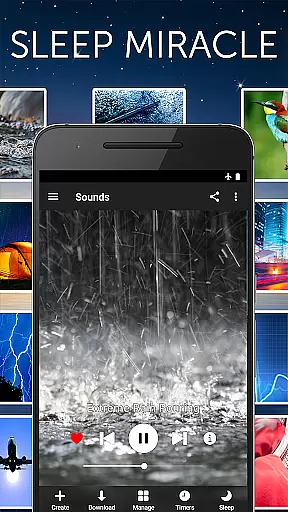
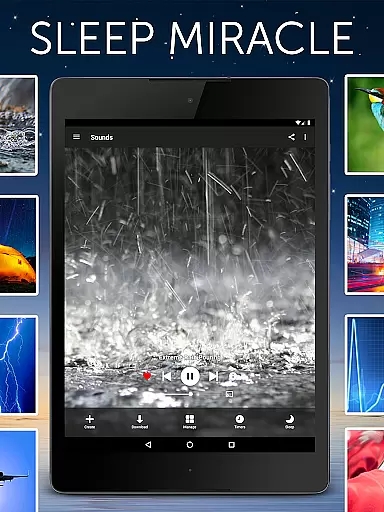
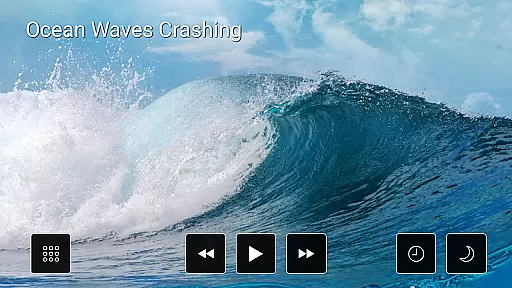

White Noise Pro is a premier sleep and relaxation app designed to help users relax during the day and achieve restful sleep at night. The app features over 50 HD ambient sounds, including environmental noises like rain, ocean waves, and mechanical sounds such as fans or air conditioners. These sounds are crafted to mask unwanted noise interruptions, making it easier for users to fall asleep and stay asleep.
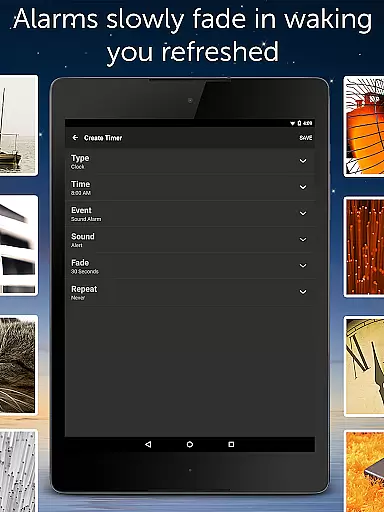
Beyond its core sound library, White Noise Pro offers advanced functionalities such as binaural beat generation, custom color noise creation, and tools for recording and looping new sounds. With support for background audio playback, Chromecast integration, and an advanced alarm system that mimics natural waking processes, this app caters to a wide range of needs from personal relaxation to professional focus enhancement.
Whether you're dealing with stress, looking to soothe a crying baby, or simply trying to improve your sleep quality, White Noise Pro provides a comprehensive solution. Its user-friendly interface and customizable options make it suitable for all Android devices, ensuring a seamless experience without any advertisements.
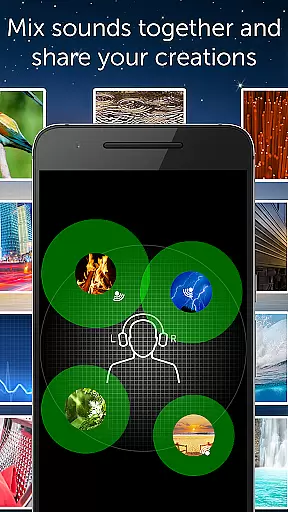
White Noise Pro stands out with its extensive array of features tailored to enhance relaxation and sleep quality. The app includes more than 50 high-definition stereo sounds, ranging from classic white noise to nature-inspired ambiences like beach waves and forest rains. Each sound can be customized in terms of volume, balance, pitch, and variance, allowing users to create personalized soundscapes that suit their unique preferences.
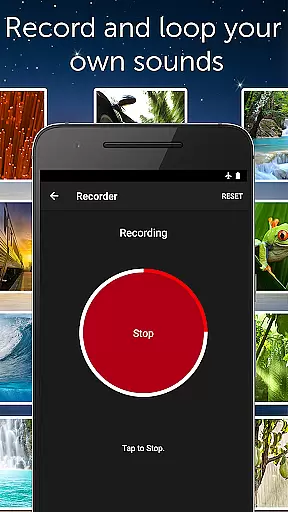
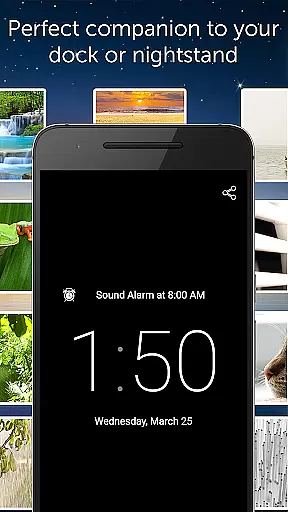
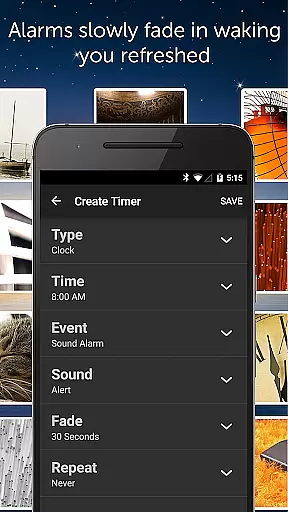
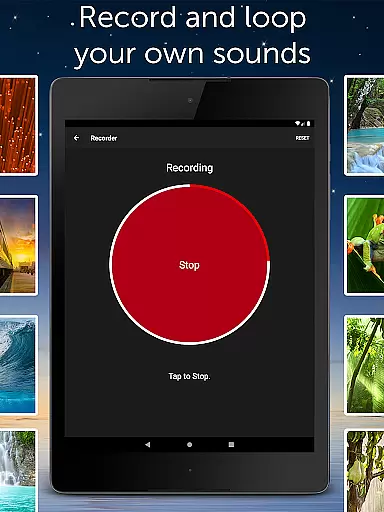
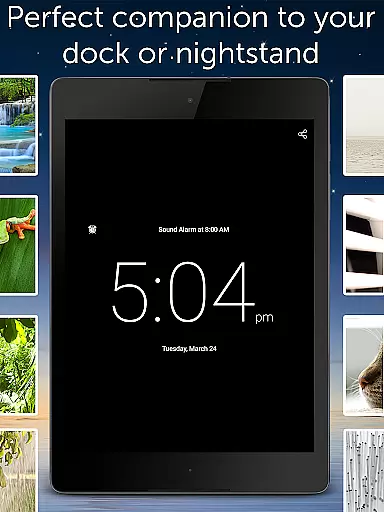
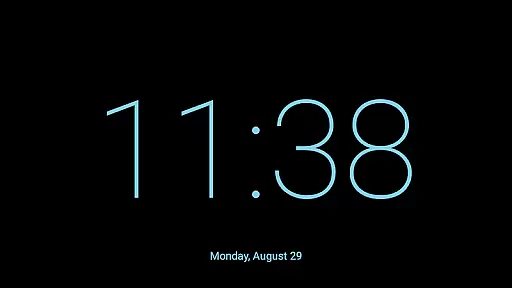
In addition to its rich sound catalog, White Noise Pro offers specialized tools such as binaural beat generators and custom noise synthesizers. Users can also record and share their own sounds, expanding the app's versatility. Advanced functionalities include a full-screen digital clock with adjustable brightness, an alarm system that gently fades audio in and out, and playlist creation for different times of the day. These features ensure that whether you need a power nap or a full night's rest, White Noise Pro adapts to your lifestyle seamlessly.
The app supports background audio playback, enabling multitasking without interrupting your auditory environment. Integration with Chromecast allows for easy streaming to larger devices, while detailed settings provide control over notifications, buffer sizes, and alarm configurations. This combination of innovative technology and user-centric design positions White Noise Pro as a leader in the health and fitness category.
Personalized planning in White Noise Pro refers to the app's ability to cater soundscapes and relaxation strategies tailored to individual needs. This feature is crucial for users seeking a customized approach to improve their sleep quality and stress management.
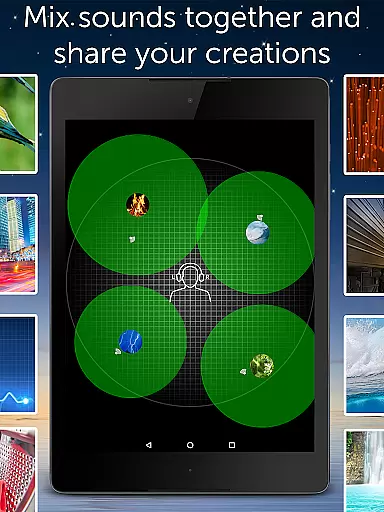
The application offers over 50 HD stereo sounds, enabling users to mix and match different ambient noises. With advanced settings, one can adjust volume, balance, pitch, and variance of each sound. This level of customization ensures that users can create a personalized auditory environment that suits their unique preferences and requirements.
Users benefit from this feature by experiencing improved sleep patterns and enhanced relaxation. The adaptability of White Noise Pro allows for a more effective masking of unwanted noises, leading to uninterrupted rest and reduced stress levels.
This personalized approach underscores the app's commitment to not just provide generic solutions but to offer a tailored experience that aligns with the user's specific sleep and relaxation needs, enhancing overall well-being.
Progress visualization in White Noise Pro involves tracking and displaying the improvements in sleep and relaxation achieved through consistent use of the app's features. Understanding one's progress is vital for motivation and making necessary adjustments to achieve better results.
While White Noise Pro focuses on sound-based relaxation, it indirectly supports progress visualization by allowing users to save their favorite mixes and set alarms that help maintain a routine. Although it doesn't have explicit charts or graphs, the ability to refine and consistently apply personalized soundscapes serves as a form of progress tracking.
Users gain insight into their relaxation and sleep patterns by experimenting with and sticking to certain sound combinations that work best for them. Over time, the effectiveness of these personalized strategies becomes evident through improved sleep quality and duration.
By empowering users to discover and utilize the most effective soundscapes for their needs, White Noise Pro fosters an environment where progress is tangible, encouraging continued use and refinement of personalized auditory relaxation techniques.
Extensive sound library
Customizable soundscapes
Advanced alarm system
Background audio support
User-friendly interface
No iOS version available
Some features require additional downloads
Complex for first-time users
Limited free content
Occasional performance issues

Control your sleep in real-time wearing Garmin device
 3.60
3.60
Period Tracker, the easiest way to track your periods!
4.50
HRV4Training helps you optimize goals and improve performance. No sensors needed
3.30
When the night comes, we prepare your eyes for deep, sweet dreams
4.70
Using Recognise™ has been shown to reduce pain and improve performance
4.1
The Official Blood Type Diet® App - know your categorized foods anytime.
4.50
Fast Body building & Weight Loss. Home Workouts with Daily Coach, No Equipment.
4.30
Focus on BP & Health
3.80
Jogging app for calorie counter and distance tracker. Running app to lose weight
4.20
Medbridge GO gets you moving - get back to doing what you love, faster!
4.90
App to stop smoking slowly or now with a motivational badges and helpful tips
4.80
Drink water reminder app. Track water intake. Smart simple hydration tracker.
4.70
The simplest way to track your 21 Day Program containers, exercises, and water.
4.50
Memory, mind & logic exercises. Puzzle games, IQ & brain test for kids & adults
4.50
See what's really going on inside your head! Real time EEG graphs from your Muse
4.40
Create powerful subliminal audio with custom affirmations and background music.
4.00
Histamine intolerance, low FODMAP diet and irritable bowel syndrome (IBS)
4.00
Turn your steps into cash, gift cards & rewards with our step counting pedometer
3.80
A simple way to calculate peptide doses and also to convert different units.
4.0


User Reviews