
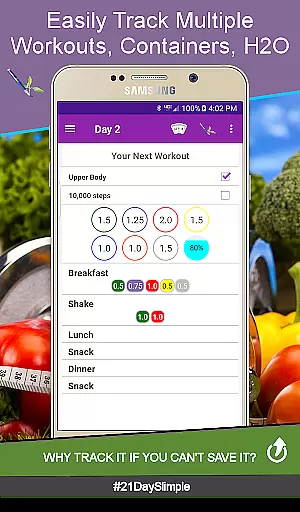
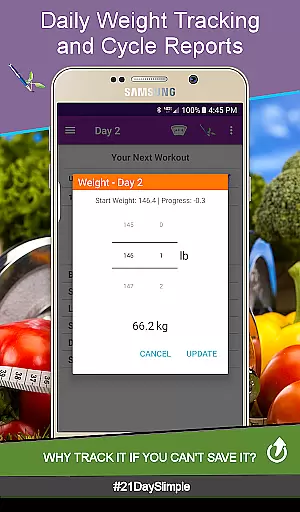
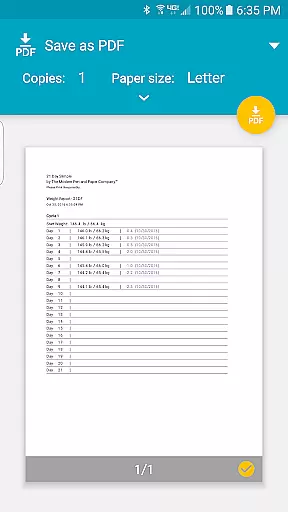
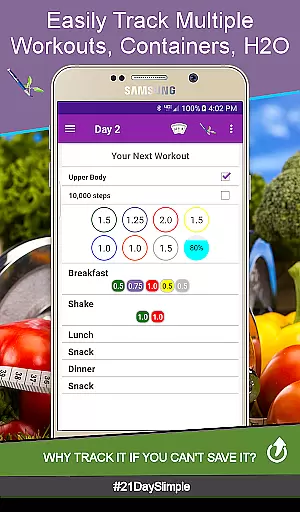
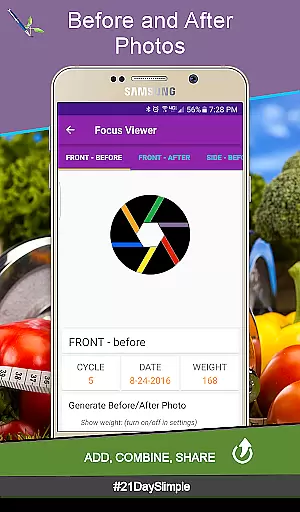
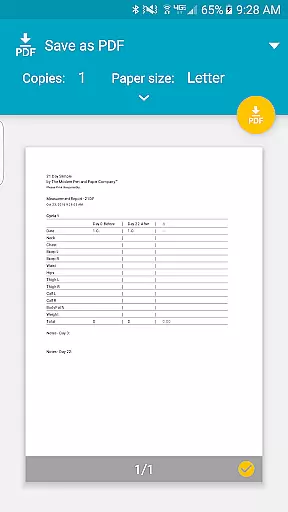
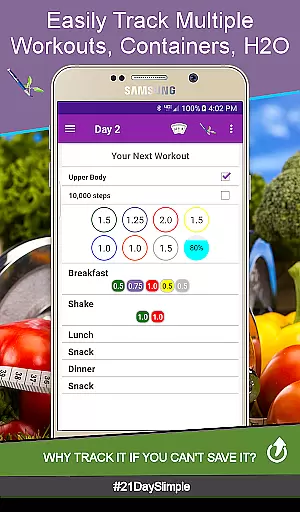
21 Day Slimple is a comprehensive fitness tracking app designed to help users manage their 21-day fitness program effectively. The app offers multiple scheduling options including base and extreme workout plans, along with specialized schedules like Bring the Heat - Country/Deluxe. Users can track their progress through detailed before and after measurement photos, weight reports, and charts.
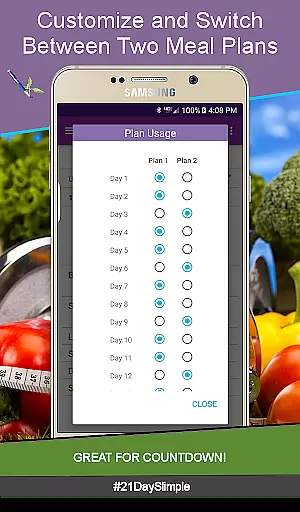
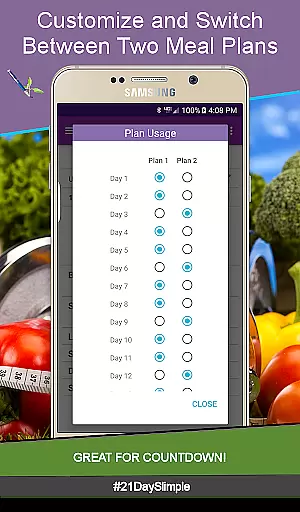
One of the standout features is its ability to switch between meal plans and customize meal names, making it adaptable to various dietary needs. With reminders sent directly to smartwatches and an advanced water tracker that accommodates different bottle sizes, this app ensures users stay hydrated and active throughout their fitness journey. Additionally, users can generate and share progress reports, keeping them motivated and accountable.
This app is ideal for anyone participating in fitness challenges or looking to make gradual lifestyle changes. Its intuitive design and robust feature set provide exceptional value, surpassing even official alternatives by offering more functionality without in-app purchases or ads.
21 Day Slimple stands out with its extensive feature set tailored for fitness enthusiasts. The app provides multiple workout schedules, including base, extreme, and deluxe options, allowing users to choose a plan that fits their fitness level. A unique aspect is the ability to switch between cycles seamlessly, ensuring continuity in tracking progress across different phases of the program.
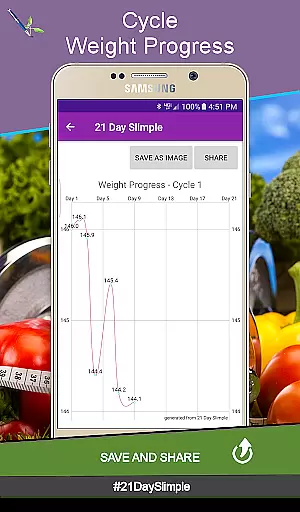
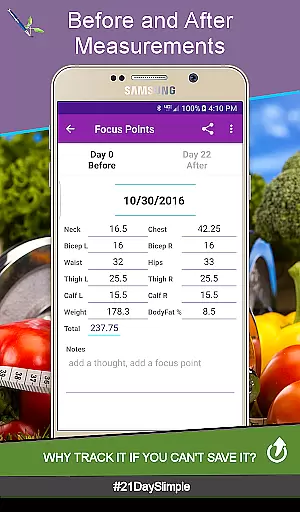
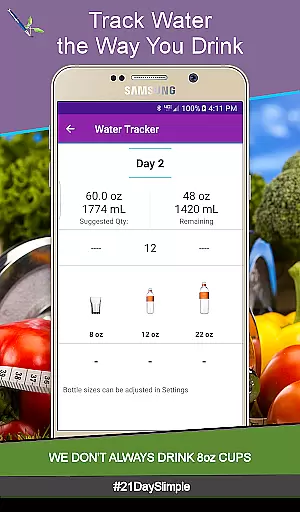
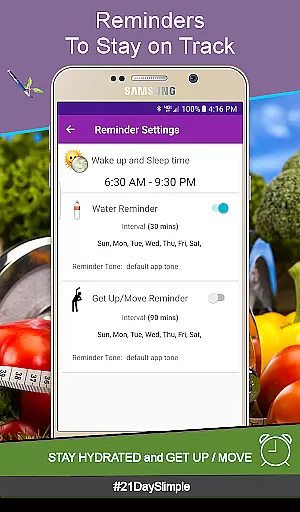
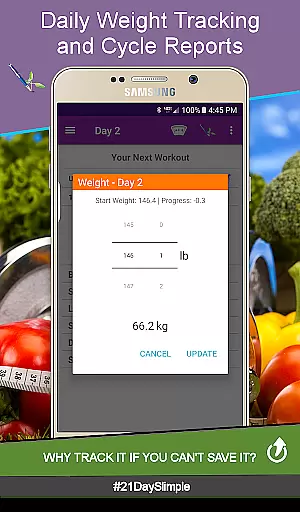
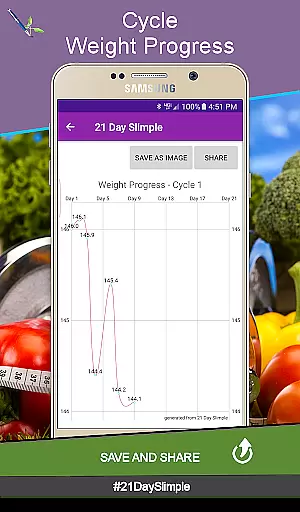
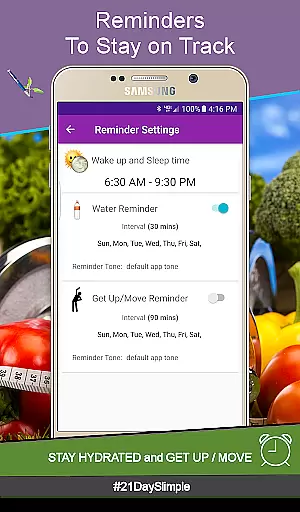
The app excels in tracking capabilities, offering detailed before and after photo comparisons, weight and measurement reports, and progress charts. Users can track daily water intake with customizable bottle sizes and set hydration and movement reminders that sync with smartwatches. Furthermore, the cycle manager feature allows users to start new cycles without losing previous data, providing a continuous tracking experience.
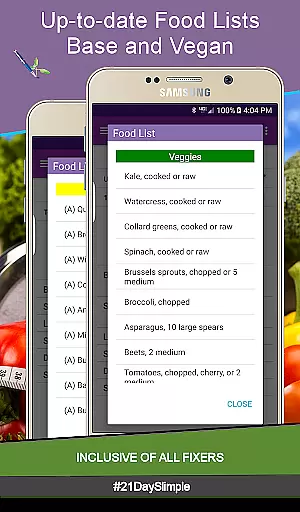
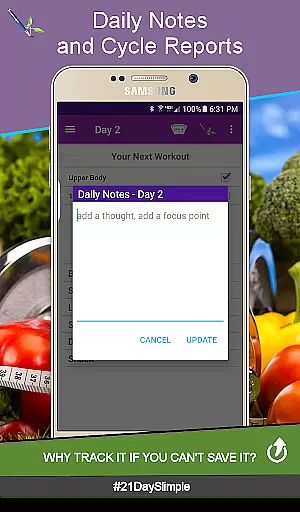
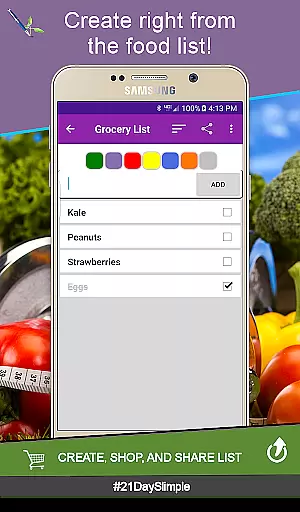
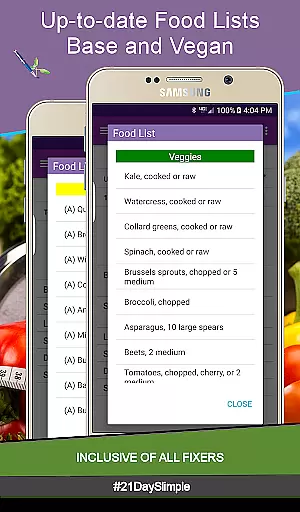
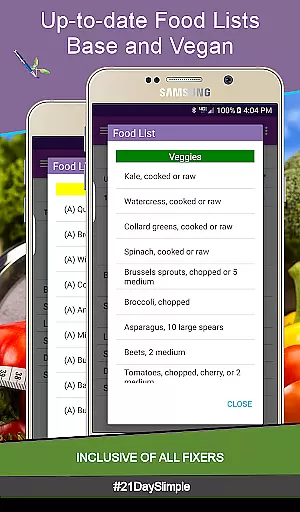
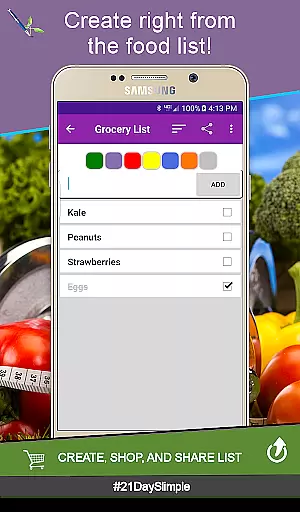
Additional highlights include the ability to create grocery lists from up-to-date food lists, add custom workouts, and generate comprehensive reports. These features collectively ensure that users have all the tools necessary to succeed in their fitness journey, making 21 Day Slimple a top choice for health-conscious individuals.
Personalized planning in fitness applications refers to the ability to tailor workout and nutrition plans according to individual user needs. The 21 Day Slimple app excels in this area by offering multiple meal plans and customizable workout schedules. Users can switch between different cycles, including base and extreme programs, ensuring their plan evolves with their progress.
The app's personalized approach extends to portion tracking, allowing 0.25 portion increments for more accurate meal planning. This level of detail accommodates unique eating habits and supports gradual dietary adjustments. Additionally, users can customize meal names, making the tracking process more intuitive and aligned with personal preferences.
Another valuable feature is the ability to add multiple workouts per day and create custom exercise routines. This flexibility ensures that each user's daily activities match their specific fitness goals. With these comprehensive personalization options, 21 Day Slimple empowers users to design a fitness regimen that suits their individual requirements.
By providing tools like before and after photos, weight tracking, and measurement reports, the app enables users to monitor physical changes over time. These features not only enhance motivation but also allow for data-driven adjustments to one's fitness plan. Such robust personalization ensures sustained engagement and better long-term results.
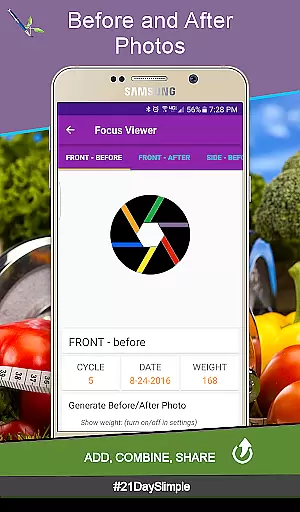
Progress visualization is a critical component of any health and fitness app, enabling users to see their achievements and stay motivated. The 21 Day Slimple app offers several features that make tracking progress both comprehensive and visually engaging. One standout feature is the ability to track before and after photos, which provides a clear visual representation of physical transformation.
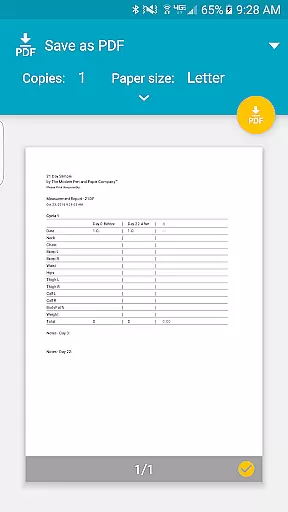
In addition to photo tracking, the app includes detailed weight and measurement reports. Users can view charts that display changes in body measurements over time, offering a graphical depiction of their progress. These reports are not only saved within the app but can also be shared, adding an extra layer of accountability and encouragement from peers.
The water tracker is another tool that contributes to progress visualization. By selecting from various water bottle sizes and tracking intake throughout the day, users gain a clearer understanding of their hydration habits. This ongoing visual feedback helps establish healthier routines and ensures users remain consistently hydrated.
Finally, the cycle manager allows users to seamlessly transition between different 21-day cycles without losing data. This continuity ensures that progress is never interrupted and can be visualized over extended periods. With these robust visualization tools, 21 Day Slimple provides users with a comprehensive view of their fitness journey, enhancing motivation and adherence to their goals.
User-friendly interface
Comprehensive tracking tools
No in-app purchases
Syncs with smartwatches
Customizable meal plans
Limited to 21-day programs
Requires storage permission
No integration with wearables
Occasional bugs reported
Not suitable for long-term use

Easy access to health benefits
 4.70
4.70
The Wear OS BeechBand app is designed to alleviate anxiety and other conditions
4.0
Home workouts for fitness & fast bodybuilding at home - no equipment needed.
4.90
Create powerful subliminal audio with custom affirmations and background music.
4.00
A brain game that moves you
4.70
3D Body Measurement System
3.60
Your Health Assistant
3.90
Scan food & cosmetic products and evaluate their impact on your health
4.80
Workouts for everyone
4.70
Get lasting results with Chair Yoga, Wall Pilates, and Walking workouts!
4.60
Period Tracker, the easiest way to track your periods!
4.50
Binaural Beats - Fully Customizable Waves - Pure Sound - No Loops
4.50
Memory, mind & logic exercises. Puzzle games, IQ & brain test for kids & adults
4.50
Pilates, Calisthenics, Yoga
4.50
Your Health Has Met Its App (℠)
3.90
Turn your steps into cash, gift cards & rewards with our step counting pedometer
3.80
Pupillary distance PD with camera quick and easy, checking glasses frames on you
3.70
FitCloudPro takes care of your health every minute.
3.70
Live Heart Rate Pro - Real Time Heart & Workout Data For Wear OS & Bluetooth BLE
3.20


User Reviews