
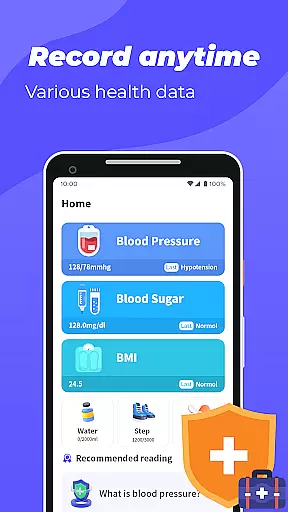
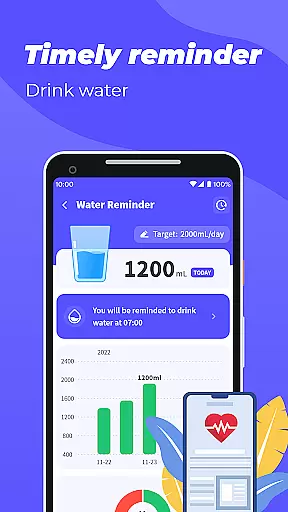
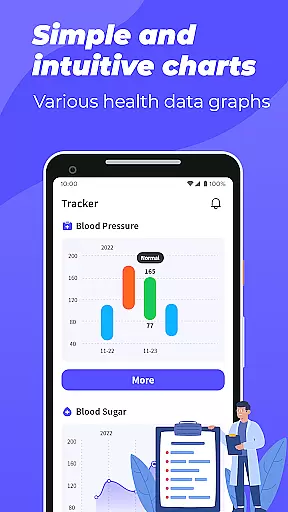
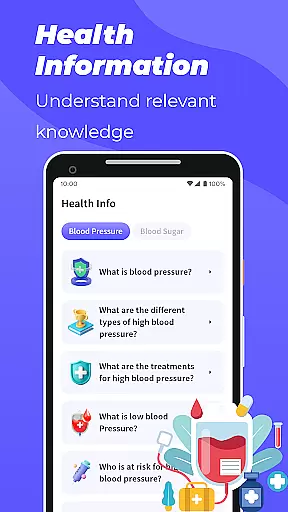
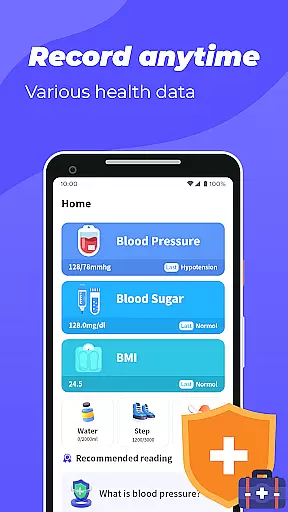
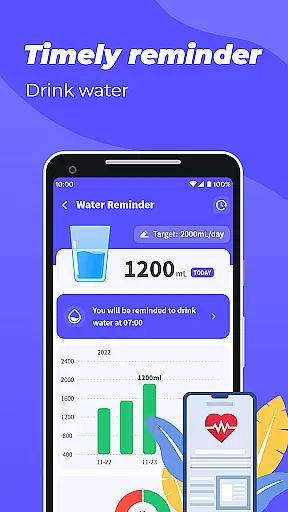
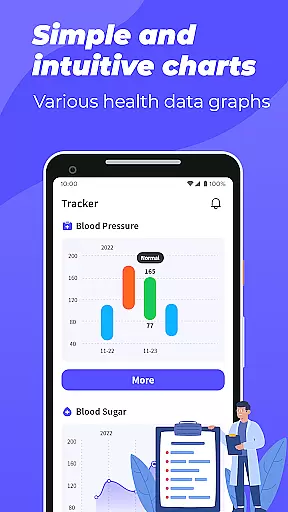
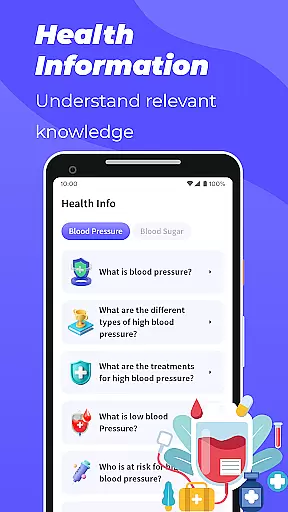
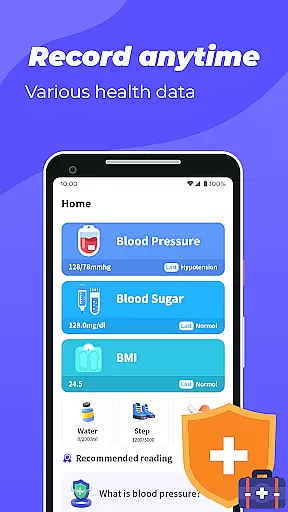
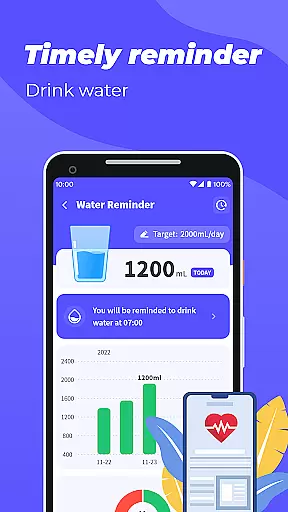
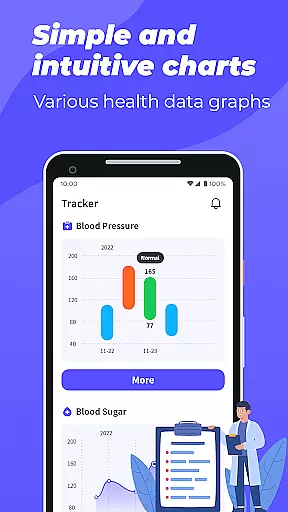
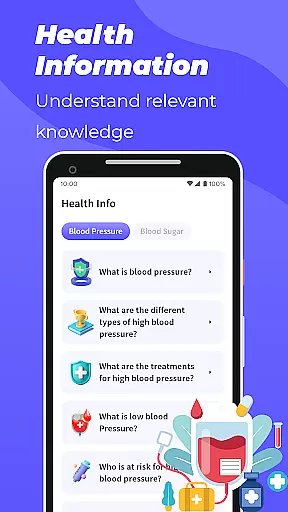
Blood Pressure App is a comprehensive health tracking tool designed to help users monitor and manage key health metrics. The app allows you to record and track blood pressure, blood sugar levels, and BMI through intuitive graphical representations. By providing detailed trend analysis, it enables users to better understand their health patterns over time.
One of the standout features is its ability to present data in easy-to-read graphs, making it simple to observe fluctuations in your vital signs. Additionally, the app offers educational content about blood pressure and blood sugar management, empowering users with valuable health knowledge. Whether you're managing existing conditions or simply maintaining wellness, this app serves as a practical companion for personal health monitoring.
The Blood Pressure App comes packed with features that cater to various aspects of health tracking. First, it provides dedicated sections for recording blood pressure and blood sugar levels. Users can input their daily readings, and the app will automatically generate visual graphs to display trends over time, helping identify potential issues early on.
Another notable feature is the BMI calculator, which uses height and weight inputs to determine if your body mass index falls within a healthy range. Beyond tracking, the app also includes an educational section where users can access articles about blood pressure and blood sugar management. While the app doesn't measure these metrics directly, its robust tracking and reporting capabilities make it a valuable tool for anyone serious about maintaining their health.
Personalized planning in health applications refers to the ability to tailor health tracking and management features according to individual user needs. Blood Pressure App excels in this area by offering customizable tracking for blood pressure, blood sugar, and BMI.
The app allows users to input their unique health data, creating personalized graphs and trends over time. This feature enables individuals to monitor their specific health metrics and observe changes or improvements.
By providing personalized insights, users can better understand how different factors affect their health. The app's ability to display trends through graphs offers a clear visualization of oneu2019s health journey, empowering users with knowledge about their conditions.
This tailored approach ensures that each user gets the most relevant information for their health management, making it an invaluable tool for those looking to maintain or improve their well-being.
Progress visualization is crucial for understanding one's health journey and staying motivated. Blood Pressure App provides excellent progress visualization tools that allow users to see their advancements in blood pressure, blood sugar levels, and BMI over time.
Through intuitive graphs, users can easily track their health metrics and notice trends or patterns. This visual representation makes it simpler to comprehend complex data and encourages continued health monitoring.
The app's graphical displays are designed to be both informative and engaging, helping users remain committed to their health goals. By seeing tangible results, users are more likely to stick with their health plans and make necessary adjustments.
With clear and accessible progress visualization, Blood Pressure App not only informs but also motivates users to take charge of their health, leading to better long-term outcomes.
User-friendly interface
Comprehensive tracking
Educational resources
Graphical analysis
Free to use
No direct measurement
Limited medical guidance
Requires manual input
Premium features locked
Occasional ads

Easy access to health benefits
 4.70
4.70
Pack of 66 calming lullabies for smooth fall asleep and relaxation
4.10
Histamine intolerance, low FODMAP diet and irritable bowel syndrome (IBS)
4.00
Using Recognise™ has been shown to reduce pain and improve performance
4.0
Use your watch as a bike computer, heart rate monitor and cycling power meter
2.50
Medbridge GO gets you moving - get back to doing what you love, faster!
4.90
Dexcom G7 Continuous Glucose Monitoring
3.70
Jogging app for calorie counter and distance tracker. Running app to lose weight
4.20
Mood journal, habits, self-care tracker, self-love
4.90
Protect your healthy sleep
4.80
A brain game that moves you
4.70
Relax to calm sounds, white noise, music, guided meditation and bedtime stories
4.40
Grow with self-tests and personal routine.
4.30
Your Health Has Met Its App (℠)
3.90
Pupillary distance PD with camera quick and easy, checking glasses frames on you
3.70
3D Body Measurement System
3.60
Measure real-time wrist & ambient temperature with your Galaxy Watch (Wear OS)
3.20
Insanity blocks of intense physical activity, short breaks of 30 seconds.
4.5
Using Recognise™ has been shown to reduce pain, and improve performance.
4.2


User Reviews