
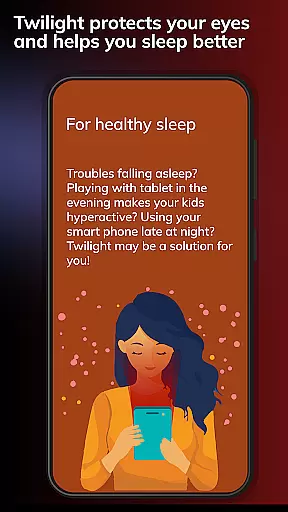
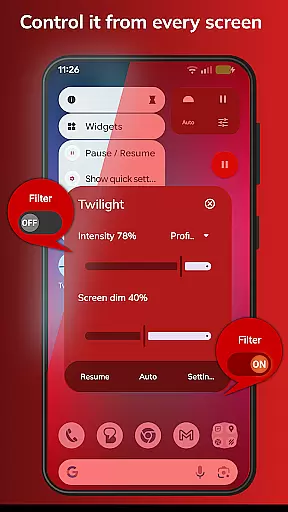

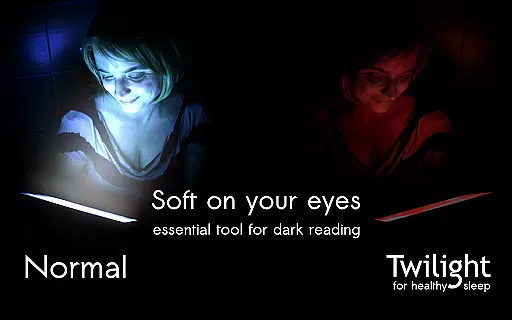
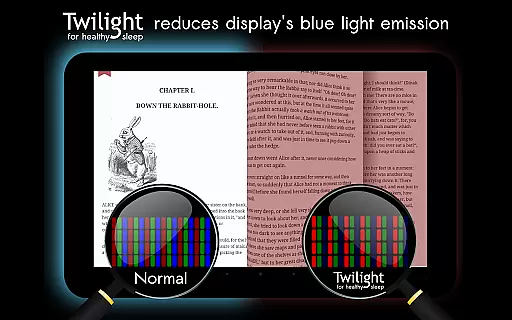
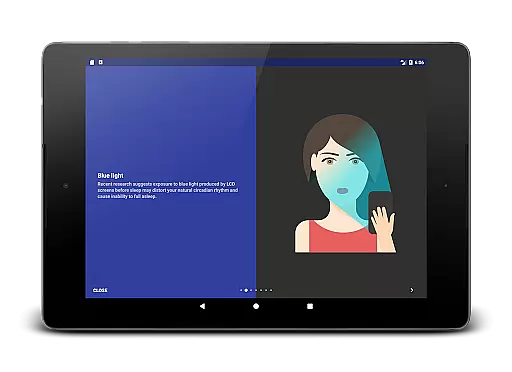
Twilight Pro Unlock is a specialized application designed to help users improve their sleep quality by adjusting the screen's blue light emission on Android devices. The app filters out blue spectrum light after sunset, replacing it with a softer red filter that reduces eye strain and promotes healthier sleep patterns. This feature is particularly beneficial for those who use their devices late in the evening or right before bedtime.
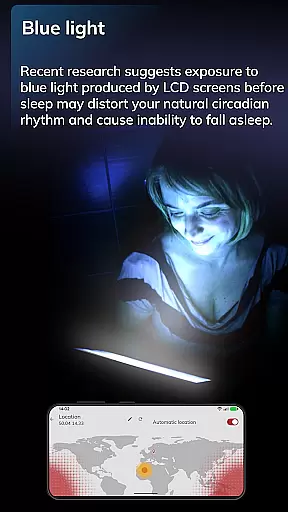
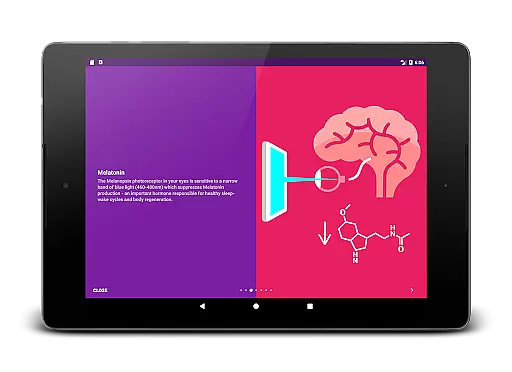
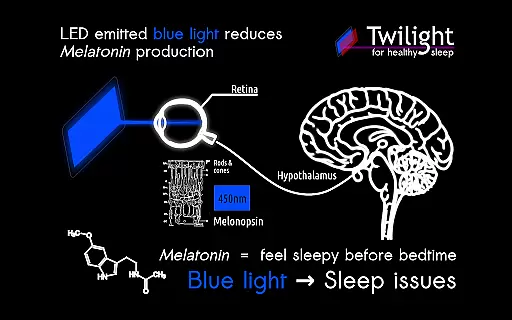
The app operates based on the user's local sunrise and sunset times, ensuring that the light adjustment aligns perfectly with natural circadian rhythms. By reducing exposure to blue light, Twilight Pro aims to prevent melatonin suppression, which can disrupt sleep cycles. With additional PRO features such as customizable profiles and adjustable transition times, this app offers an enhanced experience for managing screen time effectively.
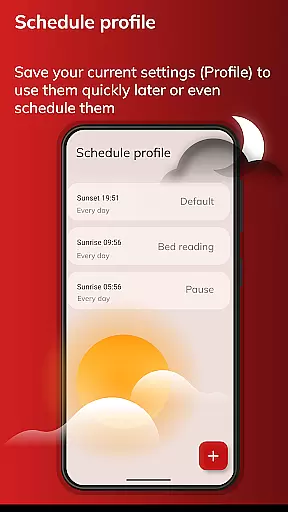
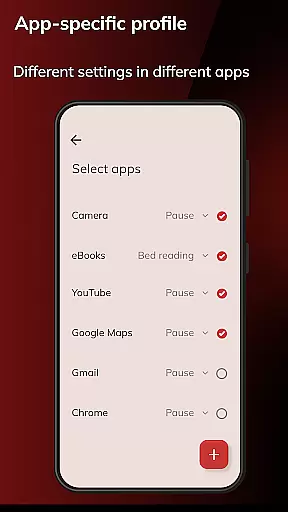
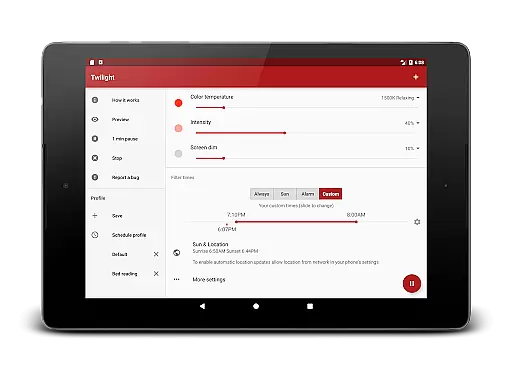
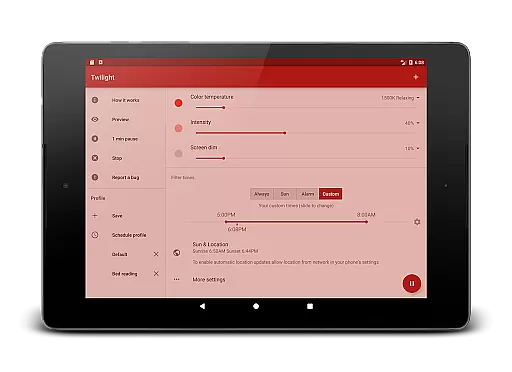
Twilight Pro Unlock offers several advanced features beyond its basic functionality of filtering blue light. One standout feature is the ability to create more than two custom light filter profiles, allowing users to tailor the screen's appearance to their specific needs. These profiles can be adjusted according to different times of the day or activities, providing flexibility and personalization.
Another key feature is the adjustable transition time, which allows users to set how quickly the screen transitions between normal and filtered modes. This ensures a smooth adaptation period that mimics natural lighting changes. Additionally, users have the option to disable the Twilight service during inactive hours, conserving device resources. These innovative features make Twilight Pro Unlock a versatile tool for anyone looking to enhance their digital experience while prioritizing health and well-being.
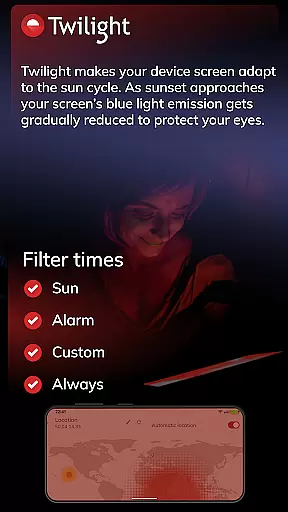
Personalized planning in Twilight Pro Unlock refers to the app's ability to adapt its blue light filtering based on individual user schedules and local sunset and sunrise times. This feature ensures that each user receives a tailored experience that aligns with their natural circadian rhythms.
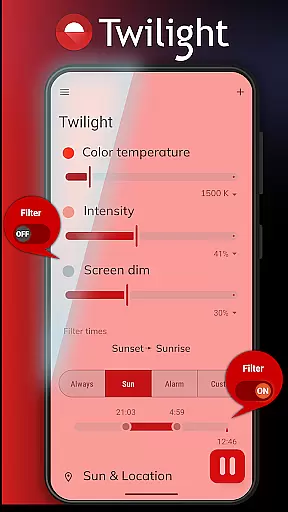
The application intelligently adjusts the screen's color temperature throughout the day, providing a gentle transition from daylight to nightlight mode. Users can customize profiles and set specific times for the filter to activate, ensuring minimal disruption to their sleep patterns.
By offering more than two predefined profiles and adjustable transition times, Twilight Pro allows users to fine-tune their experience. This personalization helps mitigate the negative effects of blue light exposure, promoting healthier sleep-wake cycles and overall well-being.
With Twilight Pro Unlock, individuals gain control over their digital environment, reducing potential sleep disturbances caused by device usage before bedtime. The personalized approach not only enhances comfort but also supports long-term health benefits associated with proper melatonin production.
Progress visualization in Twilight Pro Unlock involves tracking and displaying the changes in screen filtering over time. This feature provides users with a clear understanding of how the app modifies their device's display according to the time of day and their custom settings.
Users can observe the gradual shift in screen tint as the app moves from daytime brightness to the softer red hues after sunset. This visual feedback reassures users that the protective measures are actively in place, safeguarding their eyes and sleep quality.
Twilight Pro offers an intuitive interface where users can review their current filter settings and make adjustments if needed. By visualizing these modifications, users can better comprehend the relationship between screen light exposure and its impact on their circadian rhythm.
This visualization empowers users to maintain awareness of their screen habits and encourages them to adopt healthier digital routines. With Twilight Pro Unlock, progress visualization becomes an educational tool that promotes informed decisions about nighttime device usage.
Improves sleep quality
Customizable profiles
Adjustable transition
Reduces eye strain
Aligns with circadian rhythms
Paid version only
Requires installation
Limited iOS support
Needs location access
May affect screen color

Enjoy the Gluten Free living with the best app. SCAN the barcodes & SEARCH.
 3.60
3.60
A brain game that moves you
4.70
Load the bar with this barbell & plate calculator. It's leg day, not brain day!
4.70
The Official Blood Type Diet® App - know your categorized foods anytime.
4.50
Pilates, Calisthenics, Yoga
4.50
FitCloudPro takes care of your health every minute.
3.70
Raccoon AI Calorie Counter. Intermittent Fasting & Timer. Macro, Carb, Protein
4.50
Dexcom G7 Continuous Glucose Monitoring
3.70
Monitor blood sugar, gain insights, and manage diabetes with ease.
3.20
Meditation app, head space app provides calm music to help you meditate & sleep
5.00
Your AI pet BFF. Talk, play, and beat anxiety in this calming game.
4.60
Period Tracker, the easiest way to track your periods!
4.50
Memory, mind & logic exercises. Puzzle games, IQ & brain test for kids & adults
4.50
Make sense of your health data.
3.80
Track sleep cycle, relax with white noise, sleep sounds & smart alarm clock
3.80
Find Paid Clinical Trials In Your Area
3.70
HRV4Training helps you optimize goals and improve performance. No sensors needed
3.30
Optimization for TRT & Enhanced Athletes
4.5
Using Recognise™ has been shown to reduce pain and improve performance
4.0


User Reviews