
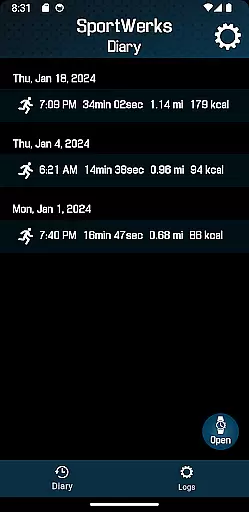
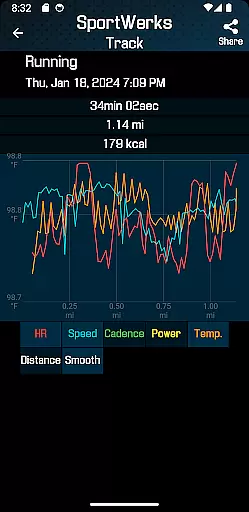
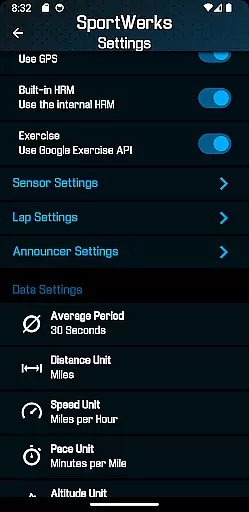
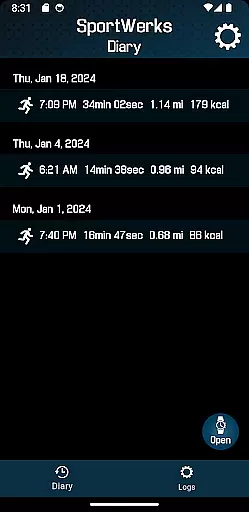
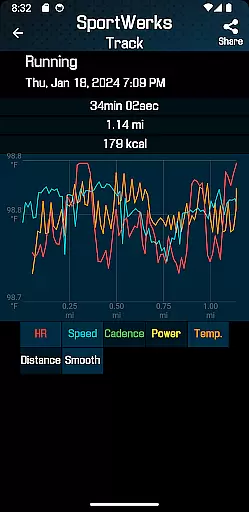
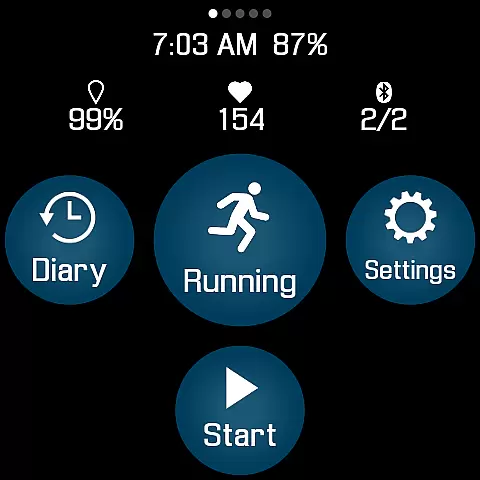
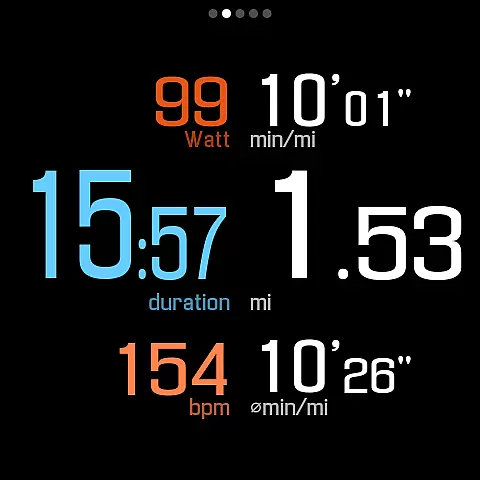
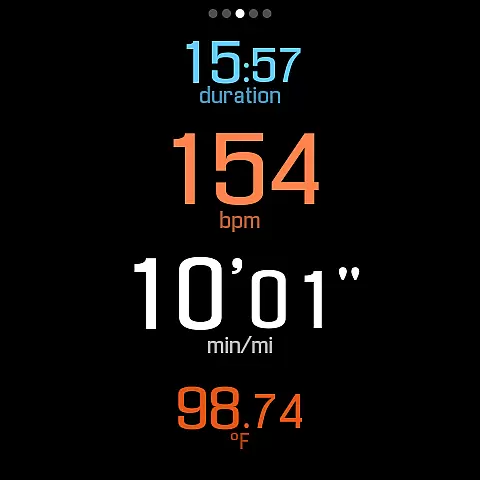
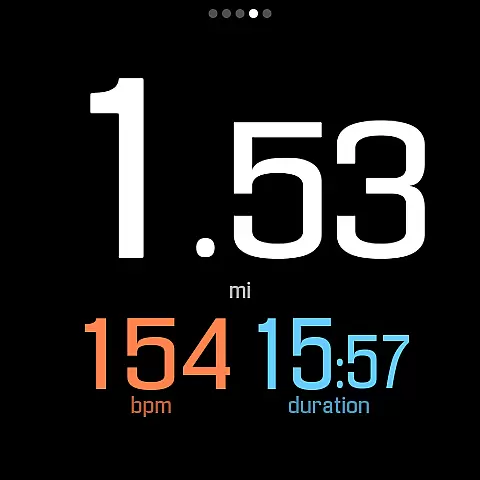
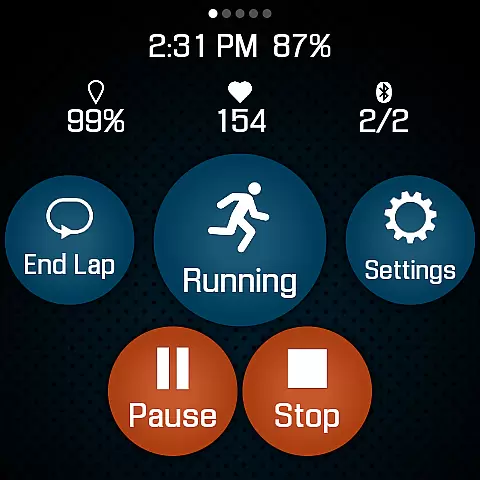
SportWerks is a comprehensive workout tracker designed specifically for Wear OS watches, offering users the ability to customize their workout screens with large, easy-to-read numbers. The app excels in tracking various types of workouts from the Google Exercise library, including running, cycling, swimming, and more, while monitoring key metrics like heart rate, location, pace, and power.
One of SportWerks' standout features is its seamless integration with popular fitness platforms such as Strava, FinalSurge, and TrainingPeaks. After completing a workout, users can automatically sync their data or export it as a .FIT file for use with other fitness management systems. This makes it an ideal solution for athletes who need accurate tracking and effortless data management across multiple platforms.
The app's value extends beyond just tracking; it provides real-time feedback through audio notifications, allowing users to stay focused on their activity without needing to check their watch. With support for BLE devices from leading fitness brands and a companion Android app for advanced settings management, SportWerks delivers a complete fitness tracking solution directly on your wrist.
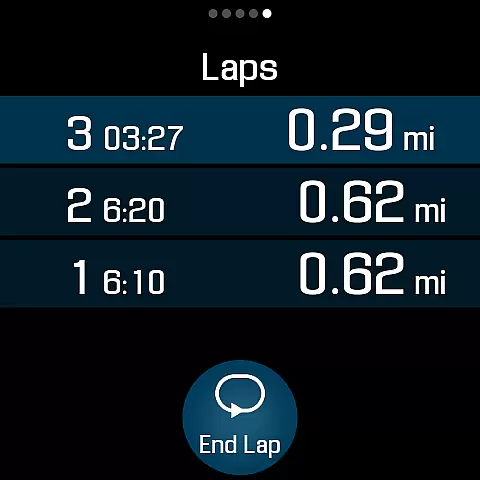
SportWerks stands out with its extensive feature set tailored for fitness enthusiasts. The app offers multiple workout screen layouts (6-values, 4-values, 3-values, Laps) that can be toggled on or off with a single tap, giving users flexibility in how they view their workout data. Its compatibility with a wide range of BLE devices, including heart rate monitors and power meters from brands like Stryd, Wahoo, and Polar, ensures accurate tracking of various metrics.
A key innovation is the app's ability to provide automated workout syncing to major fitness platforms and generate .FIT files for universal compatibility. Users can also customize lap distances and timed announcements from preset options, receiving audible feedback through their watch speaker or paired headset. This hands-free approach to data monitoring enhances safety and convenience during workouts.
The companion Android app adds another layer of functionality, enabling real-time setting adjustments and .FIT file management. With constant updates and improvements based on user feedback, SportWerks demonstrates a commitment to evolving with the needs of its users, making it a future-proof choice for wearable fitness tracking.
Personalized planning in fitness applications refers to the ability to tailor workouts according to individual preferences and goals, ensuring a unique and effective exercise experience. SportWerks - Workout Tracker excels in this area by offering customizable workout screens that display data most relevant to the user during their exercise sessions.
The app supports a wide range of workout types from the Google Exercise library, including running, cycling, and swimming, allowing users to select activities that align with their fitness objectives. With options to connect to various Bluetooth-Low-Energy (BLE) devices, users can further personalize their tracking by integrating gadgets like heart-rate monitors and power meters from leading fitness companies.
Moreover, SportWerks provides multiple workout screens such as 6-values, 4-values, and Laps, which can be toggled on or off with ease, giving users control over what metrics they wish to monitor. This level of personalization ensures that each user's experience is optimized for their specific needs, enhancing motivation and ultimately leading to better fitness outcomes.
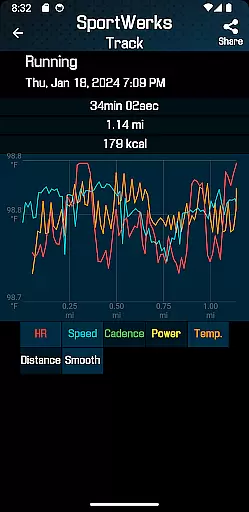
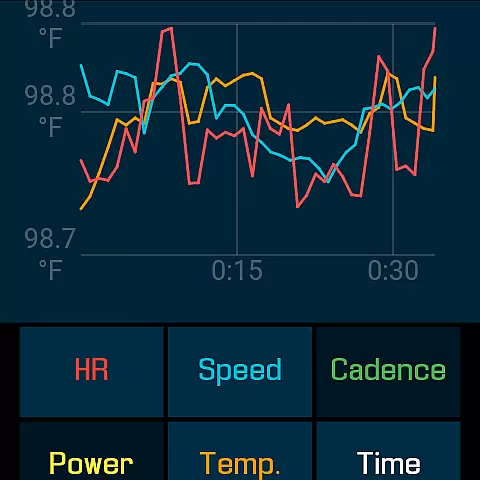
Progress visualization is a critical component of any fitness app, providing users with tangible representations of their achievements and milestones. SportWerks - Workout Tracker offers robust features that allow users to visualize their progress through detailed tracking of all workout aspects, including heart rate, location, stride rate, pace, power, and elevation.
After completing a workout, users can automatically send their data to popular fitness platforms like Strava, FinalSurge, or TrainingPeaks, where they can view comprehensive analyses and graphs of their performance over time. Additionally, the app generates .FIT files for each session, enabling further analysis within any fitness management system.
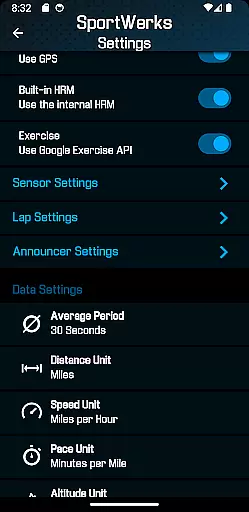
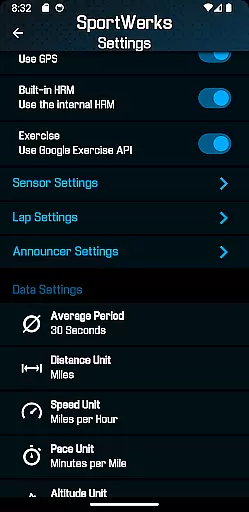
SportWerks also includes an innovative companion app for Android phones, which mirrors changes made on the phone in real-time on the Wear OS watch. This seamless integration allows users to adjust settings and manage their workout files conveniently, ensuring that their progress is always up-to-date and accessible, thus empowering them to stay committed to their fitness journey.
Highly customizable
Wide device compatibility
Automatic data syncing
Real-time audio feedback
Companion app integration
Wear OS only
No iOS companion
Premium features cost
Complex setup process
Limited swim tracking

Create powerful subliminal audio with custom affirmations and background music.
 4.00
4.00
Personal Measurements - Track your gains!
4.50
a fun app full of surprises :)
4.70
Enjoy the Gluten Free living with the best app. SCAN the barcodes & SEARCH.
3.60
Period Tracker, the easiest way to track your periods!
4.50
Effortlessly and naturally release anxiety by harnessing the power of your brain
4.60
Interval timer for High Intensity Interval Training, Tabata and Circuit Training
4.20
The Official Blood Type Diet® App - know your categorized foods anytime.
4.50
Workouts for everyone
4.70
Load the bar with this barbell & plate calculator. It's leg day, not brain day!
4.70
Mind on steroids - relaxation, productivity, meditation and sleep!
4.60
Binaural Beats - Fully Customizable Waves - Pure Sound - No Loops
4.50
The OFFICIAL Couch to 5K® running training app! A 9 week walk-run workout plan.
4.50
Relax to calm sounds, white noise, music, guided meditation and bedtime stories
4.40
Eat smarter with Eato, your personal calorie counter and nutrition tracker!
4.40
Download MadMuscles to start your positive body transformation!
4.30
Pack of 66 calming lullabies for smooth fall asleep and relaxation
4.10
Monitor, analyze, track, and convert blood sugar & help you control diabetes.
4.10
Your Health Has Met Its App (℠)
3.90


User Reviews