
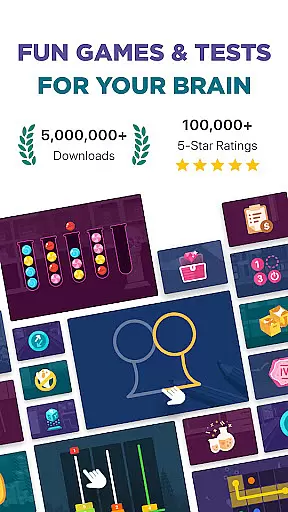
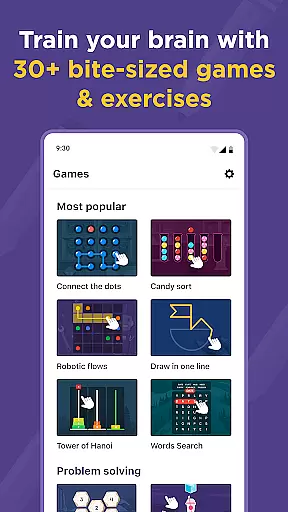
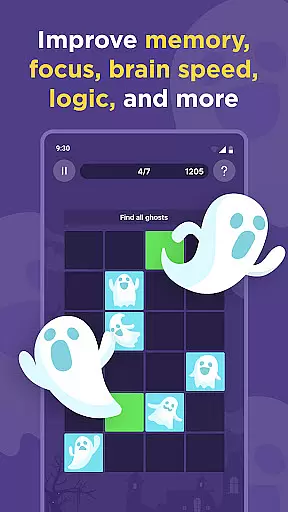
Impulse is a comprehensive brain training application designed to enhance focus, concentration, problem-solving, and mental math abilities. The app offers a variety of entertaining and challenging games aimed at promoting cognitive growth and maintaining mental clarity.
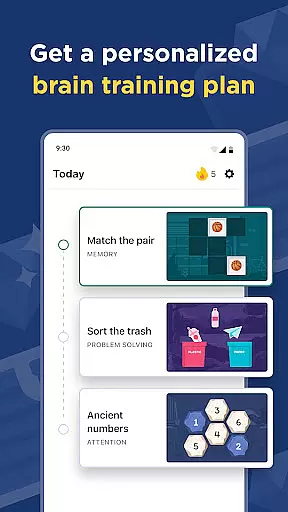
With personalized workout plans targeting different areas of the brain such as memory, attention, and creativity, Impulse ensures progressive learning suitable for all ages. By integrating proper physical exercise and diet, users can achieve a balanced approach to brain health, preparing them for daily life challenges.
Impulse stands out with its diversified range of personalized brain training exercises. Each plan focuses on specific cognitive skills like memory retention, attention span, and problem-solving acumen, ensuring a holistic mental workout.
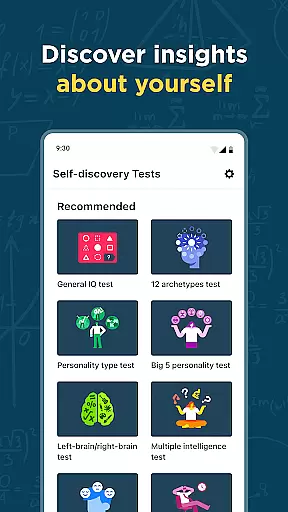
The app includes engaging games that are accessible to users of any expertise level while remaining challenging enough to encourage growth. Additionally, features such as IQ and emotional intelligence tests contribute to a deeper understanding of one's cognitive profile, supporting continuous self-improvement.
Personalized planning in brain training refers to the creation of tailored workout plans that cater to individual cognitive needs and goals. Impulse offers a diversified range of personalized workout plans targeting different brain areas such as memory, attention, concentration, mental maths, problem-solving, and creativity.
The app achieves personalized planning through an initial assessment of the user's cognitive abilities, followed by the generation of a customized training schedule. This ensures that users progress over time while maintaining comprehensibility suitable for any age and expertise level.
Users benefit from this feature by experiencing targeted improvements in their cognitive functions. For instance, someone struggling with focus at work can enhance their concentration skills, while another user may improve their math calculation abilities, making day-to-day interactions with numbers more comfortable.
This approach to personalized planning not only aids in personal growth but also keeps the mind sharp and ready for life's challenges, ensuring that users can maintain a productive and happy life.
Progress visualization is a critical component in tracking one's advancement in brain training exercises. It involves presenting data in a visually engaging manner, allowing users to see their improvements over time clearly. Impulse provides users with charts and graphs that display their performance metrics and achievements throughout their training journey.
The app implements progress visualization by recording user performance in various games and exercises, then translating this data into easy-to-understand visual formats. Users can track milestones and celebrate successes as they advance through levels and challenges designed to enhance cognitive function.
With progress visualization, users gain motivation from seeing tangible results of their efforts. This visual feedback helps them understand their strengths and areas for improvement, encouraging continued engagement with the app's training games.
Ultimately, progress visualization enhances user commitment to self-improvement, providing clear evidence of cognitive gains and fostering a sense of accomplishment that propels further development.
User-friendly interface
Varied cognitive exercises
Personalized training plans
Engaging game design
Comprehensive progress tracking
Subscription required for full access
Limited free trial period
Potential cost concerns for users
Auto-renewal subscription model
In-app purchases may be necessary

SportWerks - Workout Tracker for Wear OS Watches
 3.90
3.90
Live Heart Rate Pro - Real Time Heart & Workout Data For Wear OS & Bluetooth BLE
3.20
The simplest way to track your 21 Day Program containers, exercises, and water.
4.50
The Wear OS BeechBand app is designed to alleviate anxiety and other conditions
4.5
Insanity blocks of intense physical activity, short breaks of 30 seconds.
4.5
a fun app full of surprises :)
4.70
Pack of 66 calming lullabies for smooth fall asleep and relaxation
4.10
Grow with self-tests and personal routine.
4.30
Track heart rate & HRV in 30s! Get live health insights and anomaly alerts
4.40
When the night comes, we prepare your eyes for deep, sweet dreams
4.70
A brain game that moves you
4.70
Measure your Pupil Distance for Eyeglasses and VR headsets in 3 quick steps.
4.70
Personal Measurements - Track your gains!
4.50
Point, scan, and unlock truth in every bite.
4.50
Fast Body building & Weight Loss. Home Workouts with Daily Coach, No Equipment.
4.30
Create powerful subliminal audio with custom affirmations and background music.
4.00
GloryFit is a companion app for the smart bracelet.
3.60
Transform your body and soul with DBFFitness, with a 40-day fitness journey.
4.3
A simple way to calculate peptide doses and also to convert different units.
4.1


User Reviews