
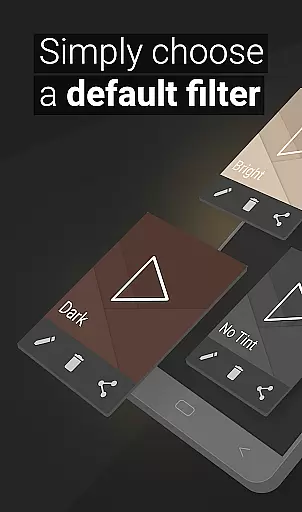
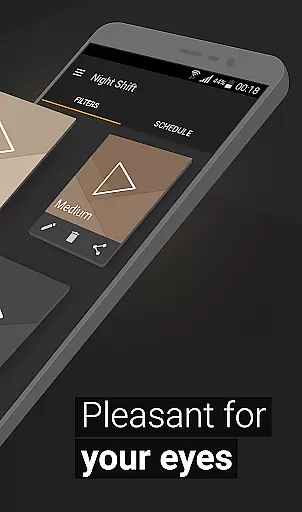
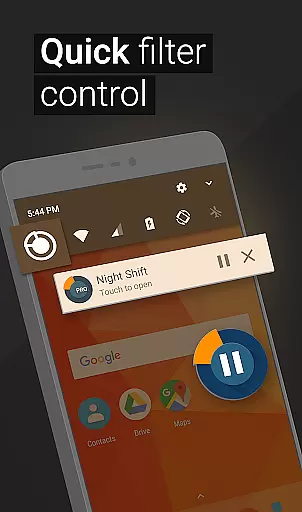
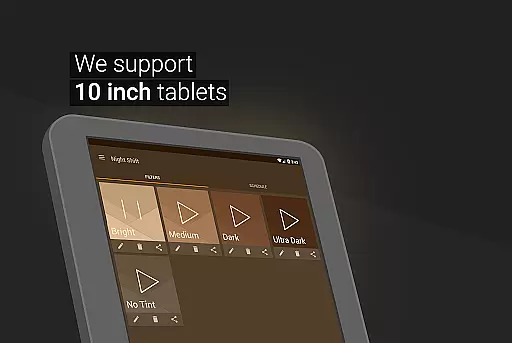
Night Shift is a specialized health application designed to protect users' eyes during nighttime device usage. The app functions as an advanced blue light filter that not only improves sleep quality but also helps prevent headaches and other eye-related issues. Its core functionality revolves around creating a dark mode environment that adjusts screen brightness to optimal levels for low-light conditions.
The application offers multiple features including premade filters, customizable color options, and dimming capabilities that go beyond system minimums. These features make it an essential tool for maintaining good eye health while using digital devices at night. Whether you're reading, gaming, or browsing, Night Shift ensures your eyes receive proper care and protection from harmful screen light.
This app is particularly useful for individuals who frequently use their devices in dark environments. By reducing eye strain and preventing potential long-term damage such as glaucoma or cataracts, Night Shift provides a comprehensive solution for nighttime digital wellness. Its automatic scheduling feature and accessibility service make it a convenient and reliable choice for maintaining both physical and digital well-being.
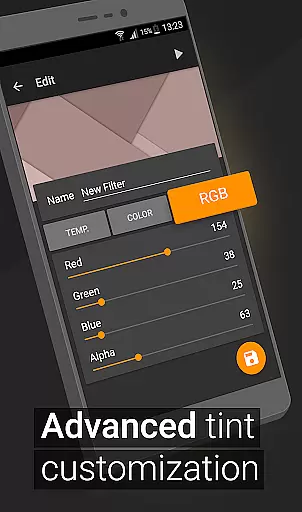
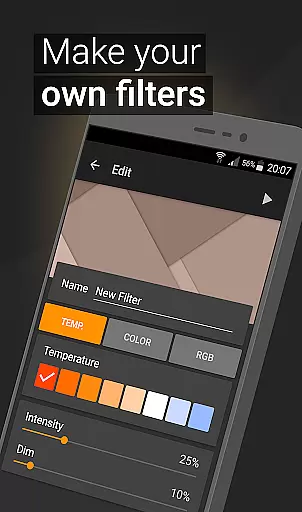
Night Shift distinguishes itself through its comprehensive set of features designed to optimize nighttime device usage. The app includes premade filters that provide instant protection against blue light, while also offering advanced customization options for more specific needs. Users can create unlimited personalized filters with precise control over color temperature, intensity, and RGB values.
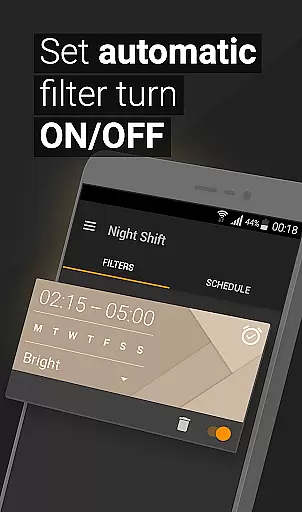
One of the app's most notable features is its ability to dim screens below the system's minimum threshold, ensuring maximum eye comfort during extended nighttime sessions. The automatic filter scheduling system allows users to set specific times for the night mode to activate, providing seamless protection without manual intervention. Additionally, the app's accessibility service enables filtering even on notification and lock screens.
These features collectively offer users unprecedented control over their nighttime viewing experience. From customizable color options to precise brightness adjustments, Night Shift empowers users to create their ideal viewing conditions while maintaining optimal eye health. The combination of convenience and effectiveness makes this app a valuable tool for anyone concerned about their digital well-being.
Personalized planning in the context of a blue light filter app like Night Shift involves creating tailored solutions to protect users from harmful screen brightness during nighttime. This feature is crucial as it adapts to individual needs, ensuring optimal eye care and sleep quality.
Night Shift offers premade filters alongside customizable options for temperature, color, and RGB settings. Users can adjust these parameters to create a dimly lit screen environment that suits their preferences and requirements. The ability to save and edit filters allows for ongoing personalization based on different scenarios or times of day.
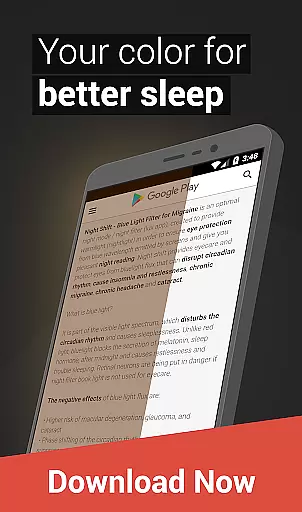
By leveraging personalized planning, users benefit from reduced eye strain, minimized headaches, and improved sleep patterns. These advantages stem from having control over how much blue light is filtered out, which directly impacts melatonin productionu2014a key factor in regulating sleep cycles.
The true value lies in empowering users with tools that cater specifically to their unique lifestyles. Whether you're reading, gaming, or working late at night, Night Shift ensures your eyes receive the necessary protection without compromising functionality or comfort.
Progress visualization refers to the representation of improvements or changes resulting from consistent use of health-focused applications such as Night Shift. For users concerned about eye health and sleep quality, seeing tangible results reinforces positive habits and encourages continued usage.
In Night Shift, progress visualization could manifest through tracking metrics related to filter usageu2014like hours spent with active blue light filtering or frequency of customized filter adjustments. By presenting this data clearly within the app interface, users gain insights into how effectively they are mitigating risks associated with prolonged screen exposure.
This feature not only highlights immediate benefits but also emphasizes long-term gains. Over time, users might notice fewer instances of digital eye strain, less frequent headaches, and better overall restfulnessu2014all attributable to diligent application of Night Shiftu2019s protective measures.
Ultimately, progress visualization serves as both motivation and validation. It transforms abstract concepts like 'better sleep' into concrete achievements visible through graphical displays or milestone markers, enhancing user engagement while promoting sustained well-being.
Effective blue light reduction
Customizable filter options
Automatic scheduling feature
Comprehensive eye protection
User-friendly interface
May affect color accuracy
Accessibility service required
Limited daytime functionality
Premium features locked
Notification filtering limited

Easy access to health benefits
 4.70
4.70
Weight loss app: home workout for women to lose weight & burn calories.
4.80
Create powerful subliminal audio with custom affirmations and background music.
4.00
Control your sleep in real-time wearing Garmin device
3.60
Personal Measurements - Track your gains!
4.50
Personal step counter for you, private and accurate
4.50
This is an application that serves as a companion app for smart watch.
4.20
beat yesterday.
4.00
Monitor blood sugar, gain insights, and manage diabetes with ease.
3.20
Show your support for the development of FitNotes - Gym Workout Log
4.90
Medbridge GO gets you moving - get back to doing what you love, faster!
4.90
Pilates, Calisthenics, Yoga
4.50
Relax to calm sounds, white noise, music, guided meditation and bedtime stories
4.40
Grow with self-tests and personal routine.
4.30
Your portable blood pressure tracker. Record, monitor, and analyze BP anytime.
4.30
“Overcoming pain based on EMDR” helps you to alleviate chronic pain and stress.
4.10
Find Paid Clinical Trials In Your Area
3.70
3D Body Measurement System
3.60
HRV4Training helps you optimize goals and improve performance. No sensors needed
3.30


User Reviews