
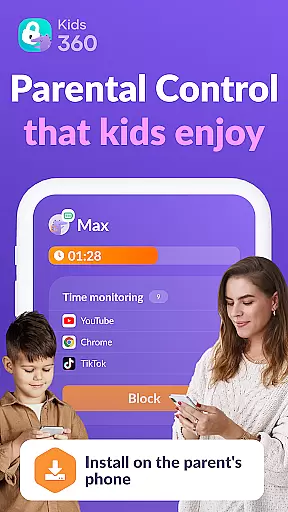


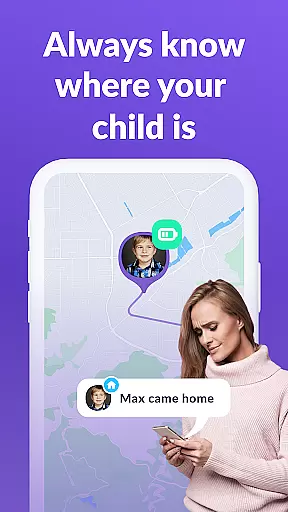
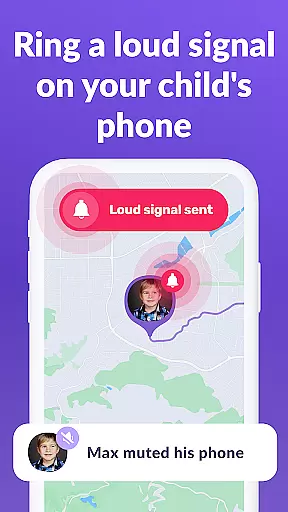
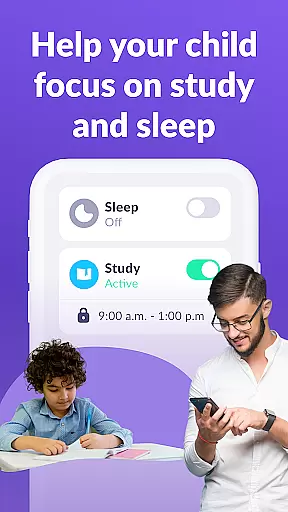
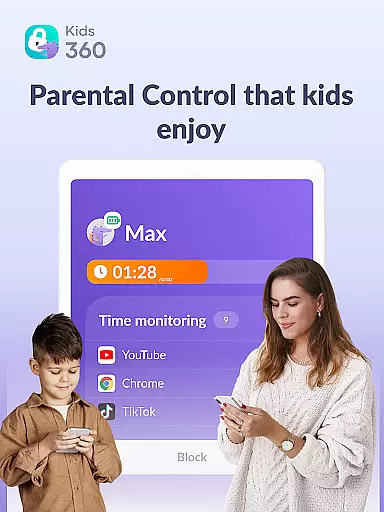
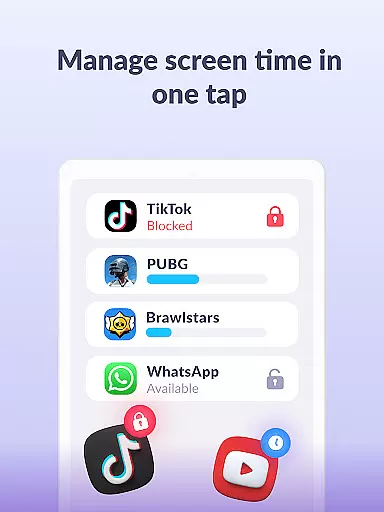

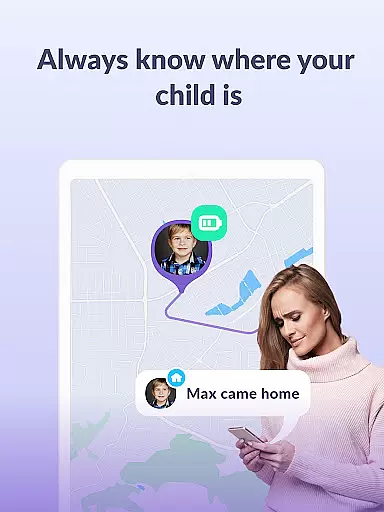

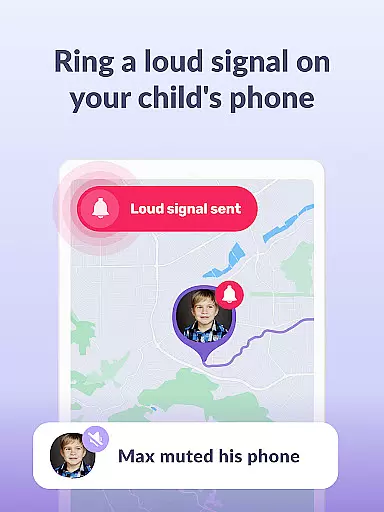
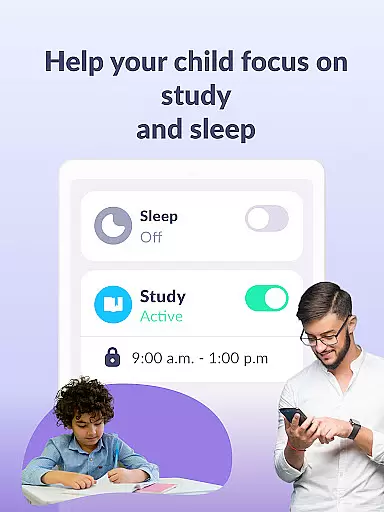
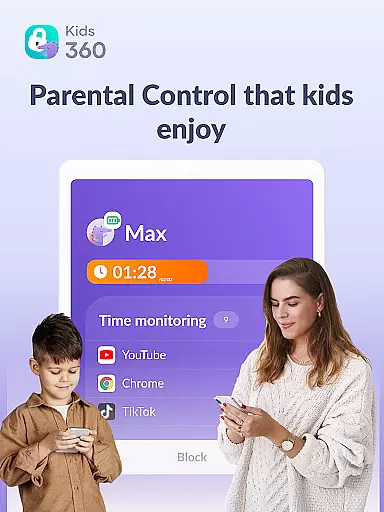
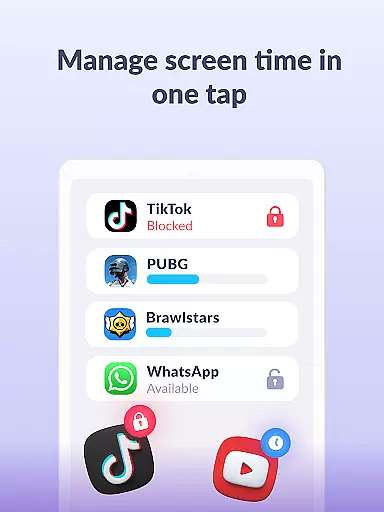

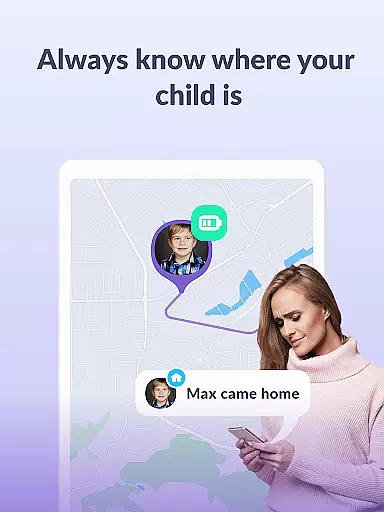

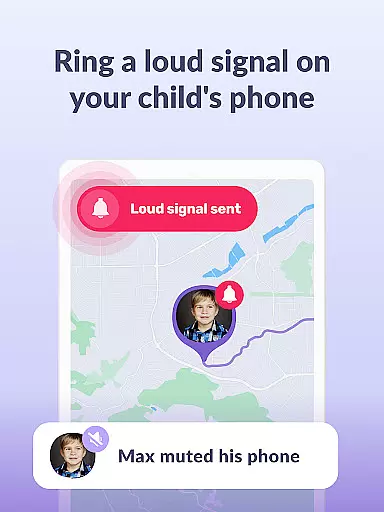
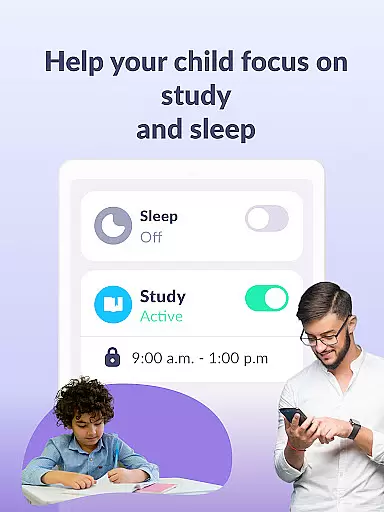
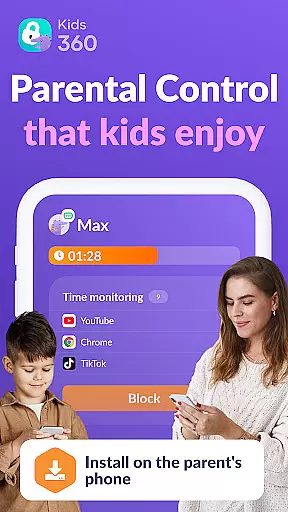

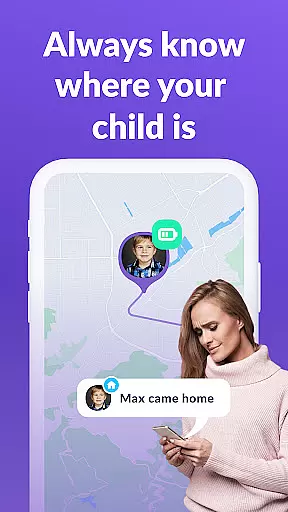

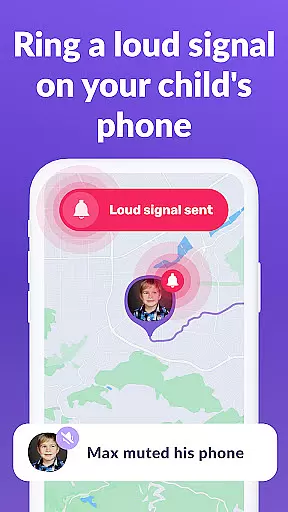
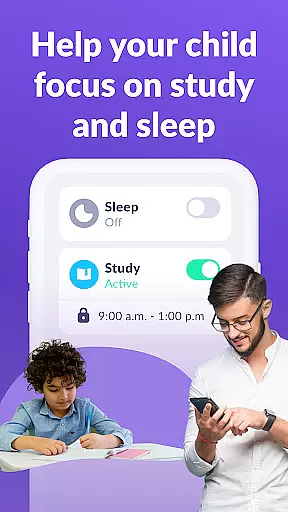
Kids360 is a comprehensive parental control app designed to help parents manage their children's device usage effectively. The app offers essential features like screen time management, app blocking, and GPS tracking, ensuring a safe digital environment for kids. With Kids360, parents can set specific time limits on apps and games, create usage schedules for school and sleep times, and monitor overall screen time.
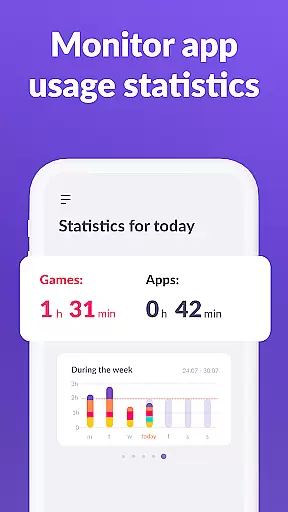
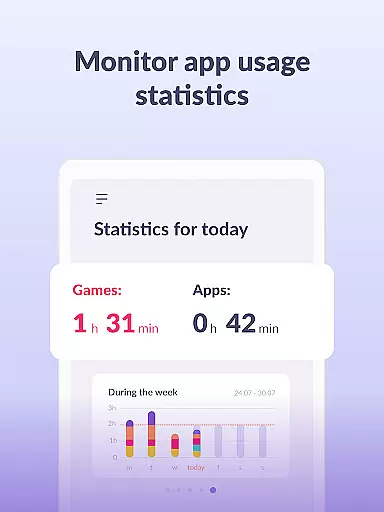
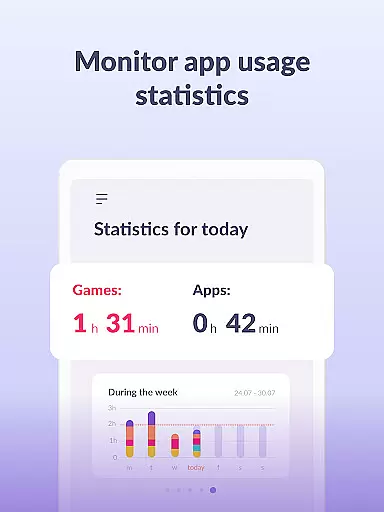
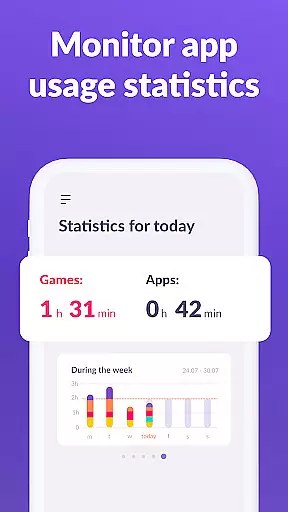
One of the standout capabilities of Kids360 is its detailed app usage statistics. Parents can see exactly which apps their children are using and for how long, helping them make informed decisions about device usage. Additionally, the app ensures that essential communication apps remain accessible at all times, maintaining family connectivity while restricting non-essential apps. This makes Kids360 an invaluable tool for modern parenting, focusing on both safety and balanced device use.
Kids360 stands out with its robust feature set tailored for parental control. The app includes an app usage limiter, allowing parents to restrict access to distracting apps, games, and social media platforms. By setting specific time limits, it acts as a child lock, ensuring that kids adhere to healthy screen time habits. Furthermore, the usage schedule feature helps parents align their children's device usage with productive activities such as schoolwork and adequate sleep during bedtime.
The app also provides insightful screen time analytics, showing how much time children spend on their devices and which apps occupy them the most. These statistics empower parents to tailor device usage rules effectively. Moreover, Kids360 ensures uninterrupted communication by keeping essential apps always available. With permissions like 'Display over other apps' and 'Device administrator,' the app maintains continuous monitoring and prevents unauthorized deletions, making it a reliable choice for safeguarding children's digital well-being.
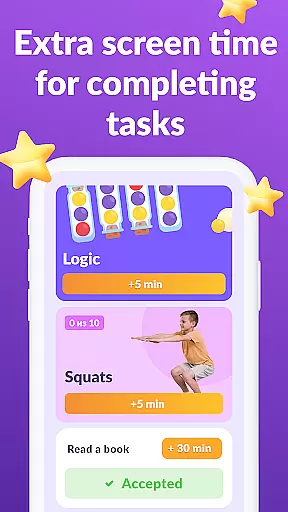
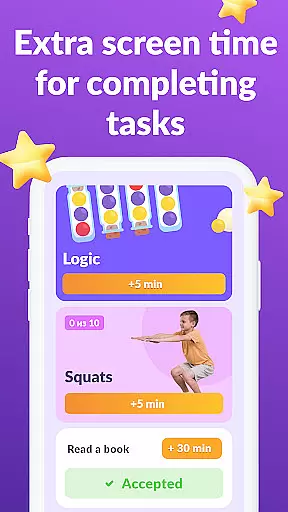
When it comes to parenting apps, the credibility of content and expert validation are crucial factors. Kids360 takes these responsibilities seriously by providing features that are designed with both safety and developmental needs in mind. The app offers parental controls that help limit screen time, manage device usage, and even provide educational games, all of which are essential tools for modern parents.
The app's functionality is backed by a comprehensive approach to child development. With features like app usage limiter, usage schedule, and screen time monitoring, Kids360 ensures that children are not only safe but also engaged in a balanced digital environment. These features have been crafted to align with expert recommendations on healthy device habits, ensuring that parents can trust the guidance provided by the app.
Parents using Kids360 can feel confident in the app's ability to keep their children safe online. By setting time limits, blocking apps, and tracking GPS, the app provides a robust framework for monitoring and managing a child's digital presence. This level of oversight is invaluable for parents seeking to maintain a healthy balance between technology use and other activities.
Growth tracking accuracy is a pivotal feature for any parenting app focused on child development. Kids360 excels in this area by offering detailed insights into a child's device usage patterns. Through its app statistics and screen time features, parents can accurately track what apps their children are using and for how long, enabling them to make informed decisions about digital consumption.
The precision of Kids360's growth tracking extends to its ability to monitor app activity across various categories. Whether it's social media, gaming, or educational apps, the app provides a clear picture of where a child's time is being spent. This data-driven approach empowers parents to guide their children towards more productive digital experiences while avoiding potential pitfalls.
Furthermore, Kids360 supports parents in staying connected with their children through essential communication apps. By ensuring that calls, texts, and other non-gaming apps remain accessible, the app maintains a balance between safety and connectivity. This dual focus on accurate tracking and maintaining open lines of communication makes Kids360 an indispensable tool for conscientious parents.
Effective screen time management
Comprehensive app usage statistics
Essential apps always accessible
GPS tracking for safety
User-friendly interface
Requires child’s consent for installation
Paid subscription for advanced features
Dependent on Alli360 companion app
Limited functionality without full setup
Permissions may raise privacy concerns

SENSORYSOOTHE and SENSORSAFE: Making car seats smarter and families safer.
 4.70
4.70
With BabyCam you can monitor your baby using your mobile phone, tablet, PC or TV
4.40
Little loved one's monitoring, Sleep tracking and Parenting content.
3.80
A Coloring for the Whole Family! Discover the Joy of Family Love Through Colors!
3.60
A simple way to track your baby’s breastfeeding, diaper changes, sleep patterns.
4.90
Kids story books for children. Baby reading books with audio for pre-k toddlers
4.70
Join over 1MM parents & professionals who've used OFW to navigate co-parenting
4.40
SemLog aims to raise awareness among families and their children
3.40
Babysitting video camera - Turn your two phones or tablets into a single nanny.
4.40
3D Baby size, Fruit comparisons, Smart Checklist, Trending Names & Training.
4.90
All-In-One Pregnancy Tracker, Your Baby's Milestones, Growth Stages & Parenting
4.70
GeoLog - Real-Time Location Tracker
4.40
Free symptom & med tracker with expert-reviewed tips.
4.30
Magic chalkboard coloring and drawing!
4.20
Family parental control app: limit screen time, block apps, GPS tracker.
4.20
Findnumber: Real-time location tracker for ultimate family security
4.20
Pregnancy and baby formula tips for moms, plus Enfamil coupons & cash back
4.10
Keep Your Family Safe with Pollog Family Assistants
4.10
Affirmations | Stories | Bible
4.10


User Reviews