


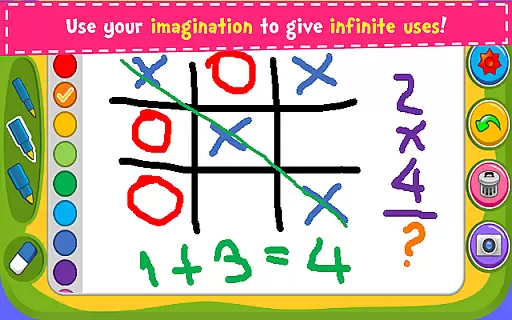


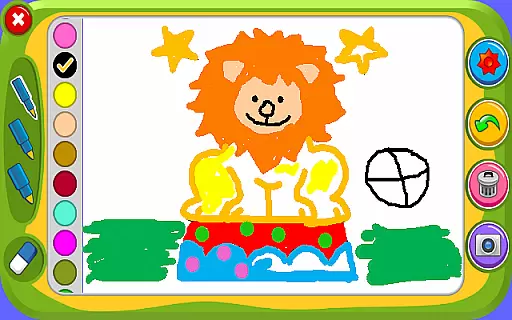





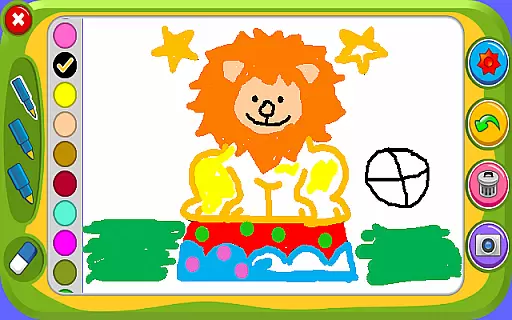



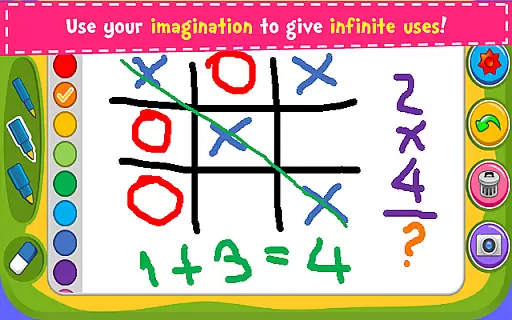


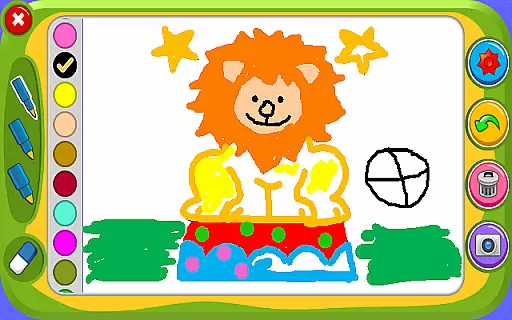

Magic Board is an engaging drawing and coloring game designed for users of all ages. This app allows you to express your artistic talents by providing realistic drawing tools and over 100 beautiful stickers to decorate your creations. It promotes imagination, concentration, and fine motor skills, making it especially beneficial for children's development.
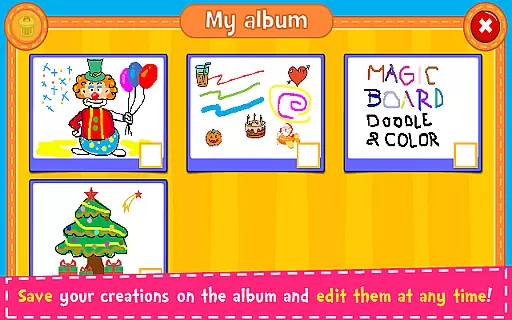
The app offers a simple and intuitive design with various pencil strokes and colors, including a unique flash effect for endless bright colors. Users can save their artwork in an in-app album for future editing and share their masterpieces via social media platforms like Facebook, Twitter, and Instagram. Magic Board works seamlessly on all smartphones and tablets, ensuring accessibility and convenience.
Magic Board stands out with its rich set of features tailored for creativity and ease of use. The app provides a completely free experience with support for multiple languages, including English and Spanish. Its user-friendly interface ensures that even young children can navigate effortlessly.
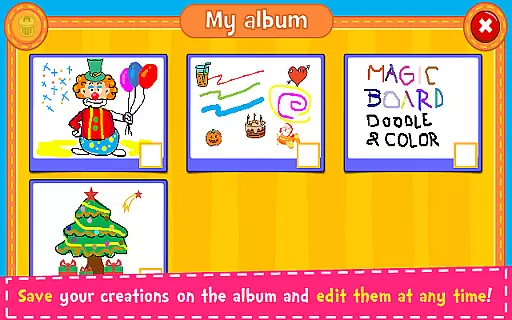
One of the key highlights is the dynamic color options, featuring a flash effect that generates random bright colors for endless possibilities. With functions such as 'Undo,' 'Clear All,' and an eraser tool, users have complete control over their creative process. Additionally, the ability to save drawings in an album and edit them later adds a layer of convenience not found in similar apps.
Sharing your artwork is made easy through direct integration with popular social media platforms and messaging apps, allowing users to showcase their talent with friends and family. These comprehensive features make Magic Board a top choice for anyone looking to explore their artistic side.
When it comes to parenting applications, the credibility of the content is paramount. Magic Board ensures that all its features are designed with educational value in mind. The game promotes creativity and fine motor skills through drawing and coloring activities.
The app includes a wide range of stickers and coloring options that encourage imaginative play. These elements have been crafted to support cognitive development and concentration in children, making it not just a fun but also an educational tool.
Magic Board's content has been reviewed for age-appropriateness and safety. With simple design and intuitive controls, it offers a platform where kids can freely express themselves without encountering inappropriate material or complex interfaces.
Growth tracking in parenting apps allows parents to monitor their child's developmental milestones. Although Magic Board is primarily an entertainment app, it indirectly supports growth tracking by promoting artistic skills and color recognition.
Parents can observe how their children use the app over time, noting improvements in their drawings and choice of colors. This provides insight into the childu2019s creative progress and preferences, acting as a digital portfolio of their artistic journey.
With the ability to save artworks in an album, Magic Board enables users to review past creations. While not a traditional growth tracker, this feature allows parents to witness the evolution of their child's artistic expression and dexterity.
Free to use
Easy navigation
Variety of colors
Enhances creativity
Supports multiple languages
Limited advanced tools
No offline mode
Ads may appear
Basic design
Occasional bugs

Comprehensive Parental Control & Child Safety — Hear & Protect Your Child World
 4.30
4.30
Free symptom & med tracker with expert-reviewed tips.
4.30
SENSORYSOOTHE and SENSORSAFE: Making car seats smarter and families safer.
4.70
Educational resource for parents to inspire creativity in their children.
4.00
Parental Control including Screen time control, GPS tracking, App/Game blocker.
3.90
The Baby’s Bounty App is your hub to register for our diaper banks in Nevada
3.70
Keep Your Family Safe with Pollog Family Assistants
4.10
It is a screen time management tool for games and mobile applications
4.50
Parental control App for Location, Remote Camera, Screen Mirroring, Block Apps.
4.60
Parental control: child monitoring app, screen time control, GPS child tracker
4.40
With BabyCam you can monitor your baby using your mobile phone, tablet, PC or TV
4.40
Family parental control app: limit screen time, block apps, GPS tracker.
4.20
Pregnancy and baby formula tips for moms, plus Enfamil coupons & cash back
4.10
The 10 development leaps of your baby | newborn milestones & leap days tracker
4.10
Monitor screen time and build healthy habits with Family Safety
3.90
A Coloring for the Whole Family! Discover the Joy of Family Love Through Colors!
3.60
SemLog aims to raise awareness among families and their children
3.40
Play activities, milestones, expert-led classes, baby tracker, and more!
3.00
Track pregnancy health and wellness with pregnant tracker from healthcare advice
4.5


User Reviews