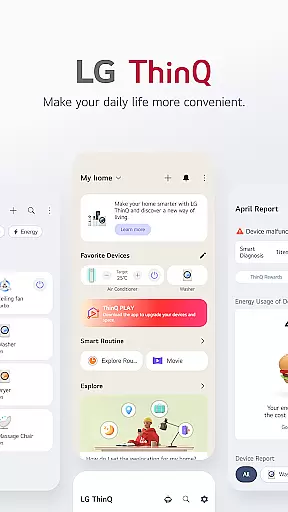
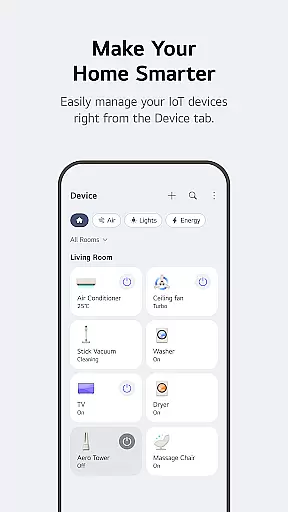
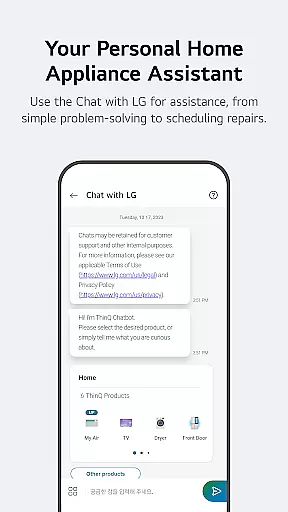
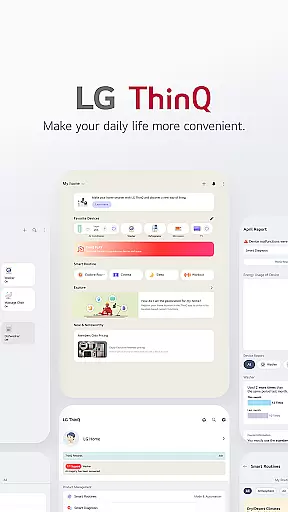
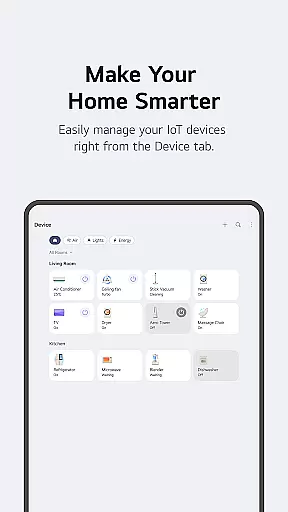
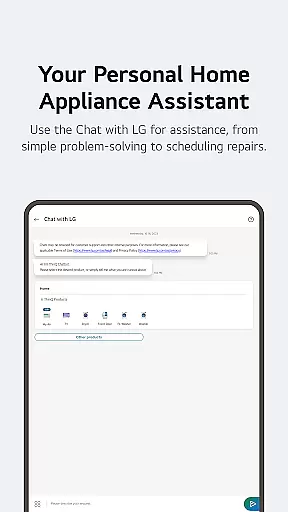
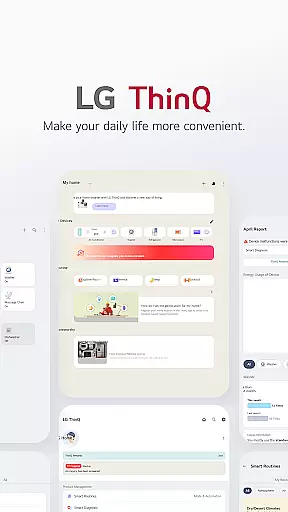
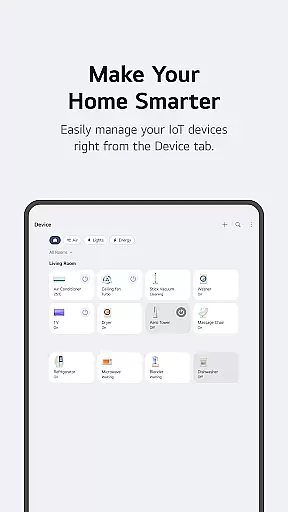
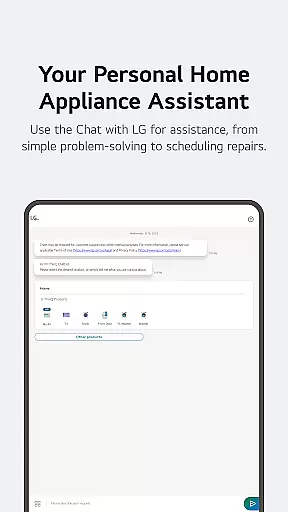
LG ThinQ is a comprehensive smart home solution that connects and controls IoT-enabled LG appliances. The app serves as a central hub for managing your smart home ecosystem, offering features like remote product control, energy monitoring, and personalized recommendations. Through its intuitive interface, users can access advanced functionalities such as Smart Diagnosis, automated routines, and AI-powered customer support through 'Chat with LG'.
The application's true value lies in its ability to enhance user convenience while promoting energy efficiency. Homeowners can create customized smart routines that automate daily tasks, monitor energy consumption compared to neighbors, and receive proactive maintenance alerts. These features not only simplify home management but also contribute to significant cost savings and environmental benefits, making it an essential tool for modern smart homes.
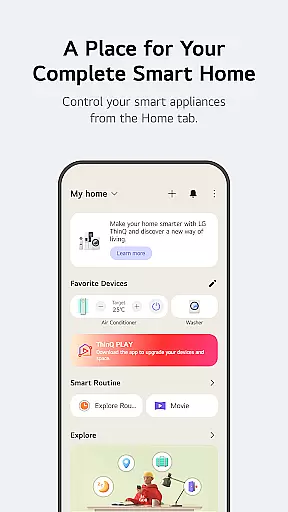
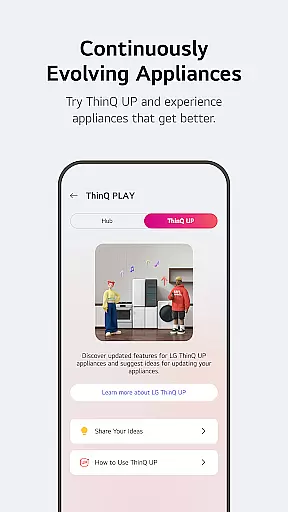
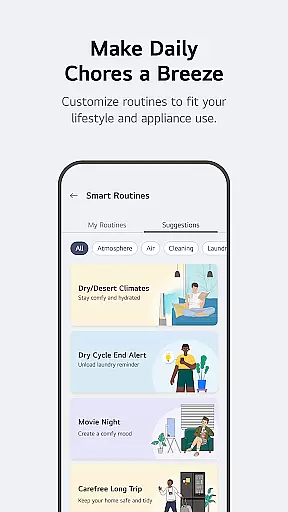
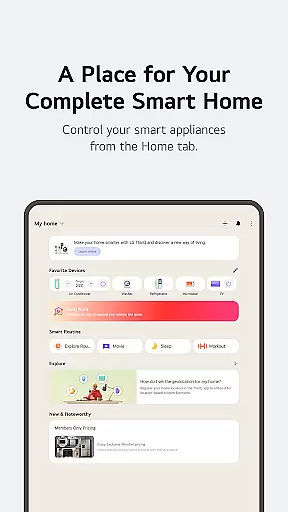
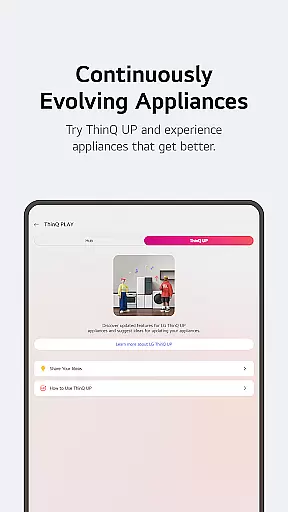
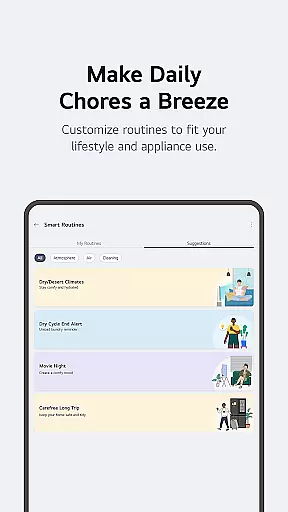
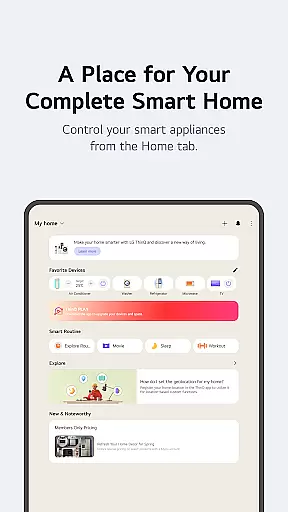
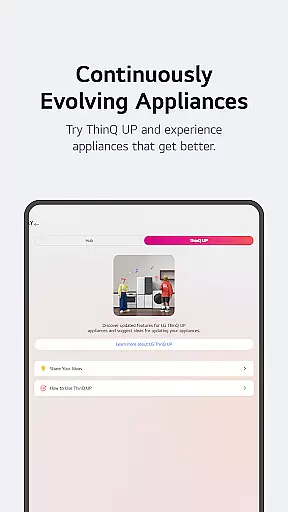
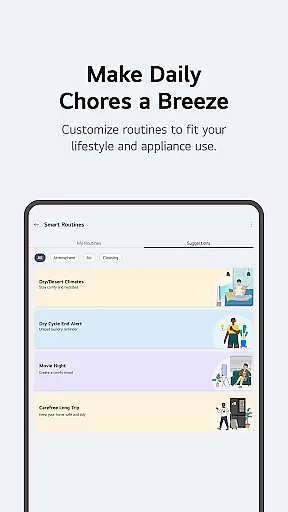
LG ThinQ distinguishes itself through innovative features designed to optimize smart home management. The Home tab provides centralized control of all connected appliances, while the ThinQ Play section enables users to download apps and upgrade their devices' capabilities. The app's Smart Routines functionality allows for sophisticated automation, triggering multiple devices based on predefined conditions or schedules.
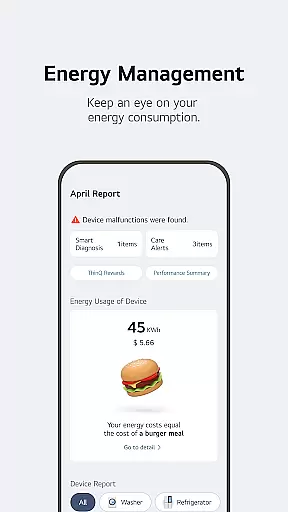
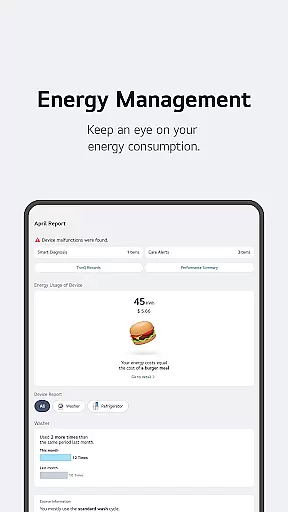
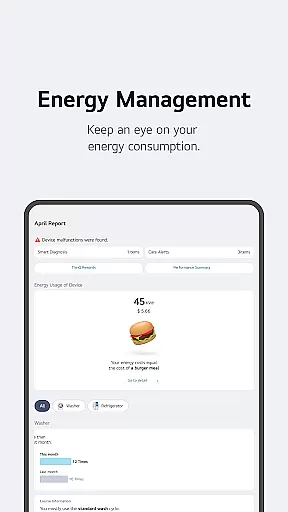
Advanced monitoring tools provide detailed insights into energy usage patterns, helping users make informed decisions about their consumption habits. The integrated 'Chat with LG' feature utilizes artificial intelligence to deliver personalized support and troubleshooting advice. Additionally, the app's comprehensive service management system streamlines maintenance requests and professional support booking, ensuring minimal disruption to your smart home operations.
These features work together to create a seamless smart home experience, where users can manage their entire ecosystem from a single platform while benefiting from proactive maintenance alerts and energy-saving recommendations.
LG ThinQ app offers comprehensive coverage of lifestyle categories by connecting various IoT home appliances into a unified smart home ecosystem. The application enables users to control multiple devices from one platform, ranging from basic home appliances to advanced AI-powered gadgets.
The Home tab provides an intuitive interface for managing all connected devices. Users can effortlessly operate their smart home appliances remotely, ensuring convenience and efficiency in daily routines. Additionally, the app delivers personalized recommendations based on usage patterns, enhancing the overall user experience through tailored suggestions.
Through features like Energy Monitoring, users can compare their energy consumption with neighbors, set saving goals, and receive notifications to optimize usage. This functionality not only promotes sustainable living but also helps reduce utility costs, making it an essential tool for modern households.
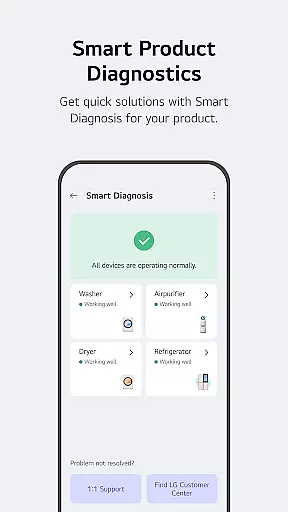
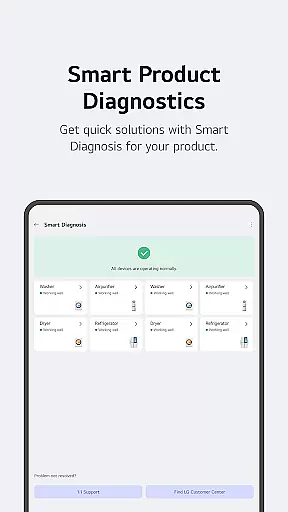
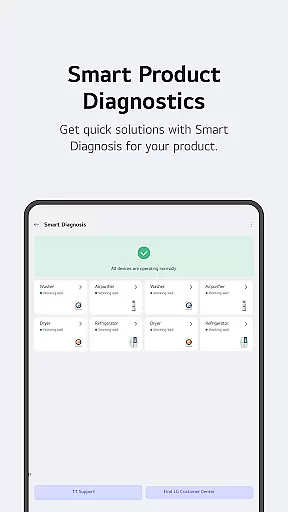
LG ThinQ ensures content authenticity and expert credibility by integrating advanced AI technologies and professional support services within the app. The Smart Diagnosis feature allows users to troubleshoot issues with their appliances, providing accurate status checks and facilitating timely maintenance.
For more complex problems, users can book service visits from certified engineers directly through the app. This seamless integration of expert assistance guarantees that users receive reliable and professional care for their products, enhancing trust and satisfaction.
Furthermore, the AI-powered 'Chat with LG' function offers tailored responses to user inquiries about ThinQ home appliances. By leveraging AI algorithms and expert knowledge, the chatbot delivers precise and helpful information, ensuring users can make informed decisions regarding their smart home devices.
User-friendly interface
Comprehensive device control
Energy-saving features
Proactive maintenance alerts
AI-powered support system
Limited third-party integration
Region-specific features
Requires stable internet
Premium subscription costs
Device compatibility issues

The Work of Byron Katie— the mobile app for inner peace.
 4.40
4.40
Big bold weather watch face with dynamic backgrounds and 3 complications
4.4
This app is intended to support professional EMDR therapy.
4.50
Smart & Healthy Living
4.60
Falling Fruit is a massive collaborative map of food in our cities.
3.20
The Miracle Box includes methods used by Steve Huff of Huff Paranormal.
3.20
AAA Mobile provides on-the-go access to the services you know and trust.
4.60
Earn money for every survey and game you play, and get real rewards every time
4.50
Just play, earn rewards, fetch gift cards, and turn gaming into real payouts!
4.80
Simple, stylish & fresh watch face. Customize colors, gradients & complications.
4.70
Digital smart watch face made for Wear OS.
4.70
Stay connected with your loved ones & vehicles | Share live GPS location updates
4.60
Unique "Isometric" style digital watch face for Wear OS
4.50
Earn money & gift cards when you take surveys, play games, scan receipts & more.
4.50
Chat, meet genuine singles in your area. Real connections start with being real.
4.30
SmartHQ: Your Connected Home Command Center
4.10
Big bold digital watch face with 30 colors, 6 complications and AOD.
4.0
Designed to delight, impress and energize your festive spirit every single day
4.3
Unique Dark Analog style for Wear OS watches.
4.2


User Reviews