
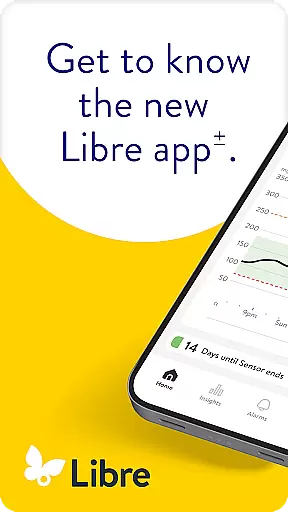
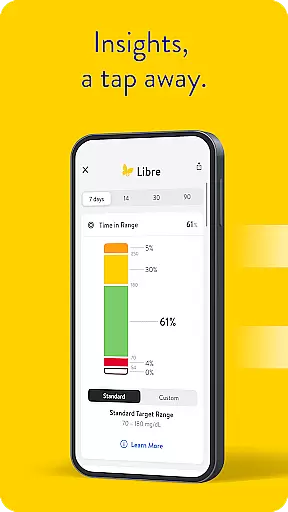
Libre by Abbott is a continuous glucose-monitoring (CGM) app designed to help individuals with diabetes track their glucose levels effectively. The app replaces the previous FreeStyle Libre 2 and FreeStyle Libre 3 apps, offering compatibility with FreeStyle Libre 2 and FreeStyle Libre 3 system sensors.
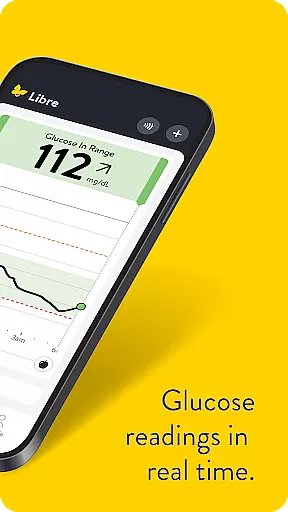
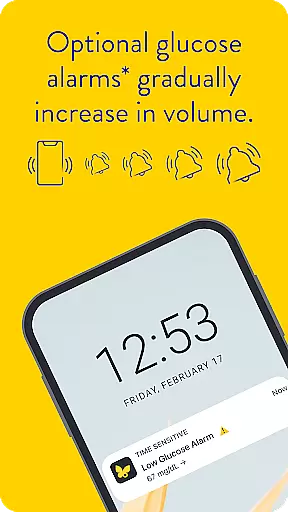
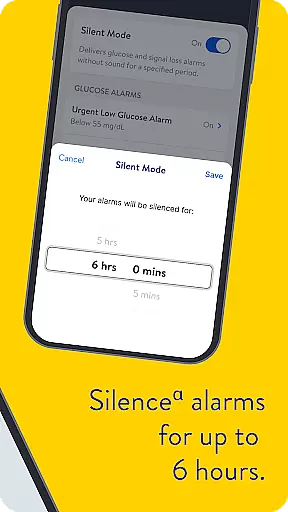
With Libre app, users can receive automatic updates of their glucose readings on their phone every minute. Optional alarms provide discreet notifications when glucose levels are too low or high, which can be silenced for up to 6 hours if needed. This app is suitable for people with diabetes aged 4 and older when used with FreeStyle Libre 2 and FreeStyle Libre 3 sensors, and for those aged 2 and older when used with FreeStyle Libre 2 Plus and FreeStyle Libre 3 Plus sensors.
The app's compatibility varies between phones and operating systems, ensuring that users have access to critical health data at their fingertips. It supports effective diabetes management by providing real-time glucose monitoring and customizable alerts, making it an essential tool for maintaining optimal health.
Libre by Abbott offers several key features that enhance its functionality as a medical app. One standout feature is the automatic update of glucose readings on the user's phone every minute, ensuring constant monitoring without manual input. This real-time tracking helps users maintain better control over their diabetes management.
Another significant feature is the optional alarms that discreetly alert users when their glucose levels are too low or too high. These alarms can be customized and even silenced for up to 6 hours, providing flexibility based on individual needs. Additionally, the app supports both FreeStyle Libre 2 and FreeStyle Libre 3 system sensors, broadening its usability across different devices and user preferences.
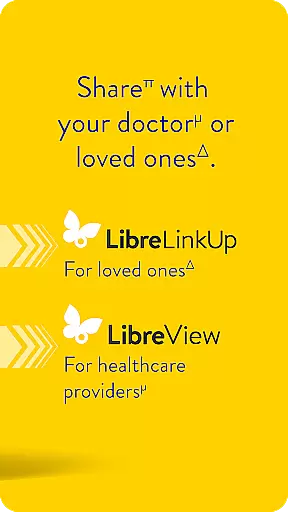
Furthermore, Libre app integrates seamlessly with LibreView data management software, allowing both patients and healthcare professionals to review, analyze, and evaluate historical glucose meter data. This integration supports informed treatment decisions and effective diabetes management, highlighting the app's comprehensive approach to health monitoring.
In the realm of diabetes management, the credibility of medical content is paramount. Libre by Abbott app provides users with continuous glucose monitoring that is rooted in clinically validated technology. The app is designed to work seamlessly with FreeStyle Libre 2 and FreeStyle Libre 3 system sensors, ensuring that each reading is a reliable reflection of the user's current glucose levels.
Abbott has integrated optional alarms within the app which are not just technological feats but also serve as critical alerts for users. These alarms discreetly notify users when their glucose levels are too low or too high, playing a pivotal role in diabetes management. Such features have been developed under stringent medical standards and reviewed by experts in the field to ensure they offer real value to users.
For additional peace of mind, the Libre app includes comprehensive support documentation accessible directly through the app interface. Users can refer to the useru2019s manual for detailed guidance on using the FreeStyle Libre CGM systems effectively. This educational content is crafted with input from healthcare professionals to assist users in making informed treatment decisions.
Teleconsultation has become an integral part of modern healthcare, especially for chronic conditions like diabetes. Libre by Abbott app enhances teleconsultation quality by providing accurate and timely glucose data that can be shared with healthcare professionals. This ensures that both patients and doctors have access to the same information, facilitating more productive consultations.
The app supports remote diabetes management by enabling automatic updates of glucose readings every minute. This feature allows healthcare providers to monitor their patients' glucose trends over time without requiring them to be physically present. As a result, doctors can offer timely advice and make necessary adjustments to treatment plans based on up-to-date data.
Moreover, LibreView data management software complements the app by allowing both patients and healthcare professionals to review historical glucose meter data. This collaborative approach aids in analyzing and evaluating the effectiveness of diabetes management strategies. With internet connectivity, glucose data automatically uploads to LibreView, streamlining the process of sharing vital health information during teleconsultations.
User-friendly interface
Real-time glucose updates
Customizable alarms
Wide sensor compatibility
Integrated data management
Limited device compatibility
Requires internet connectivity
Potential alarm silencing issues
Age restrictions apply
Prescription required

Donating blood and platelets is easier than ever with The American Red Cross.
 4.80
4.80
Secure video visits with your VA care team from anywhere
4.50
Be more confident prescribing homeopathy at home for your family.
4.80
Elegant, easy-to-use period tracker for fertility, PMS symptoms, and more
4.90
Easy access to benefits and rewards
3.70
The world's best selling 3D Human Anatomy app with groundbreaking 3D technology
2.00
Pelvic Floor Muscle Exercises
4.80
Hear far away sounds, conversations, TV and surrounding sounds more clearly.
4.70
The Client Portal app empowers you to manage care from one secure place
4.10
A comprehensive medical disease app.
5.00
Pelvic Floor Muscle Exercises
4.80
A comprehensive 3D atlas of the human body
4.80
Access health information and communicate with your care team anytime, anywhere.
4.80
Medication reminder, Medicine list, Trackers for BP, glucose, weight, water, etc
4.70
Log your symptoms in the MyZio app — the perfect companion to the Zio monitor!
4.60
Check and Track your Blood Pressure & Heart Rate.
4.50
Modivcare members can book and manage trips.
4.50
The official DSM-5-TR® app
4.50
Patient Health Portal
4.20


User Reviews