
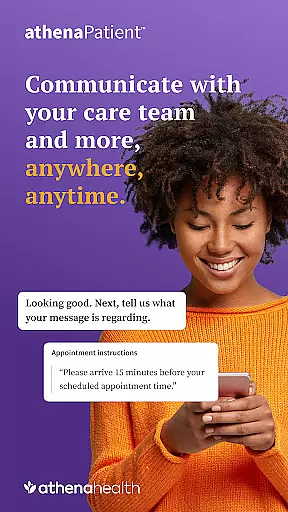
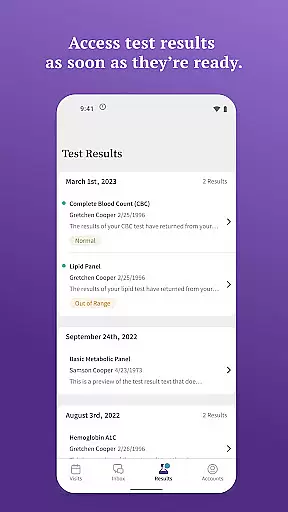
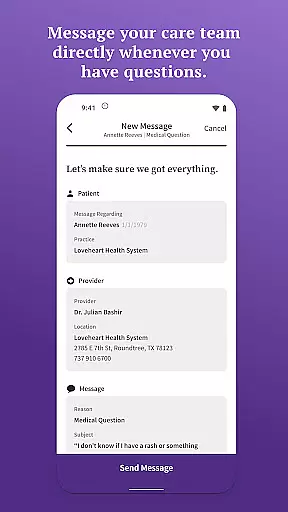
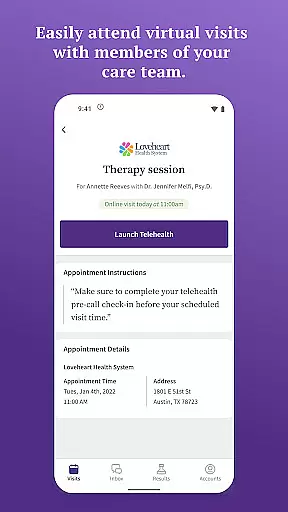
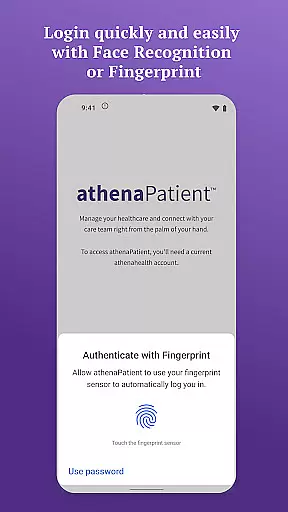
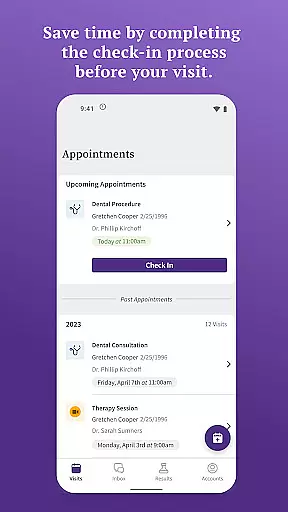
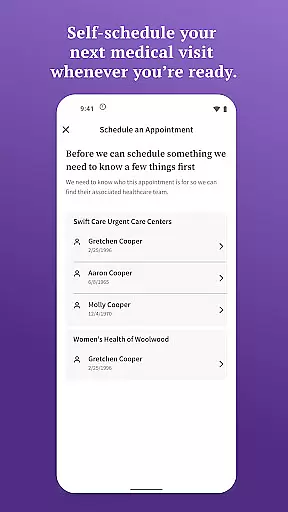
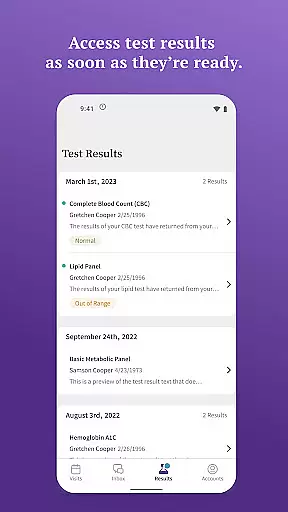
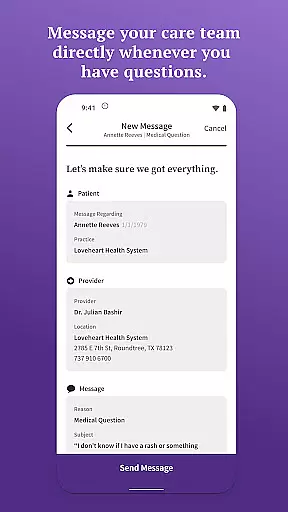
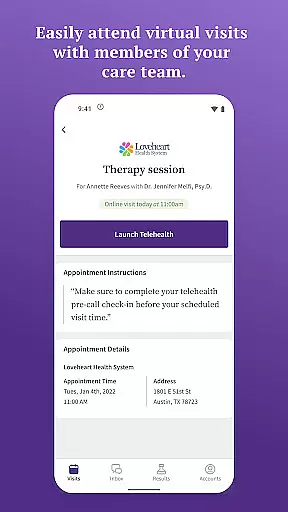
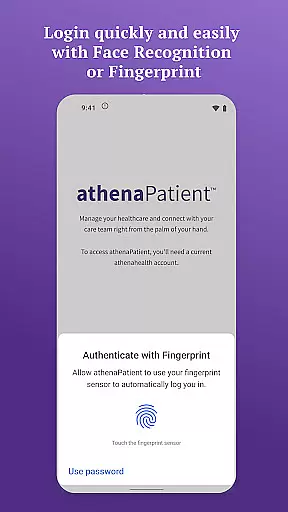
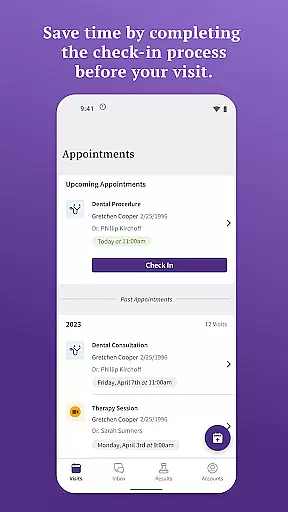
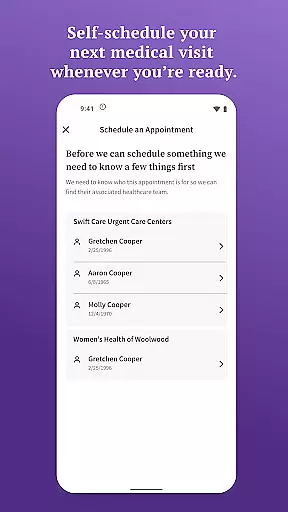
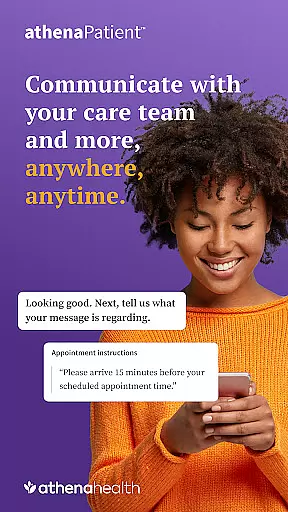
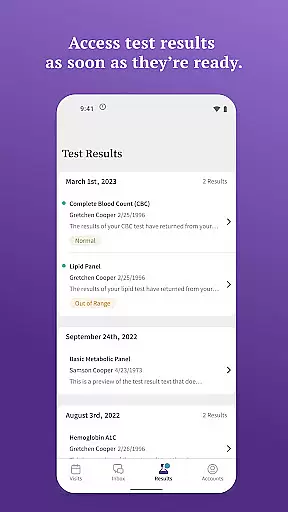
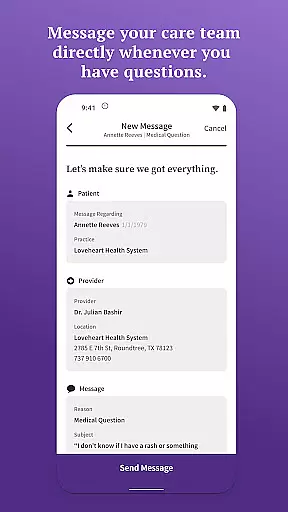
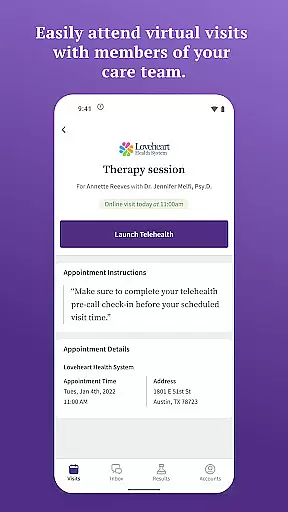
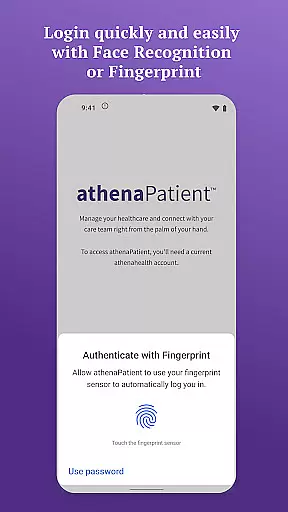
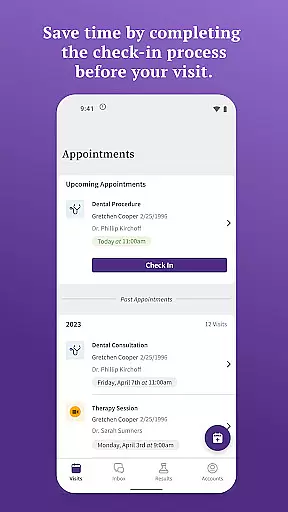
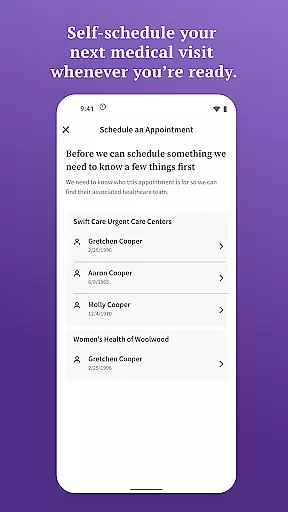
athenaPatient is a dedicated mobile application tailored for patients whose healthcare providers have instructed them to download and use the app. It serves as a convenient, mobile resource that allows users to access their health information and communicate with their care team anywhere, anytime. The app provides features such as quick login through facial recognition and touch ID, viewing test results, messaging the care team, self-scheduling appointments, checking in before visits, attending virtual visits, and getting directions to appointments.
The app's core function is to empower patients by providing them with easy access to their health data and facilitating seamless communication with their healthcare providers. With its user-friendly interface and secure authentication methods, athenaPatient ensures that patients can manage their healthcare needs efficiently and safely. Whether it's booking appointments beyond regular office hours or attending telehealth visits, the app offers a comprehensive solution for modern healthcare management.
One of the standout features of athenaPatient is its robust security measures, including facial recognition and touch ID for easy yet secure login. This ensures that sensitive health information remains protected while allowing quick access for authorized users. Additionally, the app provides real-time access to lab, imaging, and other medical test results as soon as they become available, keeping patients informed about their health status.
Another significant feature is the ability to message the care team through quick, secure direct messages, enabling patients to address any concerns promptly. The self-scheduling and virtual visit functionalities further enhance convenience by allowing patients to book appointments and attend telehealth sessions without the constraints of traditional office visits. These features collectively contribute to a more patient-centric healthcare experience, where accessibility and communication are prioritized.
In the realm of digital health applications, ensuring the credibility of medical content is paramount. athenaPatient stands out by offering users access to verified health information directly from their healthcare providers. This app bridges the gap between patients and their care teams by delivering lab results, imaging, and other medical test outcomes as soon as they are available.
Furthermore, athenaPatient incorporates features that have been reviewed and recommended by medical experts. The ability to message your care team through secure channels ensures that any questions or concerns can be addressed promptly by professionals who understand your medical history. This direct line to your healthcare provider enhances the reliability of the advice you receive.
The app also supports telehealth visits, allowing patients to attend virtual consultations with their care providers. This feature has been designed with input from medical practitioners to ensure it meets clinical standards and offers a convenient way for patients to receive ongoing care without unnecessary travel.
Teleconsultations have become an essential part of modern healthcare, and athenaPatient excels in providing high-quality virtual visits. With its integration of athenaTelehealth, the app enables patients to initiate and attend telehealth sessions with members of their care team seamlessly. This service is particularly beneficial for those who require regular follow-ups or live in remote areas.
The quality of these teleconsultations is maintained through secure and stable connections, ensuring that both audio and video communications are clear. Patients can discuss their health concerns, receive diagnoses, and even get prescriptions without leaving their homes. This convenience not only saves time but also reduces the risk of exposure to illnesses that might occur during in-person visits.
Moreover, athenaPatient's teleconsultation feature is supported by comprehensive pre-visit preparations such as easy check-ins and completion of necessary documentation before the appointment. These functionalities contribute to a smoother consultation process, allowing doctors to focus more on patient care rather than administrative tasks.
User-friendly interface
Secure authentication
Comprehensive health data
Seamless communication
Convenient appointment scheduling
Limited to athenahealth network
Requires existing portal account
Provider-dependent features
US-only availability
Potential technical issues

A fantastic 3d reference that includes over 300 structures and a quiz function.
 3.00
3.00
Perform pure-tone audiometry and a speech intelligibility test on your phone.
4.50
The official DSM-5-TR® app
4.50
The Better Pharmacy Experience
4.90
Save up to 80% on your pharmacy prescriptions & medications with free Rx coupons
4.70
700 questions, 2 full exams, Predictive Scoring—your key to NREMT success!
3.90
This app is simply 1 book (also large app) and 17 other apps combined into 1
4.70
Get your lab results on your smartphone with MyQuest.
4.40
MyChart for Android
4.50
Amplify surrounding sounds, conversations, TV or lectures for louder hearing.
4.70
Coaches you through labour using hypnobirthing techniques & tracks contractions
4.70
Enjoy 200%+ volume booster with bass booster, equalizer and headphone supported.
4.60
Beat alcohol and drug addiction with a revolutionary treatment program in an app
4.50
The OptumRx app empowers you to become an advocate of your pharmacy benefits.
4.40
Download OctaApp for easy access to your plasma donation info
4.40
Hearing aid app for Android solves your hearing problems.
4.00
Good for You. Great for Life.
4.00
The world's best selling 3D Human Anatomy app with groundbreaking 3D technology
2.00
ECG modules improve rhythm ID. ACLS is a simulator for cardiac arrest scenarios.
4.4


User Reviews