
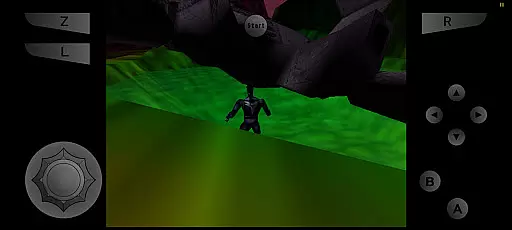
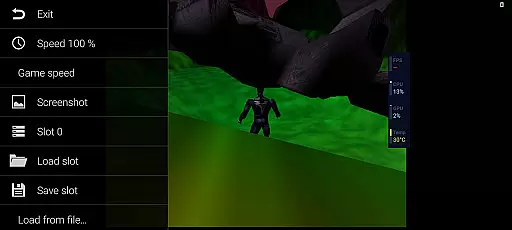
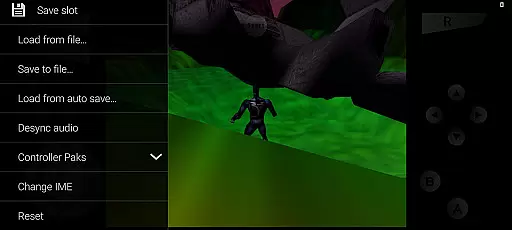
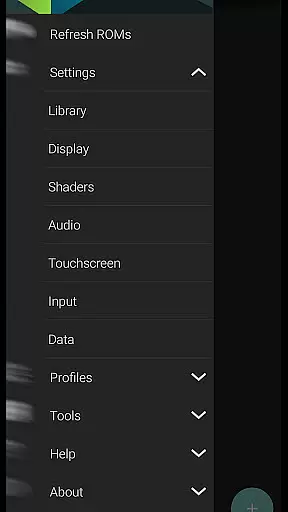
M64Plus FZ Pro Emulator is a premier arcade gaming solution for Android users, enabling seamless emulation of Nintendo 64 games. This pro version enhances the experience with online cloud backup, netplay capabilities, and an ad-free interface. All essential cores and plugins are included, ensuring broad compatibility across supported titles.
While not every game performs flawlessly, the emulator offers extensive customization options to optimize performance on various devices. The inclusion of netplay functionality allows multiplayer gaming over the internet, provided users have proper router configurations. With active community support and comprehensive guides available, M64Plus FZ Pro stands as a robust choice for retro gaming enthusiasts.
This emulator distinguishes itself through advanced features tailored for arcade enthusiasts. The pro version's online cloud backup ensures save data security, while netplay enables real-time multiplayer sessions without geographical constraints. Users can expect an uninterrupted experience thanks to the absence of advertisements.
The emulator supports multiple video plugins, allowing users to fine-tune graphical output based on their device's capabilities. While some games may require specific plugin configurations, this flexibility empowers users to achieve optimal performance. Additionally, the emulator maintains active community support through dedicated forums and provides access to detailed guides for maximizing its potential.
M64Plus FZ Pro Emulator delivers an authentic arcade experience by emulating classic games with precision. The emulator includes all necessary cores and plugins to ensure that most games run as they were originally intended.
While not every game is supported due to device-specific issues, the majority of titles work seamlessly. Users may need to experiment with different video plugins to achieve optimal performance for specific games, enhancing the nostalgic experience.
The emulator's dedication to authenticity extends to its support for original language settings, although some translations may be missing. This encourages users to engage with games in their initial release state, providing a genuine trip down memory lane.
Control responsiveness in M64Plus FZ Pro Emulator is designed to offer players an intuitive and seamless interaction with their favorite classic games. The emulator supports various control schemes, ensuring that inputs are registered accurately and without delay.
For local multiplayer experiences, the emulator performs exceptionally well within the same WiFi network, offering lag-free gameplay sessions. Although online netplay requires specific router configurations like UPnP, it still provides a reliable way to enjoy games over the internet.
By prioritizing responsive controls and flexible setup options, M64Plus FZ Pro Emulator ensures that both casual gamers and enthusiasts can relive the joy of arcade gaming with precision and satisfaction.
Cloud backup support
Netplay functionality
No advertisements
Active community support
Comprehensive plugin options
Game compatibility issues
Device-specific glitches
Missing translations
Router requirements for netplay
Complex setup for beginners

Frenetic party game, pass the bomb to the other players!
 3.80
3.80
Try this unique restaurant sim and enjoy the fun of cooking in busy kitchens!
4.70
Payback 2 includes everything from tank battles to high speed helicopter races!
4.50
PC Engine/TurboGrafx-16 Emulator
4.50
Mine & Craft Block Mini World! Survival Crafting and Building & Creative Online.
4.30
Challenge your friends across the world to see who can jump the farthest!
4.50
Meet Snake Run Race! Slither through an obstacle course in our fun running game!
4.70
Restore peace and order in the city
3.20
Outrun cops, ignite the thrill of a high-speed chase!
4.50
Master the skies in this epic airplane shooting game! Join the air force now!
4.80
Ready… Set… DASH! Play now!
4.70
Master the hills in this extreme downhill racing game!
4.60
Save the Galaxy from galaxiga alien - Classic arcade shooter game
4.60
Play, Craft and Share your Endless Runner Levels on Kooply Run: Subway Craft
4.50
Jump and fly your way through danger in this rythm-based action platformer!
4.50
Nostalgia.GBA Pro is a high quality GBA emulator.
4.40
Stack the blocks as high as you can!
4.30
Neogeo MVS/AES Emulator
3.30
Play retro games with ease – NES, SNES, PSX, PSP & more supported
4.0


User Reviews