
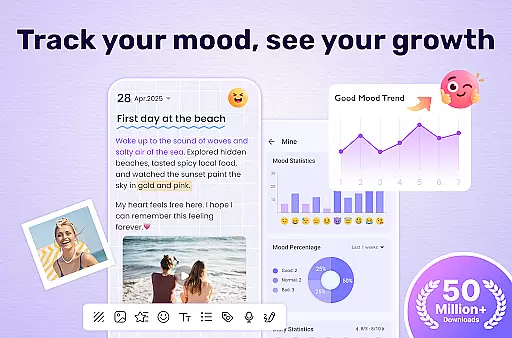
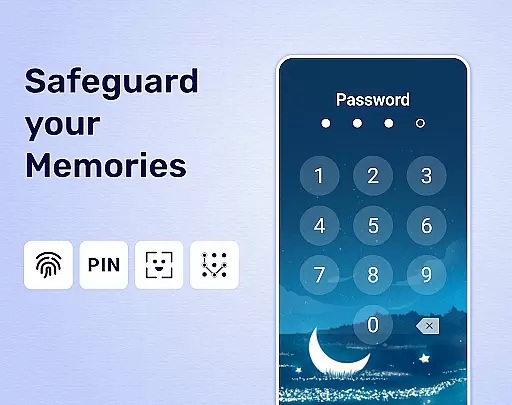
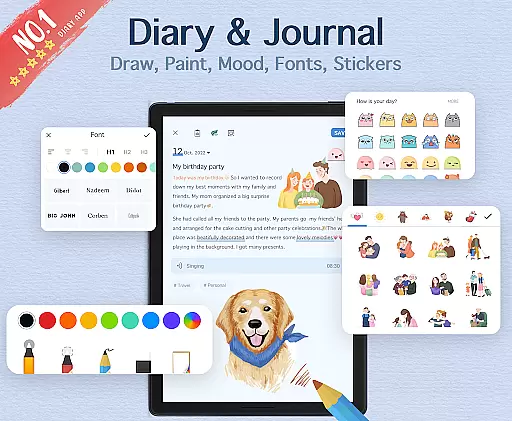
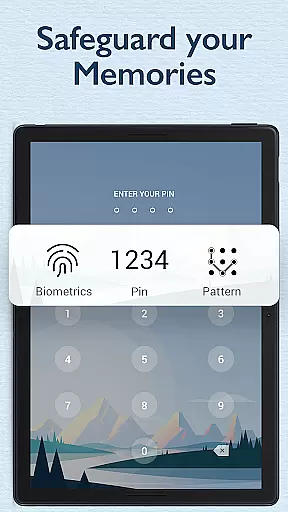
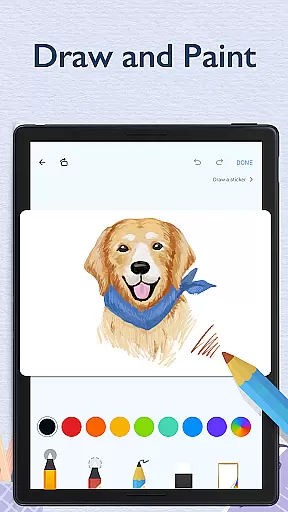
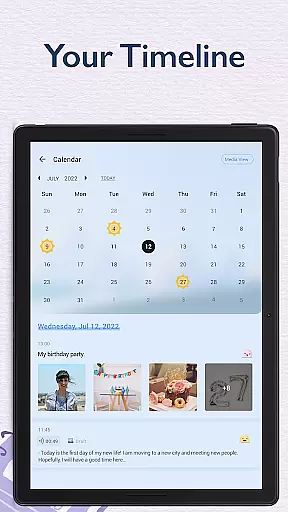
My Diary is a feature-rich digital journaling app designed for users seeking a secure and customizable way to document their daily lives. This lifestyle application offers a comprehensive suite of tools that go beyond basic text entry, allowing users to create rich multimedia diary entries complete with photos, videos, and various decorative elements. The app's robust security features include password protection and fingerprint authentication, ensuring users' private thoughts remain confidential.
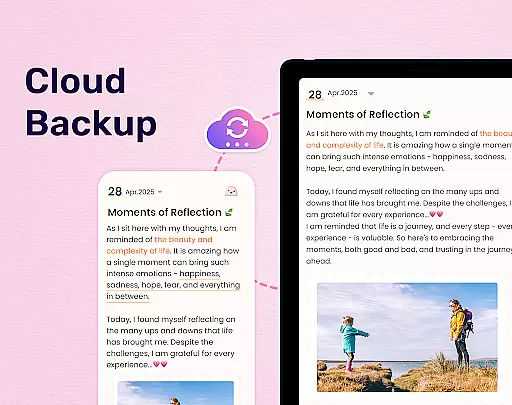
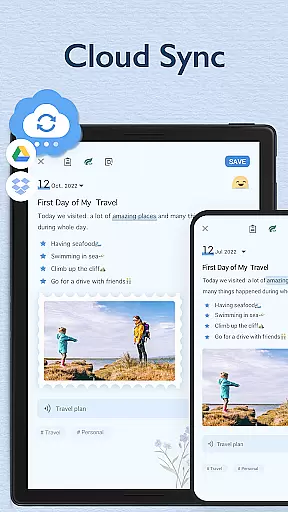
A key differentiator of My Diary is its seamless cloud integration with Google Drive and Dropbox, enabling automatic backups and cross-device synchronization. Whether you're recording personal reflections, tracking moods through stickers and emojis, or organizing entries with customizable tags, the app provides a sophisticated yet user-friendly interface. Its eye protection mode demonstrates thoughtful design, while the ability to export entries to PDF or TXT format adds practical value for those who want physical copies of their digital memories.
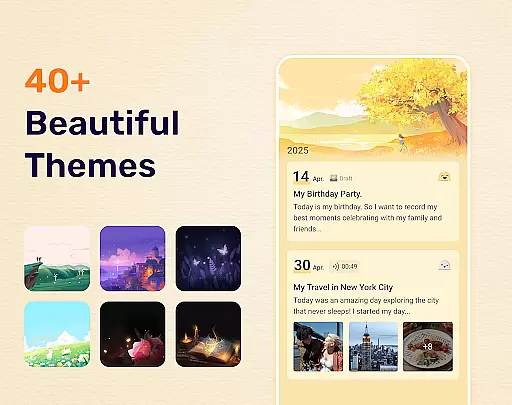
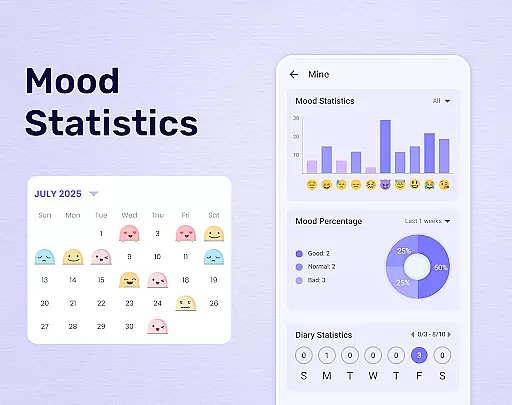
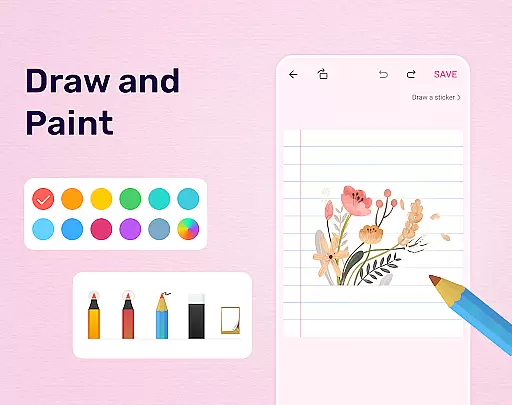
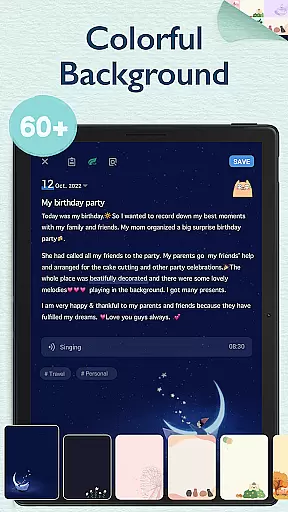
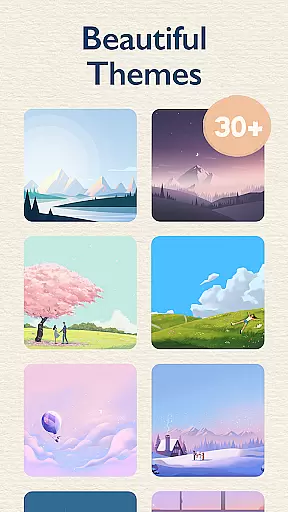
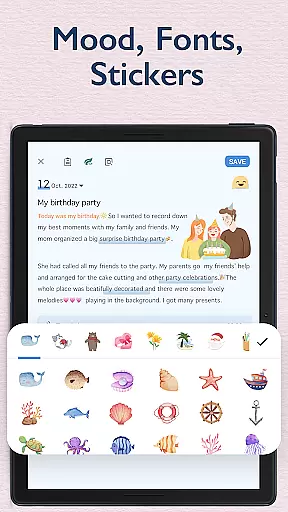
The app distinguishes itself through several innovative features that enhance the journaling experience. Its comprehensive customization options include multiple artistic themes, night dark mode, and background choices, allowing users to personalize their writing environment. The inclusion of mood tracking symbols and continuously updated stickers provides expressive ways to capture emotional states beyond traditional text.
My Diary excels in its backup and organizational capabilities. The cloud sync feature ensures data safety across devices, while the tagging system enables efficient categorization of entries into specific journals such as travel, work, or personal diaries. Additional practical features include support for multimedia attachments, password protection with biometric authentication, and multiple export options including printing capabilities. These features collectively create a versatile digital journaling solution that combines security, creativity, and convenience in one comprehensive package.
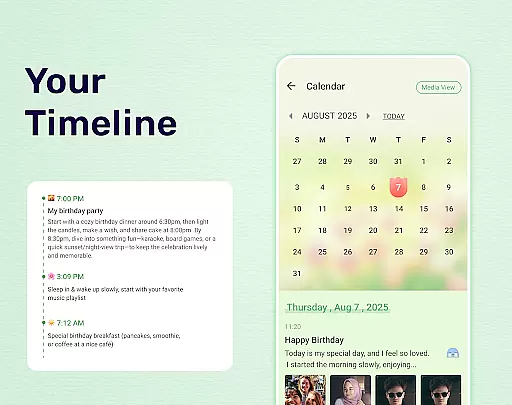
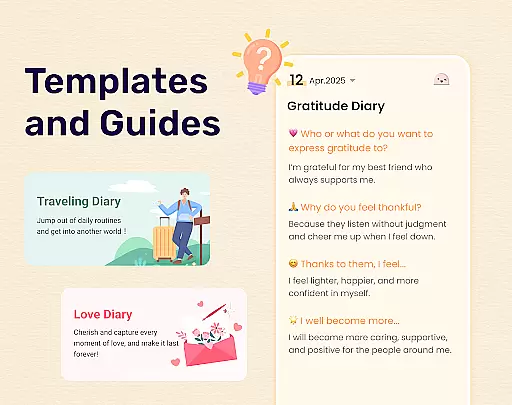
My Diary offers extensive coverage of lifestyle categories, making it more than just a simple diary application. This app allows users to record various aspects of their daily lives including journeys, moods, and private moments. With dedicated options for travel journals, mood diaries, baby diaries, and more, the app ensures that every significant life event can be captured and categorized effectively.
The inclusion of multimedia elements such as pictures and videos enhances the storytelling experience, allowing users to create vivid memories. The availability of themes, stickers, and fonts further enriches the personalization aspect, enabling users to express themselves in unique ways. These features collectively contribute to a comprehensive lifestyle documentation tool that adapts to different user needs and preferences.
Moreover, My Diary supports tagging entries with specific labels like love diary, pregnancy diary, or work diary. This functionality not only helps in organizing content efficiently but also aids in quick retrieval of past entries based on specific themes or periods. By covering a wide array of lifestyle categories and offering versatile customization options, My Diary stands out as an all-encompassing digital journaling solution.
Content authenticity is a cornerstone of My Diary, ensuring that users' personal stories and memories are preserved accurately and securely. The app employs robust security measures such as password protection and fingerprint authentication to safeguard sensitive information. Users can trust that their private thoughts and experiences remain confidential, fostering a safe environment for genuine self-expression.
In addition to security features, My Diary emphasizes the credibility of its content by providing reliable backup solutions. By syncing diary entries to cloud services like Google Drive or Dropbox, the app guarantees data integrity and accessibility across multiple devices. This seamless integration ensures that users can access their authentic diary entries anytime, anywhere, without worrying about data loss.
Furthermore, the continuous updates of interesting stickers and emojis reflect the app's commitment to staying current and relevant. These elements not only enhance the visual appeal of diary entries but also provide users with contemporary tools to convey their emotions accurately. By prioritizing both content authenticity and expertly designed features, My Diary establishes itself as a trustworthy companion for documenting life's journey.
User-friendly interface
Strong security features
Cloud backup support
Multimedia integration
Customizable themes
Premium features locked
Occasional bugs
Ads in free version
Storage limitations
Learning curve

The Work of Byron Katie— the mobile app for inner peace.
 4.40
4.40
Design and brew great homebrewing beer, mead, cider and wine recipes on the go!
3.60
Bring the warm colors of fall directly to your wrist with Autumn Leaves!
4.3
Discover the "To Be a Christian" App: Your Guide to Deepening Faith!
5.00
Spirit Communicator is a real paranormal ghost hunting app with many fun modes.
3.90
Crochet made easy: step-by-step tutorials, beginner patterns & projects
4.60
Celebrate the holidays with Advent Calendar: daily surprises and festive fun!
4.4
Vehicle ownership simplified. Get the myChevrolet® app today.
4.60
Control your Tapo smart devices from anywhere.
4.60
See wait times and check into a hair salon ahead of time with Online Check-In.
4.80
A unique and customizable watch face which rotates its layout every minute.
4.80
Colorful selection floral watch face with gyro for Wear OS
4.60
PARAVOX 4 is a professional ITC paranormal research application.
4.50
This minimalist yet classic board design brings a futuristic twist to your wrist
4.20
Smart controls for your Ember Smart Mugs
4.10
Smart home security protection
3.20
The Miracle Box includes methods used by Steve Huff of Huff Paranormal.
3.20
Duo Watch Face (animated)
4.4
Futuristic watchface inspired by Back to the Future: sleek, retro, timeless
4.1


User Reviews