
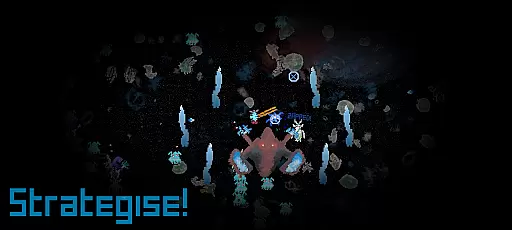
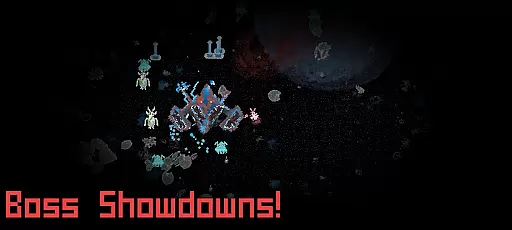
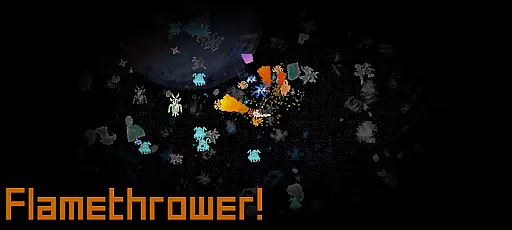

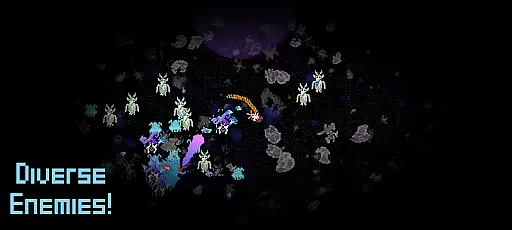
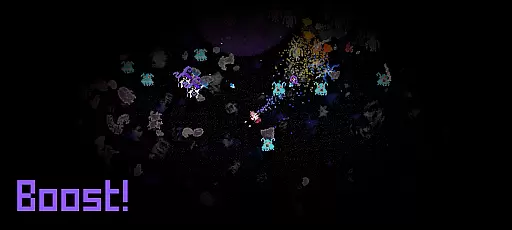
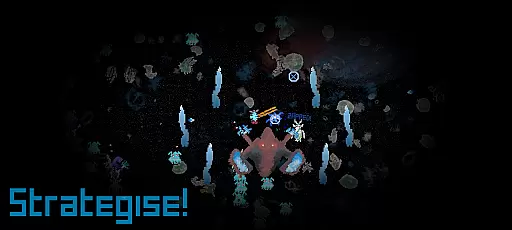
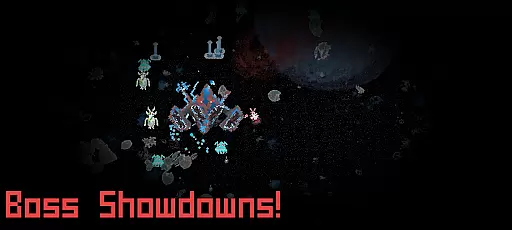
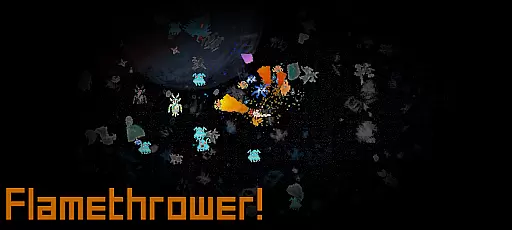

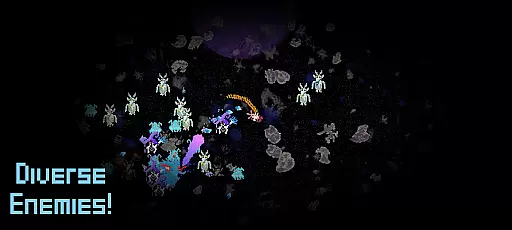
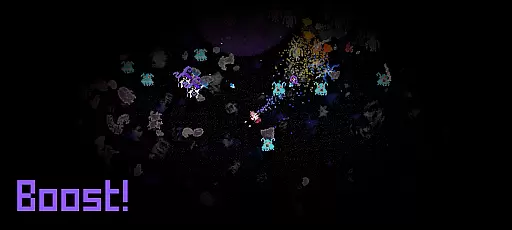
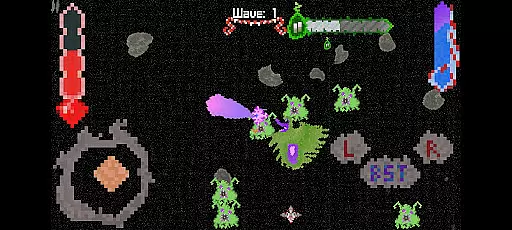
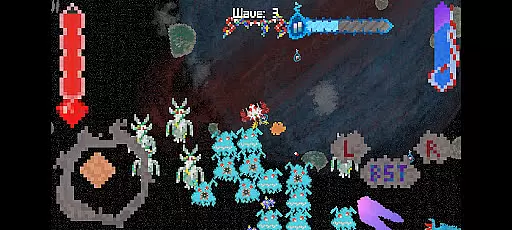
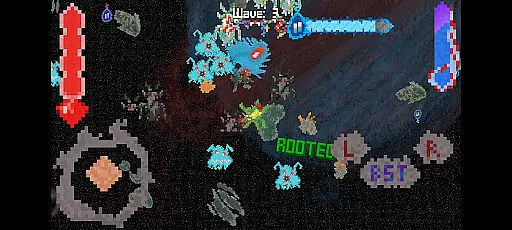
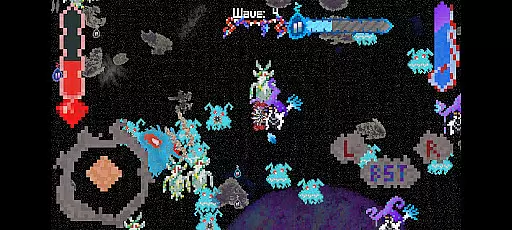
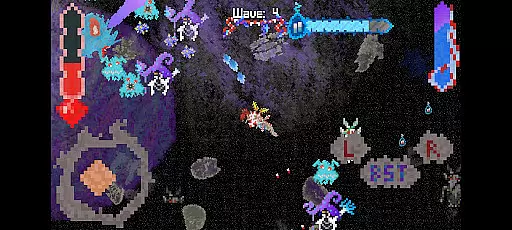
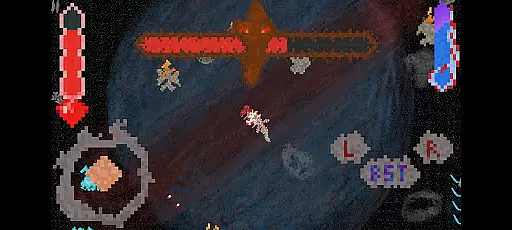
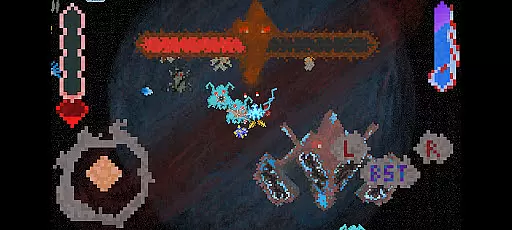
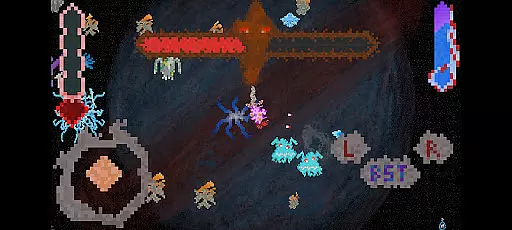
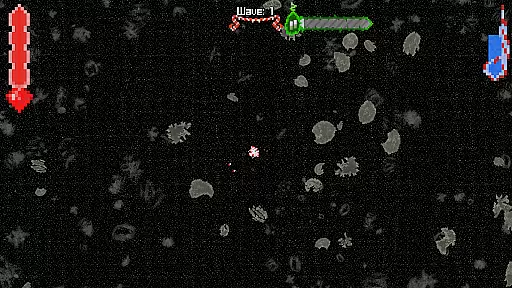
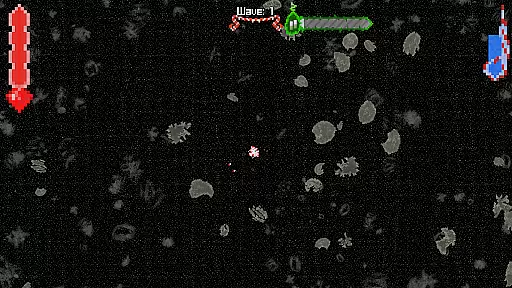
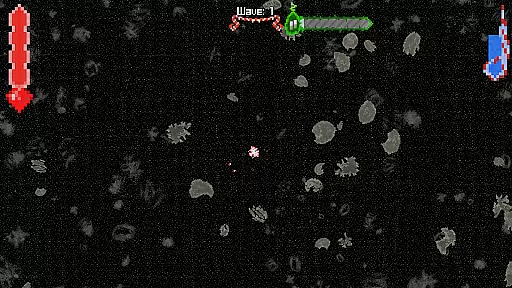
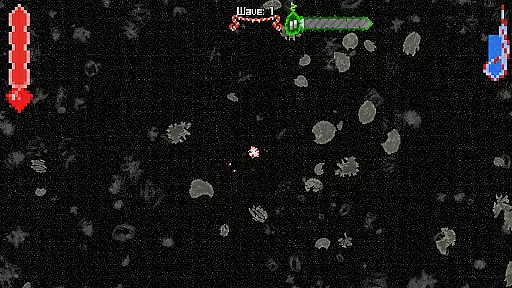
No Way Home is an arcade game that combines epic alien shootouts with high-speed spaceship maneuvers. Players embark on a mission to find their lost squadron while experiencing stunning visuals and intense gameplay. The game challenges players with escalating difficulty, keeping them engaged as they navigate through the cosmos.
Designed to inspire gamers to take up game development, No Way Home offers an unforgettable experience that blends action-packed space battles with a personal touch from its solo developer. This unique combination makes it stand out in the Arcade category.
No Way Home boasts heart-pounding alien shootouts and thrilling spaceship maneuvers. The game features stunning visuals that enhance the intergalactic experience, making each level visually captivating. With intensifying challenges, players face increasingly difficult missions that test their skills.
The game's inspiration comes from the developer's personal journey, aiming to encourage others to create their dream games. Each session is designed to be more than just entertainment; it's a call to action for aspiring developers. This blend of engaging gameplay and motivational backstory sets No Way Home apart.
Arcade authenticity represents how well a game captures the essence of classic arcade experiences while providing modern enhancements. No Way Home delivers this by combining retro-style alien shootouts with contemporary high-speed spaceship manoeuvres.
The game draws inspiration from iconic arcade titles, offering players an intergalactic thrill ride that feels both familiar and fresh. Its heart-pounding action ensures that players remain glued to their screens as they battle through intensifying challenges.
Players will appreciate the nostalgic value embedded in every mission. The developers aimed to inspire gamers by creating a solo project that reflects the golden era of arcade games, making it appealing to both old-school enthusiasts and new gamers alike.
Control responsiveness is crucial in arcade games, where split-second decisions can make or break the gameplay experience. In No Way Home, every movement and shot is precisely registered, ensuring players have full command over their spaceship.
The controls are designed for ease of use without sacrificing depth, allowing gamers to focus on strategy and quick reflexes. This balance keeps the gameplay engaging and challenging, maintaining the intensity expected from top-tier arcade games.
With responsive controls, players can fully immerse themselves in the cosmic battles, experiencing seamless transitions between actions. This level of precision enhances the overall enjoyment and replayability of No Way Home.
Engaging gameplay
Stunning visuals
Inspirational story
Challenging levels
Solo developer
Short playtime
Limited upgrades
Repetitive missions
Few power-ups
Basic controls

Motorcycle racing games! Prove your paperboy can win in the bike race 3D!
 4.50
4.50
Divine powers at your fingertips! An innovative and frantic shoot-'em-up!
4.0
Bounce through platforms. Avoid obstacles. Get the bouncing ball to the finish.
4.00
Play fun multiplayer games with friends on one device! Two, Three, Four players!
4.60
Create your restaurant story & make food on a crazy kitchen in this cooking game
4.70
This is an emulator for a certain 64 bit console with online cloud backup.
4.80
You are a Black Hole, escaping the darkness trying to swallow you!
3.60
Outrun cops, ignite the thrill of a high-speed chase!
4.50
You control the ball! Dribble, shoot and score against eleven soccer players!
4.60
Amid the vastness of the universe, you are a Black Hole about to be swallowed!
5.00
Punch your way through the Streets of Rage once again!
4.80
Full featured version of Pizza Boy A (GBA emulator)
4.80
Try this unique restaurant sim and enjoy the fun of cooking in busy kitchens!
4.70
Play all your favorite Playstation games in your android device!!
4.50
Nostalgia.GBA Pro is a high quality GBA emulator.
4.40
Relax and catch fish for your aquarium while earning rewards in these tank games
4.40
Playing venom RPG alien games? Set spider alien isolation base, with no survivor
4.30
Dig yourself a way to gold, diamonds and success with this addictive mining game
3.90
Fast reflexes, glowing obstacles, endless action.
4.1


User Reviews