
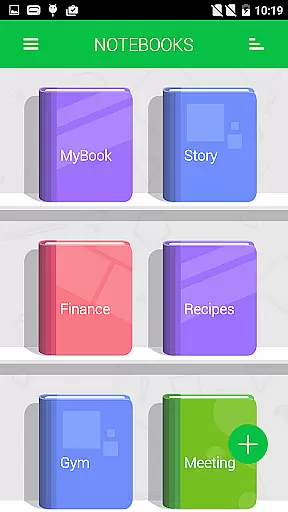
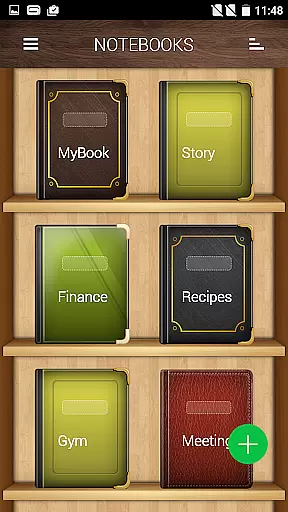




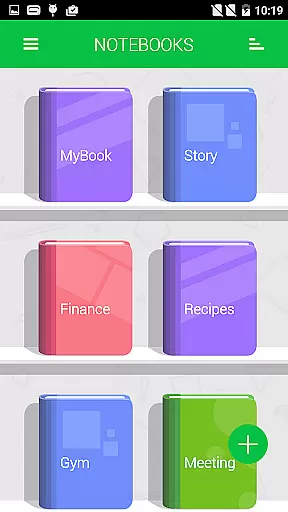
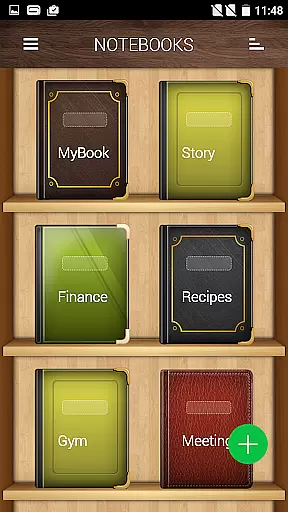


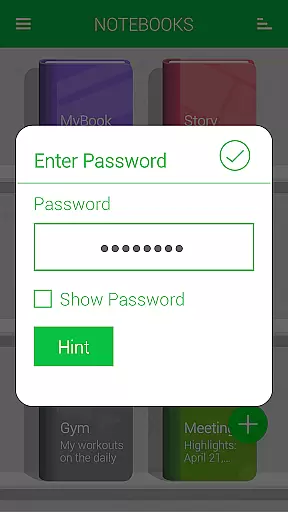
Notebooks Pro is a comprehensive note-taking application designed to cater to all your note-making needs. This app allows users to create multiple notebooks for different subjects, ensuring organized and clutter-free notes. With customizable covers, titles, and page styles, along with password protection and fingerprint unlocking, it offers both personalization and security.
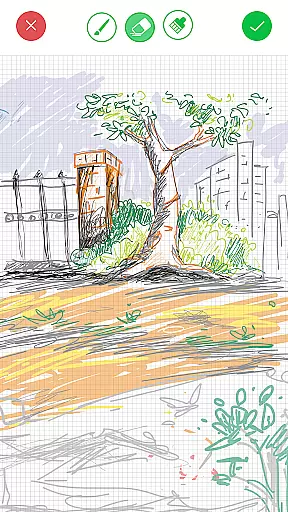
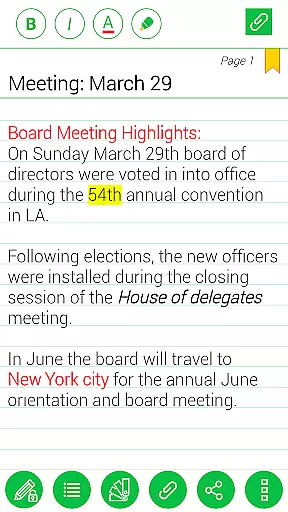
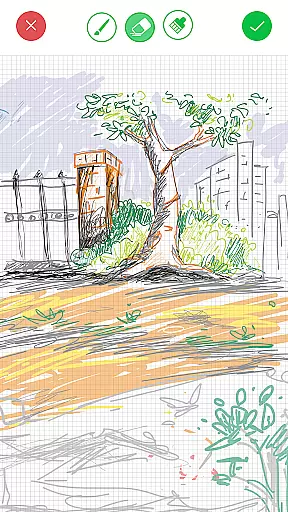
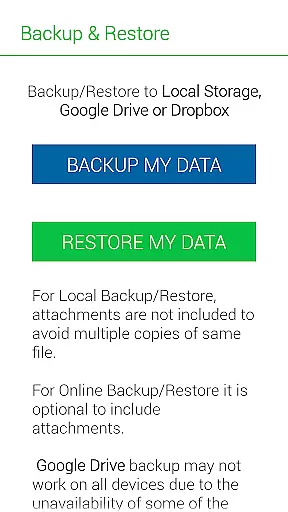
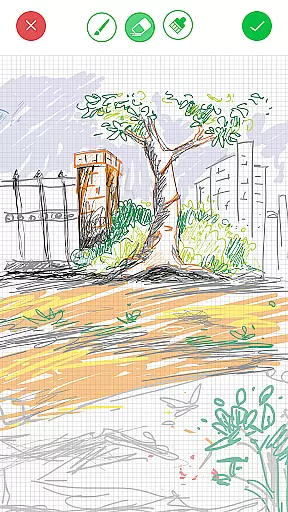
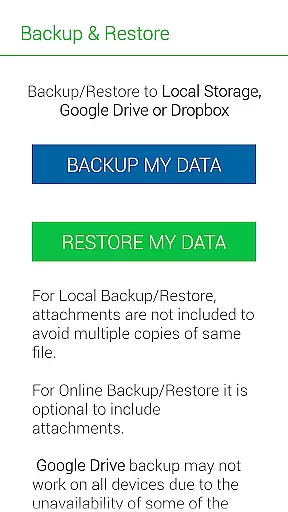
One of the standout features of Notebooks Pro is its ability to attach freehand drawings and image files, making it versatile for various uses such as academic, professional, or personal projects. The app supports exporting entire books or individual pages to PDF, instant search within notebooks, and backup/restore functionality to Google Drive and Dropbox. Its user-friendly design and flexibility make it an essential tool for students, business professionals, and anyone looking to take digital notes efficiently.
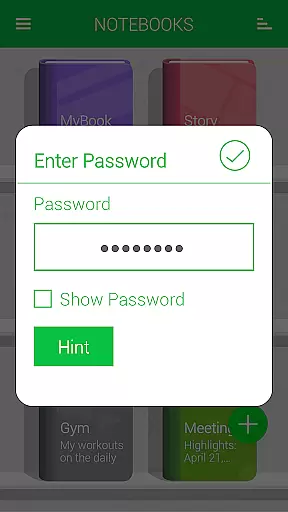
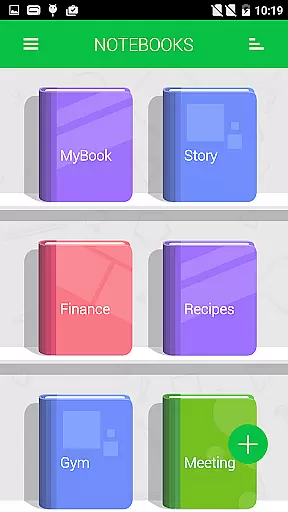
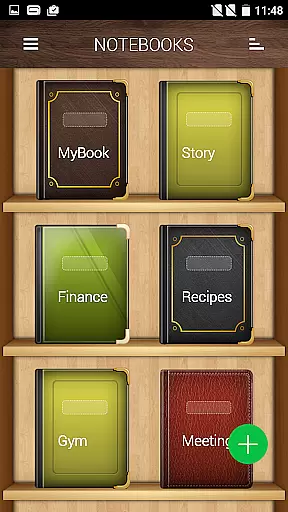
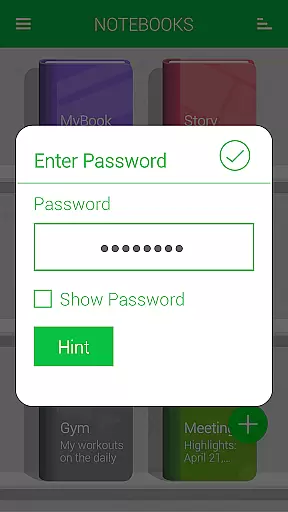
Notebooks Pro boasts an array of features that enhance the note-taking experience. Users can create multiple notebooks, each with customizable covers, titles, and page styles. The app supports password protection and fingerprint unlocking, ensuring that your notes remain secure. Additionally, the ability to set a title for every page and instantly search within each notebook makes navigation seamless.
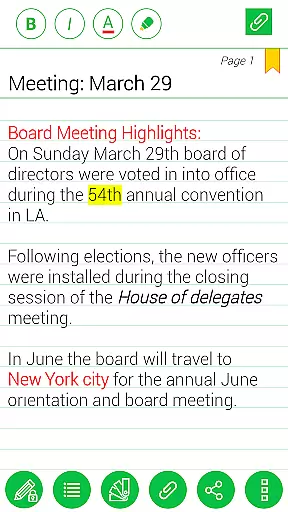
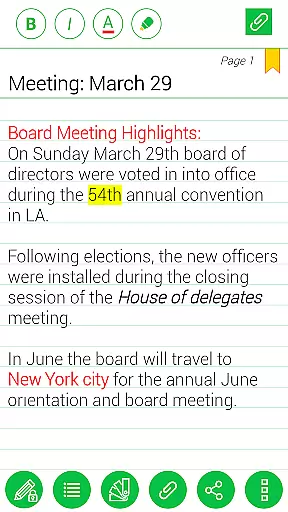
The app also allows users to attach image files, bookmark pages, and create freehand drawings, providing a rich multimedia experience. Custom fonts and themes for each notebook enable further personalization. Notebooks Pro supports exporting to PDF with attachments, applying text styles like bold, italics, and colored highlights, and backing up data to Google Drive. These features collectively ensure that Notebooks Pro stands out as a versatile and powerful note-taking solution.
Notebooks Pro exemplifies comprehensive lifestyle category coverage by addressing various note-taking needs across different walks of life. Whether you are a student, a business professional, or someone who loves to jot down thoughts on the go, this application has got you covered.
The app allows users to create multiple notebooks for every subject, ensuring that notes remain organized and clutter-free. With customizable covers, titles, and page styles, it offers an engaging experience tailored to individual preferences. This level of personalization ensures that each user can align the app with their unique lifestyle requirements.
Moreover, features like password protection, fingerprint unlocking, and instant search within each notebook cater to security and efficiency, which are crucial in today's fast-paced world. The ability to attach image files and create free-hand drawings further enriches the user experience, making Notebooks Pro not just a tool but a lifestyle companion.
In the realm of digital note-taking, content authenticity and expert credibility are paramount. Notebooks Pro assures users of genuine and credible content through its robust feature set and transparent operations. The app does not merely provide a platform for note creation but ensures that each entry is secure, searchable, and exportable.
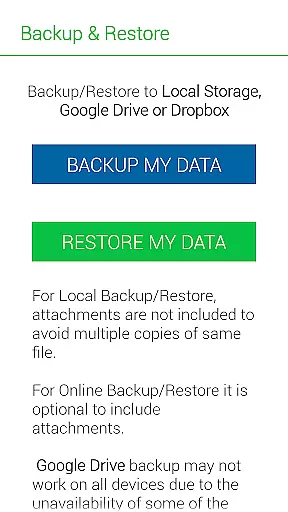
One standout feature is the integration with cloud services like Google Drive and Dropbox for backup and restore functionalities. This not only underscores the app's commitment to data integrity but also reassures users about the safety of their information. Permissions required for these operations are clearly explained, reinforcing trust in the applicationu2019s transparency.
Additionally, Notebooks Pro offers extensive customization options, including custom fonts and themes for each notebook, enhancing the perception of expert design and attention to detail. By providing features such as text styling, bookmarking pages, and exporting to PDF, the app establishes itself as a reliable tool crafted by experts who understand the nuances of effective note-taking.
User-friendly interface
Customizable notebooks
Secure password protection
Versatile attachment options
Efficient search functionality
Limited language support
No cloud sync for free users
Occasional bugs reported
Advanced features need upgrade
Heavy on storage

Chat, meet genuine singles in your area. Real connections start with being real.
 4.30
4.30
Get roadside help, discounts, travel tools & more — AAA is with you everywhere.
4.80
Big bold hybrid watch face with 30 colors, 5 fonts & 5 complications.
4.5
See wait times and check into a hair salon ahead of time with Online Check-In.
4.80
Earn money & gift cards when you take surveys, play games, scan receipts & more.
4.50
SmartHQ: Your Connected Home Command Center
4.10
Colorful selection floral watch face with gyro for Wear OS
4.60
Decorate your home screen with custom icons, color widgets, themes & wallpapers
4.70
Create slime on your phone and enjoy satisfying and relaxing ASMR games
4.50
Simple, stylish & fresh watch face. Customize colors, gradients & complications.
4.70
Unique "Isometric" style digital watch face for Wear OS
4.50
Zodiac & Horoscope Launcher: Daily Sign Predictions & Astrology
4.40
Mixing Colors for Menswear
4.20
Smart controls for your Ember Smart Mugs
4.10
Easily manage your child's playtime, spending messaging and more.
3.50
Discover how to help puppies stay calm around noise with this helpful app.
4.1
Duo Watch Face (animated)
4.2
Immerse yourself in the serenity of lavender fields and white butterflies
4.1
Futuristic watchface inspired by Back to the Future: sleek, retro, timeless
4.3


User Reviews