
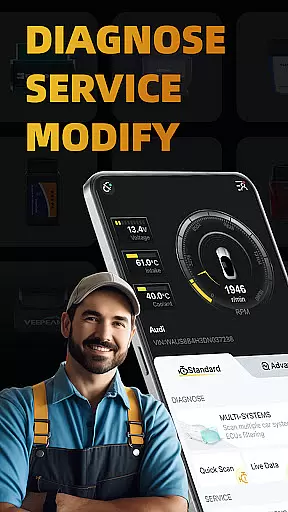
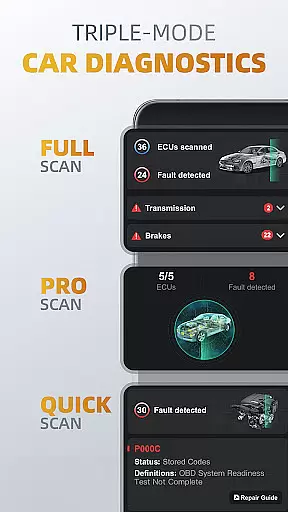
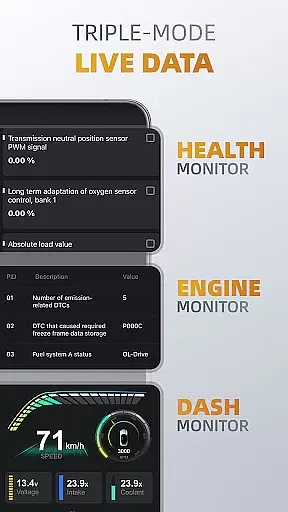
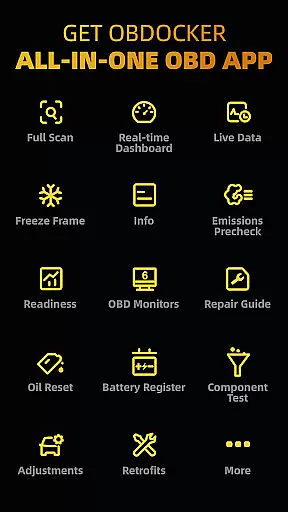
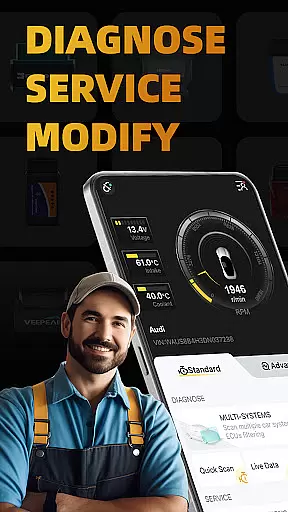
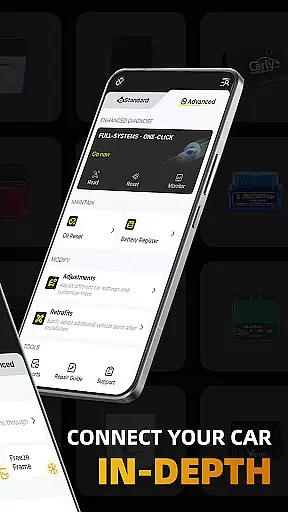
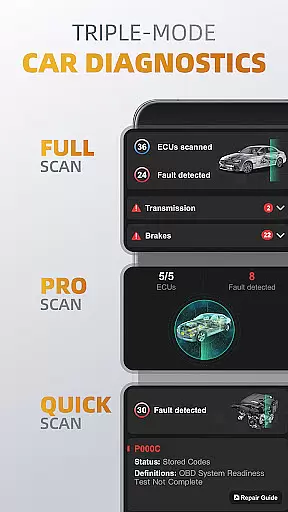
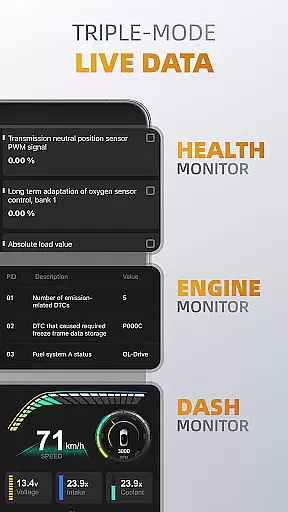
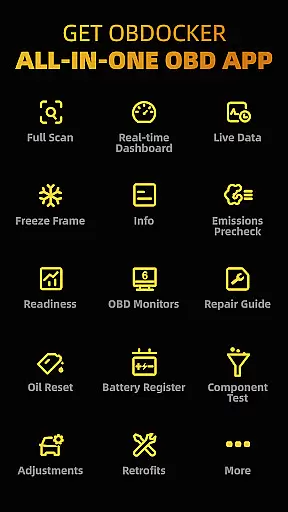
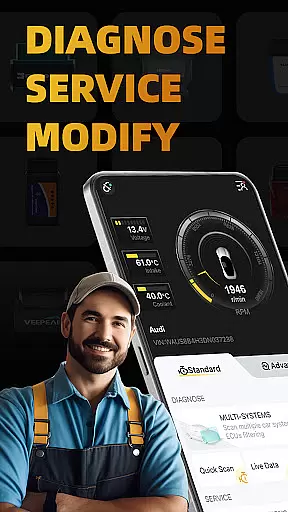
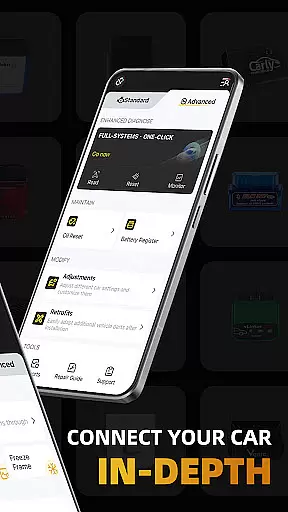
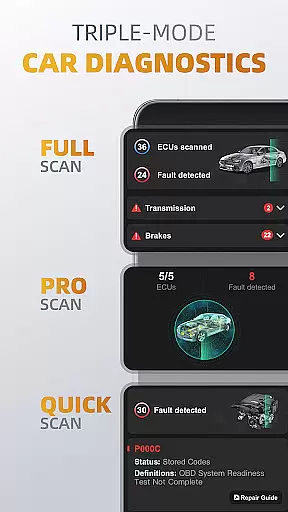
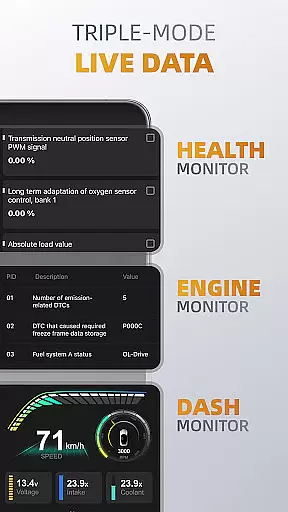
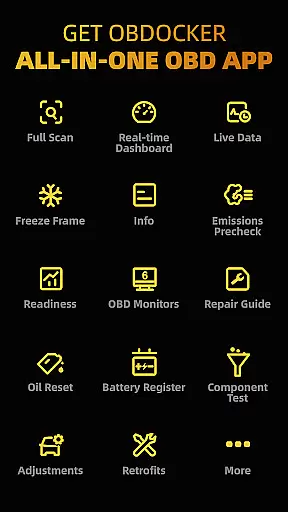
OBDocker is a professional OBD2 car scanner app designed for vehicle diagnostics, servicing, and customization. It offers triple-mode diagnostics including full-systems, multi-systems, and quick scans to efficiently identify and resolve issues. The app also provides real-time monitoring of vehicle performance through its triple-mode live data feature.
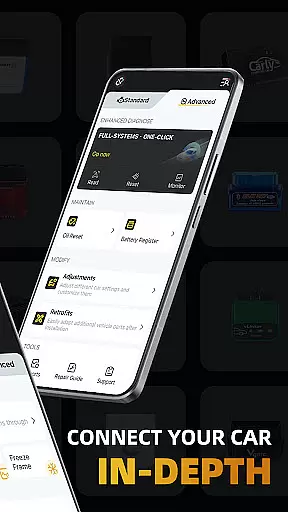
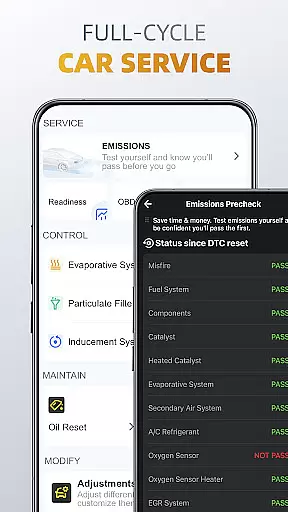
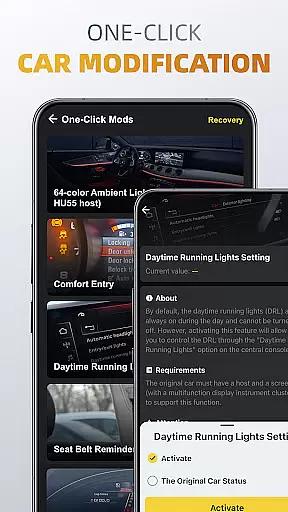
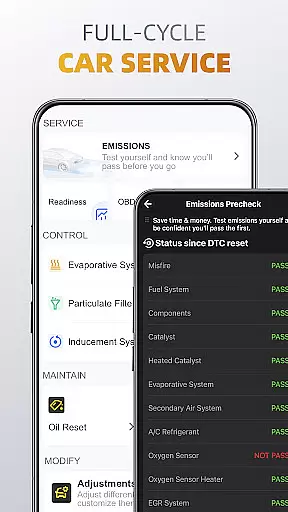
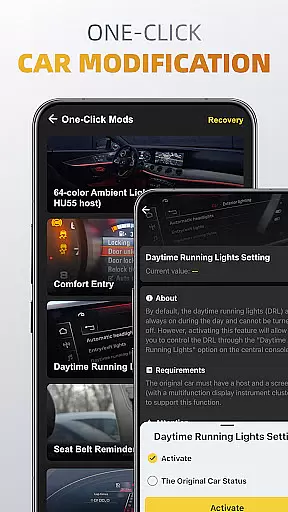
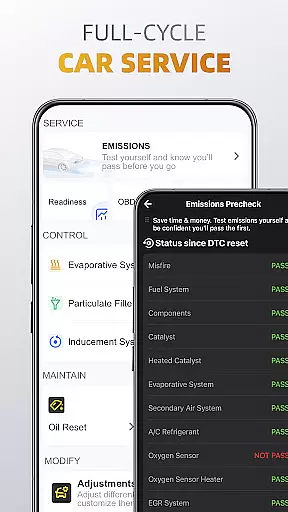
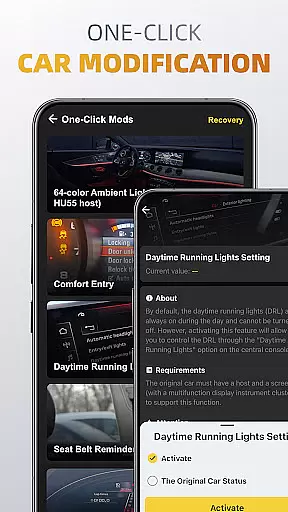
With a comprehensive full-cycle service suite, users can perform emissions pre-checks, control tests, oil resets, and battery registration. Additionally, the one-click modification feature allows for easy adjustments and retrofits. OBDocker requires a compatible OBD adapter and supports a wide range of vehicles, offering both standard and advanced modes for various car brands.
This app is invaluable for car owners and mechanics who need detailed insights into vehicle health and performance, ensuring optimal maintenance and care.
OBDocker stands out with its advanced diagnostic capabilities. The triple-mode diagnostics allow users to conduct full-system checks, scan multiple systems via ECUs filtering, and quickly read or clear engine fault codes. This ensures thorough and precise vehicle assessments.
The triple-mode live data feature provides real-time tracking of vehicle systems' performance, engine metrics, and dash visualizations. Users can monitor their vehicle's health and make informed decisions about necessary services or adjustments.
Furthermore, the app offers extensive full-cycle services such as emissions testing, EVAP leak tests, DPF reinitialization, oil reset, and battery registration. Its one-click modification tools facilitate easy customization and adaptation of additional vehicle parts, enhancing user convenience and vehicle functionality.
Accessing detailed vehicle information is crucial for effective car maintenance and diagnostics. OBDocker provides comprehensive data across multiple systems, allowing users to understand their vehicle's condition in depth.
The app's triple-mode diagnostics feature enables users to perform full-system scans, multi-system checks through ECU filtering, and quick engine fault code readings. This ensures that every critical aspect of the vehicle, from TMS to SRS, is thoroughly examined.
With real-time parameter tracking in its triple-mode live data feature, users can monitor system health, engine performance, and visualize metrics. These capabilities empower car owners and mechanics to make informed decisions based on accurate, up-to-date information.
By offering detailed insights into various vehicle parameters, OBDocker helps maintain optimal vehicle performance and prevents potential issues before they become serious problems.
Price transparency in automotive services ensures customers understand the costs involved in vehicle maintenance. OBDocker addresses this by providing clear information about its subscription plans and the value each offers.
The app includes a free trial period that allows users to access all features, ensuring they can evaluate the service before committing financially. For extended use, OBDocker offers Pro and Pro Max subscriptions, each clearly outlined to show the benefits and unlimited potential they unlock.
This transparent approach extends to recommending compatible OBD adapters, categorizing them by performance levels. Users can choose from high-performance options like Vlinker Series or budget-friendly genuine adapters, knowing exactly what to expect in terms of quality and compatibility.
By maintaining price transparency, OBDocker builds trust with its users, ensuring they feel confident in their investment and understand the value they receive.
User-friendly interface
Comprehensive diagnostics
Real-time data monitoring
Wide vehicle compatibility
Efficient service tools
Requires compatible adapter
Premium features subscription
Complex for beginners
Limited free trial
Dependent on car sensors

Theme for Car Launcher
 4.4
4.4
Wonder how much horsepower and torque your car/truck makes? Look no further.
3.40
* This app needs an adapter cable and a certain OBD2 adapter to work *
4.20
Better fuel to help keep you on the road
3.20
Simplify your drive
3.90
View your car’s service records and find out when maintenance is due.
4.70
Automotive Electrical Wiring Diagrams
4.40
DMV practice test 2025: Driver License permit test & written test for all states
4.70
Get price alerts, vehicle history details and more for cars near you!
4.50
Play what you want through Android Auto
4.90
The Texaco App allows you to pay for fuel from the comfort of your car!
4.80
Car Values, Research and More
4.80
Buy and sell your boat
4.70
The ExtraMile App allows you to pay for fuel from the comfort of your car!
4.70
DMV Test Pro offers all the updated FREE DMV tests online.
4.60
CVT diagnostics with ELM327 for Nissan-based vehicles
4.40
A full featured, real-time transit locator system
4.30
myAudi offers users services and Audi connect services for Audi drivers
4.10
Take state-specific DMV permit tests and ace the exam.
3.90


User Reviews