
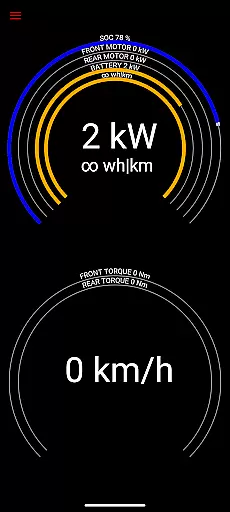
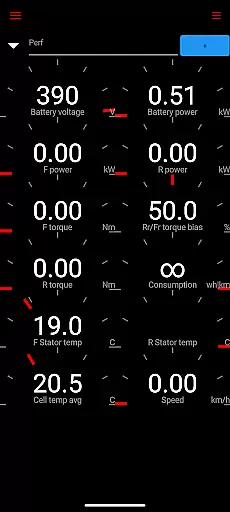
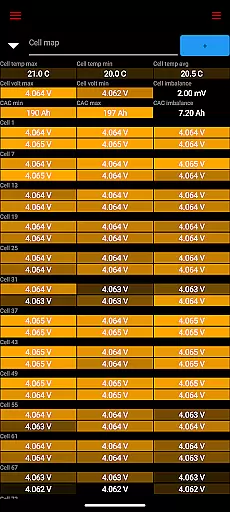
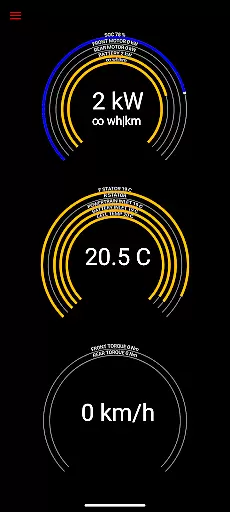
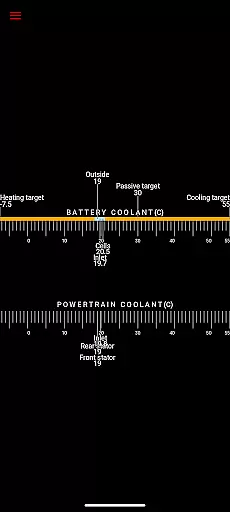
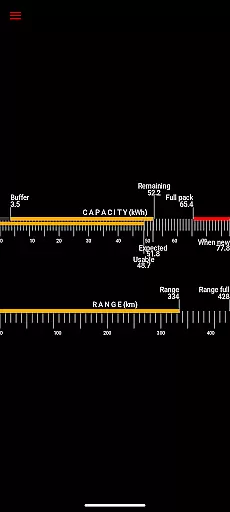
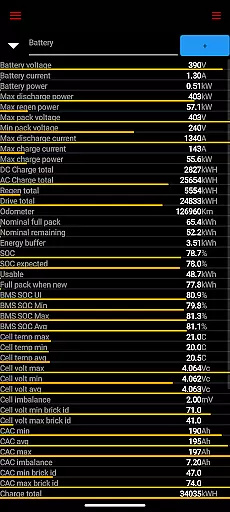
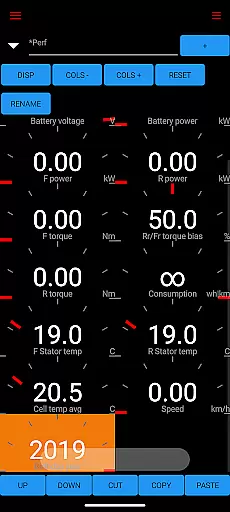
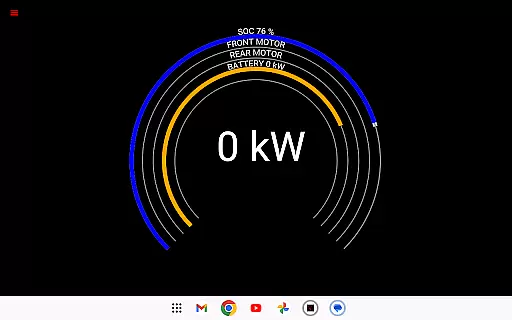
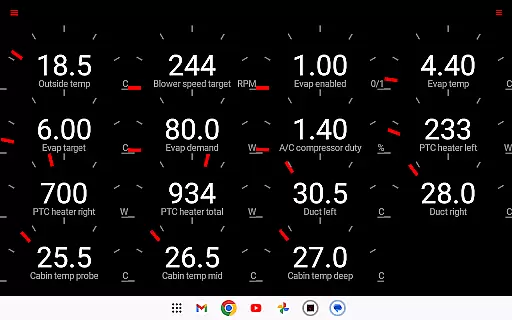
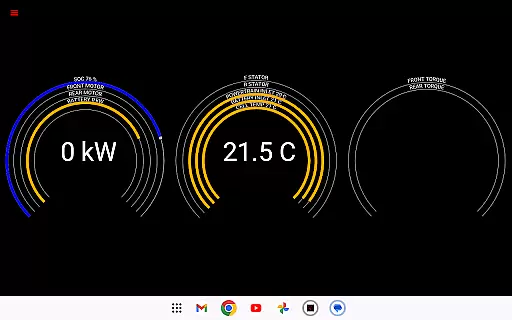
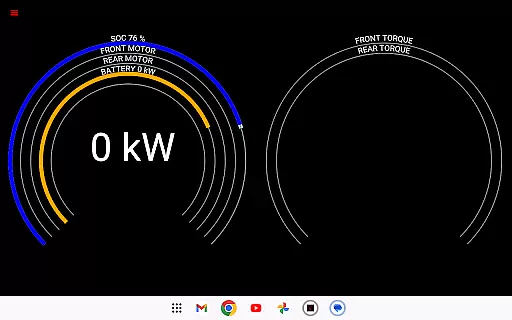
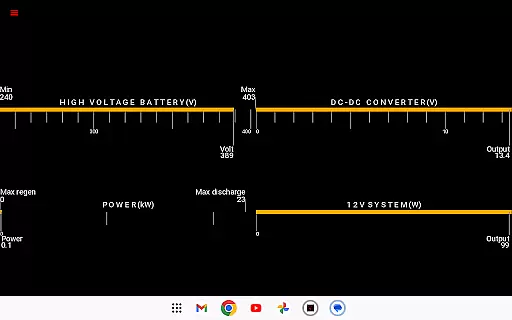
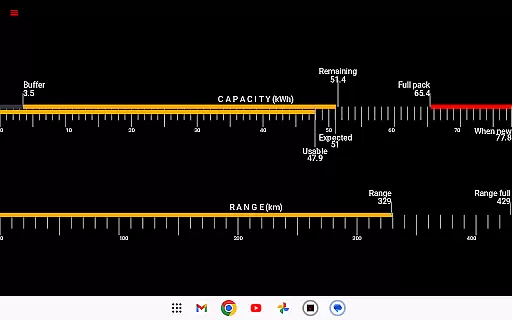
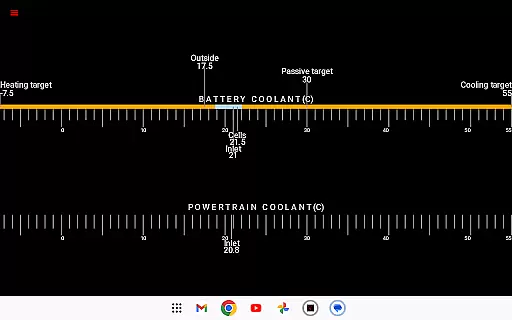
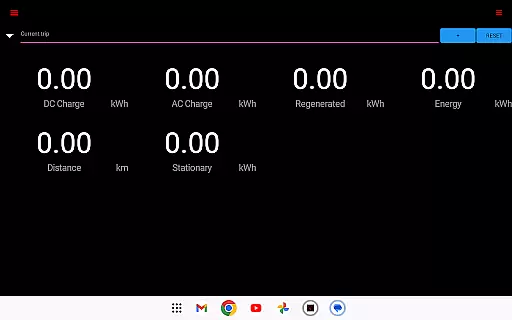
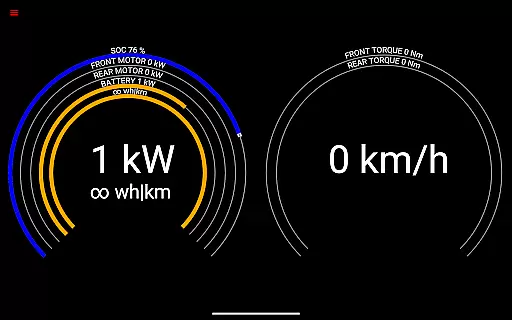
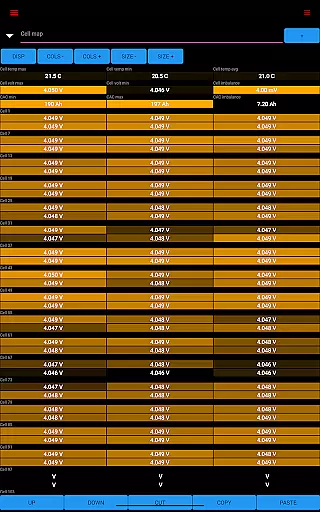
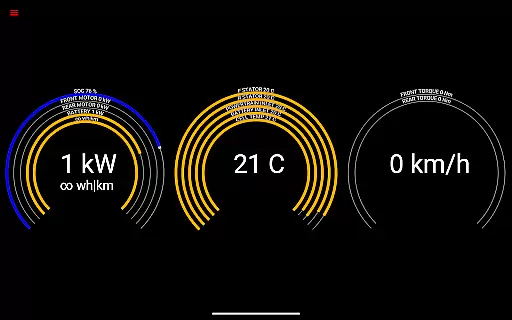
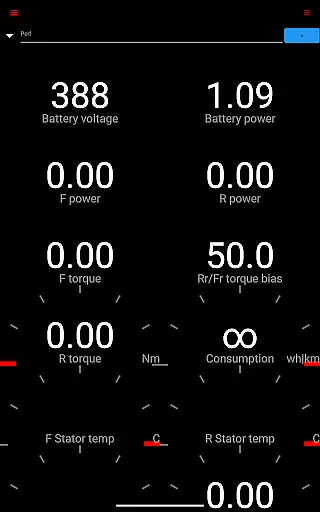
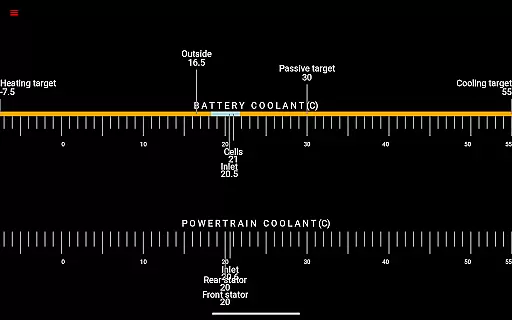
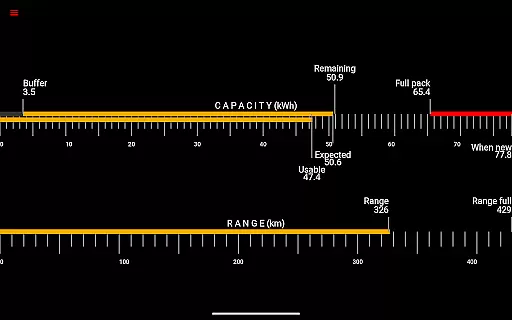
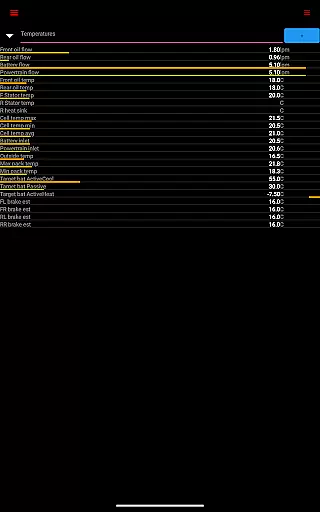
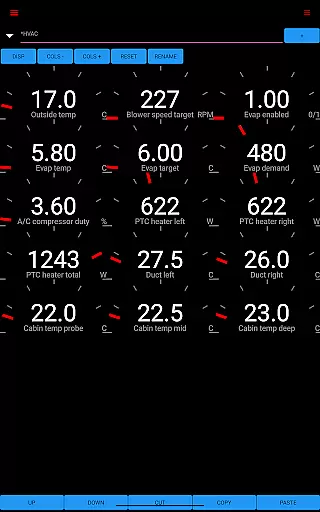
Scan My Tesla is a specialized diagnostic tool designed exclusively for Tesla Model S, 3, X, and Y vehicles. This application provides real-time readings from the car's diagnostics port, offering users detailed insights into their vehicle's performance metrics.
The app delivers comprehensive live statistics including battery power, voltage, current, temperatures, drive unit metrics, and more. These features enable Tesla owners to monitor crucial vehicle parameters and log data for future analysis. Whether you're tracking battery health or analyzing trip statistics, Scan My Tesla serves as an essential tool for maintaining optimal vehicle performance.
This functionality is particularly valuable for Tesla enthusiasts who want to understand their vehicle's technical workings better. By providing access to information not typically available to drivers, the app creates opportunities for enhanced vehicle maintenance and performance optimization.
Scan My Tesla stands out with its ability to decode numerous CANBUS packets, giving users access to a wealth of vehicle data. The app provides detailed battery information such as power, voltage, current, and temperature readings, alongside drive unit metrics like electric power, torque, horsepower, RPM, and temperatures.
Additional features include battery lifetime stats, capacity estimates, mileage tracking, and 12V system monitoring. The trip recording system allows users to log journey data, including regenerated and charged energy. These capabilities are made possible through contributions from notable developers in the Tesla community.
What sets Scan My Tesla apart is its continuous development driven by a dedicated community. With elements of Android OS example code and adherence to the Apache 2.0 license, the app represents a collaborative effort to empower Tesla owners with unprecedented access to their vehicle's diagnostic information.
Detailed vehicle information is crucial for Tesla owners who want to monitor their car's performance and health. Scan My Tesla provides comprehensive diagnostic data directly from the vehicle's systems, ensuring users have access to accurate and real-time metrics.
The app reads vital statistics such as battery power, voltage, current, and temperatures, along with drive unit details like electric power, torque, horsepower, RPM, and temperatures. This level of detail allows users to understand their vehicle's operational status at any given moment.
Users benefit from features like battery lifetime stats, capacity estimates, and mileage tracking. These insights help in maintaining the longevity and efficiency of the vehicle by identifying potential issues early on.
By offering a detailed overview of the vehicle's diagnostics, Scan My Tesla empowers Tesla owners to make informed decisions about maintenance and driving habits, ultimately enhancing the ownership experience.
Price transparency in automotive apps ensures that users are fully aware of any associated costs. For Scan My Tesla, while the app itself may be free or available for purchase, certain hardware requirements need to be met for optimal functionality.
The app requires an adapter cable and a specific type of OBD2 adapter to interface with Tesla models. This upfront disclosure helps users plan their investment wisely, knowing exactly what additional components they need to utilize the app effectively.
Moreover, the app provides valuable trip recording and statistics, including regenerated and charged energy. Such data can influence long-term cost savings by optimizing driving behavior and energy consumption.
Overall, Scan My Tesla promotes price transparency by clearly communicating necessary expenses and helping users maximize their vehicle's efficiency, leading to potential financial benefits over time.
User-friendly interface
Comprehensive data coverage
Active community support
Regular feature updates
Real-time vehicle monitoring
Requires adapter cable
Model 3 limitations
Complex setup process
Potential compatibility issues
No official Tesla affiliation

Theme for Car Launcher
 4.3
4.3
App Mirroring for Tesla Car's Browser
2.80
Get your personalized financing options and shop for used cars today!
4.20
Control maps, media and messaging, with the Google Assistant while you drive
4.10
AI Powered - Automotive Mechanic Assistant
4.30
Mobile Phone Parking - So easy to park
3.70
Your Path to Driving Licensing Success Begins Here! Develop your driving skills.
4.40
Monitor your behind-the-wheel behavior to become a safer driver and save.
4.10
MySubaru: Download. Connect. Love.
4.70
Car Values, Research and More
4.80
Get more out of your AAWireless adapter with this companion app | aawireless.io
4.80
Trip computer+car diagnostic tool with widest variety of features and dashboard!
4.70
Your go-to app for car, truck & SUV parts, DIY tools, and expert repair help.
4.70
OBDII - ELM327 Terminal tool for 96-00 Volvos
4.50
Launcher for use in the car
4.40
Automotive Electrical Wiring Diagrams
4.40
Boost profits and hit your goals faster with GigU's amazing tools for gigworkers
4.00
Discover new and used cars in Syria easily! Browse ads and connect with sellers.
3.70
Easily notify car owners in urgent situations, safe, fast, multilingual.
4.5


User Reviews