
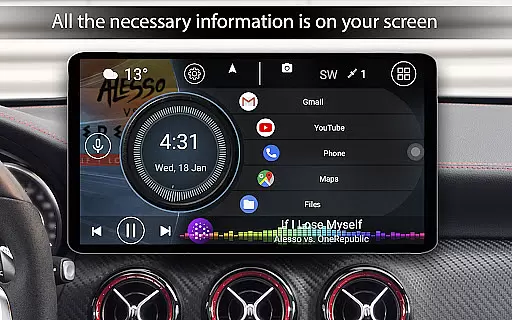
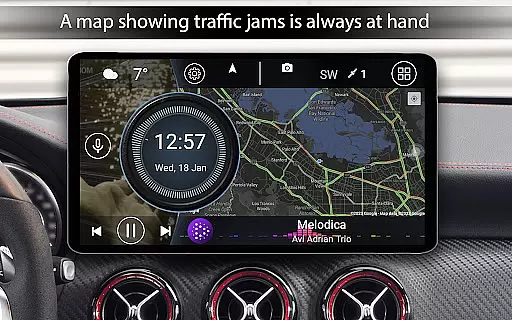
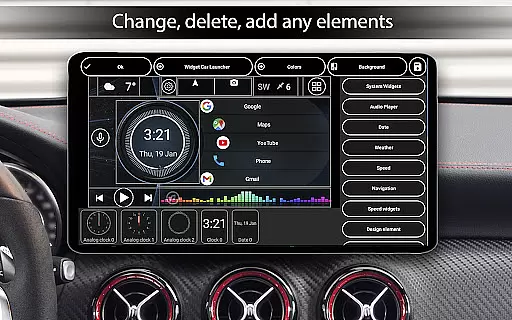
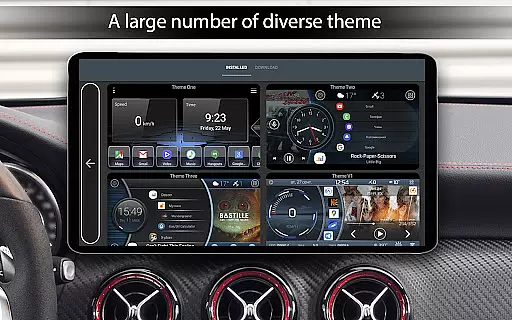
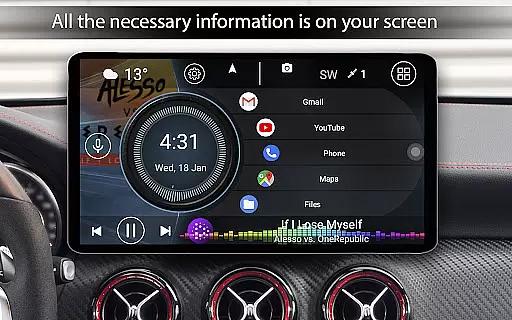

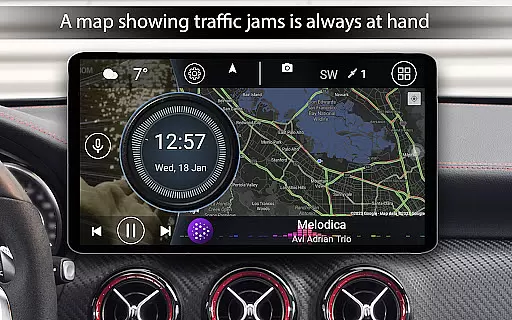
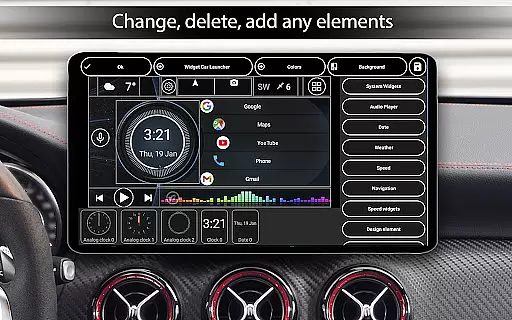
Car Launcher Pro is a specialized application designed for automotive use, enabling seamless control of various functions directly from your car's interface. The app transforms Android-based systems into an intuitive onboard platform that combines essential vehicle metrics with convenient app management.
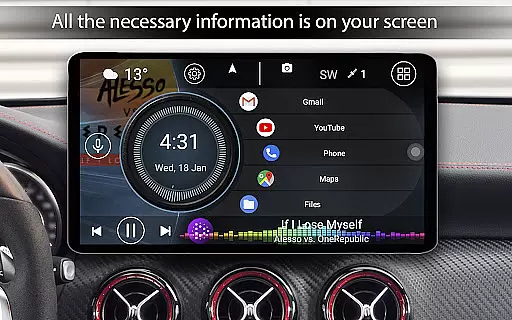
Key features include GPS-based speed display, customizable home screens, and an integrated onboard computer that tracks trip data. Users can organize apps into folders, customize themes, and access detailed performance statistics. The app also supports third-party widgets, weather updates, and location services, making it a comprehensive solution for enhancing the in-car experience.
This application is particularly useful for drivers who want to maintain focus on the road while having quick access to important information and frequently used apps. By providing both functional and aesthetic customization options, Car Launcher Pro delivers practical value while ensuring an engaging user experience.
Car Launcher Pro offers an extensive range of features tailored for automotive environments. One of its standout capabilities is the advanced speed tracking system, which uses GPS data to display real-time speed on the home screen and status bar. This feature also includes detailed trip statistics such as average speed, total distance traveled, and acceleration times.
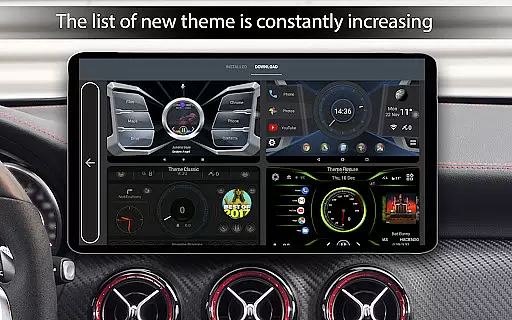
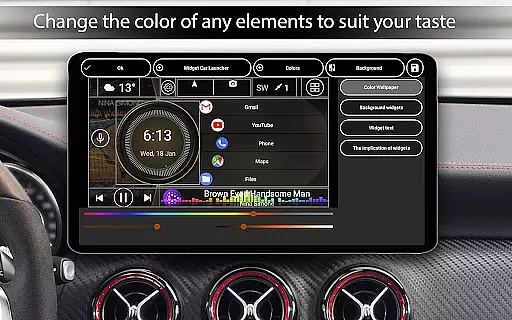
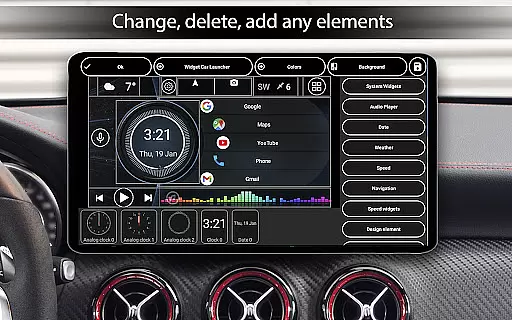
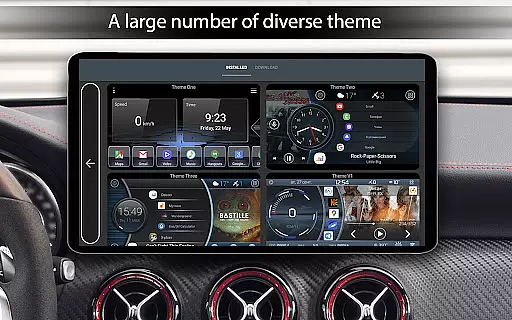
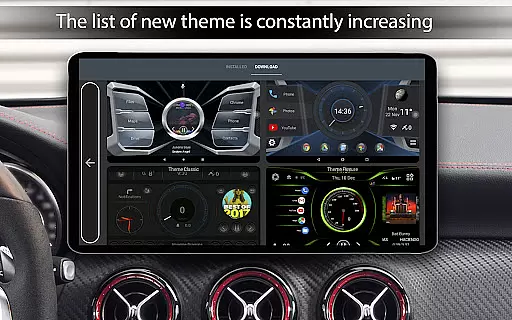
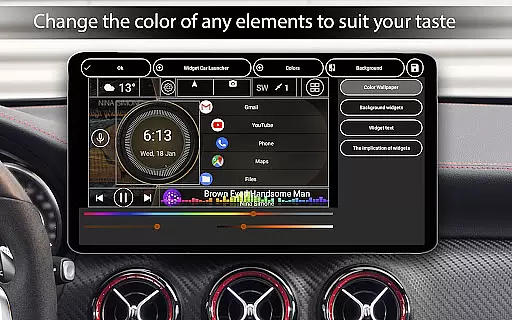
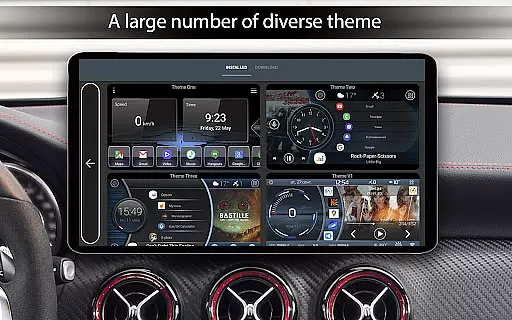
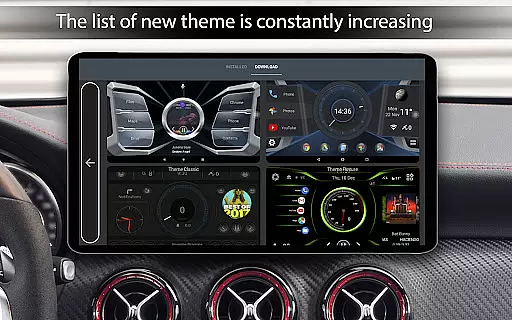
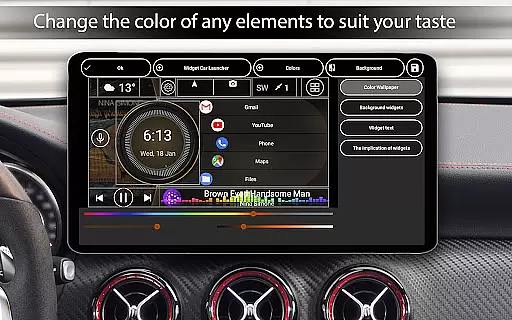
The app provides unparalleled customization options, allowing users to create personalized home screen layouts. You can organize apps into multiple folders, adjust grid sizes, and even modify widget behaviors. The built-in theme engine supports custom wallpapers, color schemes, and icon packs, while the automatic brightness control adapts to different driving conditions.
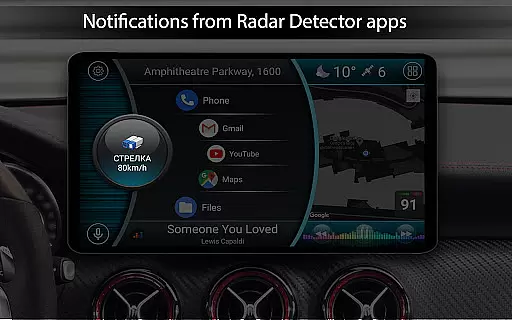
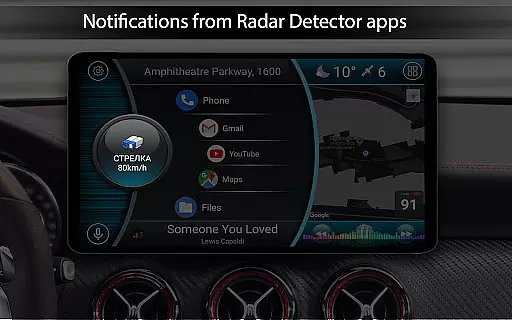
Additional notable features include comprehensive widget support, a sophisticated clock screensaver with multiple customization options, and integration with third-party applications. These capabilities, combined with the app's ability to function as a default launcher and its support for background GPS data collection, make it a powerful tool for creating a customized and efficient in-car interface.
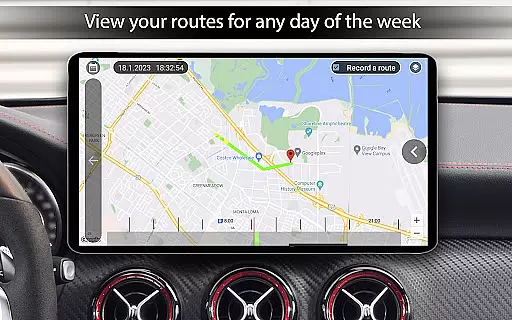
Car Launcher Pro offers comprehensive vehicle data tracking, making it an essential tool for drivers who want detailed insights into their car's performance. The application uses GPS data to provide real-time speed readings and calculates distances traveled over various periods.
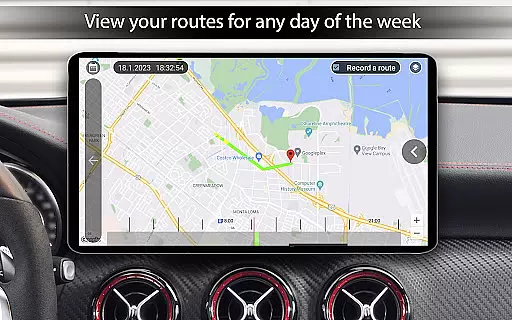
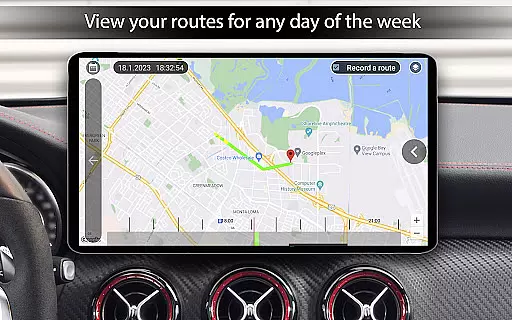
The onboard computer feature allows users to monitor multiple parameters including average speed, total driving time, maximum speed, and acceleration metrics from 0 to 60, 100, and 150 km/h. These metrics can be customized to display data for specific timeframes such as a single trip, daily, weekly, or monthly usage.
Users benefit from the ability to reset statistics at any point, ensuring accurate tracking for each journey. This functionality is particularly useful for those who need precise records of their trips, whether for work-related mileage claims or personal record-keeping.
By integrating these features, Car Launcher Pro enhances driver awareness and provides valuable information that can help optimize vehicle use and maintenance schedules.
While Car Launcher Pro focuses primarily on vehicle data, it also excels in providing clear information about its own pricing structure. As a premium product, it offers a transparent upgrade path from the free version, allowing users to access advanced features through a straightforward purchase process.
The application clearly outlines which features are available in the free version and which require the PRO upgrade. This includes options like creating multiple folders for quick app launches and enhanced customization capabilities for the main screen layout.
Users appreciate the visible value proposition when considering the PRO version, as they can directly compare the additional functionalities against the free offering. This approach builds trust and encourages informed purchasing decisions.
Furthermore, there are no hidden costs associated with using Car Launcher Pro, ensuring that drivers can enjoy its full range of features without unexpected charges, thus enhancing overall user satisfaction and confidence in their investment.
User-friendly interface
Extensive customization
Real-time speed tracking
Comprehensive widget support
Advanced trip statistics
Complex setup process
High system requirements
Limited free features
Background data usage
Potential battery drain

Taximeter; the professional's choice
 4.30
4.30
Ferrari inspired analog & digital watch face with quick access and premium style
4.3
Play what you want through Android Auto
4.90
The Texaco App allows you to pay for fuel from the comfort of your car!
4.80
DMV Test Pro offers all the updated FREE DMV tests online.
4.60
Digital Car Key/Launcher, Screen Mirror, Android Dashboard, Remote Wireless Link
4.40
AI Powered - Automotive Mechanic Assistant
4.30
Your car is talking. Start listening.
4.30
MySubaru: Download. Connect. Love.
4.70
Lexus app currently supports 2010 or newer vehicles (2018 or newer for Hawaii).
4.80
Find Your Local Store or Shop Online for the Car, Truck, or SUV Parts You Need
4.70
Shop cars & see your financing
4.60
Your Path to Driving Licensing Success Begins Here! Develop your driving skills.
4.40
By enthusiasts, for enthusiasts
4.00
Simplify your drive
3.90
Blink Charging Mobile app makes finding an EV charger an intuitive experience.
3.80
Better fuel to help keep you on the road
3.20
DIY Vehicle Wheel Alignment
4.1
Theme for Car Launcher
4.3


User Reviews