
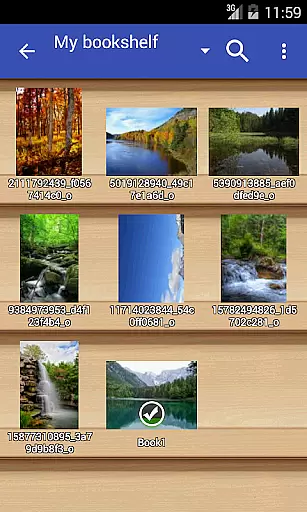
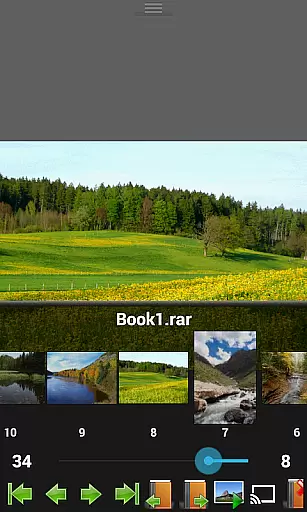
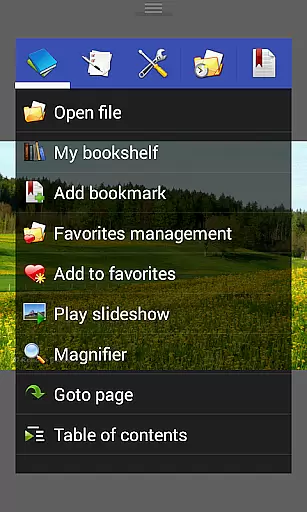
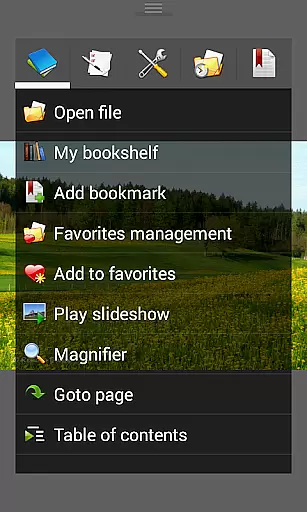
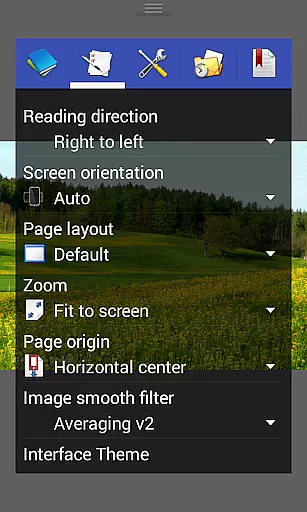
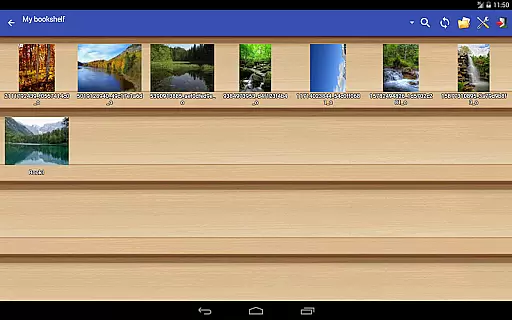
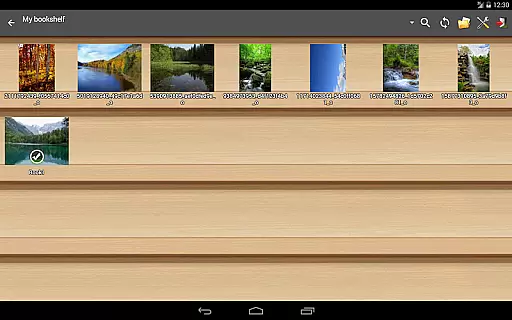
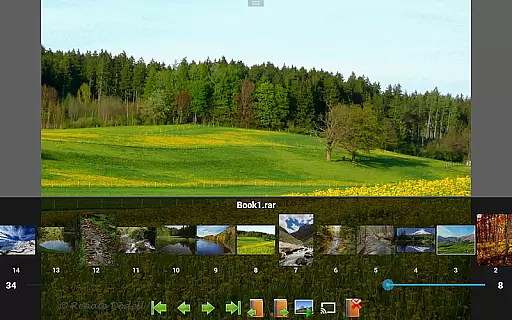
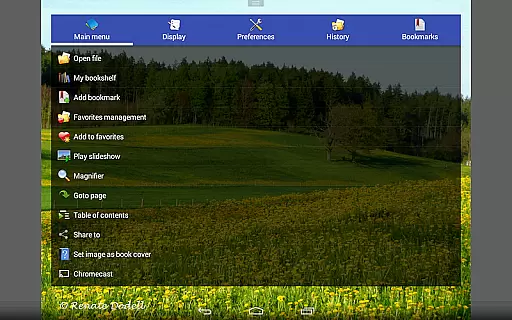
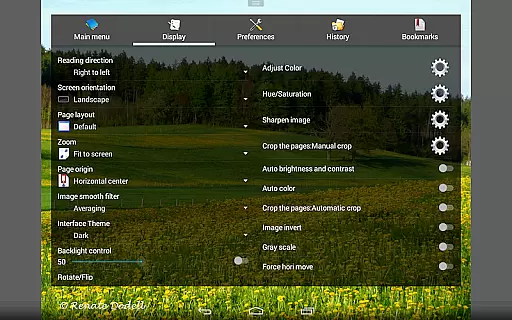
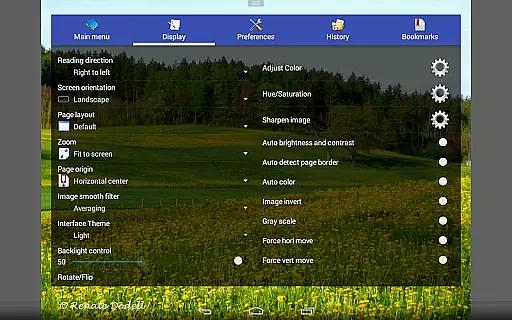
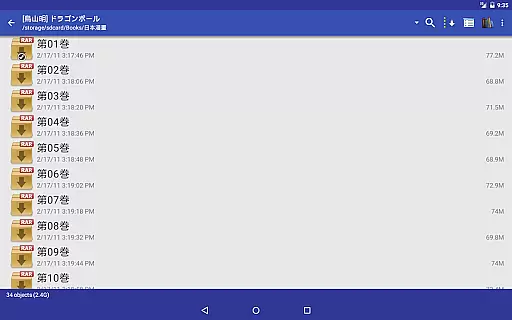
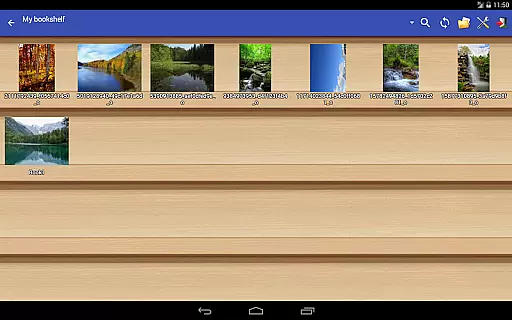
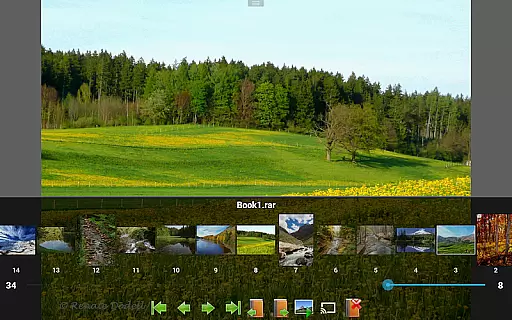
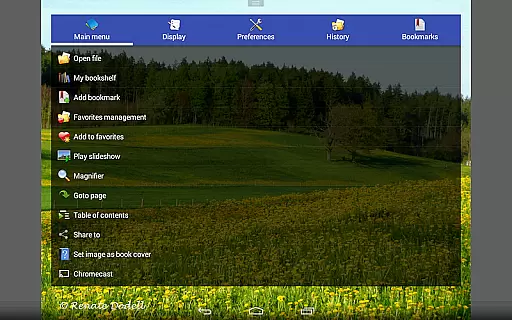
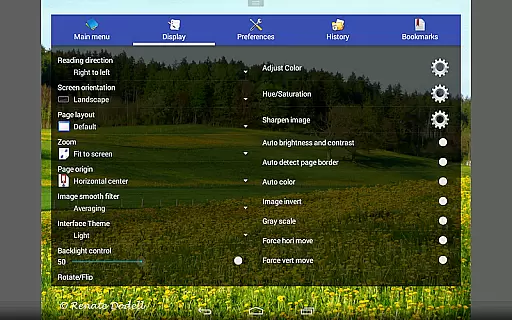
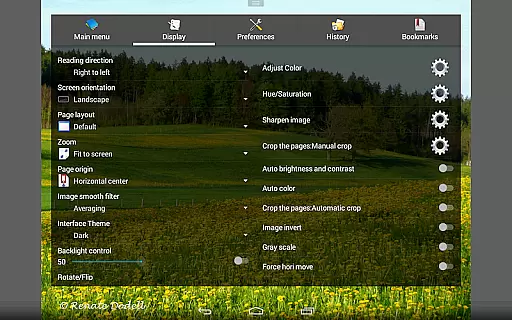
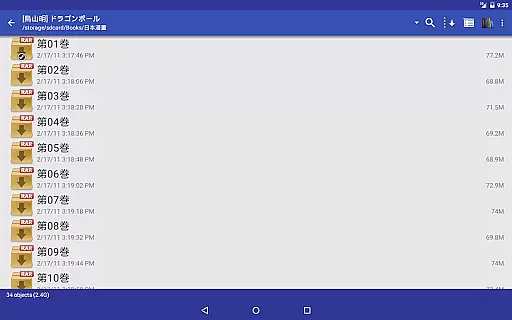
Perfect Viewer is a versatile and fast image, comic, and ebook viewer designed for seamless reading experiences. It supports multiple file formats including EPUB, PDF, CBZ/ZIP, CBR/RAR, and more, making it ideal for comic enthusiasts and avid readers alike. With features like page layout customization, smooth filters, and five view modes, users can tailor their viewing experience to their preferences.
The app also offers advanced functionalities such as network file sharing support (CIFS/SAMBA), integration with cloud services like Google Drive, Dropbox, and OneDrive, and left-to-right or right-to-left reading options. Perfect Viewer's innovative features like the balloon magnifier, Chromecast support, and auto cut-off of white borders enhance usability while its three viewer modes cater to different types of content.
Perfect Viewer stands out with its comprehensive feature set tailored for comic and ebook lovers. The app provides three distinct viewer modes: Page mode, Vertical scroll mode (ideal for webtoon-like experiences), and Horizontal scroll mode. Each mode ensures an optimal reading experience depending on the type of content being viewed. Additionally, the app supports pinch-to-zoom and fling gestures, enabling intuitive navigation through pages or images.
One of the key highlights is its ability to handle various file formats, including EPUB, PDF, and archive files like CBZ/ZIP and CBR/RAR. Users can also extract files directly from archives and adjust image brightness, contrast, and gamma settings for enhanced visuals. The inclusion of advanced options like setting images as wallpapers, slideshow functionality, and simple bookmark management makes Perfect Viewer a powerful tool for managing and enjoying digital media collections.
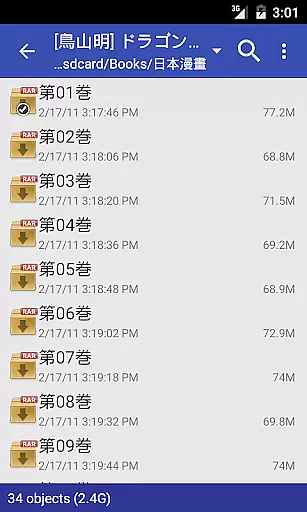
Perfect Viewer offers an extensive comic library that supports multiple file formats including CBZ/ZIP, CBR/RAR, 7Z/CB7, and LZH. This ensures users have access to a vast array of comics in various formats.
The application also supports image file formats such as JPEG, PNG, GIF, BMP, WebP, and TIFF, making it versatile for different types of visual content. With this variety, users can enjoy a diverse range of comic styles and genres.
Additionally, Perfect Viewer allows users to open files from network file sharing like CIFS/SAMBA, FTP, SFTP, and FTPS, expanding the library options beyond local storage. This feature enables seamless integration with cloud services and personal servers.
Perfect Viewer emphasizes content authenticity by supporting legitimate sources such as Google Drive, Dropbox, and OneDrive through additional plugins. Users can ensure their comics are legally obtained and safely stored.
For those interested in eBooks, the app supports EPUB, HTML, and TXT formats, ensuring compatibility with numerous authorized eBook platforms. This makes it easier for users to access verified and licensed reading materials.
Furthermore, Perfect Viewer provides features like setting images as wallpapers and adjusting brightness, contrast, and gamma, enhancing the user experience while respecting content creators' rights. These tools help maintain the integrity of the original artwork.
Fast and responsive performance
Wide range of supported formats
Customizable viewing modes
Cloud service integration
Innovative features like balloon magnifier
Some features require donation
Complex interface for beginners
Limited free version capabilities
Occasional crashes with large files
Ads in the free version

Joke book collection with the funniest dad jokes and riddles for you to enjoy!
 4.60
4.60
Find free mangas in Spanish
4.70
Discover manga stories & stream anime series with unlimited entertainment access
4.40
The most popular comic book reader.
4.40
The anime tv for fans Sud and Dub
4.20
File management and show images, comics and pictures in compressed cbr, pdf file
4.70
Welcome to SnapSaga - your ultimate manga and novel destination!
4.3
100k comics, manga & webcomics, including Batman, Invincible, Hellboy & more
4.60
A gathering place for a massive collection of genuine comics.
4.50
Artists wanting to use decent hand reference on the go, this app is for you!
4.70
See the newest comic book releases and manage your comic collection or pull list
4.70
The fastest and most convenient comic book reader - comics of all formats
4.40
Kodansha official Manga app
4.30
Arabic manga reader
4.00
Toomics is a premium comic service with every genre for all readers to enjoy!
4.00
Pose Tool 3D for the Artists, create any human figure pose quickly for your art.
4.00
from HipComic: Value Your Comic Book Collection with Just the Snap of a Photo.
3.80
Experience the largest selection of DC comics anywhere with DC UNIVERSE INFINITE
3.40
The best app for digital comics - Welcome to Lezhin!
3.10


User Reviews