
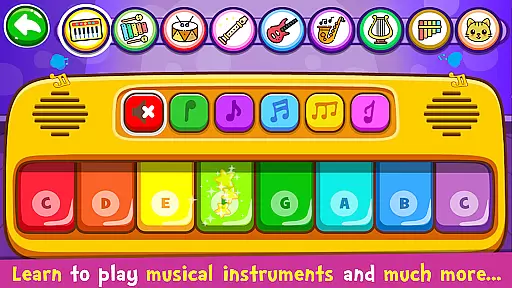
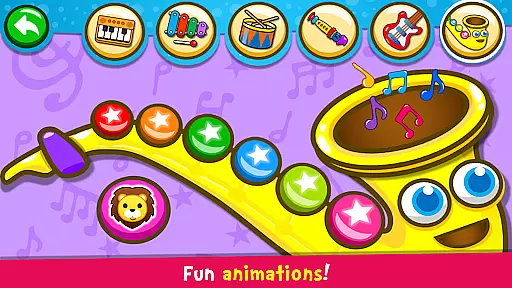
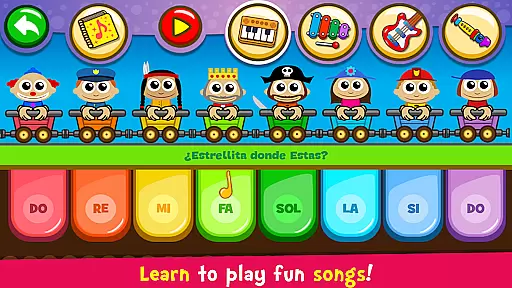
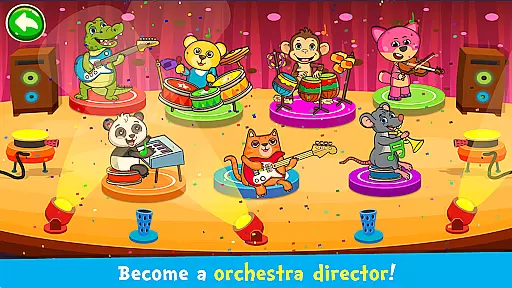
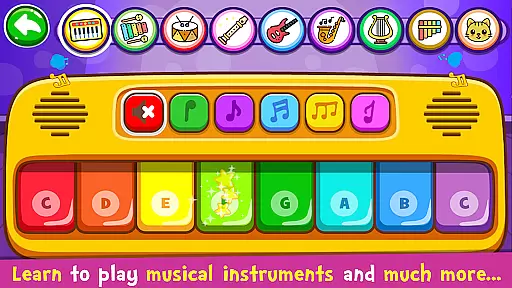
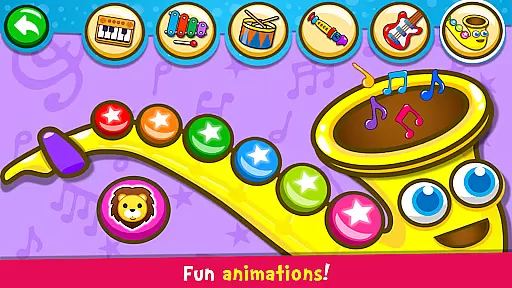
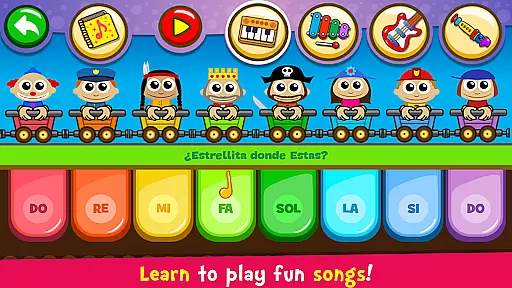
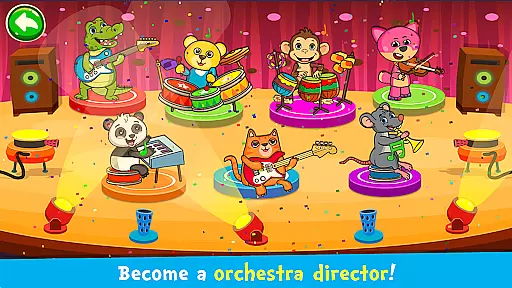
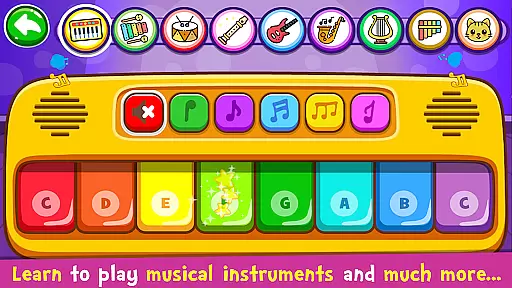
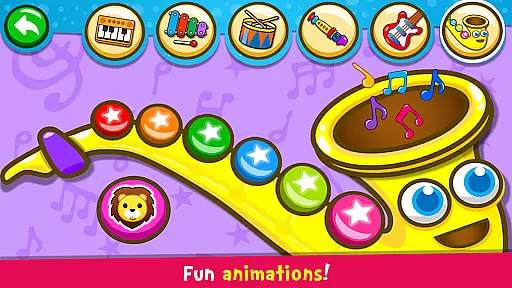
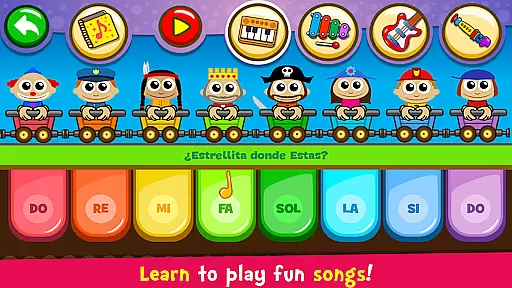
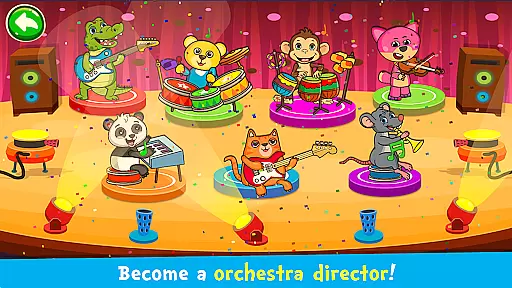
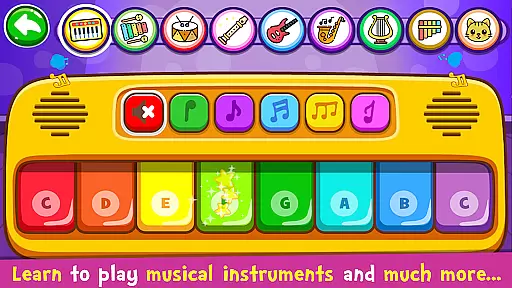
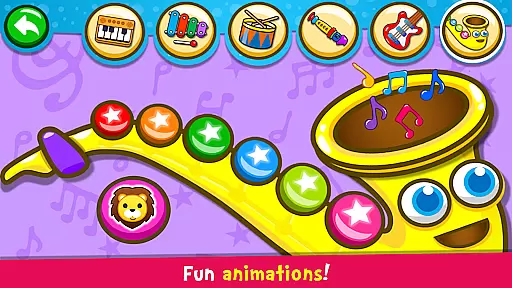
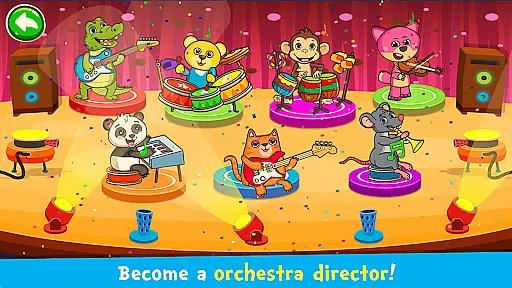
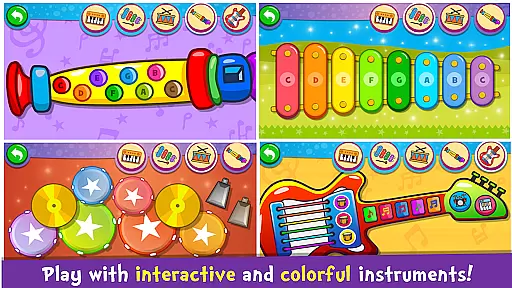
Piano Kids - Music & Songs is an engaging music education app designed specifically for children and parents to explore the world of musical instruments. This app offers a variety of colorful instruments including piano, xylophone, drum kit, saxophone, trumpet, flute, and electric guitar, each with authentic sounds. The interface is vibrant and appealing, making it enjoyable for toddlers and kids to learn music while playing exciting games.
The app features four modes: Instruments, Songs, Sounds, and Play. Through these modes, children can compose their own melodies, learn to play famous songs, explore different sounds, and engage in educational games. Beyond music, Piano Kids aids in developing memory, concentration, imagination, creativity, motor skills, intellect, sensory, and speech. It's a comprehensive tool for the whole family to develop musical talent and enjoy composing songs together.
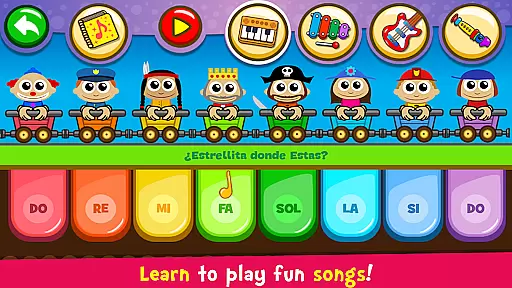
Piano Kids - Music & Songs stands out with its diverse features tailored for young learners. The app includes four game modes: Instruments, Songs, Sounds, and Play. In Instruments mode, children can experiment with various instruments like piano, electric guitar, xylophone, saxophone, drums, percussion, flute, harp, and panpipes, each represented with real sounds. Songs mode allows kids to learn wonderful songs with an Auto Play feature that teaches melodies through funny characters guiding them on which notes to play.
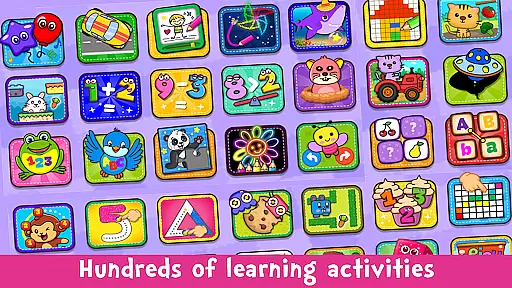
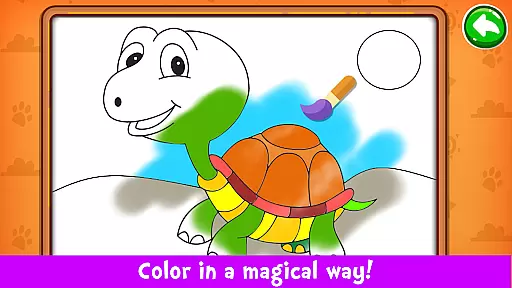
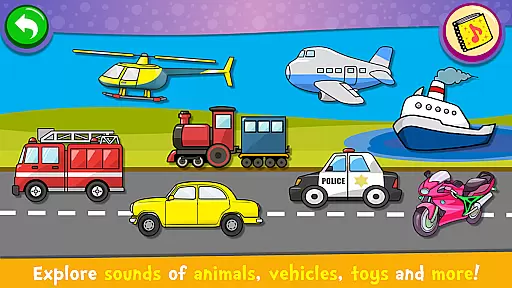
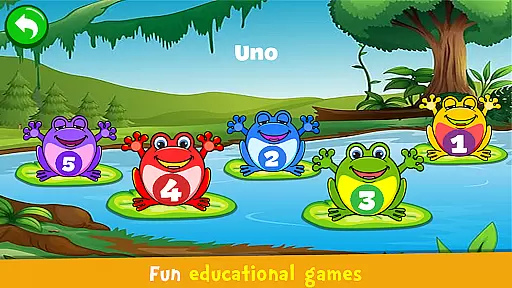
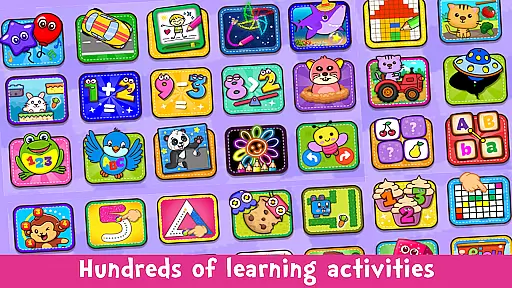
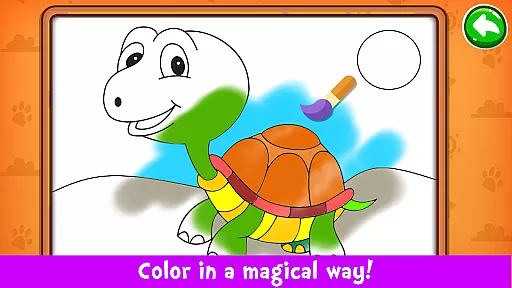
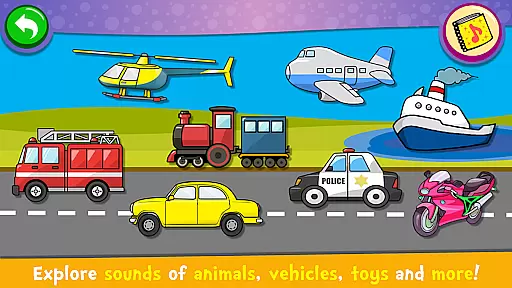
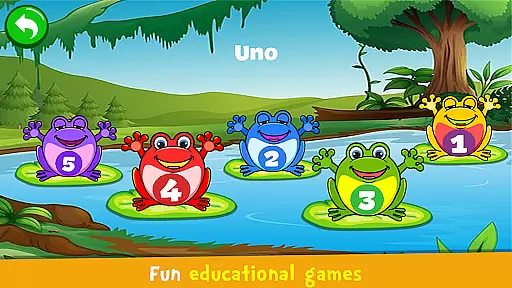
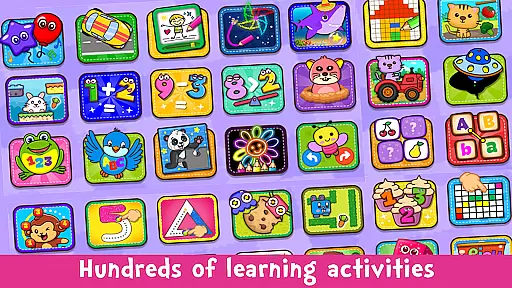
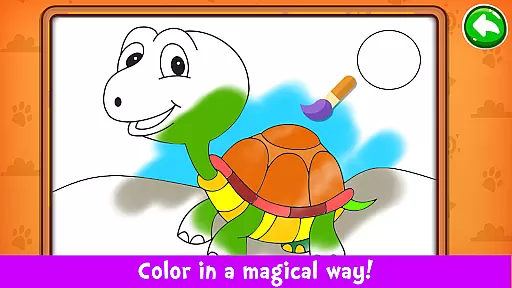
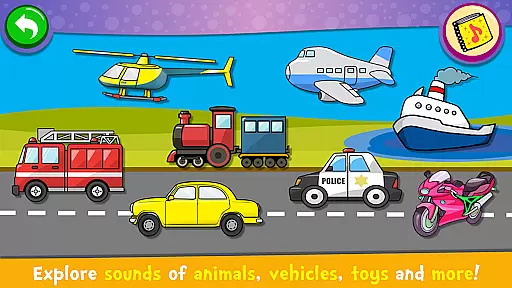
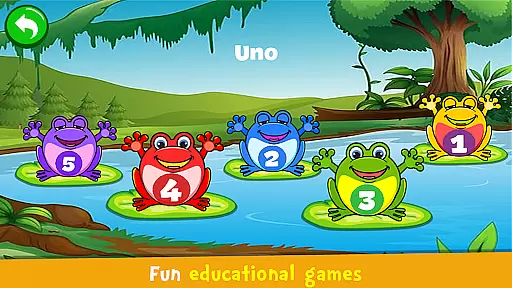
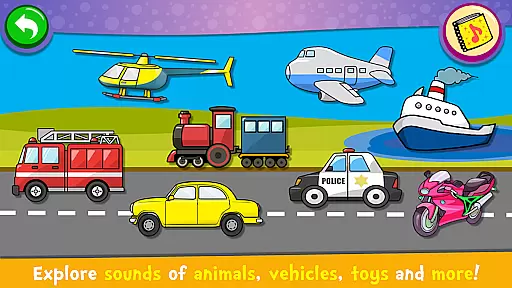
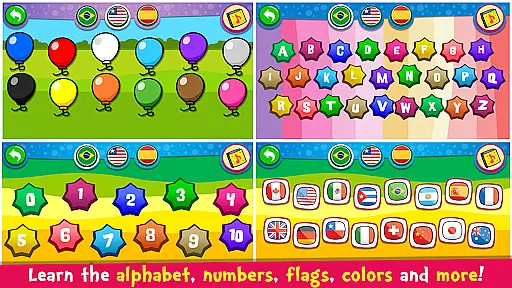
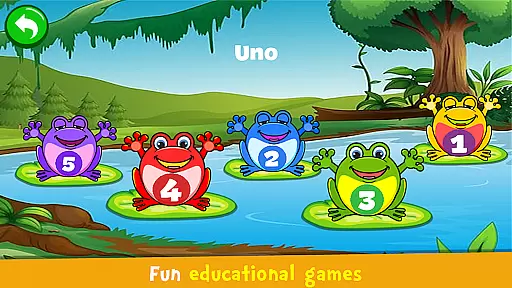
Sounds mode lets children explore collections of objects with representative images and sounds, helping them become familiar with everyday sounds and learn the pronunciation of colors, numbers, and letters in multiple languages. The Games mode incorporates music and sounds into fun activities that aid learning, such as counting, alphabet recognition, melody creation, puzzle-solving, painting, drawing, coloring, pixel art, memory games, and more. With high-quality instrument sounds, 30 famous songs, and an intuitive interface, this app provides an enriching musical experience.
Rhythm judgment precision is crucial for any music-based application, especially one designed for children's learning and engagement. In Piano Kids - Music & Songs, rhythm judgment is handled with high-quality sound production and responsive gameplay that ensures every tap or swipe on the screen translates into accurate musical output.
The app offers a variety of instruments such as piano, xylophone, and drums, each with real sounds and representation. This allows children to give free rein to their imagination while composing melodies, with the assurance that the rhythm and timing of their creations are accurately reflected in the music produced.
With features like 'Auto Play' mode, children can learn the melody of famous songs by having the app play the tune first. They can then attempt to replicate it, with the app providing real-time feedback on their rhythm accuracy. This interactive learning process not only hones their musical skills but also enhances their listening and concentration abilities.
Overall, the precise rhythm judgment in Piano Kids - Music & Songs provides an engaging and educational experience, ensuring that children can effectively learn and enjoy music while developing important cognitive and motor skills.
A diverse and high-quality music library is essential for sustaining user interest and providing a rich educational experience. Piano Kids - Music & Songs boasts an extensive array of 30 famous songs that children can learn to play, offering a wide range of musical styles and complexities to suit different skill levels.
In addition to well-known tunes, the app includes various sound modes that allow children to explore different sounds from objects, animals, and transportation, enhancing their auditory learning and sensory development. The inclusion of multiple languages further enriches the library, teaching pronunciation of colors, numbers, and letters in English, Spanish, and Portuguese.
The sound quality of the instruments in the app is another highlight, featuring realistic representations of pianos, electric guitars, xylophones, saxophones, drums, and flutes. These high-fidelity sounds provide an authentic musical experience, encouraging children to engage more deeply with the app and fostering a genuine appreciation for music.
By combining a diverse music library with superior sound quality, Piano Kids - Music & Songs ensures that children have access to a comprehensive and enjoyable musical education, keeping them motivated and inspired as they progress in their musical journey.
User-friendly interface
Multiple language support
High-quality instrument sounds
Educational gaming options
Completely free to use
Limited advanced features
No social sharing options
Ads may interrupt gameplay
Occasional bugs reported
Graphics could be improved
Be a Magic Pianist: POP & Classic Songs
 4.30
4.30
Makeover yourself,Enjoy your dress&hair with rhythm!
4.40
Play like a mini piano on Beat Tiles 2: Piano Master anytime&anywhere!
3.60
Play kpop music with favorite idols. Tap to the beat and unlock more kpop songs.
4.60
Fast & Furious! Race with rhythm to win more supercars!Beat Racer Rush for Glory
3.60
Hop the kitty ball on color tiles with latest hits! Collect cute singing animals
4.50
Enjoy the fun of cat hop on piano tiles, feel the rhythm of bouncing and dancing
4.50
Fun song games! A fun challenge of piano tiles & magic tiles. Hop to the beat!
4.30
Feel the Rhythm. Race the Galaxy!
4.80
Beat rap and dance battle with Sprunki friends in funky nights!
4.80
Satisfying beats and rhythm with your monster band. Relaxing music, cute friends
4.70
Cat music games! Dancing on cute piano tiles and meow in rhythm games!
4.60
"Tap to the beat and challenge your fingers with cute cats in PopCat Tiles!"
4.50
Bounce the ball on music tiles to the beat of trending songs! Feel the magic!
4.50
Play, learn, and create music anytime, anywhere.
4.30
Conduct an orchestra of musical Monsters from the hit game My Singing Monsters!
4.20
Piano meets rhythm. Music meets magic. Your next addiction starts here!
3.90
Gameplay Powered by YOUR Music!
3.70
Space Music Box!
3.40


User Reviews