

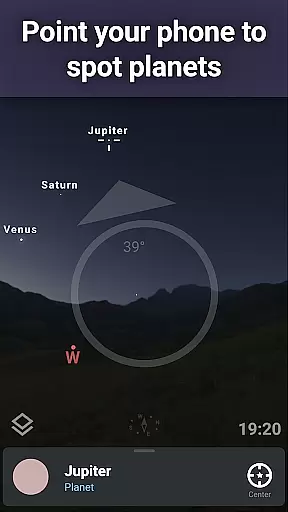



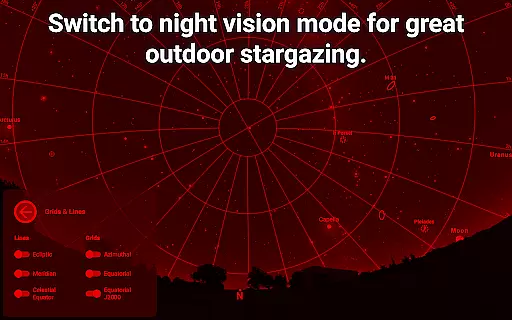

Stellarium Plus is an advanced planetarium app that offers a realistic simulation of the night sky, making it an ideal educational tool for both amateur stargazers and seasoned astronomers. The application provides an accurate representation of stars, planets, constellations, and deep-sky objects, all in real-time based on the user's location.
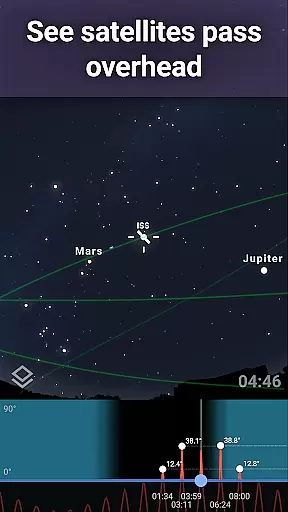
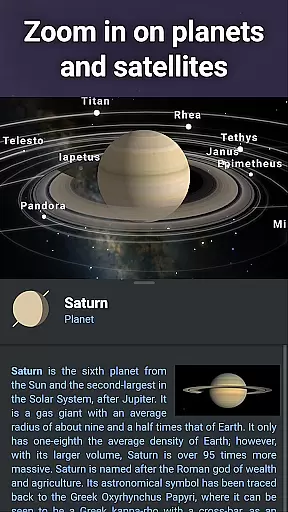
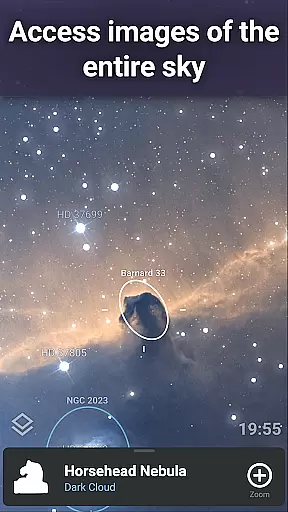
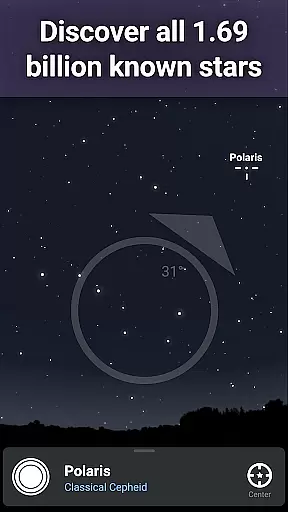
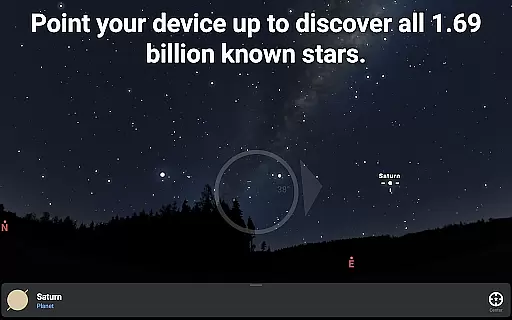
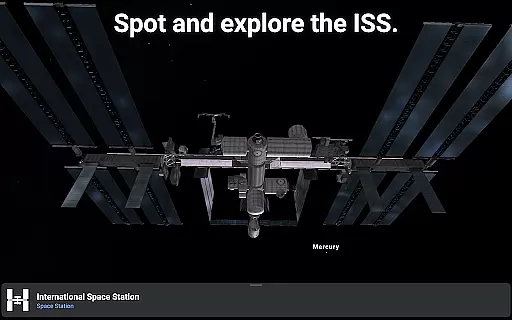
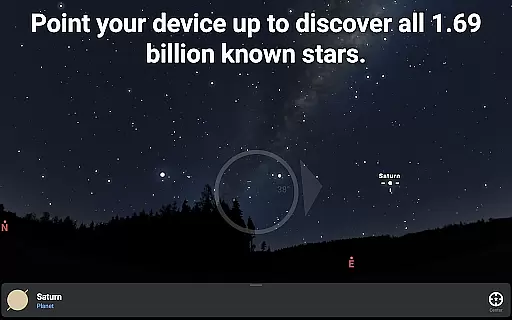
One of the standout features of Stellarium Plus is its extensive database, which includes over 1.69 billion stars from the Gaia DR2 catalog, more than 2 million deep-sky objects, and detailed information about planets and their satellites. This makes it one of the most comprehensive mobile astronomy apps available today. Whether you're identifying constellations or tracking the International Space Station, Stellarium Plus delivers an immersive experience.
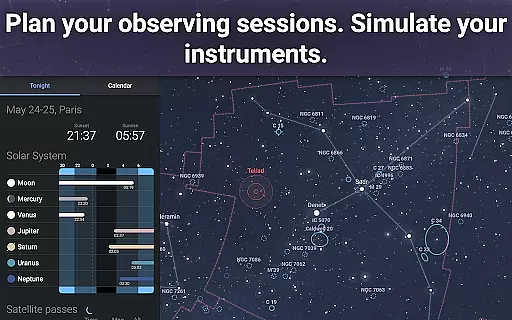
The app also caters to advanced users with functionalities such as telescope control via Bluetooth or Wi-Fi, landscape and atmospheric simulations, and tools for planning observational sessions. Its intuitive interface ensures that even beginners can easily navigate the cosmos, while its depth satisfies professional needs, making it suitable for educational purposes across various levels.
Stellarium Plus stands out due to its rich feature set tailored for astronomy enthusiasts. One of its key capabilities is the accurate simulation of the night sky, showing celestial bodies' positions for any date, time, and location. This feature is complemented by a vast collection of deep-sky objects, including nebulas, galaxies, and star clusters, providing users with an unparalleled view of the universe.
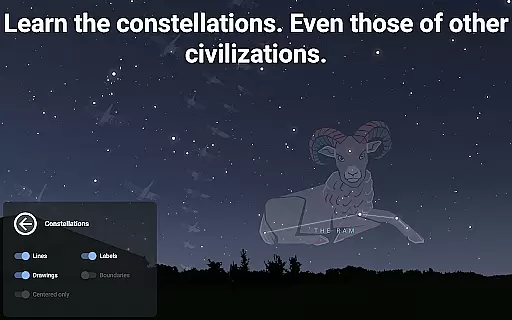
In addition to its core functionalities, Stellarium Plus offers unique features like constellation illustrations from different cultures, 3D rendering of solar system planets, and satellite tracking, including the International Space Station. These elements not only enhance the learning experience but also make exploring the night sky engaging and culturally enriching.
Advanced users will appreciate the ability to control telescopes through protocols like NexStar, SynScan, or LX200, allowing them to seamlessly integrate the app into their observational setups. Moreover, the app supports offline use with a reduced dataset, ensuring functionality even without an internet connection. This combination of depth, usability, and innovation makes Stellarium Plus a top choice for anyone interested in astronomy education.
Stellarium Plus offers an unparalleled level of content accuracy and authority in its astronomical data. The app draws from extensive and reliable sources, such as the Gaia DR2 catalog, which includes over 1.69 billion stars.
In addition to stars, it provides detailed information on all known planets, natural satellites, comets, and a plethora of minor solar system objects. This meticulous attention to detail extends to deep sky objects, with a combined catalog of more than 2 million nebulas and galaxies.
The representation of celestial bodies is not only vast but precise, ensuring that users are accessing the most up-to-date and scientifically backed information available. This makes Stellarium Plus a trustworthy tool for both amateur stargazers and professional astronomers.
By providing accurate simulations of the night sky, constellations, and planetary positions for any date, time, and location, Stellarium Plus establishes itself as a definitive reference point for exploring the cosmos.
While Stellarium Plus focuses primarily on delivering accurate astronomical data, it also excels in offering personalized learning paths for users keen on exploring the depths of the universe. Its user-friendly interface allows individuals to tailor their learning experience by selecting specific celestial bodies or phenomena to study.
Users can choose to delve into various aspects of astronomy, such as tracking artificial satellites, including the International Space Station, or observing the realistic rendering of sunrise, sunset, and atmospheric refraction. These features cater to individual interests and learning paces, making complex concepts more accessible.
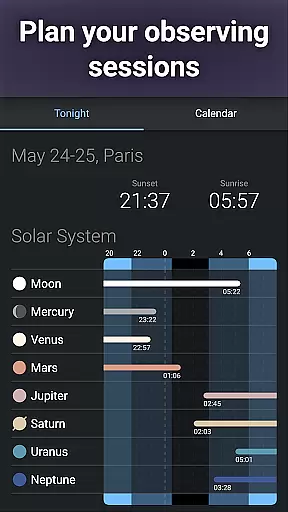
For those preparing for an observing session, advanced tools within Stellarium Plus help predict the observability and transit times of celestial objects. This functionality serves as a practical guide for users to develop their knowledge and skills progressively.
Moreover, the ability to control telescopes through Bluetooth or WIFI adds a hands-on dimension to the learning process, allowing users to apply theoretical knowledge in real-world observations, thus forging a personalized path to mastering the skies.
User-friendly interface
Extensive celestial database
Realistic sky simulation
Advanced telescope control
Offline functionality
Premium price point
Complex for beginners
Heavy app size
Limited augmented reality
Occasional performance lags

Perform physics experiments with your phone. (by the RWTH Aachen University)
 4.70
4.70
THE MOST COMPREHENSIVE JUMPMASTER STUDY RESOURCE AVAILABLE.
3.40
The Fighter Verses Bible memory system helps you memorize God's Word.
4.50
Quiz App to help case managers studying for CCMC Certification, 200+ Questions
3.40
Listen, request and record pronunciations in more than 450 languages. Everywhere
3.90
Visit Daniel's house & make believe. Play doctor, make music, & feed fish.
3.20
Stargazing Guide App. Stars and constellations map. Solar system planets finder.
4.60
Make your own game and world. Draw and animate characters
3.70
Courses, certificates, degrees
4.50
Explore myths and gods across cultures with in-depth insights and stories.
5.00
The best way to study for your amateur radio license exam.
4.90
Learning the ancient Viking language made simple
4.70
AI Language tutor: Speak fluently with Lucy’s personalized coaching
4.70
Skelly is a fully poseable, anatomically correct reference skeleton for artists.
4.10
An aviator’s preparation, study and test tool for FAA Knowledge Exams.
3.80
scanner body part for fun Prank friends realistic scan effects
3.00
MONOPOLY JUNIOR brings Hasbro's classic the board game to life.
3.00
The official CCM Glossary app, including 700+ terms and definitions.
2.90
Learn and joke with the Silly Turkey!
4.0


User Reviews