
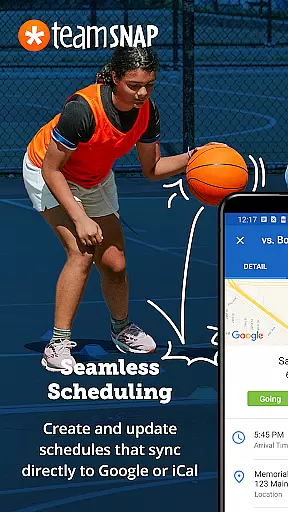
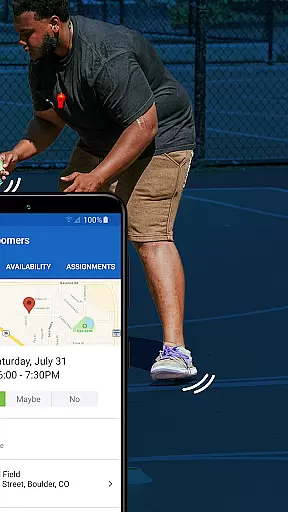

TeamSnap is a leading Sports Management app designed for coaches, sports organization administrators, and parents involved in youth sports. This powerful tool simplifies the complex operations of managing sports teams, clubs, or leagues by centralizing communication, scheduling, registration, and financial management into one easy-to-use platform.
The app's standout feature is its ability to replace scattered group texts and separate payment apps with a unified system that handles everything from player registration to game-day lineups. With functionalities like Availability tracking, push notifications, and real-time game updates, TeamSnap ensures everyone stays informed and engaged. Whether it's soccer, ice hockey, baseball, or volleyball, this app supports multiple sports and serves over 24 million users who value efficient team management.
For sports organizations, TeamSnap offers advanced features such as automated scheduling, custom registration forms, and robust financial reporting. These tools help administrators streamline their operations while giving coaches more time to focus on player development and creating memorable experiences. The app's comprehensive approach makes it an essential companion for anyone looking to enhance their sports management capabilities.
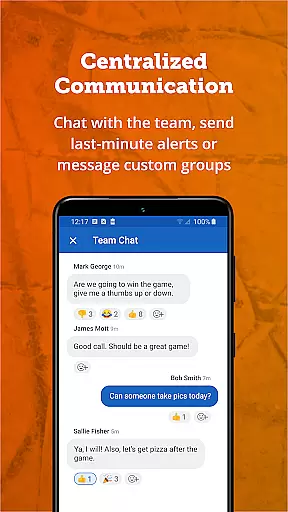
TeamSnap stands out with its rich set of features tailored for both coaches and sports administrators. One of its key strengths is the ability to communicate efficiently through individual or group messages, push notifications, and SMS alerts. This ensures that all team members are always up-to-date with the latest information, whether it's about schedule changes or game-day logistics.
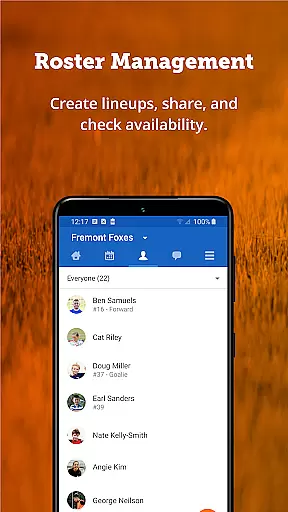
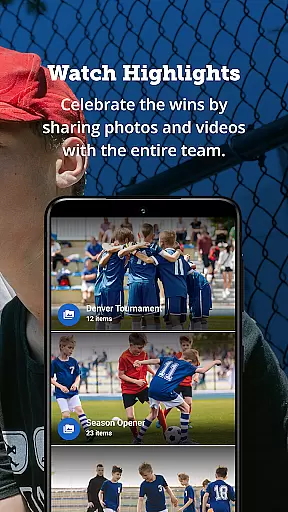
For coaches, TeamSnap provides tools to manage rosters dynamically, plan practices with the Availability feature, and build detailed schedules. The app also allows for real-time game updates and Postgame Reports, enabling the tracking of player statistics and sharing of photos. These features not only keep the team connected but also enhance the overall sports experience for players and their families.
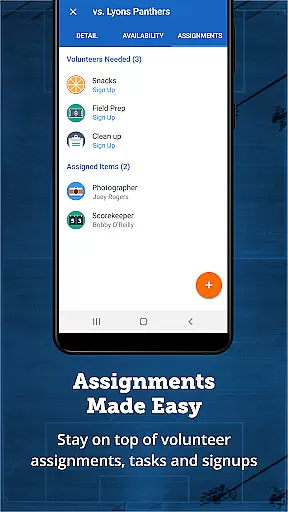
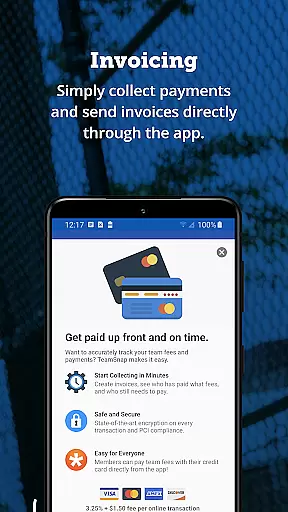
Sports administrators benefit from advanced functionalities like streamlined communication across entire clubs or specific teams, automated scheduling, and integrated registration processes. The app's financial management tools allow organizations to collect payments upfront and generate detailed financial reports. By automating routine tasks and providing a centralized platform for all operations, TeamSnap empowers administrators to focus on delivering exceptional sports programs while maintaining operational efficiency.
Gameplay realism and physics accuracy are crucial for sports management apps like TeamSnap. These features ensure that the digital representation of sports activities mirrors real-world scenarios as closely as possible.
TeamSnap achieves this by offering precise scheduling tools, availability tracking, and real-time updates which mimic the dynamic nature of organizing sports teams. The app's ability to manage rosters on the fly and track player statistics adds a layer of realism to team management.
For users, this means an experience that feels authentic and reliable. Coaches can plan practices and games with confidence, knowing that the app accurately reflects player availability and performance metrics.
The value lies in the seamless transition from digital planning to physical execution. By providing tools that align closely with real-world needs, TeamSnap ensures that coaches and administrators can focus on player development and delivering a great sports experience.
Control scheme intuitiveness is essential for ensuring that users can easily navigate and utilize an app's features without a steep learning curve. For TeamSnap, this translates into straightforward communication and management tools that are easy to understand and use.
The app simplifies complex tasks such as managing rosters, scheduling, and collecting payments through an intuitive interface. Features like push notifications, SMS alerts, and real-time game updates keep everyone informed without requiring extensive training.
Users benefit from this ease of use by saving time and reducing stress. Parents, players, and coaches can quickly adapt to the platform, allowing them to concentrate more on the sport itself rather than figuring out how to operate the app.
Ultimately, the innovation in TeamSnapu2019s control scheme lies in its ability to centralize various aspects of sports management into one accessible tool. This approach not only enhances user satisfaction but also promotes better engagement and organization within sports teams and leagues.
User-friendly interface
Comprehensive scheduling
Real-time updates
Integrated payments
Robust reporting
Occasional bugs
Learning curve
Limited free features
Subscription costs
Mobile-only

Very fun billiards game.
 4.60
4.60
Extreme Downhill Freeriding
3.20
Ice Fishing Derby - It's the fun of ice fishing without the frostbite
4.40
The ultimate Golf game! Compete in 6 player real-time multiplayer golf battles!
4.70
Build and play your own team! Baseball at your fingertips! BASEBALL NINE!
4.60
Mental skills exercise/training - improve your power of focus and concentration
4.3
Master your shots and climb the ranks in the ultimate golf game!
4.30
An Archery Scoring App. Use Target Faces for Arrow Plotting, Arrow Tag, Analysis
4.60
Mika Football App, Live scores, news, match insights & player info!
4.20
Feel combo thrills in Challenge! Aim, strategize, and master your billiard skill
4.60
Realistic PvP Multiplayer Dart game blending sports games and simulation fun!
4.50
Sports app that presents matches' details from the most important championships.
4.50
Join over 10,000,000 people in the only official PBA bowling game!
4.40
Old-School Football
4.40
Out of the Park Baseball Go is a strategy & sports gaming fan’s dream come true.
4.40
Be a wrestling Superstar
4.40
Fun multiplayer golf game! Prove you’re a golf legend and play with friends!
4.40
Relive the second baseball game in the Backyard Sports franchise!
4.00
Build your football city, train your team— no ads, no in-app purchases!
4.1


User Reviews