
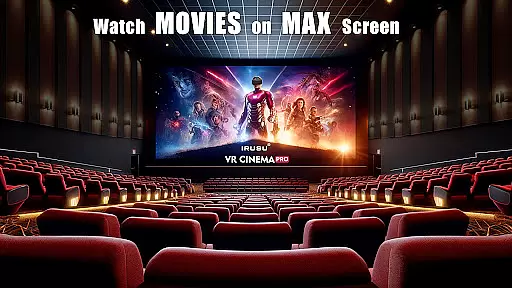
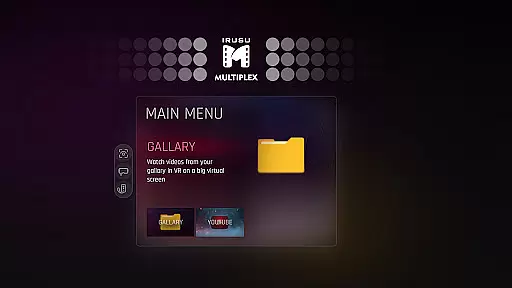
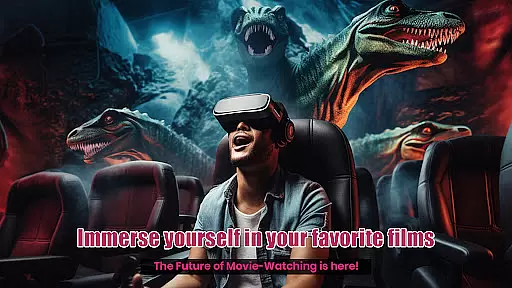
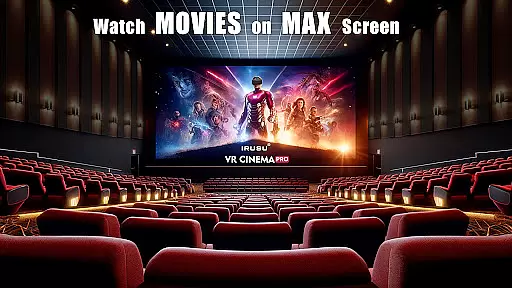
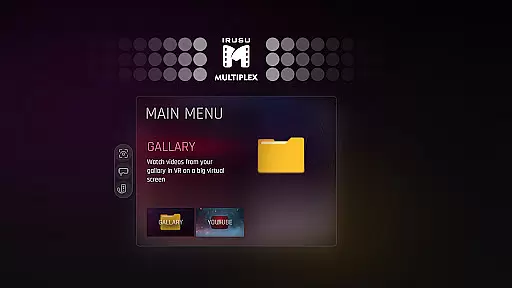
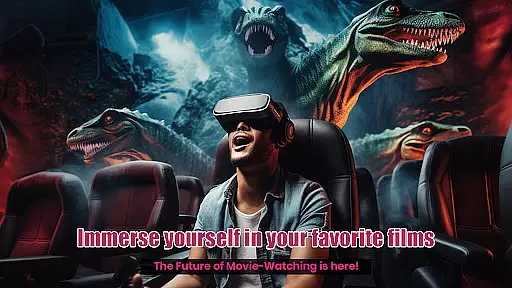
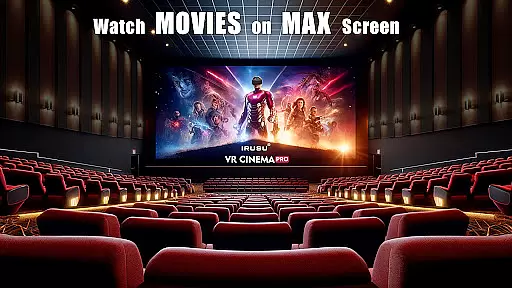
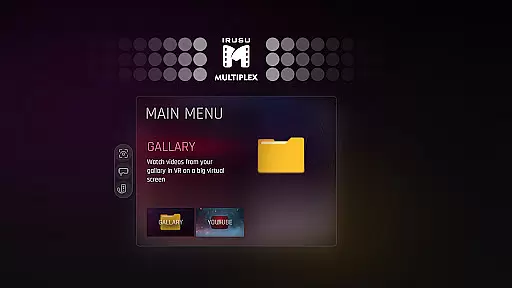
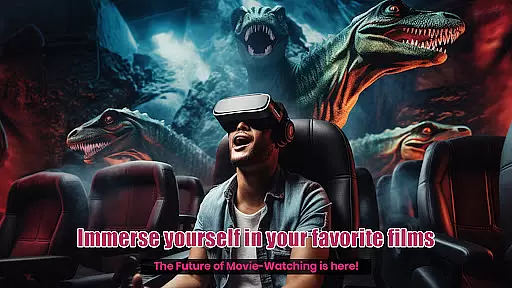
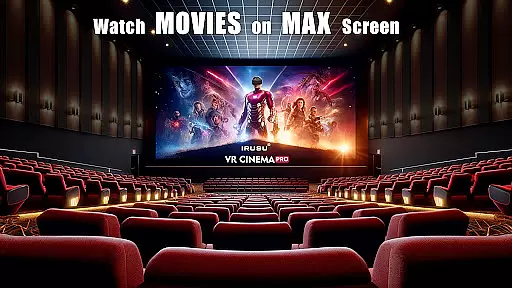
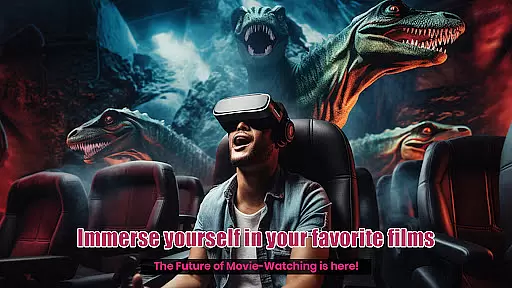
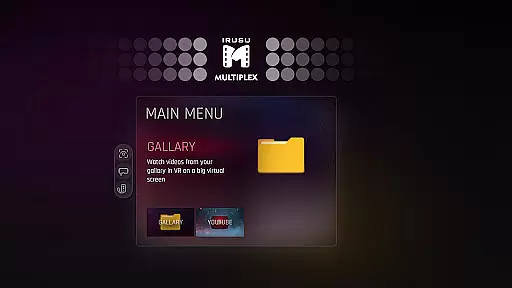
VR Player Pro is a premium VR video player app that transforms your smartphone into a personal virtual theatre. With support for 2D, 3D SBS, and 360° videos, the app delivers an immersive viewing experience on massive virtual screens. Compatible with popular VR headsets like Google Cardboard, Irusu, VR Box, and Shinecon, it offers dynamic lighting and customizable viewing environments.
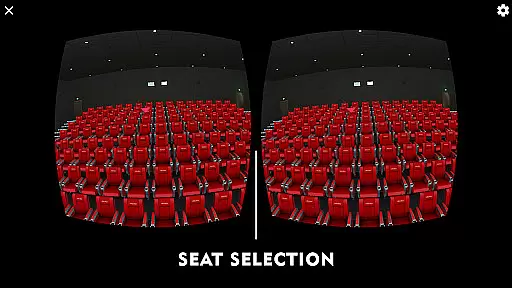
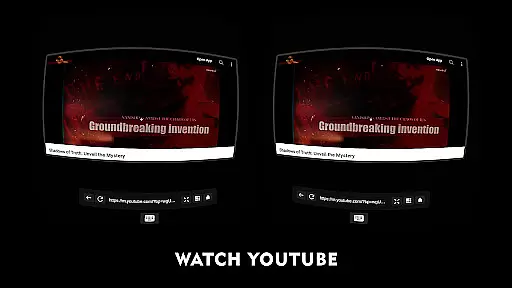
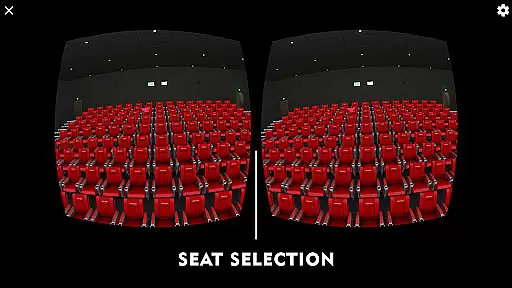
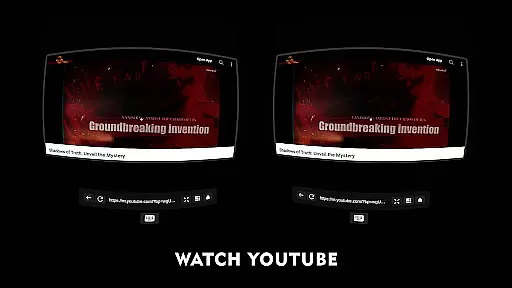
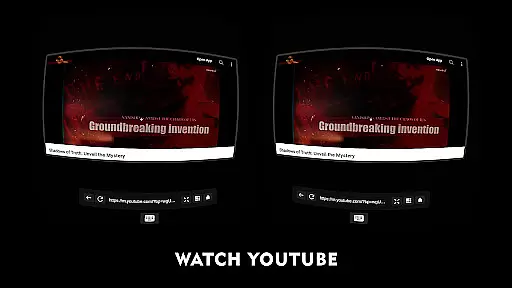
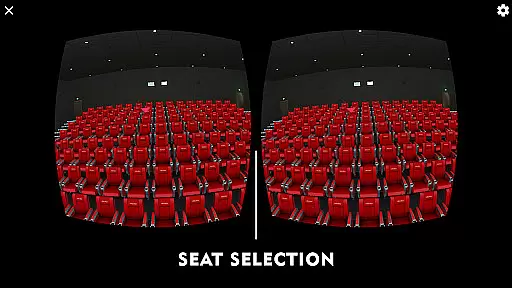
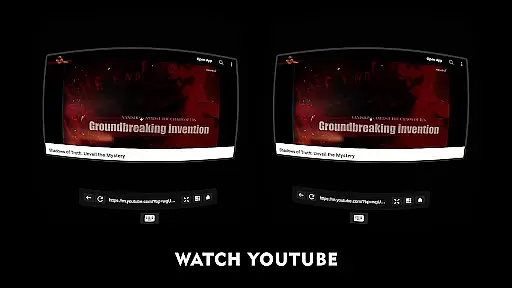
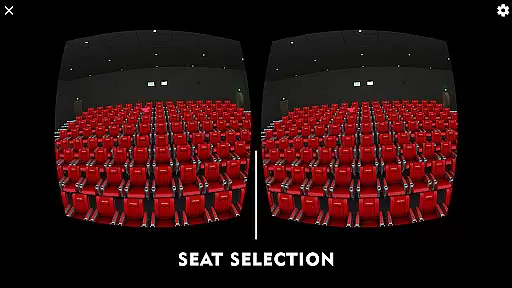
The app stands out with its unique seat selection system, allowing users to choose different viewing angles and distances. Whether you're watching movies or YouTube videos, VR Player Pro enhances immersion with realistic ambient lighting and multiple theatre scenes. The built-in browser with voice search makes online content easily accessible in VR mode.
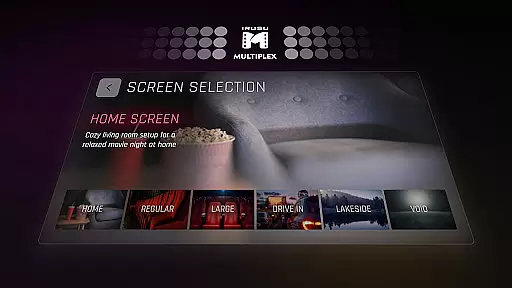
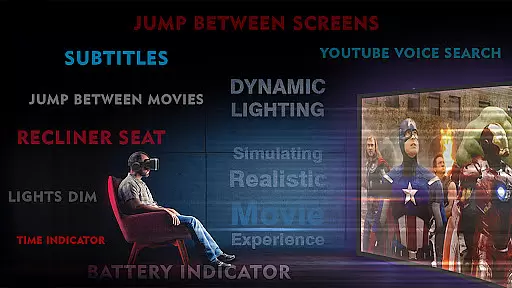
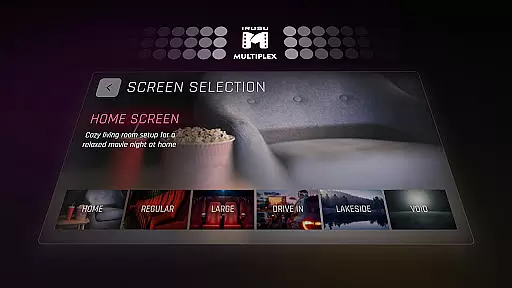
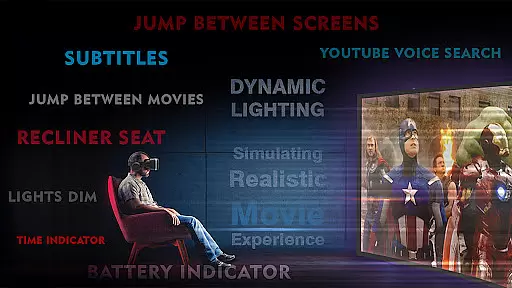
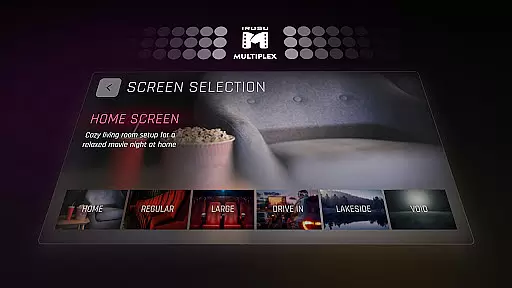
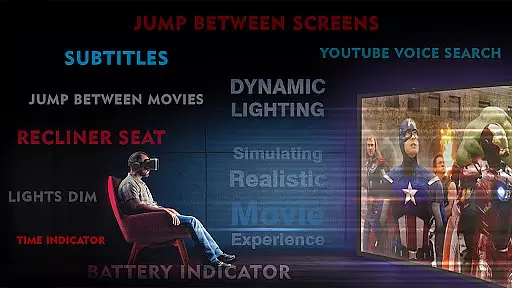
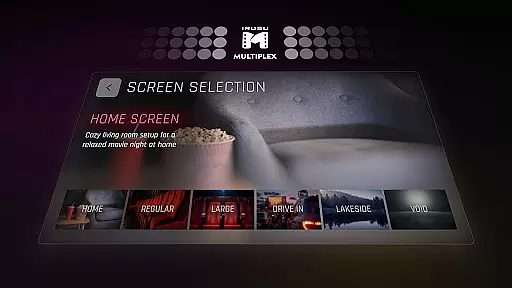
VR Player Pro boasts an array of innovative features designed to elevate the VR viewing experience. The app's Irusu VR Cinema Player creates a private theatre setting with customizable environments like classic movie halls, drive-in lots, and winter lake views. Its dynamic lighting system adjusts based on video content, creating a truly immersive atmosphere.
Users can select from multiple seating positions and adjust viewing angles for optimal comfort. The built-in browser supports YouTube playback with voice search functionality, while compatibility with various VR headsets ensures broad device support. With 4K and 2K video support (hardware dependent), VR Player Pro delivers high-quality visuals across different media formats.
In the realm of virtual reality entertainment, content diversity is key to maintaining user interest and satisfaction. VR Player Pro rises to the occasion by offering an extensive range of viewing environments that cater to every taste. From classic movie halls to serene winter lake views, each scene is crafted to provide a unique ambiance for your movie nights.
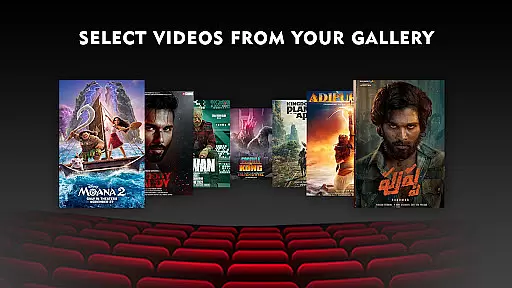
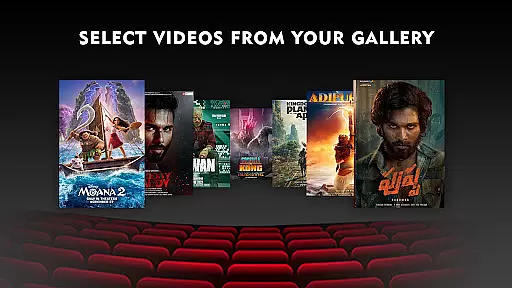
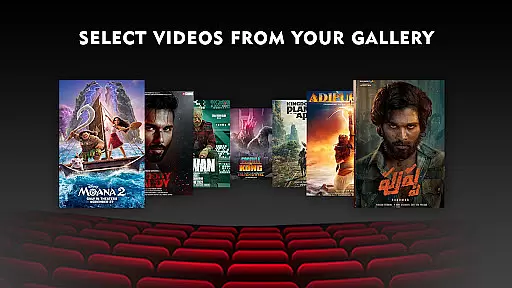
Moreover, the app supports various video formats including 2D, 3D SBS, and immersive 360u00b0 videos, ensuring compatibility with a wide array of media types. This versatility allows users to enjoy their personal video collections in stunning detail within the VR space.
The inclusion of a built-in browser with YouTube VR playback capability further enriches the content ecosystem. Users can explore online videos or even stream directly from web pages, all while remaining immersed in their virtual environment.
With dynamic lighting and adjustable seating options, every viewing session becomes a fresh experience, encouraging frequent revisits to discover new ways to enjoy familiar content.
User engagement is significantly enhanced through thoughtful design elements that encourage prolonged use. The Irusu VR Cinema Player captivates users by transforming ordinary video playback into extraordinary experiences. By simulating realistic theatre settings complete with ambient lighting effects, viewers are drawn deeper into their chosen films or videos.
One standout feature contributing to extended sessions is the seat selection system. Allowing users to change perspectives within the virtual space not only adds novelty but also mimics real-world cinema-going habits, promoting longer stays inside the application.
Additionally, angle adjustment capabilities ensure optimal comfort during extended viewing periods. These ergonomic considerations help maintain user attention without causing fatigue, thus improving overall retention rates.
Finally, integration with popular platforms such as YouTube via voice search functionality keeps content discovery intuitive and engaging, reducing barriers to finding new material and sustaining interest over time.
Immersive environments
Dynamic lighting effects
Multiple seat options
Voice search support
Wide headset compatibility
Premium price point
High-end hardware required
Limited free features
Complex setup process
Occasional performance issues

Play games. Earn real rewards. Cash out in 3hours via PayPal or gift cards.
 4.40
4.40
Stream over 80 hours of exclusive mashups and remixes by DJ Rehab.
4.3
Classic dynamic pixel art from Mark Ferrari.
4.70
Time tracking, lap counting and much more for Carrera® Digital 132/124
4.80
Stream videos to VIDAA & VEWD TVs from Hisense, Sharp, Skyworth, Vestel & TiVo
3.00
Wodfix Air aggregates popular online content for you.
4.80
Raise Christmas Magic with daily missions, magical scanners, and kindness.
4.1
Bold original series & hit movies that don't hold back.
4.40
Earn Real Rewards Playing Fun Mobile Games & Easy Cash Out - PayPal & Gift Cards
4.40
Premium version to enjoy your favorite anime
4.60
Earn gift cards for playing games. Become a real game tester!
4.40
Create and play realistic-looking mock Emergency Alert System messages.
4.30
Realistic Baby Simulator App
4.00
Daily immersive workout plan: Body warm up & finger yoga exercises
3.80
Create your Songs. Cover Maker with any Voice, Song Generator
3.30
Stream live TV shows, sports, news, movies & more - all without cable.
3.00
Watch everything you want.
2.90
Music visualizer and party effects for your Nanoleaf devices
4.1
Christmas Globe: Transform your Wear OS device into a festive timekeeper!
4.5


User Reviews