
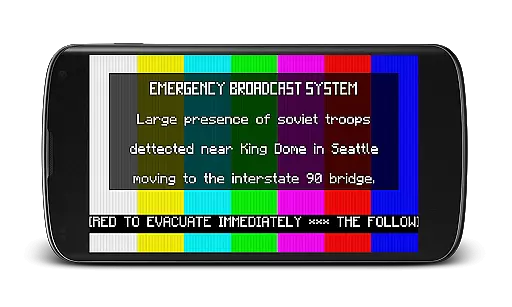
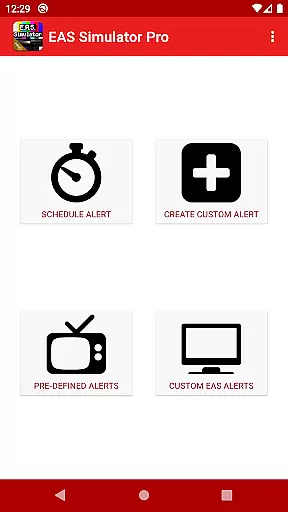
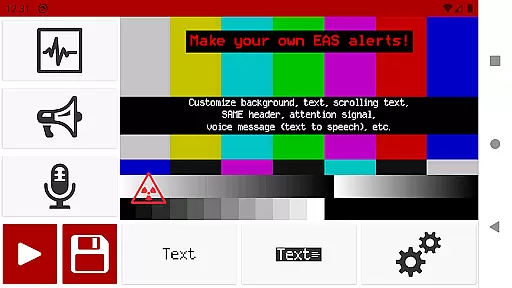
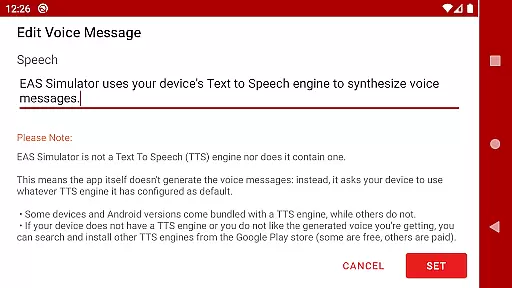
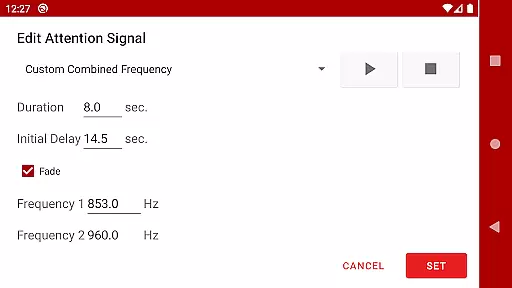
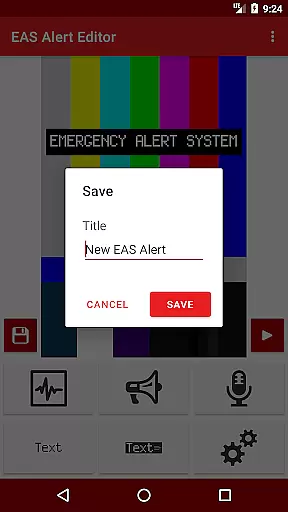
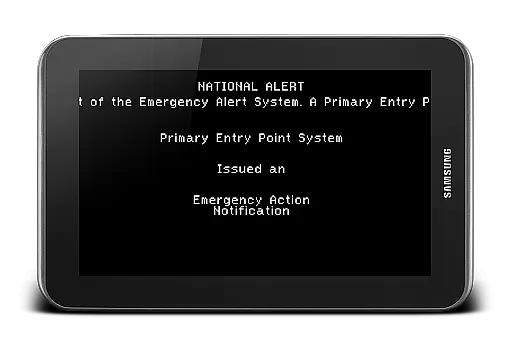
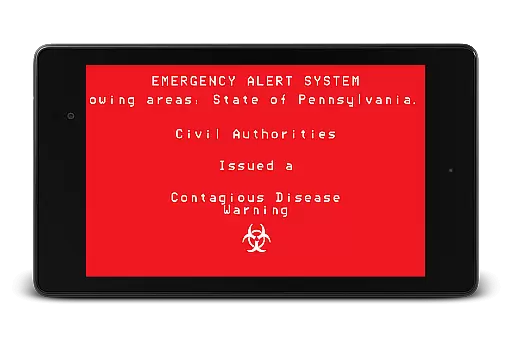
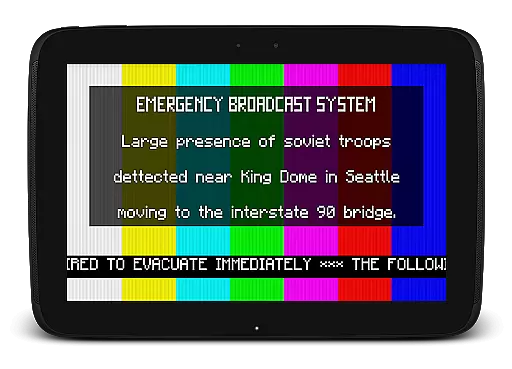
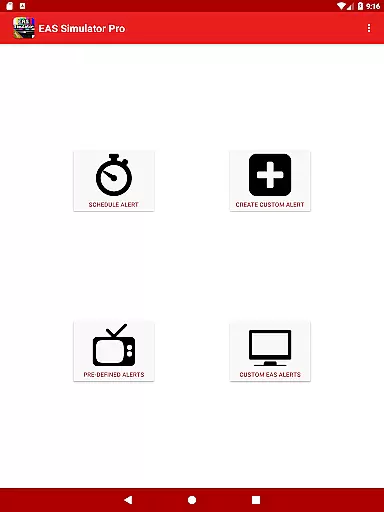
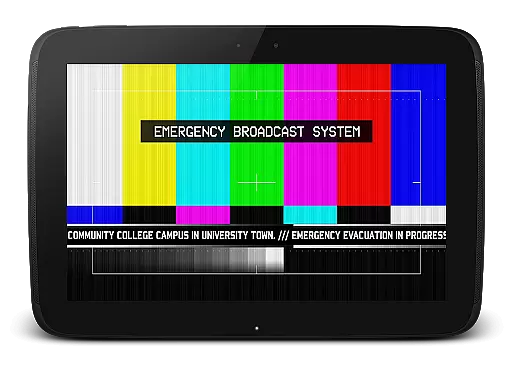
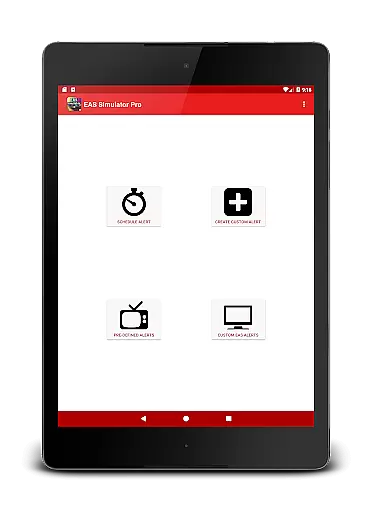
EAS Simulator Pro is an innovative entertainment application that allows users to create and experience realistic Emergency Alert System (EAS) simulations on their Android devices. The app offers a comprehensive EAS alert editor, enabling users to craft custom alerts with various features such as SAME headers, attention signals, and voice messages generated by the device's Text to Speech engine.
With its extensive library of pre-defined alerts, including real-life natural disasters and fictional emergency scenarios, the app caters to both practical drills and creative role-playing. Users can schedule alerts, convert them into videos, and even share their creations with others who have the app. Whether for educational purposes or immersive storytelling, EAS Simulator Pro delivers a versatile platform for simulating critical announcements.
The app stands out with its robust feature set tailored for creating lifelike EAS alerts. Users can access a full-featured alert editor without limitations, allowing them to customize backgrounds, text styles, and audio components like the iconic SAME tones and attention signals. The inclusion of a Text to Speech engine adds authenticity to the voice messages within each alert.
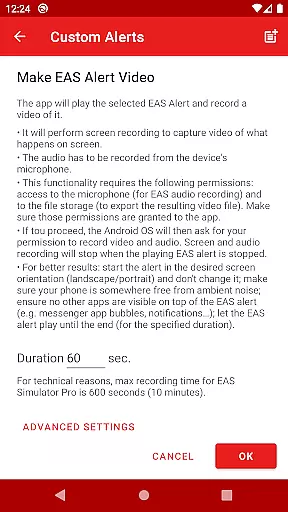
Advanced functionalities include exporting alerts as video files using screen recording and microphone audio, scheduling alerts for automatic playback, and importing/exporting alert files for backup or sharing. These capabilities ensure that users can not only design intricate simulations but also preserve and distribute their work seamlessly across devices, enhancing collaborative and individual projects alike.
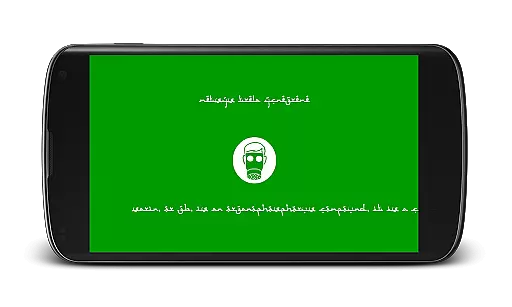
In the realm of digital entertainment, content variety and freshness are paramount to maintaining user engagement. EAS Simulator Pro excels in this area by offering a wide array of pre-defined alerts that cater to various interests and scenarios. From simulating real-life natural disasters such as flash floods and tornadoes to thrilling fictional emergency situations like a North Korean nuclear attack or zombie virus pandemics, the app ensures users have access to diverse and engaging content.
Moreover, the application allows users to create and save their own custom alerts without limitations, ensuring that the content remains fresh and personalized. This feature not only enhances replay value but also encourages creativity among users who wish to craft unique emergency scenarios. By providing tools for customization, EAS Simulator Pro fosters an environment where imagination meets reality, resulting in endless possibilities for entertainment.
The ability to schedule alerts adds another layer of variety, enabling users to plan drills or pranks at their convenience. Whether it's setting up a surprise during a role-playing game or testing preparedness with friends and family, the scheduling function guarantees that each experience feels new and exciting. With these dynamic features, EAS Simulator Pro stands out as a top choice for those seeking innovative ways to entertain themselves and others.
User engagement duration and retention are critical metrics for evaluating the success of any entertainment application. EAS Simulator Pro addresses these aspects effectively through its comprehensive suite of features designed to captivate users over extended periods. One key element contributing to prolonged engagement is the appu2019s realistic portrayal of Emergency Alert System messages, which immerses users in authentic emergency scenarios, keeping them engaged longer.
Additionally, the inclusion of voice messages generated by the device's Text to Speech engine enriches the auditory experience, making interactions more compelling. Users can further enhance their immersion by converting EAS alerts into videos using screen recording and microphone audio functionalities. This capability not only extends session lengths but also provides opportunities for sharing creations on social media platforms, thereby increasing visibility and potential user retention.
Retention strategies within EAS Simulator Pro extend beyond mere novelty; they encompass practical utilities such as exporting/importing alerts for backup purposes or collaborative storytelling sessions with peers. By facilitating seamless integration between creative expression and functional utility, the app successfully cultivates a loyal user base eager to return repeatedly. Ultimately, EAS Simulator Pro exemplifies how thoughtful design choices can significantly impact both immediate enjoyment and long-term commitment from its audience.
User-friendly interface
Highly customizable alerts
Realistic simulation options
Export/import functionality
Scheduling feature for timed alerts
No iOS version available
Dependent on device TTS
Video export may be unstable
Limited free version features
Permissions required for full use

Disney Stickers: Zootopia 2
 4.5
4.5
Stream Online TV - Watch Live IPTV Playlist & Channel with Built-In Player
4.50
Stream live TV shows, sports, news, movies & more - all without cable.
3.00
Christmas Globe: Transform your Wear OS device into a festive timekeeper!
4.0
The classic game of rock, paper, scissors
4.0
Companion app for Elden Ring to track quests, bosses, progress and more.
4.70
Connect. Discover. Control.
3.60
Earn big rewards like PayPal & Amazon gift cards by playing games you love!
4.30
An app made just for kids
4.20
Time tracking, lap counting and much more for Carrera® Digital 132/124
4.80
Underrated short-drama gems that hit hard and keep your heart hooked.
4.50
Fetch money rewards all just for playing games. Cash out for gift cards in app.
4.50
The Xbox app keeps you connected to your gaming community.
4.50
Everything FOX in one place. Watch FOX News, NFL, MLB, TV shows and more.
4.50
Earn gift cards for playing games. Become a real game tester!
4.40
Himnario LLDM - Fast and Easy to read , updated Hymnal 2019 Edition Official
4.20
With the credits you earn play more games
2.90
Journey to the world’s oldest rainforest and meet its Indigenous Custodians.
4.2
Control your AWTRIX 3 easily
4.0


User Reviews