
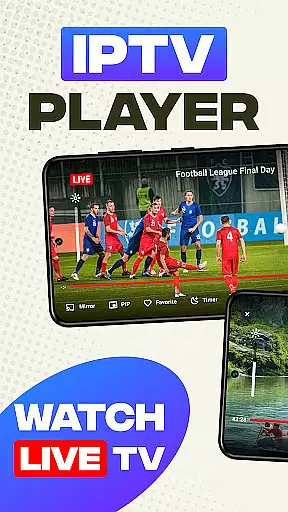
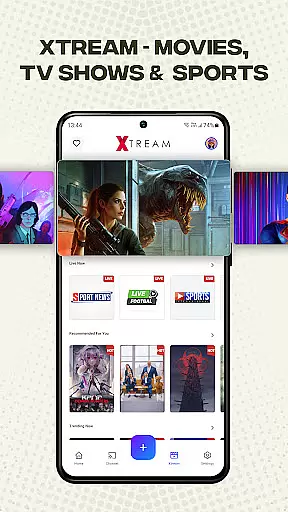
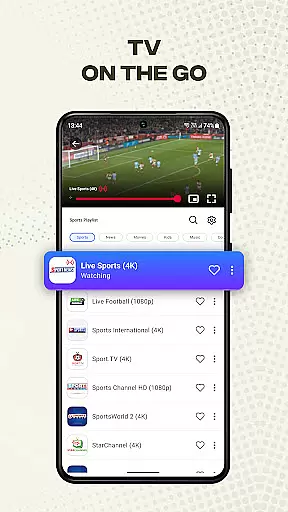
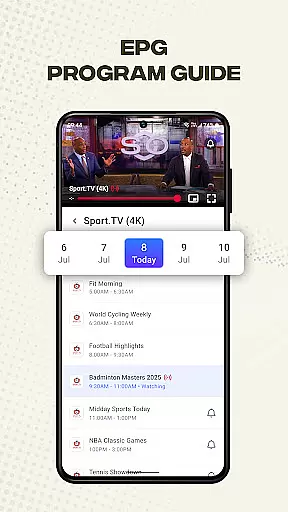
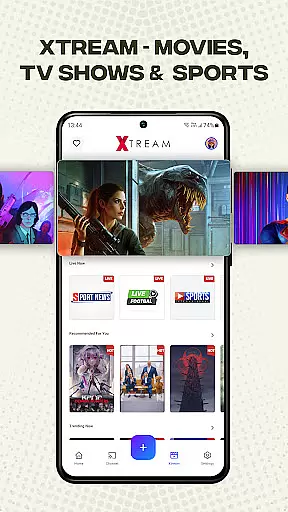
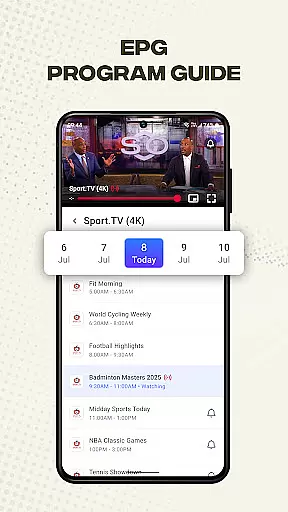
Smart IPTV Player is a premier entertainment application designed for seamless streaming of live IPTV channels and online playlists. This app allows users to enjoy their favorite TV channels anytime, anywhere, offering access to over 20,000 live channels, Video on Demand (VOD), and an Electronic Program Guide (EPG).
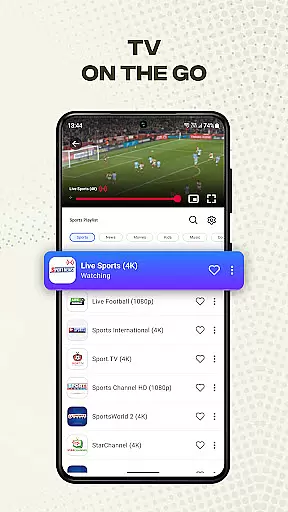
The app supports high-quality video streaming in SD, HD, and 4K resolutions, ensuring an immersive viewing experience. With compatibility across all Android devices and TV boxes, Smart IPTV Player provides unlimited access to global content while supporting various formats including M3U and M3U8 files.
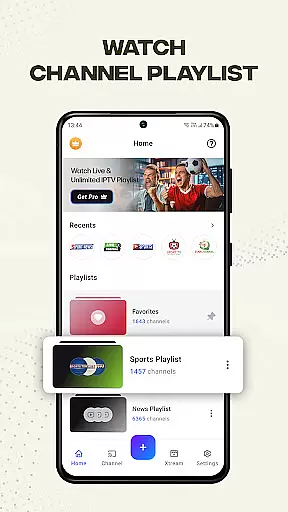
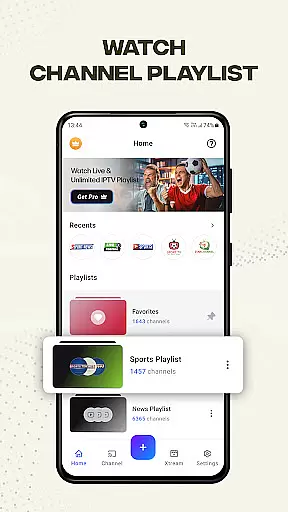
Smart IPTV Player boasts a range of advanced features tailored for optimal user experience. The app supports Xtreme IPTV, enabling users to easily import and manage playlists via Playlist URL. It allows playback of single streams using M3U and M3U Plus files, with options to add favorite channels and personalize playlists.
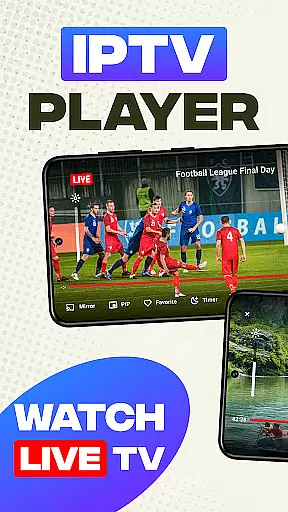
Additional functionalities include screen mirroring to larger displays, advanced control tools such as timers, brightness, and volume adjustments, and a built-in player for fast, reliable streaming. External IPTV player support further enhances media playback from the device, accommodating images, videos, files, and URLs.
Content variety and freshness are crucial for any entertainment app, especially one like IPTV Player - Smart Live TV. This application offers an extensive range of live channels and on-demand content from around the globe, ensuring that users have access to both traditional television and modern streaming options.
The app supports a multitude of formats including M3U and M3U8 files, which allows for seamless integration of user-generated playlists. With features such as Xtreme IPTV support, users can enjoy premier services with over 20,000 live channels, video-on-demand (VOD), electronic program guides (EPG), and more.
Moreover, IPTV Player is designed to keep its library updated regularly, providing fresh content consistently. Users can personalize their experience by adding favorite channels and managing unlimited playlists, ensuring they always have new and engaging material at their fingertips.
User engagement duration and retention are key metrics for evaluating the success of an entertainment platform. IPTV Player - Smart Live TV excels in this area by offering high compatibility with various video qualities, including SD, HD, and 4K resolutions, ensuring a superior viewing experience that keeps users engaged longer.
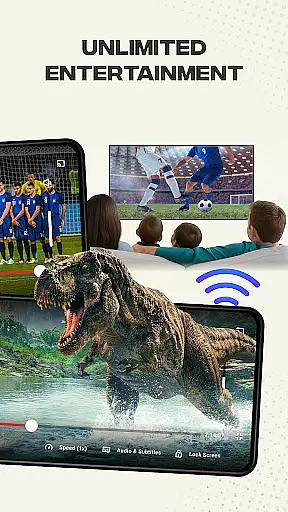
The app's advanced tools, such as timer, brightness control, volume adjustment, and lock screen functionality, enhance user convenience and satisfaction. These features contribute significantly to retaining viewers who appreciate the ability to customize their viewing environment according to personal preferences.
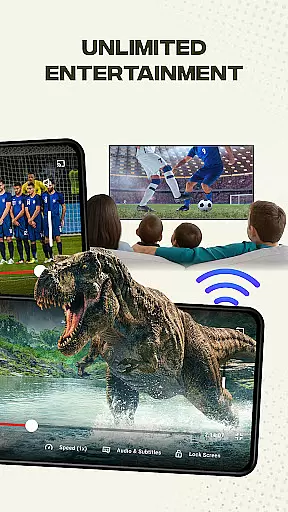
Additionally, IPTV Player supports external media playback from devices, allowing users to cast images, videos, files, and URLs directly onto larger screens. This versatility not only extends session lengths but also encourages repeat usage, fostering loyalty among users who value flexibility and ease of use in their streaming applications.
User-friendly interface
High-quality streaming
Wide content variety
Advanced customization
Cross-device compatibility
No pre-loaded content
Requires stable internet
Third-party dependent
Copyright restrictions
Limited offline support

Disney Stickers: Zootopia 2
 4.2
4.2
Direct access to the most complete Guitar Tab Archive in Spanish: LaCuerda.net
4.60
Create and play realistic-looking mock Emergency Alert System messages.
4.30
Series,Películas y Telenovelas
4.50
Experience the video editing experience brought by our intuitive interface
4.10
Browse popular images and videos from Reddit on Android TV!
3.90
VR 360 Cinema Player is the ultimate VR player for playing videos on mobile
3.50
Your Avatar, Endless Fun
4.60
Watch TV shows, movies, and stream Live TV channels without a subscription!
3.80
Original short dramas with diverse genres for a rich viewing experience!
4.80
Companion app for Elden Ring to track quests, bosses, progress and more.
4.70
The JBL Portable app works with JBL portable Bluetooth speakers.
4.60
Unleash Your AI Imagination
4.60
Geooh GO is the most feature rich geocaching app available today.
4.50
Practice and master your ESP and intuition with five mode trainer.
4.20
Himnario LLDM - Fast and Easy to read , updated Hymnal 2019 Edition Official
4.20
Catch the latest episodes of The Voice or live stream NFL games with The NBC App
4.20
Fool your friends & Family with Fake ultrasound test report
3.60
Music visualizer and party effects for your Nanoleaf devices
4.5


User Reviews