

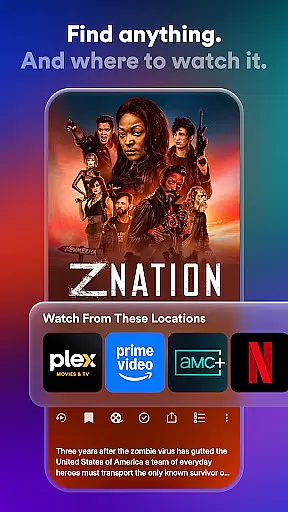
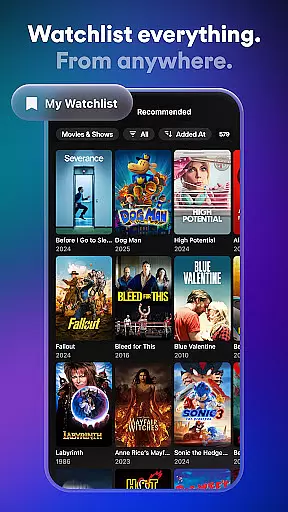
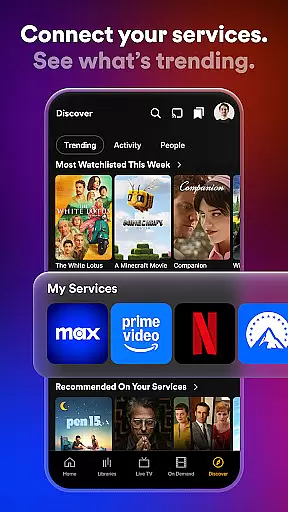
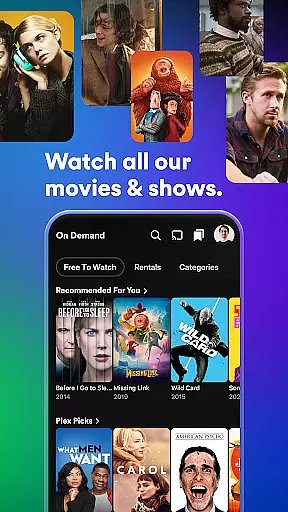
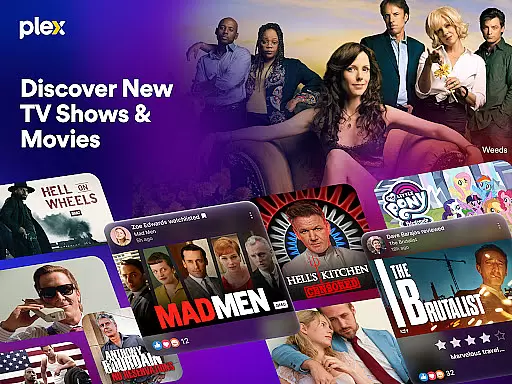
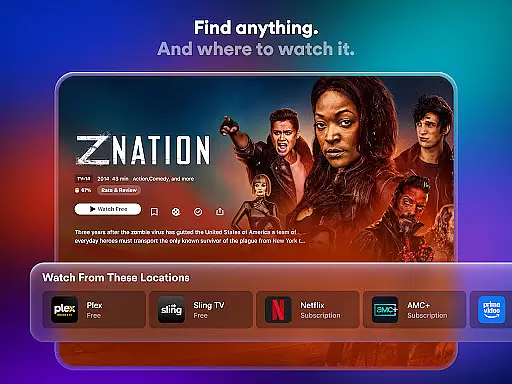
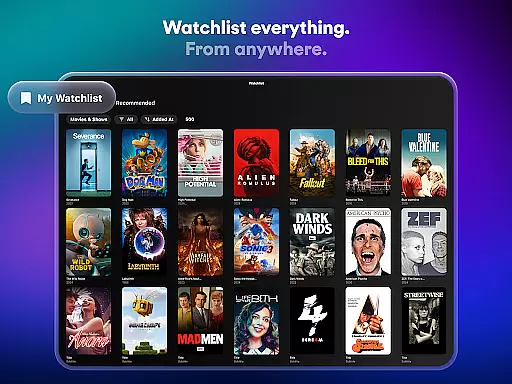
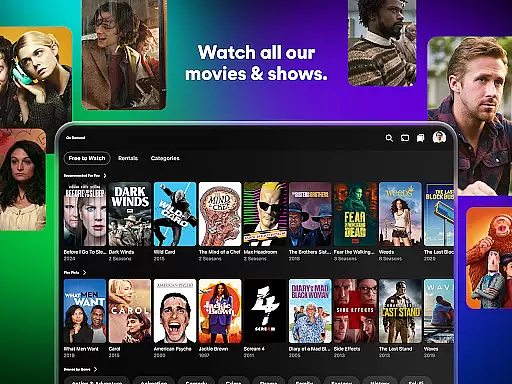
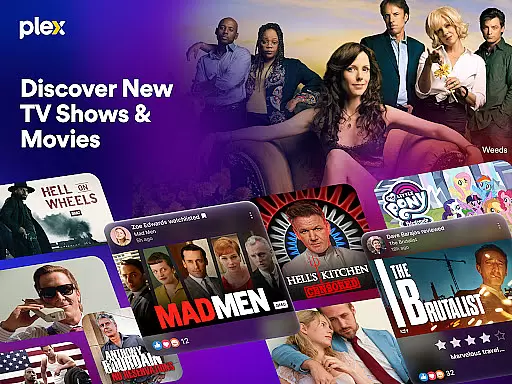
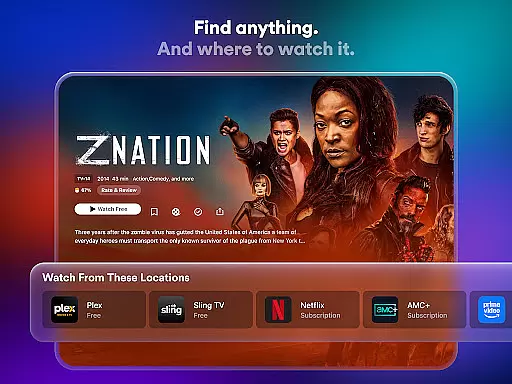
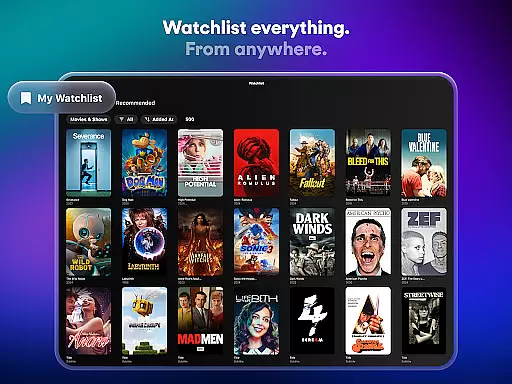
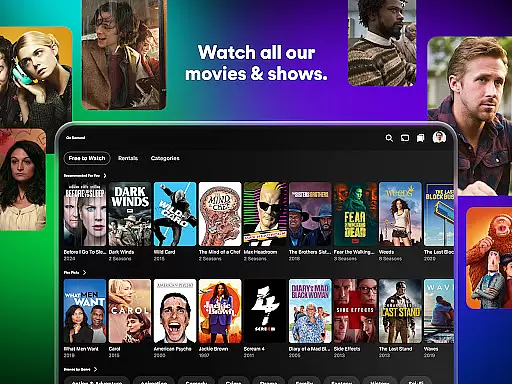
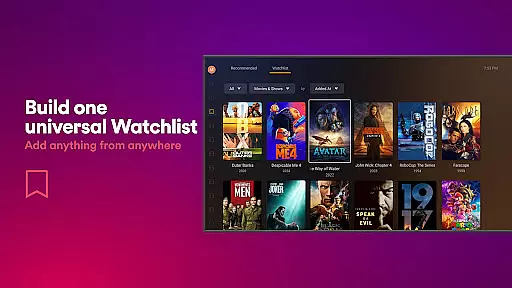
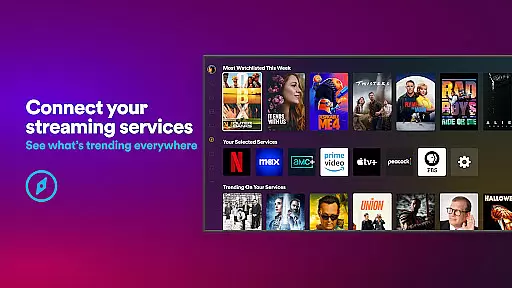
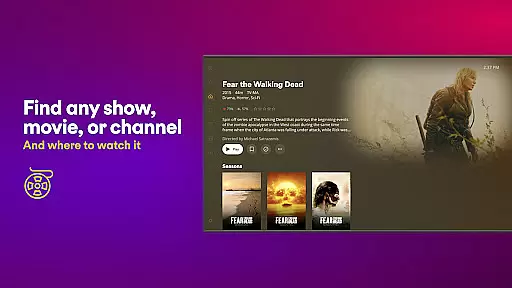
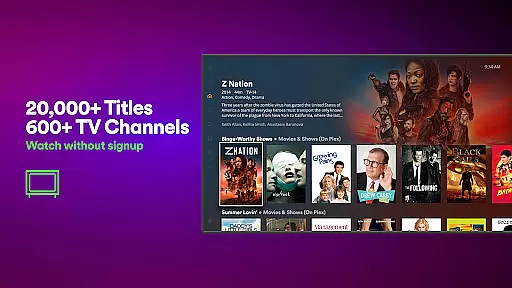
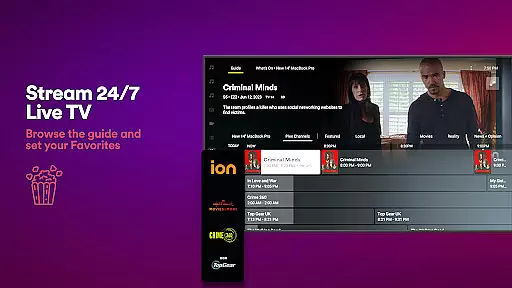
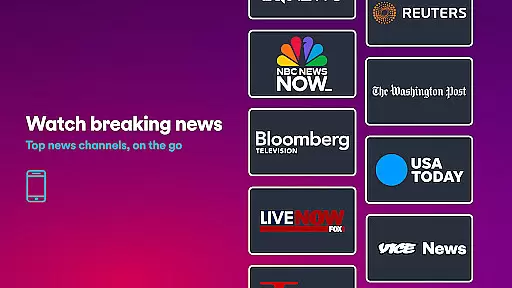
Plex is an all-in-one entertainment app that simplifies media streaming and discovery. It allows users to find any show or movie, check streaming availability, and maintain a universal Watchlist for easy access. The platform offers subscription-free streaming with over 600 channels and thousands of free movies and TV shows, including live TV options like sports, news, and kids' programming.
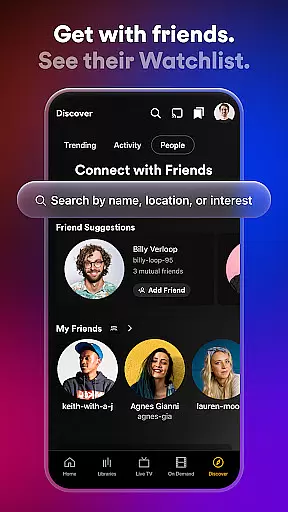
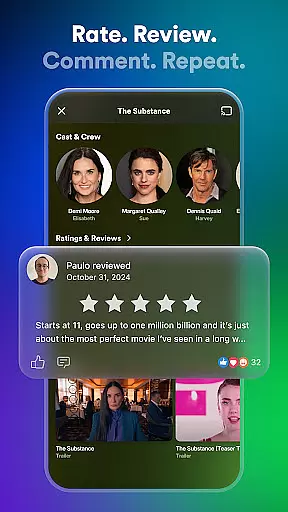
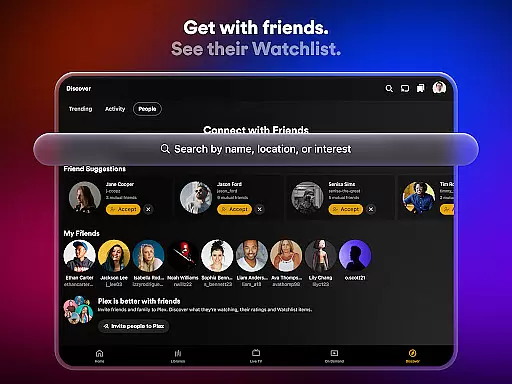
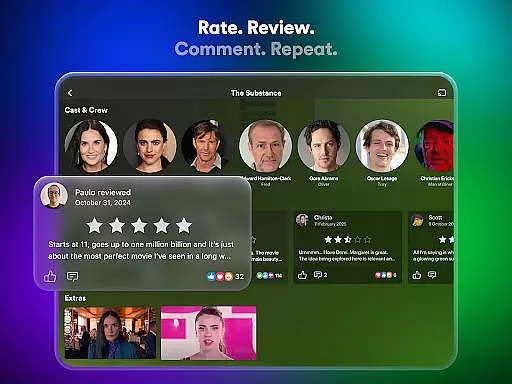
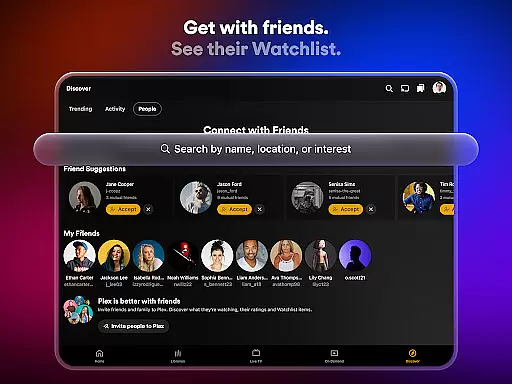
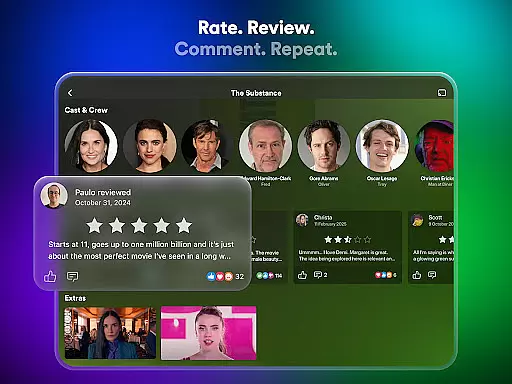
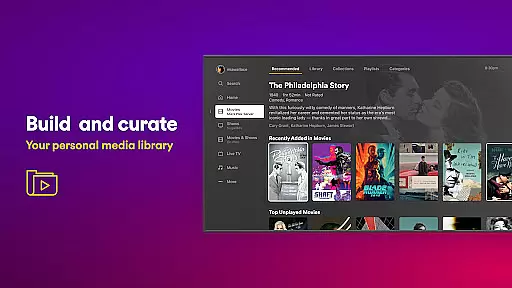
With its personal media server capabilities, Plex organizes users' personal media collections and enables streaming on any device. Users can also enjoy newly released films through Plex Rentals. The app's social features let users connect with friends, leave reviews, and share content. Whether you're looking for curated recommendations or organizing your digital library, Plex provides a seamless experience across all your devices.
Plex stands out with its comprehensive feature set tailored for media enthusiasts. The universal Watchlist allows users to save content from various sources in one place, while the integrated search function helps find where specific titles are streaming. Its personal media server automatically organizes movies and TV shows into collections, making it easy to manage extensive libraries.
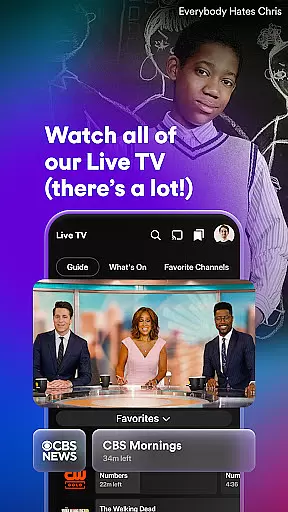
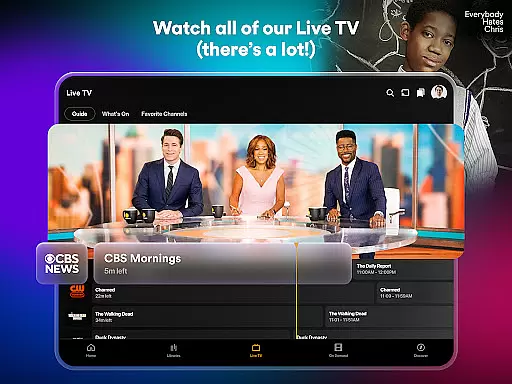
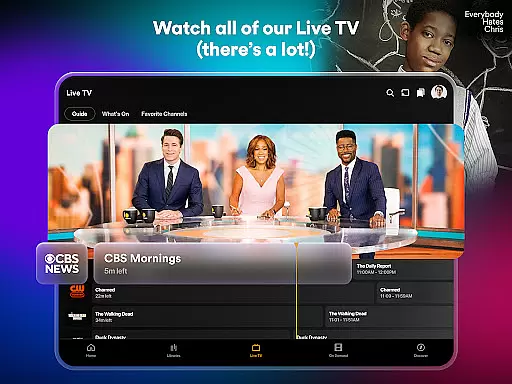
The app's Live TV feature offers over 600 free channels, including popular networks like FOX Sports and PBS. Through Plex Rentals, users can access new releases and classic films at competitive prices. Social connectivity is enhanced through friend activity tracking, review systems, and content sharing options. These features combine to create a powerful tool for both consuming and managing digital media across multiple platforms.
In the realm of digital entertainment, content variety and freshness are paramount for user satisfaction. Plex excels in this area by offering a vast array of over 50,000 titles and more than 600 TV channels, ensuring that there is always something new and exciting to watch. This extensive library includes live TV options covering sports, news, kids' shows, and much more, catering to diverse viewer preferences.
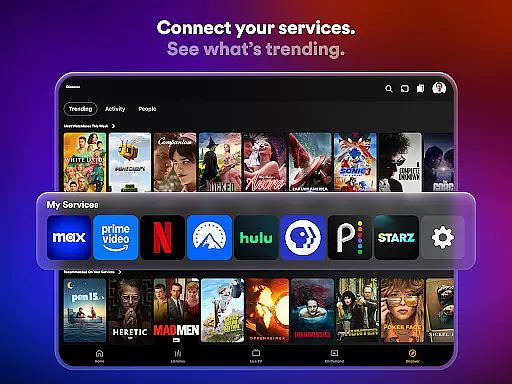
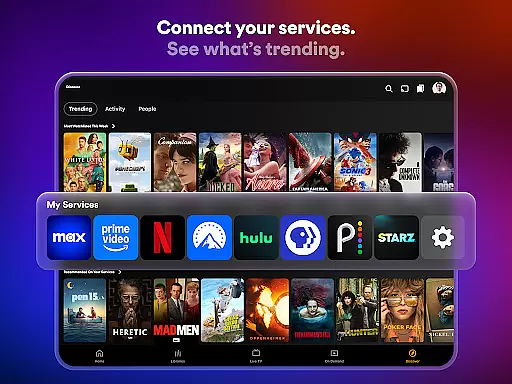
Plex's commitment to providing fresh content is evident through its integration with popular media brands such as A24, Paramount, AMC, and Lionsgate. By connecting users to trending movies and TV series across these platforms, Plex ensures that viewers have access to the latest releases alongside timeless classics. The platform also supports Live TV streaming, featuring beloved channels like The Hallmark Channel, FOX Sports, FIFA, and NBC News Now, which keeps audiences engaged with real-time programming.
Moreover, Plex Rentals adds another layer of novelty by allowing users to rent recently released films or beloved classics directly within the app. With rental prices starting at just $3.99, it becomes easy for users to enjoy blockbuster hits like Dune 2, Civil War, and Godzilla Minus One without needing to leave the comfort of their home. This feature not only enhances convenience but also guarantees that users can stay up-to-date with cinematic trends.
User engagement duration and retention are critical metrics for evaluating the success of an entertainment platform. Plex addresses these aspects effectively by creating a seamless and personalized viewing experience. Through its universal Watchlist feature, users can save any show or movie they wish to watch, regardless of where itu2019s streaming. This functionality simplifies content discovery and ensures that viewers can easily pick up where they left off, encouraging longer session durations.
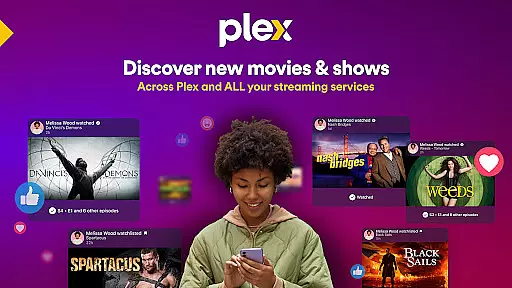
The social connectivity features embedded within Plex further enhance user retention. Users can connect with friends, share their Watchlists, and engage in discussions about their favorite TV shows and movies. Reacting to and commenting on friendsu2019 activities fosters a sense of community and belonging, prompting users to return frequently to interact with peers. Additionally, leaving reviews and recommendations allows users to contribute to the collective knowledge base, enhancing the overall value proposition of the platform.
Plex's Personal Media Server plays a pivotal role in retaining users by organizing personal media collections efficiently. By automatically scanning and sorting movies and TV shows into well-structured libraries, Plex makes it effortless for users to manage and access their content. Furthermore, offline viewing capabilities enable uninterrupted entertainment experiences even without an internet connection. These thoughtful features collectively drive higher user engagement and foster long-term loyalty among Plex subscribers.
User-friendly interface
Comprehensive media management
Wide streaming options
Offline viewing capability
Strong community features
Limited mobile functionality
DRM content restrictions
Advanced features require premium
Occasional buffering issues
Complex initial setup

Simulation of Dashboard / Touch Screen for Tesla. (Works without actual Tesla).
 4.1
4.1
Classic dynamic pixel art from Mark Ferrari.
4.70
Open-source, fast, simple and powerful IPTV app
4.90
Browser for Chromecast to stream webvideos, online movies, IPTV & HD livestreams
4.40
Fool your friends & Family with Fake ultrasound test report
3.60
Wodfix Air aggregates popular online content for you.
4.80
Come and watch short dramas, reels with diverse genres!
4.40
Companion app for Elden Ring to track quests, bosses, progress and more.
4.70
Watch Reels, Drama Shorts & TV Series Anytime. Download DramaWave Now!
4.70
5 funny and lovely ponies waiting for you to style them!
4.80
Stream Live TV, News & Documentaries. Watch Full Seasons with PBS Passport.
4.80
Unleash Your AI Imagination
4.60
Stream Online TV - Watch Live IPTV Playlist & Channel with Built-In Player
4.50
Fire effects for your Philips Hue lights
4.20
Himnario LLDM - Fast and Easy to read , updated Hymnal 2019 Edition Official
4.20
Browse popular images and videos from Reddit on Android TV!
3.90
With the Steam Mobile App, you can take Steam with you anywhere.
3.00
With the credits you earn play more games
2.90
Stream over 80 hours of exclusive mashups and remixes by DJ Rehab.
4.4


User Reviews