
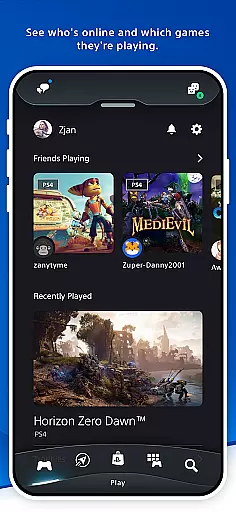

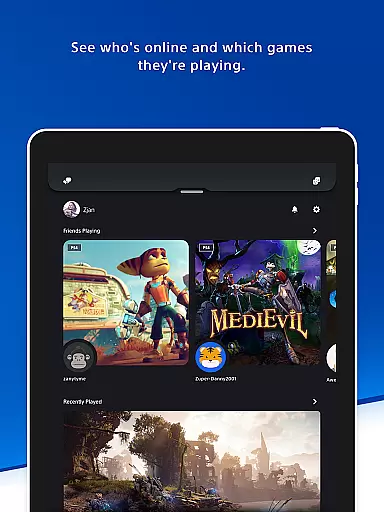
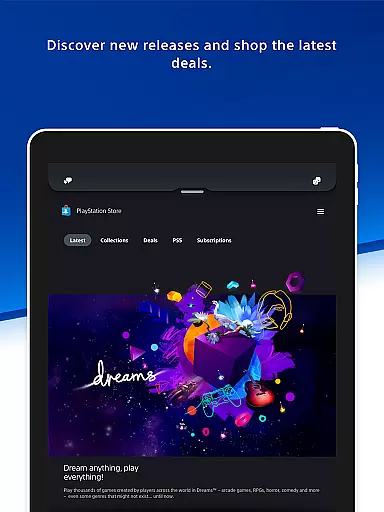
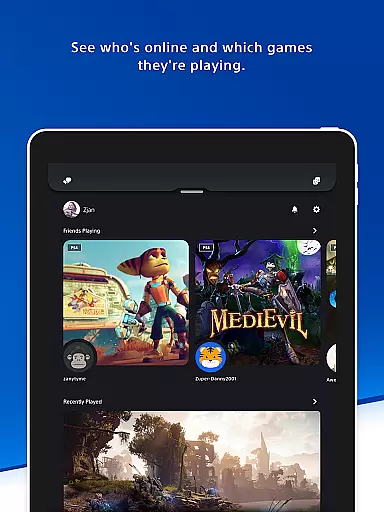
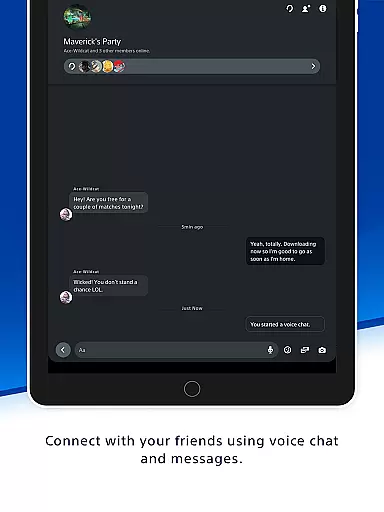
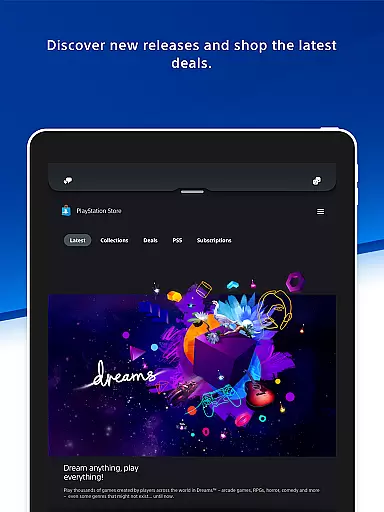
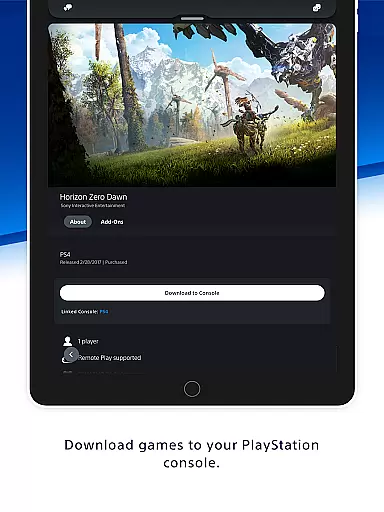
The PlayStation App is your gateway to staying connected with the gaming world on the go. This entertainment-focused application allows users to maintain contact with their gaming friends and access the games they love from anywhere. With features like checking online statuses, voice chatting, sending messages, and discovering deals on PS Store, it bridges the gap between gamers and their virtual playgrounds.
One of the app's key strengths lies in its ability to enhance social interactions within the gaming community. Users can view profiles, trophy collections, and plan multiplayer sessions effortlessly. Additionally, the app provides a portal for exploring new games, accessing the latest PlayStation news, and controlling console functions remotely. This makes it an indispensable tool for any PlayStation enthusiast looking to maximize their gaming experience.
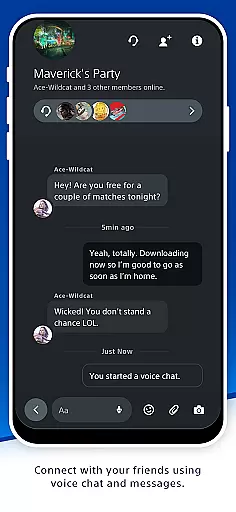
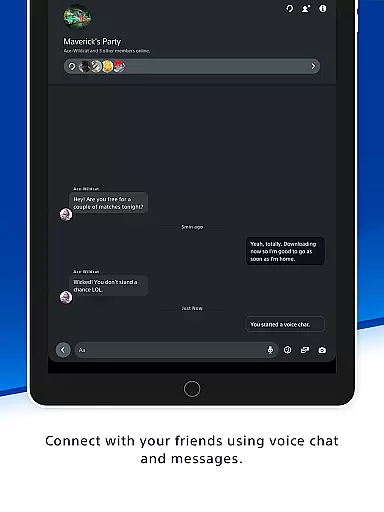
The PlayStation App offers a comprehensive suite of features designed to enrich the gaming experience. Firstly, it facilitates seamless communication through voice chat and messaging capabilities, allowing players to stay in touch with their PSN friends. The app also supports viewing detailed player profiles and trophy achievements, fostering a sense of community among users.
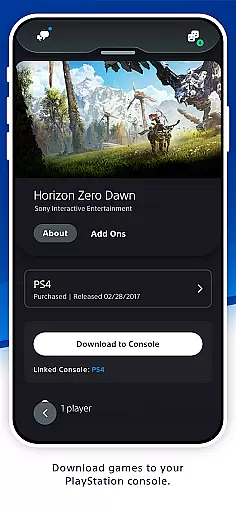
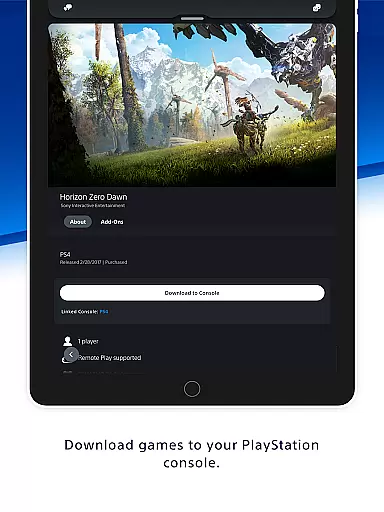
Another standout feature is the app's integration with PlayStation Store. Gamers can shop for new releases, pre-order upcoming titles, and browse exclusive deals directly from their mobile devices. Furthermore, the app enables remote management of PS5 console storage, quick sign-in, and game launching functionalities. These innovative tools ensure that players are always ready to dive into their favorite games without delay.
In the realm of digital entertainment, content diversity is key to user engagement. PlayStation App excels in this area by offering a wide array of gaming-related content. From the latest game releases to exclusive deals on the PS Store, users have access to an extensive selection that caters to all gaming preferences.
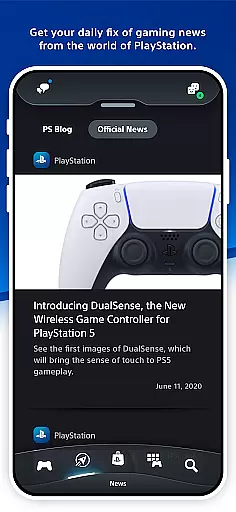
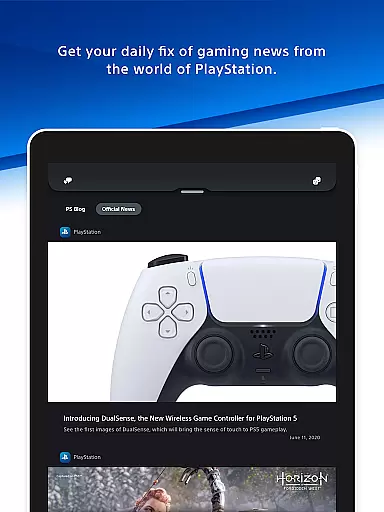
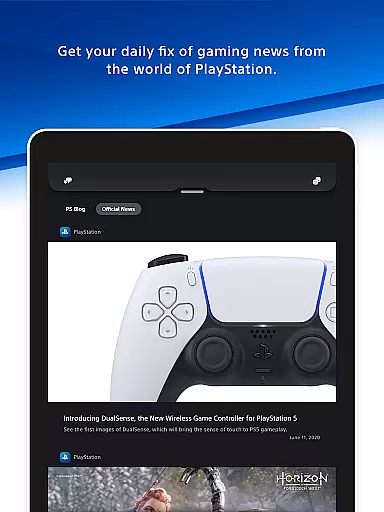
Moreover, the app keeps gamers informed with daily updates of gaming news, ensuring that users are always in the loop with the happenings in the gaming world. This constant stream of fresh content not only enhances the user experience but also encourages regular app usage.
The PlayStation App goes beyond just providing static content; it fosters a dynamic community where users can interact with friends, view profiles, and trophy collections. This social aspect adds another layer of variety, keeping the content feeling fresh and engaging for the users.
User engagement and retention are critical metrics for any entertainment platform, and PlayStation App addresses these through its comprehensive feature set. By allowing users to connect with their gaming friends via voice chat and messaging, the app creates a persistent communication channel that encourages prolonged interaction.
Additionally, the app's ability to notify users of game downloads and storage management for their PS5 console ensures that players remain engaged with their gaming setup even when they're away from their console. These features contribute to increased session lengths as users manage their gaming library on-the-go.
Retention is further bolstered by personalized notifications and invitations delivered directly to the user's phone lock screen. By maintaining a direct line of communication with timely updates and alerts, the PlayStation App successfully keeps its user base actively involved and invested in the platform.
User-friendly interface
Comprehensive social features
Remote console management
Exclusive store deals
Latest gaming news
PSN account required
Limited offline functionality
Region-specific content
Dependent on console compatibility
Occasional connectivity issues

A wonderful collection of the most beautiful sounds of animals and birds
 4.5
4.5
Classic dynamic pixel art from Mark Ferrari.
4.70
Create melty bead designs by numbers, photos or your imagination
4.40
Fire effects for your Philips Hue lights
4.20
Chat with AI characters! Anime, games, roleplay & more.
4.50
Stream live TV shows, sports, news, movies & more - all without cable.
3.00
Start EVP/Spirit Box tonight: real EMF, offline, recording. One-time purchase.
4.10
Original short dramas with diverse genres for a rich viewing experience!
4.80
Watch TV shows, movies, and stream Live TV channels without a subscription!
3.80
Open-source, fast, simple and powerful IPTV app
4.90
The JBL Portable app works with JBL portable Bluetooth speakers.
4.60
Everything FOX in one place. Watch FOX News, NFL, MLB, TV shows and more.
4.50
Best of icon for christmas
4.30
Browse popular images and videos from Reddit on Android TV!
3.90
Your choice of 350+ networks plus movies and full TV series on-demand.
3.70
Necrophone is spirit box ghost hunting app made for spirit communication.
3.70
EVP Recorder / Voice Recorder for ghost hunting, to communicate with ghosts.
4.5
See the frequencies! Watch the magic!
4.0
The classic game of rock, paper, scissors
4.5


User Reviews