
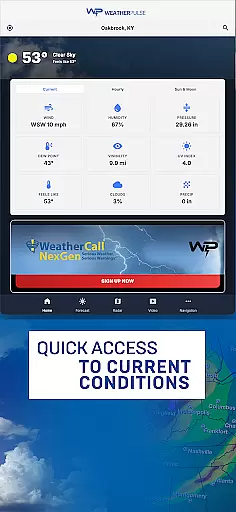
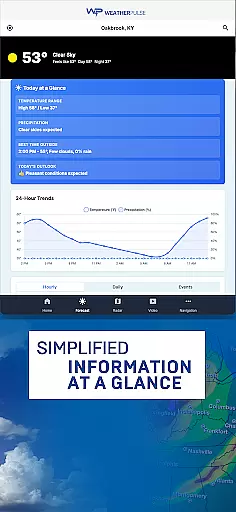
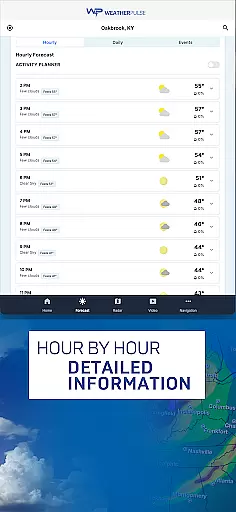
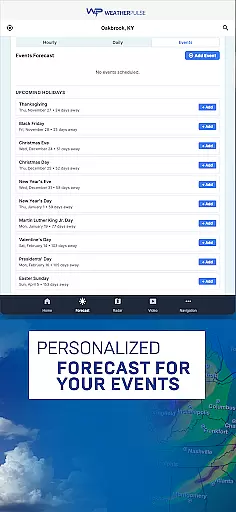
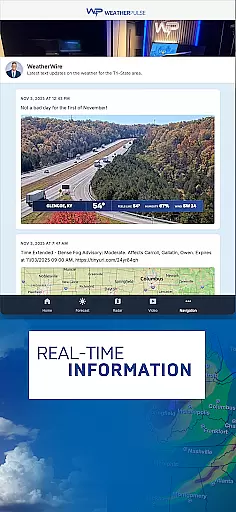
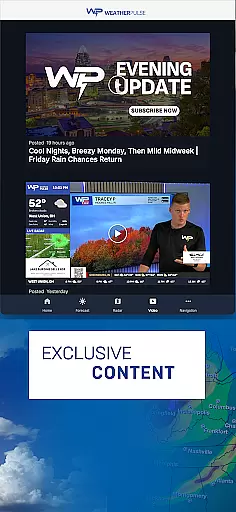
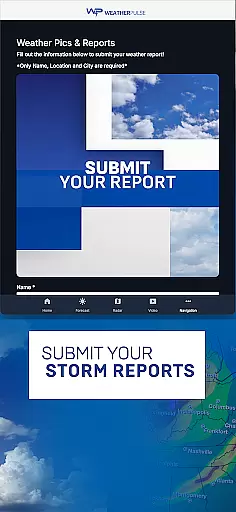
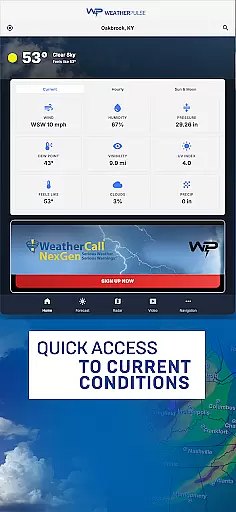
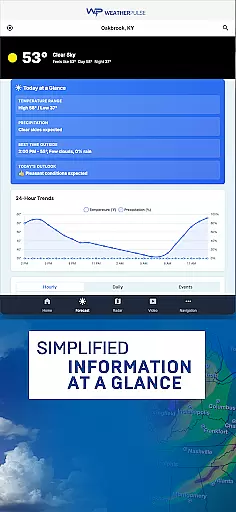
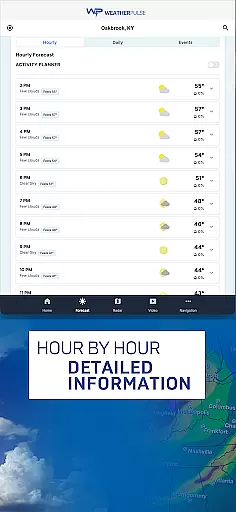
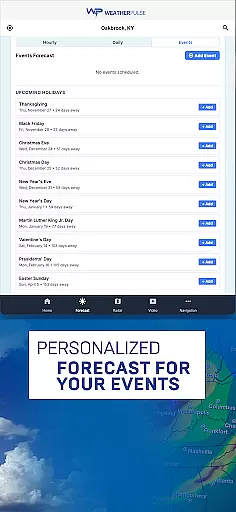
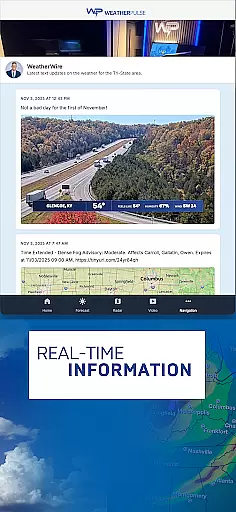
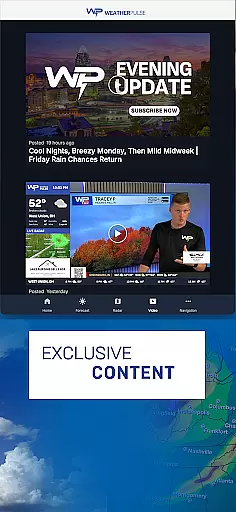
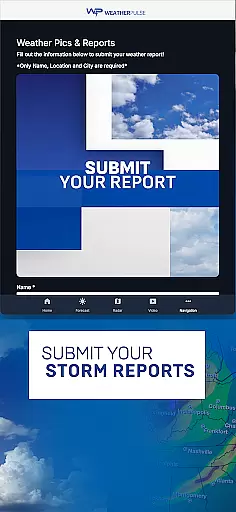
WeatherPulse is a comprehensive weather application designed to provide users with accurate and real-time weather updates. The app goes beyond basic forecasting by offering detailed insights into temperature, humidity, wind speed, and air pressure for any location worldwide. Whether you are planning your daily schedule or preparing for travel, WeatherPulse ensures you stay informed about changing weather conditions.
In addition to its precise hourly and daily forecasts, the app features interactive weather maps that allow users to track storm systems and monitor cloud cover. With timely severe weather alerts and customizable home screen options, WeatherPulse provides both safety and personalization. Its global coverage and historical weather data further enhance its value, making it an essential tool for both casual users and weather enthusiasts.
WeatherPulse stands out with its robust feature set tailored to meet diverse user needs. One of its key highlights is the provision of real-time weather updates, ensuring users have access to the latest information on critical metrics such as temperature, wind speed, and air pressure. This functionality is supported by an intuitive interface that makes navigation seamless and efficient.
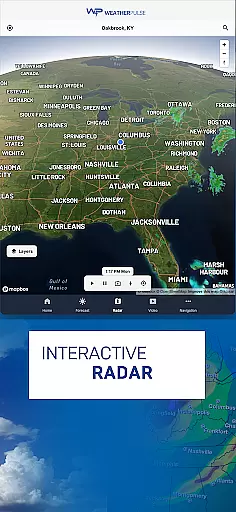
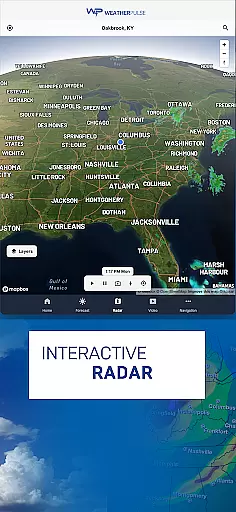
The app also offers advanced tools like interactive weather maps and radar imagery, enabling users to visualize dynamic weather patterns. These maps are particularly useful for tracking storms and understanding broader meteorological trends. Additionally, WeatherPulse provides historical weather data and long-term trend analysis, empowering users to explore past weather behaviors and anticipate future changes. With customizable settings and themes, the app ensures a personalized experience while maintaining reliable accuracy.
Forecast accuracy and data credibility form the backbone of any reliable weather application. WeatherPulse excels in this area by sourcing its data from leading meteorological organizations, ensuring users receive precise and trustworthy weather information. This commitment to accuracy allows individuals to plan their daily activities with confidence.
The app provides real-time updates on critical weather parameters such as temperature, humidity, wind speed, and air pressure. These updates are not only timely but also highly accurate, thanks to WeatherPulse's integration with global weather data networks. Users can trust that the information they receive reflects the most current atmospheric conditions.
For those requiring long-term planning, WeatherPulse offers a comprehensive 7-day forecast. This feature is particularly valuable for travelers, outdoor enthusiasts, and professionals who need to anticipate weather patterns well in advance. The detailed breakdown of hourly forecasts further enhances the user experience by preparing them for sudden changes in weather.
Ultimately, WeatherPulse's dedication to forecast accuracy and data credibility ensures that users are never caught off guard by unexpected weather events. Whether it's avoiding a downpour or preparing for a heatwave, the app equips users with the knowledge needed to stay safe and make informed decisions.
Weather forecasting isn't just about predicting tomorrow's weather; it's about understanding weather patterns across both time and space. WeatherPulse stands out by offering an extensive temporal and spatial forecast range, empowering users to access weather data for thousands of cities worldwide. This global coverage makes the app invaluable for international travelers and remote location tracking.
The app's interactive weather maps provide a visual representation of meteorological data, allowing users to track storm systems, monitor cloud cover, and observe dynamic weather patterns. These maps utilize real-time radar imagery and satellite data, giving users a clear picture of how weather systems evolve over time. Such tools are essential for anyone seeking a deeper understanding of atmospheric changes.
In addition to its spatial capabilities, WeatherPulse delivers detailed insights into long-term weather trends. By analyzing historical data, users can explore temperature fluctuations, precipitation levels, and other climate factors. This functionality appeals to weather enthusiasts and professionals alike, as it helps identify broader environmental patterns.
With its expansive temporal and spatial forecast range, WeatherPulse ensures that users have access to the most relevant and up-to-date weather information. Whether planning a local outing or monitoring global weather phenomena, the app provides the necessary tools to stay informed and prepared.
User-friendly interface
Real-time updates
Global coverage
Customizable features
Interactive maps
Requires constant internet
Premium features locked
Notifications can be frequent
Heavy on battery
Occasional inaccuracies

Live local weather updates: various widgets & radar maps & hourly forecast.
 4.70
4.70
Moon phase calendar with live wallpaper, lunar widget, & 3D simulation.
3.60
A tool that provides real-time and 5-day weather info.
4.5
Ultimate Lunar Calendar for 2021!
4.80
Weather - Local weather forecast, weather daily & hourly, weather radar
4.80
Check forecasts, watch live news & track storms with FOX Weather.
3.80
Accurate Local Weather Forecast, let you easily understand the nearby weather!
4.20
NOAA forecast & radar for your exact location.
4.80
Your ultimate app for real-time weather information!
4.70
Live Alabama weather from James Spann—forecasts, radar, alerts, Spanncams.
4.70
My Aurora Forecast Pro is the app for the Northern Lights and Aurora Borealis.
4.70
Check room temperature with this indoor thermometer. thermostat & hydrometer
4.70
The weather channel, tiempo weather forecast, weather radar & weather map
4.70
Weather channel forecasts weather daily & hourly, local and national air quality
4.70
All-in-one weather radar launcher with rain, temperature maps & local forecast.
4.30
Accurate weather forecast and beautiful weather & clock widgets
4.20
Global weather forecast, powered by layered radar & hourly weather updates
4.10
Retro TV-style digital watch face with weather, heart rate, steps & events!
4.5
Dynamic weather watch face with glass effect, bold time & 7 complications.
4.1


User Reviews