
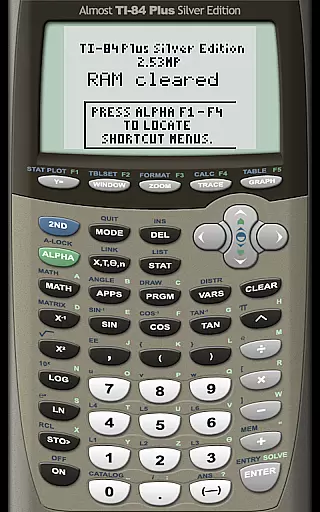
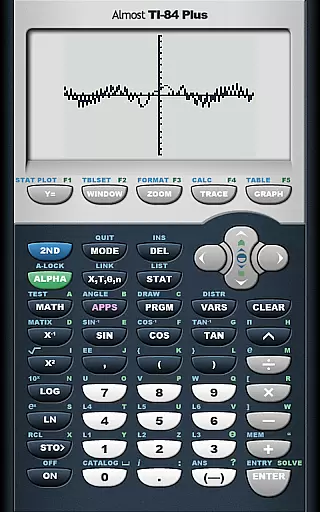
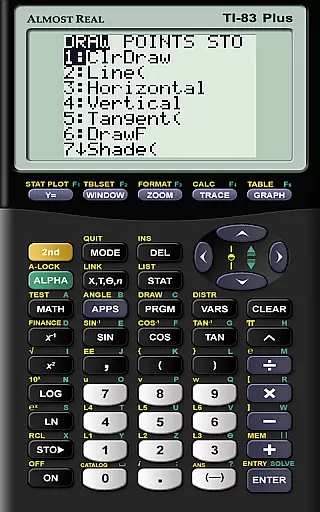
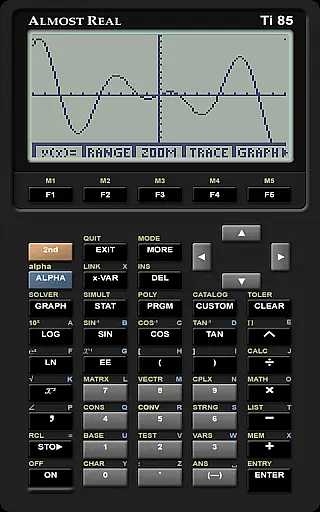
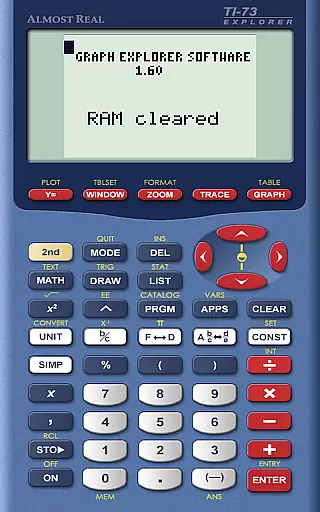
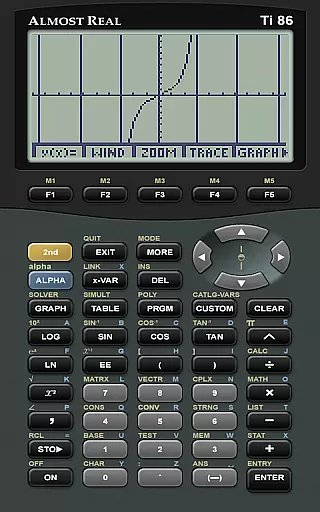
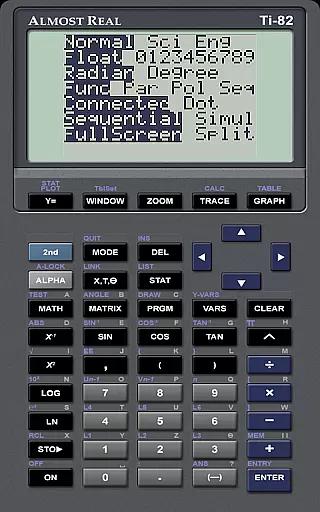
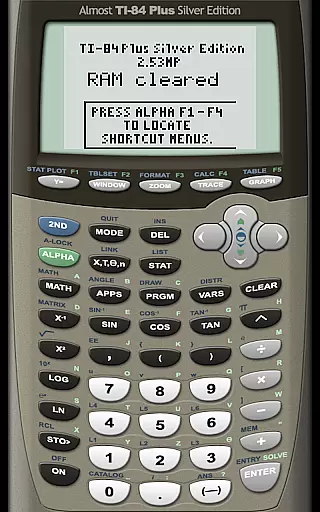
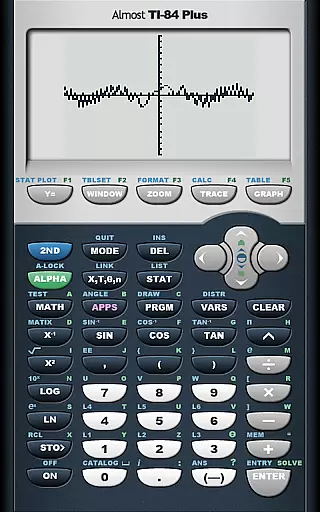
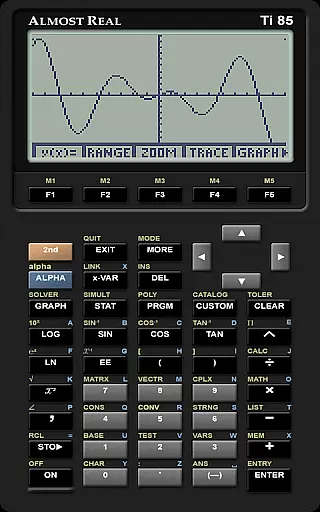
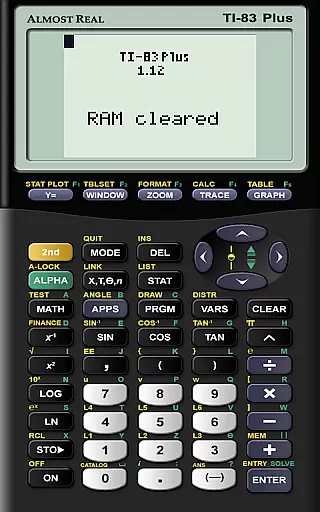
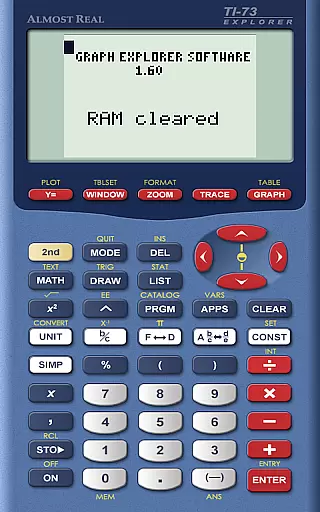
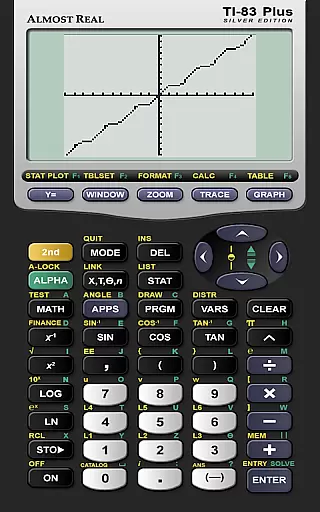
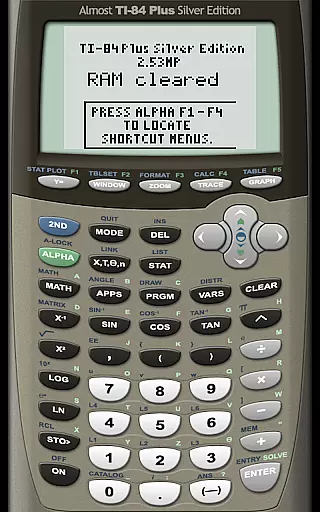
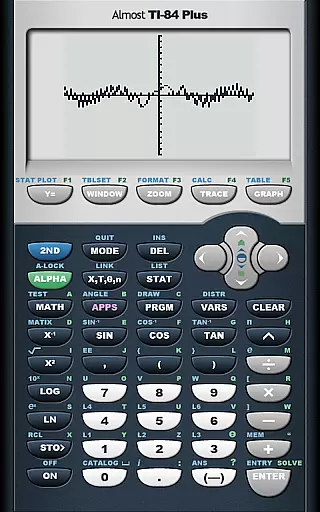
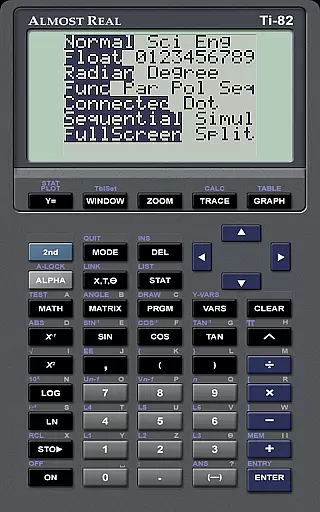
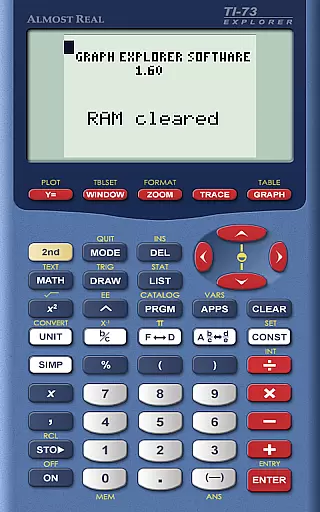
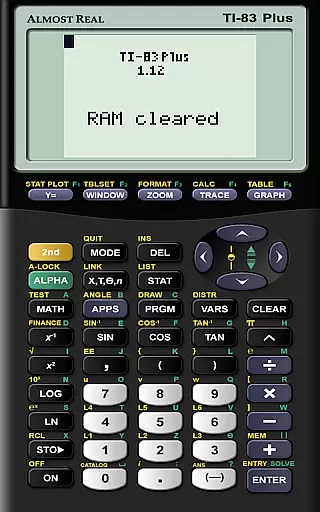
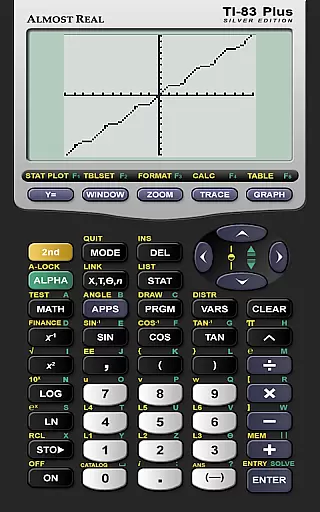
AlmostTI is an advanced educational application that transforms your Android device into a fully functional Texas Instruments graphing calculator. The app meticulously emulates a wide range of TI calculators including the TI-84+, TI-83+, and TI-81 series, making it an invaluable tool for students and educators alike.
One of the standout features of AlmostTI is its ability to save calculations at any point and retrieve them later. This functionality allows users to seamlessly switch between multiple tasks without losing progress. Whether you are working on complex mathematical problems or performing statistical analysis, this app provides a reliable platform for all your calculation needs.
The application is particularly useful in educational settings where graphing calculators are essential tools. With support for tablets, users can enjoy an enlarged interface that makes calculations more accessible and visually clear. This feature enhances the learning experience by providing a larger workspace for detailed computations and graphing.
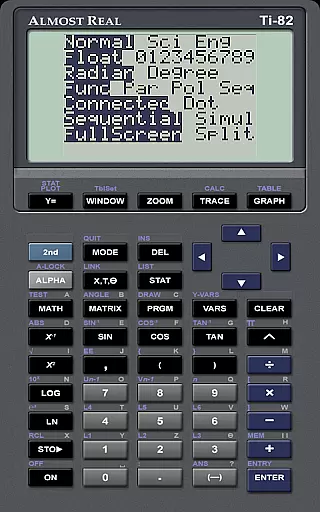
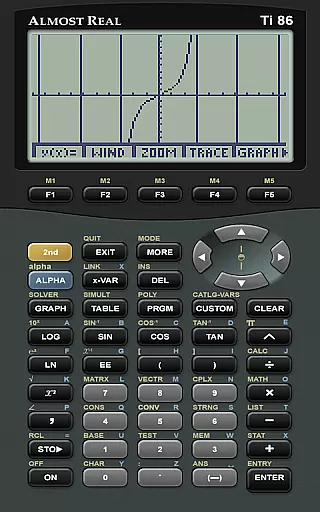
AlmostTI offers an impressive array of features that cater to both students and professionals in need of robust calculation tools. The app supports emulation of various Texas Instruments calculators such as the TI-84+, TI-83+, TI-82, and many others. Each emulation is crafted with precision to ensure accurate performance and reliability.
A key feature of AlmostTI is its capability to save and manage multiple calculation sessions. Users can store their work at any stage and return to it later, which is particularly beneficial for tackling lengthy or complex problems. This session management system streamlines workflow and enhances productivity by allowing users to pick up exactly where they left off.
In addition to its core emulation capabilities, AlmostTI provides resources for users seeking further assistance. The app's homepage and dedicated web pages offer comprehensive guides and troubleshooting tips. Furthermore, an active discussion group enables users to connect with the author and fellow users, fostering a supportive community for maximizing the app's potential.
In the realm of educational tools, content accuracy is paramount for effective learning. AlmostTI provides a meticulous emulation of Texas Instruments graphing calculators, including models TI-84+, TI-83, and more. This precision ensures that students and educators can rely on AlmostTI for calculations and graphical analyses that mirror those of physical calculators.
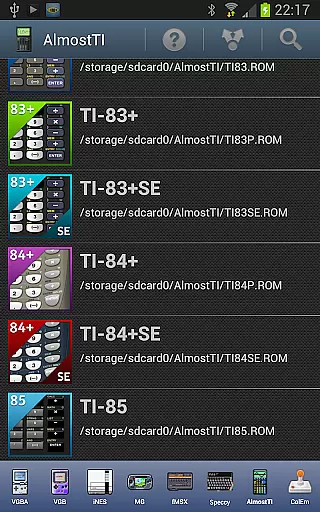
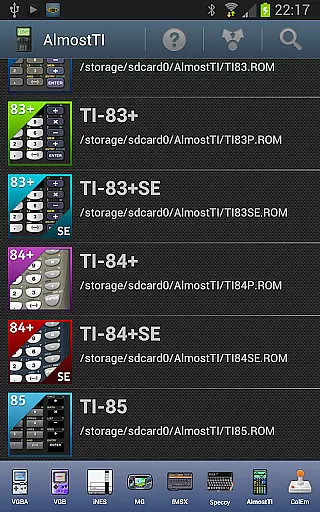
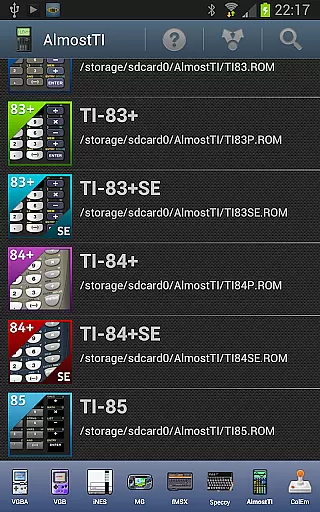
The app's dedication to authenticity extends to its requirement for original calculator ROMs. Users must supply their own ROM files, which preserves the integrity of Texas Instruments' intellectual property and guarantees an accurate emulation environment. By using genuine ROMs, AlmostTI maintains the authoritative functionality of each calculator model.
AlmostTI's emulation doesn't just replicate calculator operations; it encompasses the entire user experience. From saving calculations at any point to selecting from previously saved tasks, users engage with an authentic interface that reinforces learning. The app becomes an indispensable virtual tool for math and science education.
With support resources like the homepage, Android-specific help web page, and active discussion groups, AlmostTI fosters a community where accuracy is upheld. These platforms allow users to seek guidance, ensuring they maximize the app's potential while maintaining strict adherence to educational standards.
Personalized learning paths are essential in catering to individual student needs, and AlmostTI facilitates this by offering versatile emulation options. The application supports a wide range of Texas Instruments calculator models, allowing learners to choose the one that best fits their academic requirements or personal preferences.
By turning Android devices into powerful calculation tools, AlmostTI adapts to various learning styles. Whether it's through visual graphing on a tablet's large screen or performing complex computations on a smartphone, students can tailor their interaction with mathematical concepts in ways that enhance understanding and retention.
Moreover, AlmostTI enables users to save progress and switch between tasks, creating a customized workflow that aligns with each learner's pace. This feature allows for breaks in study sessions without losing momentum, thus constructing a personalized path that accommodates different study habits and schedules.
Finally, the availability of external resources such as tutorials on dumping ROMs and participating in discussion groups empowers users to troubleshoot and advance their knowledge independently. Such autonomy not only enriches the learning journey but also encourages exploration beyond traditional classroom boundaries.
User-friendly interface
Wide range of calculator models
Session saving functionality
Active user community
Comprehensive support resources
Requires external ROM files
Limited to Android devices
No built-in calculator ROMs
Potential compatibility issues
Dependent on third-party resources

Learn Words Daily in Just Minutes - Boost Your Language Skills Fast!
 4.60
4.60
Designed for Calculator 84 users
4.20
Pass your FAA written with flying colors - Study Buddy can help.
4.30
Welcome to the Speak Navajo Language Application - Volume 1
4.50
An aviator’s preparation, study and test tool for FAA Knowledge Exams.
4.30
The FE Clock is a way to track sun & moon around the circle of the earth.
4.30
A fast and fun way to learn guitar - works with any guitar.
4.60
Make your own game and world. Draw and animate characters
3.70
Adventures await with Spider-Man and other Marvel characters!
4.10
Explore myths and gods across cultures with in-depth insights and stories.
5.00
Childcare Management App: Daily sheets, sign in-out, billing and learning tools
4.70
Guitar chord finder, analyzer, smartly visualized theory, progressions, quizzes.
4.70
An easy to use yet powerful and full-featured flashcard study app.
4.50
A magical world of fun, building, and learning with Mickey Mouse and more!
4.20
Explore numbers the Starfall way!
4.00
An aviator’s preparation, study and test tool for FAA Knowledge Exams.
3.90
Hasbro’s classic CANDY LAND game is now a gorgeous interactive storybook app.
2.30
Enrich the experience of your visit to the Pantheon with our audiotour.
1.60
AR planetarium app that brings the solar system to you via XREAL Glasses.
4.3


User Reviews