
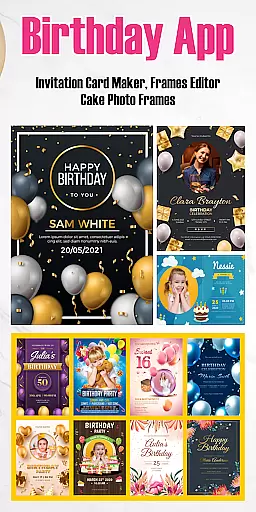
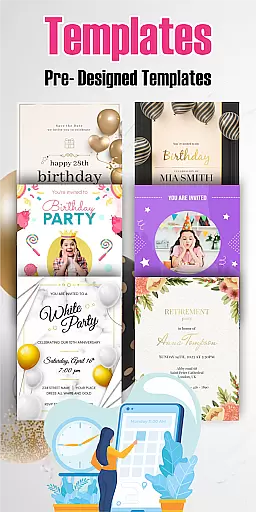

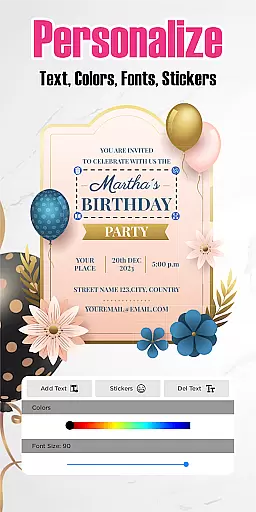
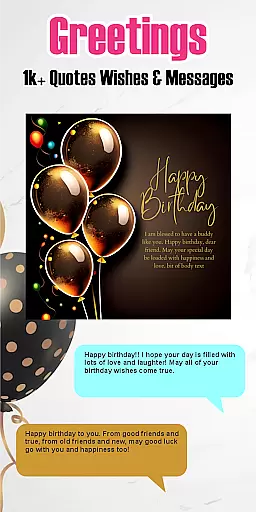
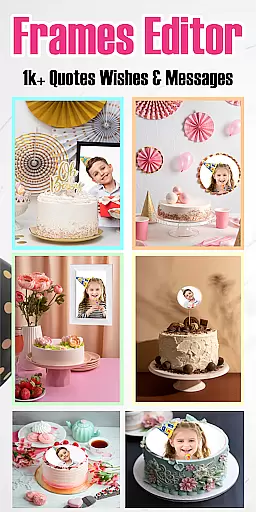

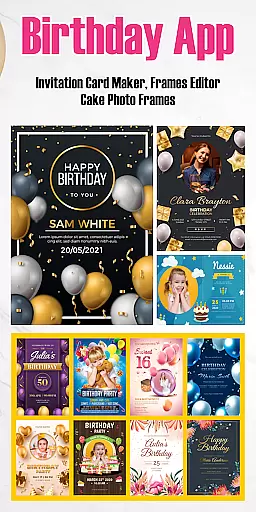
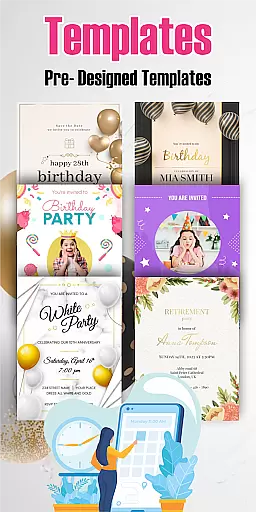

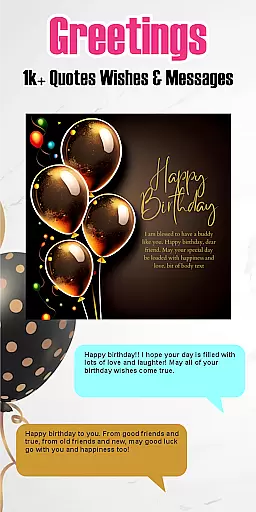
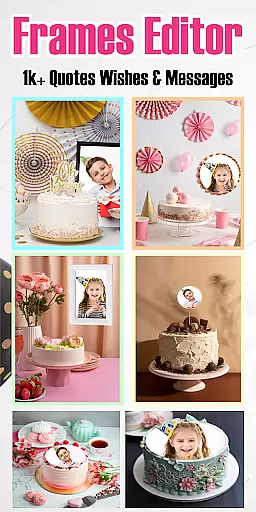

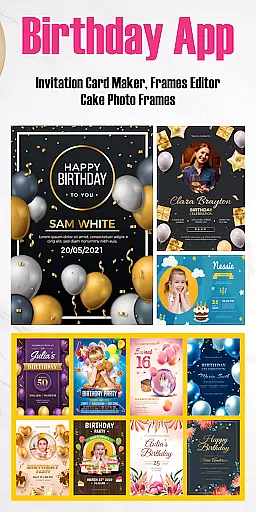
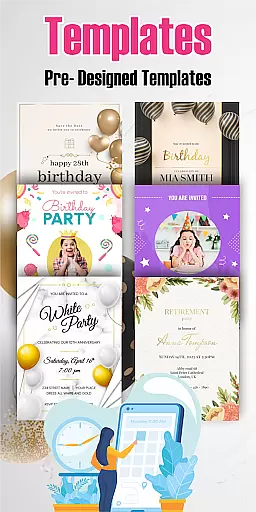



Birthday Invitation Card Maker is a versatile app designed to help users create personalized and visually appealing birthday invitations. The app offers an extensive collection of free templates that can be customized with images, text, stickers, and various effects, making it suitable for both casual and professional use.
With its user-friendly interface, the app supports designing in both portrait and landscape modes, allowing complete creative control. Beyond basic invitations, users can also craft e-cards, video invitations, and even record birthday songs, adding a personal touch to every creation. Whether planning a child's party or a corporate event, this app provides diverse design options to suit all needs.
The app's value lies in its ability to save time while delivering high-quality results. With pre-designed templates and customization features like filters and collages, Birthday Invitation Card Maker ensures every invitation leaves a lasting impression on recipients.
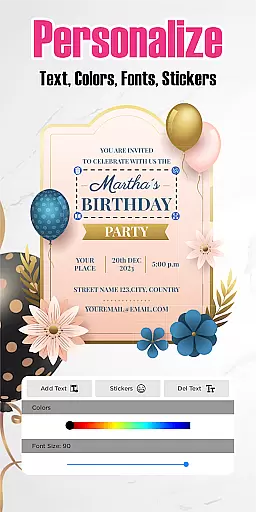
Birthday Invitation Card Maker stands out with its rich feature set tailored for creating memorable birthday cards. One key feature is the wide selection of customizable templates, which include designs for kids, adults, and corporate events. Users can personalize these templates by adding their own images, text, stickers, and applying unique filters and effects.
The app also supports multiple design formats, including portrait and landscape layouts, as well as advanced options like e-cards and video invitations. This flexibility allows users to tailor each card to match specific themes or preferences. Additionally, the app includes tools for recording and sharing birthday songs, enhancing the emotional connection of the invitations.
Another notable feature is the app's intuitive interface, which makes designing accessible even for beginners. By combining ease of use with powerful customization capabilities, Birthday Invitation Card Maker empowers users to produce professional-grade invitations quickly and effortlessly.
Task creation and detail customization are essential features for any event planning application. The Birthday Invitation Card Maker app excels in this area by providing users with a comprehensive suite of tools to design personalized birthday invitations. This feature allows users to select from an extensive array of templates, each tailored to different themes and styles, ensuring that every invitation is unique and memorable.
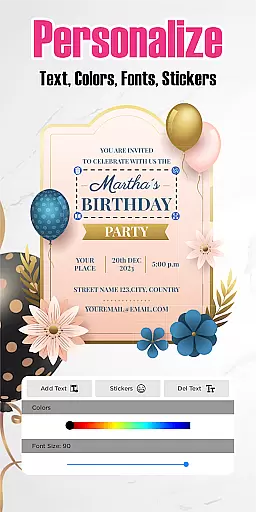
The level of detail available for customization within the app is impressive. Users can incorporate personal images, add custom text with various font options, and choose from a multitude of stickers and effects. These elements enable the user to craft an invitation that not only announces the details of the event but also reflects the personality and preferences of the birthday individual. Such attention to detail enhances the emotional impact of the invitation, making it more than just an informative message.
Moreover, the ability to apply filters and effects adds another layer of personalization. With these tools, users can adjust the visual tone and mood of their invitations, aligning them perfectly with the theme of the celebration. Whether it's a whimsical children's party or an elegant adult gathering, the app ensures that the invitations set the right expectations for the guests. This flexibility empowers users to express their creativity fully and make each birthday card a true reflection of the special day it represents.
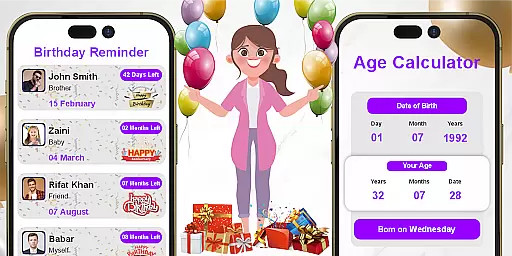
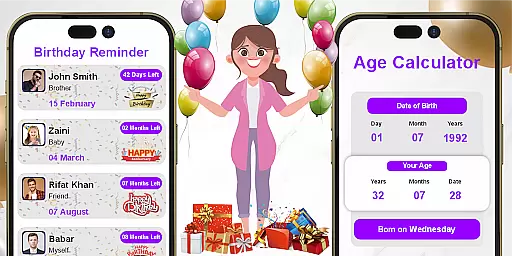
Reminder settings play a crucial role in event management applications, ensuring that users never miss an important date or task. In the Birthday Invitation Card Maker app, reminder functionalities are thoughtfully integrated to enhance the user experience. By setting up timely reminders, users can focus on the creative aspects of invitation design without worrying about forgetting key deadlines or event dates.
This app offers flexible reminder options that cater to different scheduling needs. Users can set multiple reminders for various stages of the invitation creation process, such as finalizing the design, sending out invitations, and following up with RSVPs. This systematic approach helps keep the entire planning process organized and stress-free. Additionally, the reminders can be customized to alert users at specific times before the event, ensuring all preparations are completed on schedule.
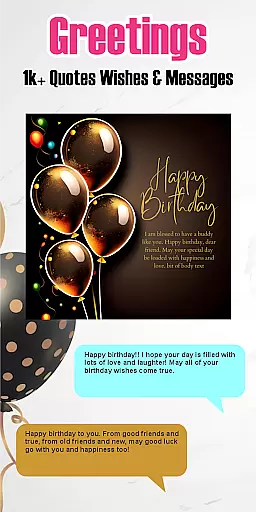
Beyond basic alerts, the app's reminder system supports multimedia notifications, allowing users to attach personalized messages or even audio recordings. This feature is particularly useful when sending birthday wishes or songs to loved ones who may be far away. By combining practical time-management tools with thoughtful touches, the Birthday Invitation Card Maker app ensures that every birthday celebration is meticulously planned and joyfully executed, leaving a lasting impression on both the planner and the attendees.
User-friendly interface
Wide template selection
Customizable designs
Supports e-cards and videos
Quick creation process
Limited advanced editing
Few premium templates
No offline functionality
Occasional ads
Basic sharing options

Mobile Event Guide for Greater NY Dental Meeting
 4.3
4.3
TV Garden is a video player to play your own TV streams from around the world!
4.3
Track birthdays, habits & goals. Unlimited countdowns and count-ups
4.20
Instant photo sharing for every occasion
3.80
For weddings, parties & events
4.60
RAISE-365 makes fundraising easy and fun!
3.20
Invitation Card Maker, Design & share wedding, birthday & party invites fast
4.40
Fast Scans. Happy Fans. For Every Hometown!
4.60
Birthday Greetings provides Birthday Card, Frames, Gifs & Father's day Wishes
4.80
Fantasy of Lights Event App
5.00
Create invitation cards for birthdays, weddings, Christmas and more.
4.80
Beautiful invitation cards + easy RSVP tracking for any event. Design Invites.
4.80
Design Invitations & Cards for Any Occasion
4.80
Text message invitations for birthday party, wedding, graduation, baby shower +
4.60
Events, Meetings, Photo Shoots
4.50
Connect with an ecosystem of 5M+ eventgoers and organizers.
4.50
PheedLoop Go! is the mobile event app for events powered by PheedLoop.
4.40
Audio guide companion APP for SEE's Michelangelo's Sistine Chapel
3.50
The official app of the Carmel Christkindlmarkt!
4.4


User Reviews