
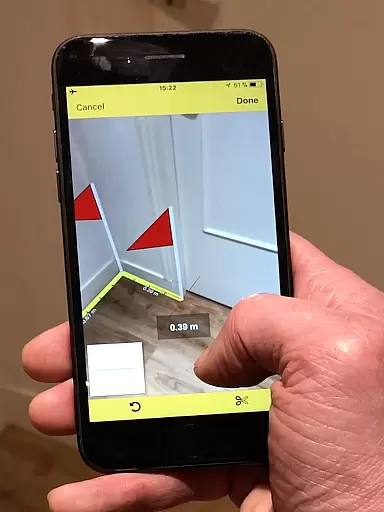
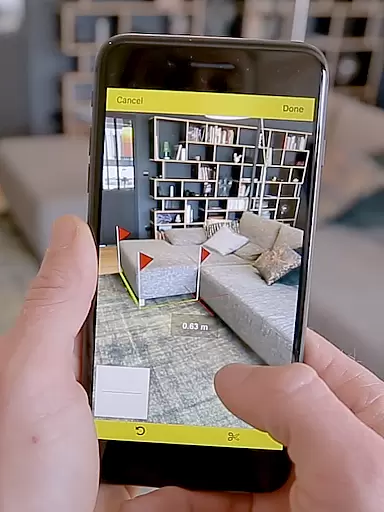
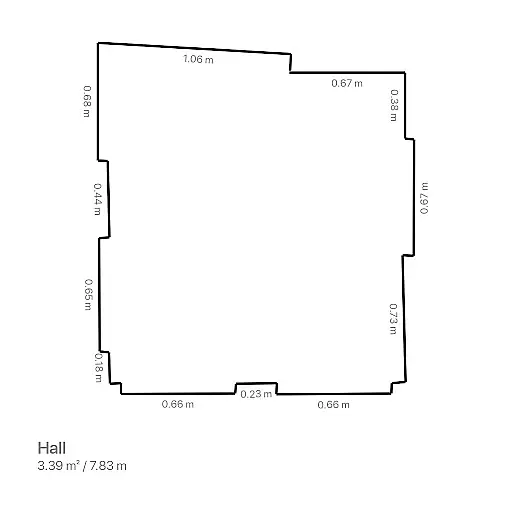
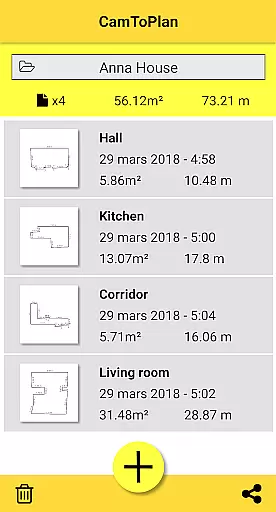
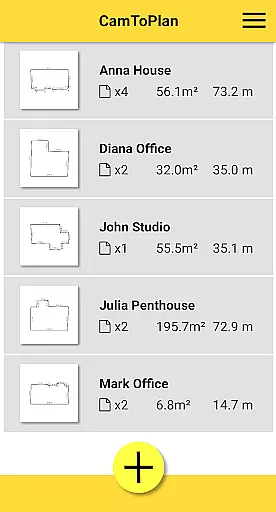
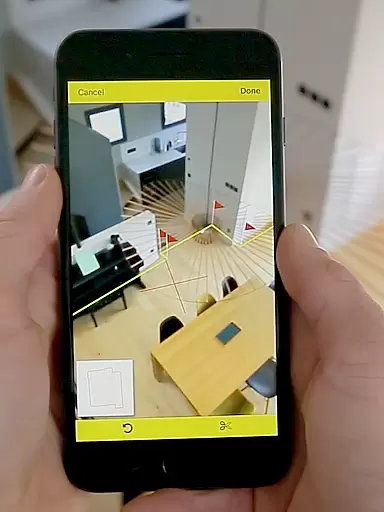
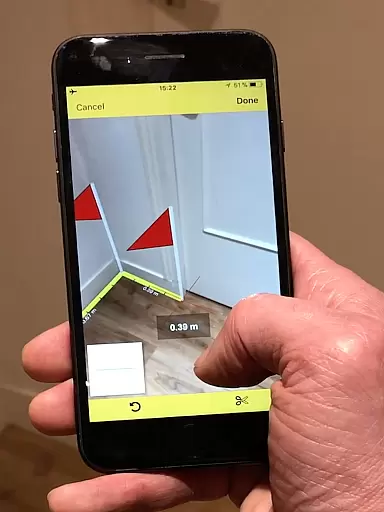
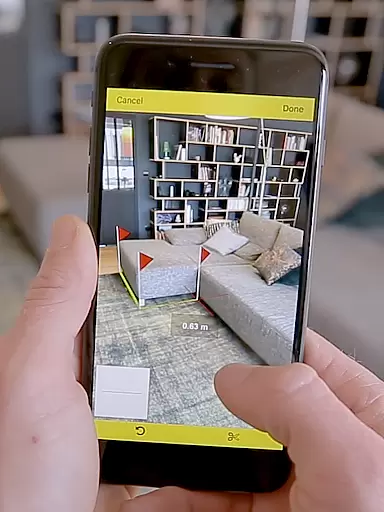
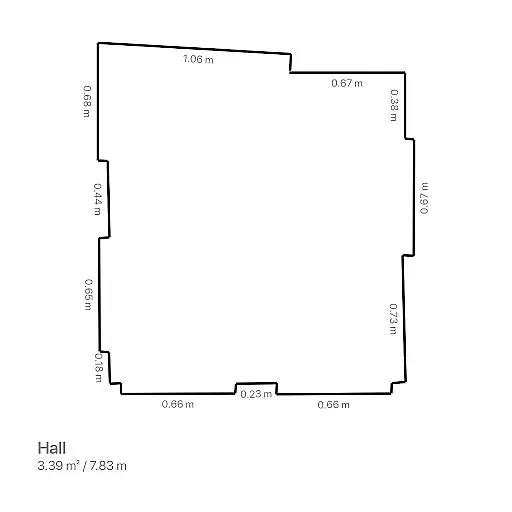
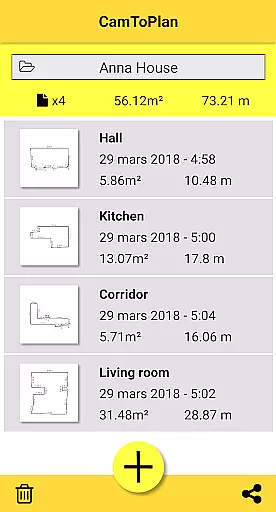
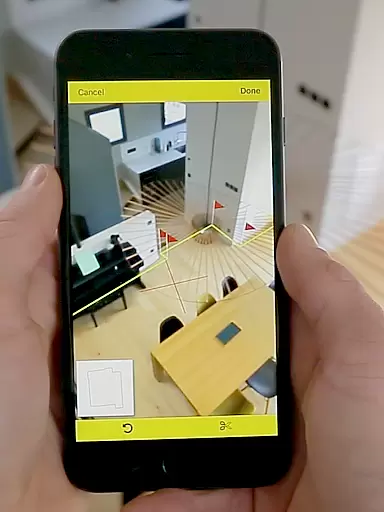
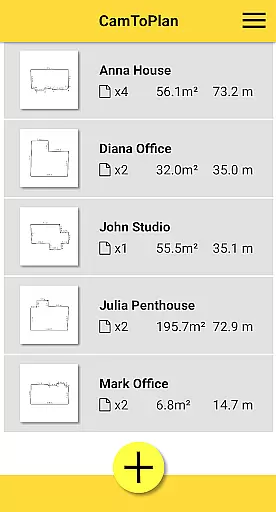
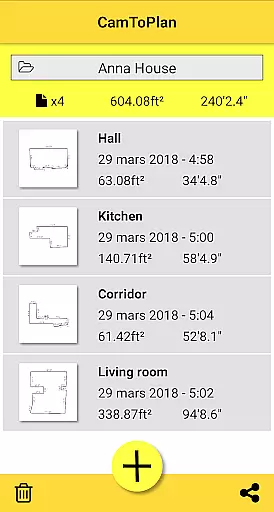
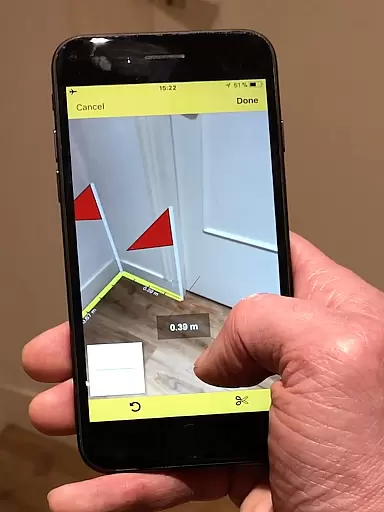
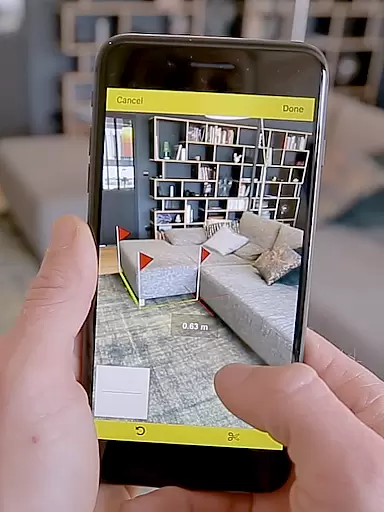
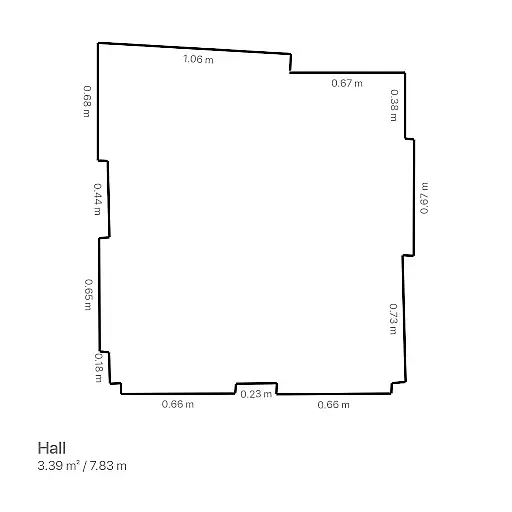
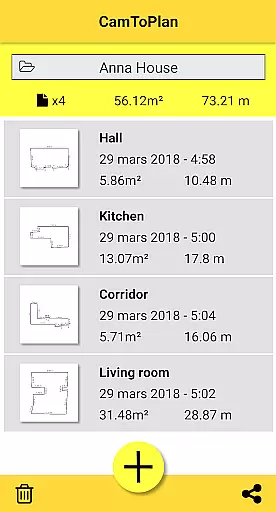
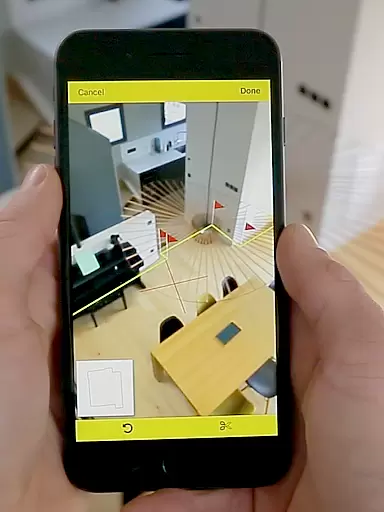
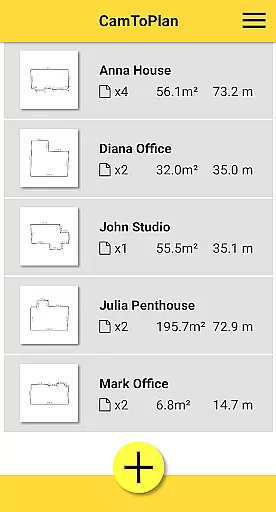
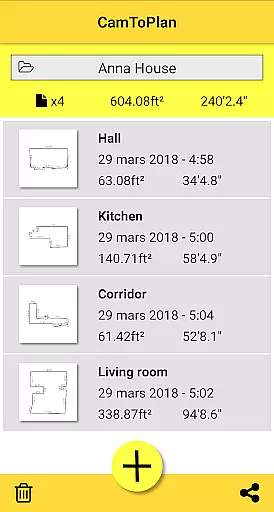
CamToPlan is a revolutionary business application that leverages augmented reality to measure distances and surfaces, as well as draw plans with ease. Using your device's camera, it simulates a 3D tape measure on your screen, allowing effortless measurement of baseboards, walls, furniture dimensions, and more without the need to kneel or manually mark points. The app caters especially to professionals like architects and decorators, offering precise calculations of areas in square meters or feet and enabling instant sharing of room plans via email, message, or social media.
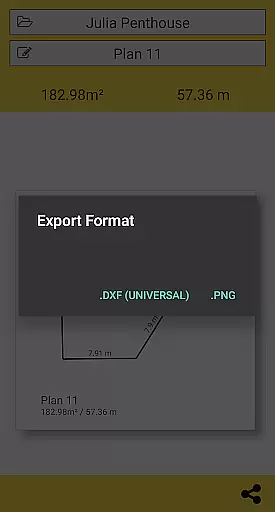
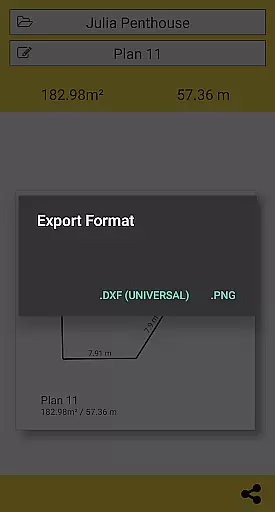
The app stands out for its ability to measure both horizontally and vertically, automatically determining intersection points even behind furniture. It supports Metric and Imperial units and allows users to export data in PNG or DXF formats while managing folders efficiently. While CamToPlan performs best under good lighting conditions and textured floors, it may face challenges with reflective surfaces or certain floor tiles. Its innovative approach makes it an essential tool for professionals and DIY enthusiasts alike.
CamToPlan offers a rich set of features designed to enhance productivity and accuracy in measuring spaces. One standout feature is its use of augmented reality to project a virtual tape measure onto your screen, providing real-time measurements in 3D. This eliminates the need for physical tools like rulers or laser rangefinders, streamlining workflows for professionals such as architects, decorators, and handymen. The app also calculates surface areas instantly and generates detailed room plans complete with all measured dimensions.
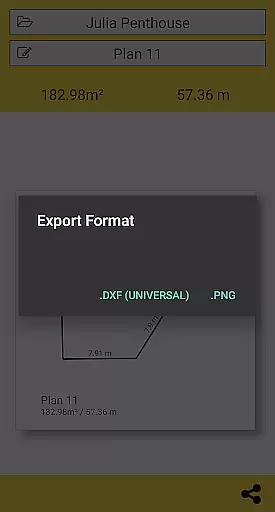
Another key feature is its versatility in handling both horizontal and vertical measurements, including hidden points calculated through extrapolation. Users can select between Metric and Imperial units based on their preferences. Additionally, CamToPlan enables exporting data in widely-used formats like PNG and DXF, ensuring compatibility across various platforms. With intuitive folder management and one-click sharing options via email, messages, or social media, this app combines innovation with practicality to deliver exceptional value.
CamToPlan revolutionizes collaborative work in the field of architecture and interior design by enabling effortless sharing of measurements and plans. The app allows users to export data in PNG or DXF formats, which are widely used in professional settings.
With just one click, users can share their created plans via email, messages, or social media platforms. This seamless sharing capability ensures that all team members have access to the most up-to-date project information, regardless of their location.
The ability to measure distances both horizontally and vertically adds another layer of detail to collaborative projects. Team members can visualize spaces more accurately, ensuring that everyone is on the same page when discussing project specifics.
Moreover, CamToPlan's support for both Metric and Imperial units means that international teams can work together without confusion over measurement standards. This feature enhances cross-border collaborations, making CamToPlan an essential tool for global professionals.
Task management within CamToPlan is streamlined through its intuitive interface and powerful features. Users can efficiently manage their measurement tasks with minimal effort, thanks to the app's augmented reality capabilities.
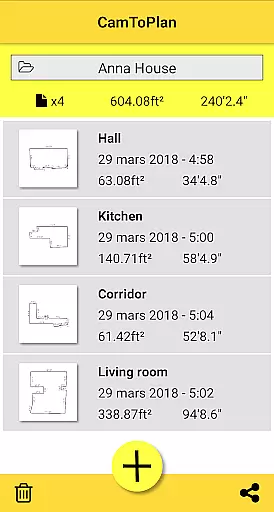
The app automatically calculates areas and draws room plans with all measured dimensions, saving users time and reducing the risk of manual calculation errors. This automation allows users to focus on more critical aspects of their projects rather than getting bogged down in tedious calculations.
CamToPlan also supports folder management, enabling users to organize their projects systematically. This organizational feature is crucial for task management, as it helps users keep track of different projects and access them quickly when needed.
Furthermore, the app's ability to determine intersection points between floors and target points, even behind furniture, simplifies the task management process. Users can take precise measurements without having to rearrange the space, thus completing tasks faster and more efficiently.
User-friendly interface
Augmented reality precision
Instant area calculations
Export flexibility
Versatile measurement options
Lighting-dependent accuracy
Challenging with reflective floors
Limited tile compatibility
Requires careful calibration
Premium version costs

GoTo Mobile is a simple & secure calling, messaging & meetings solution
 4.80
4.80
Formerly Facebook Ads Manager. Manage and create ads on the go.
4.20
Amazon A to Z is the place to manage your work-life at Amazon.
4.50
Drive and earn extra money
4.50
Mobile POS for any business: sales, invoices, retail, restaurants & appointments
4.60
Find part-time earning opportunities near you that pay within days.
3.20
From Gone to Back Again — In Just a Few Taps
4.50
Collaborate seamlessly with Google Chat, part of Google Workspace
4.50
All-in-one Mobile solutions for employees & managers to succeed at work
4.30
Access to Paylocity, empowering employees with information they need 24/7.
4.70
Ask Accio anything about business. Alibaba-backed, built by experts, not just AI
4.60
Your employer must have UKG Ready software configured for Mobile.
4.60
The app that lets you deliver with Amazon.
4.50
Deliver and earn money
4.30
VSD Viewer - Visio Drawings Viewer for Android Preview VSD, VDX, VSDX drawings
4.10
Shop, deliver, and earn with the Spark Driver™ App
4.10
Roadie connects people with stuff to send with drivers already going that way.
3.50
Delivery Track App - Tracking with Fedex, USPS, UPS, DHL. Monitor your Orders.
3.20
We are a dynamic team of creatives people of design, marketing, web & apps
3.00


User Reviews