

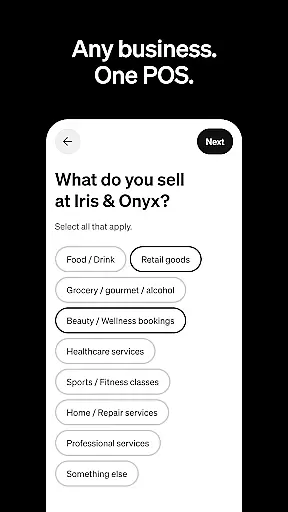
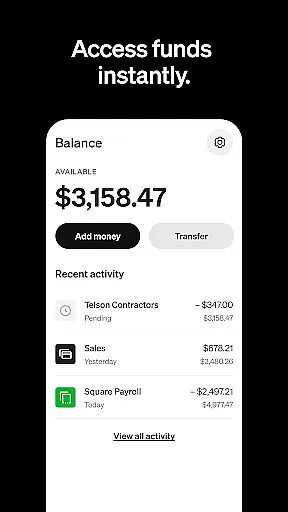
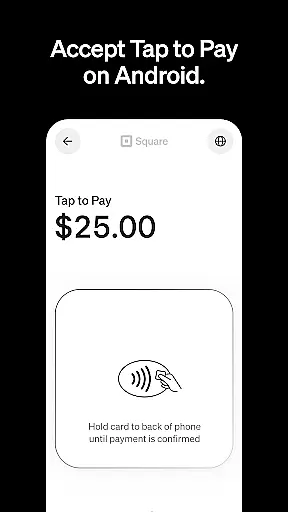
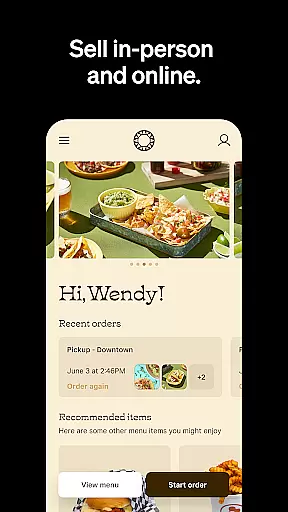
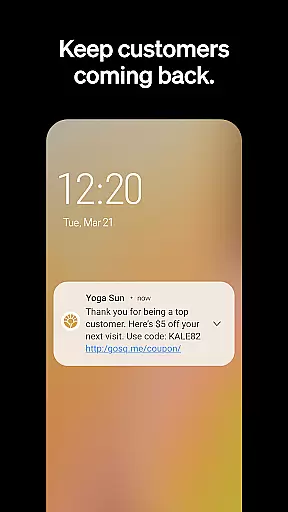
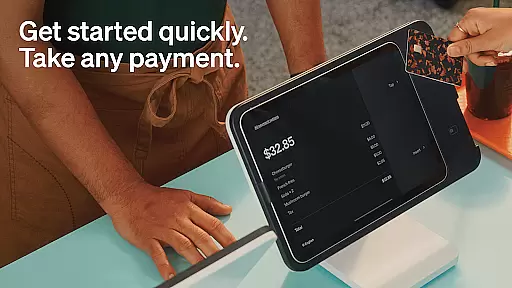
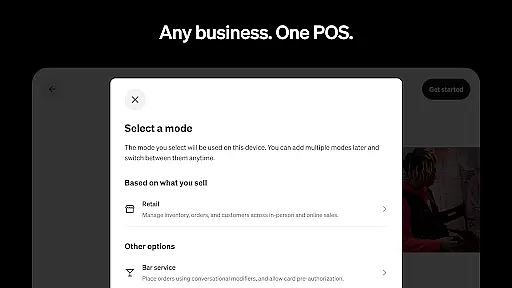
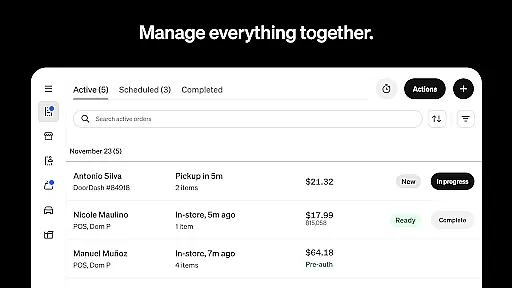
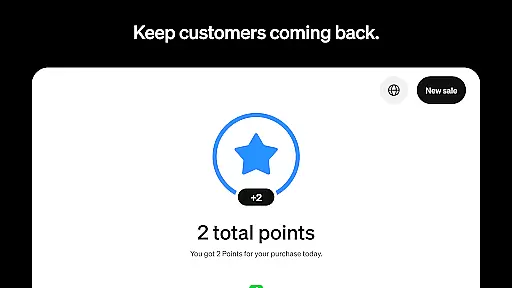
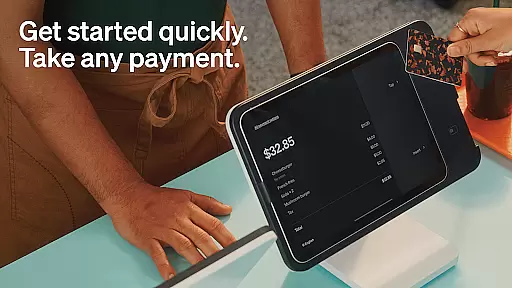
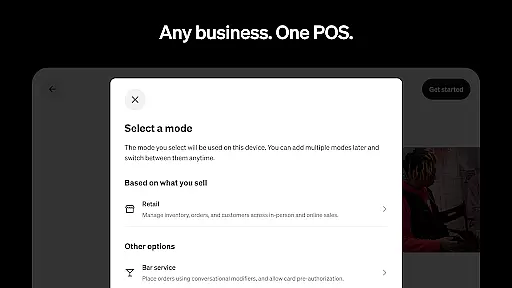
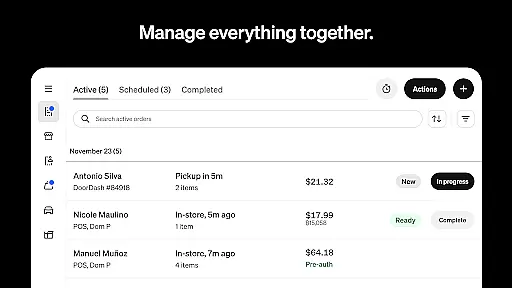
Square Point of Sale (POS) is a versatile payment processing app designed to cater to various business types. It supports retail, restaurant, and service industries with tailored modes that simplify operations and enhance customer experiences. The app allows businesses to accept payments through multiple methods including credit cards, digital wallets, and Cash App Pay, ensuring smooth transactions.
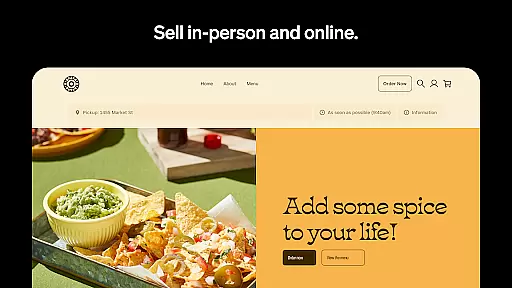
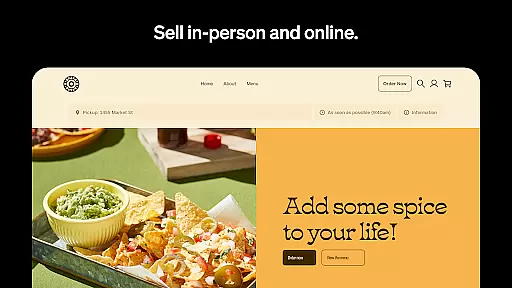
With its comprehensive features, Square POS helps businesses manage sales, track inventory, and generate reports efficiently. Retailers can sync online and in-store inventories while restaurants can streamline order entry and management. Service-based businesses benefit from professional invoicing and appointment scheduling. This all-in-one solution boosts operational efficiency and supports business growth by providing essential tools for modern commerce.
Square POS offers an array of features designed to meet diverse business needs. Its standout capability is the support for multiple payment methods such as credit cards, digital wallets, and QR codes, making transactions seamless. The app provides industry-specific modes like retail, restaurant, and service settings, each equipped with unique functionalities tailored to those sectors.
For retailers, it offers real-time inventory updates and automated restocking alerts. Restaurants can create items and modifiers quickly, speeding up order processes. Service businesses can send professional invoices and secure commitments with e-signatures. Additionally, users can process transactions offline, review detailed sales reports, and manage staff effectively. These robust features ensure businesses have the right tools to operate smoothly and grow sustainably.
Collaborative work features are essential for businesses that require seamless teamwork and communication. Square Point of Sale (POS) offers a comprehensive suite of tools designed to enhance collaboration across various business types. The app provides multiple POS modes tailored to different industries, ensuring that teams can work together efficiently regardless of their specific needs.
The system allows users to manage transactions, send invoices, and book appointments with ease, streamlining operations and promoting better team coordination. For retail businesses, real-time stock updates and automated restocking help teams stay informed and prepared. In the beauty sector, features like prepayment options and appointment reminders reduce no-shows and optimize scheduling.
For restaurants, the ability to enter orders quickly and manage them in one place ensures smooth service and enhances team productivity. Service-based businesses benefit from professional invoicing and e-signature capabilities, which secure commitments and protect both customers and the business. These collaborative features ensure that every team member has access to the necessary tools to perform their tasks effectively.
By integrating these collaborative work features, Square POS not only simplifies daily operations but also fosters a more cohesive work environment. This results in improved efficiency, better customer experiences, and ultimately, increased profitability for the business.
Effective task management is crucial for maintaining operational efficiency and ensuring that all business activities are completed on time. Square Point of Sale (POS) excels in this area by providing robust task management features that cater to a wide range of business needs. From retail to restaurants, the app's versatile modes offer unique settings and functionalities to streamline task handling.
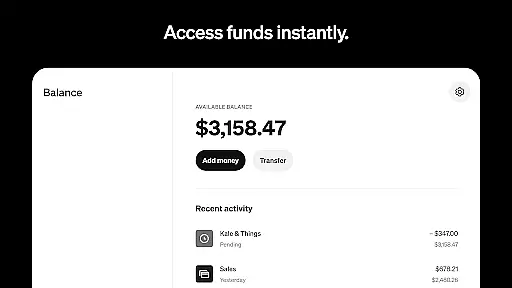
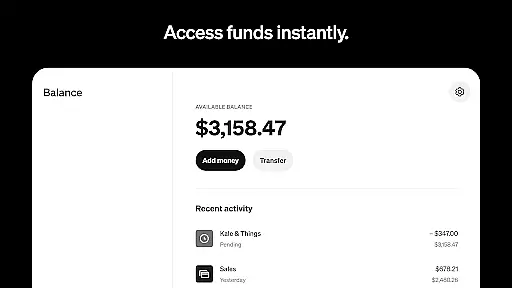
One of the standout features is the ability to process transactions offline, which ensures that sales can continue uninterrupted even without an internet connection. This is particularly beneficial for businesses that operate in various locations or have unreliable connectivity. Additionally, the app allows for preset tip amounts and instant fund transfers, making financial transactions smoother and more efficient.
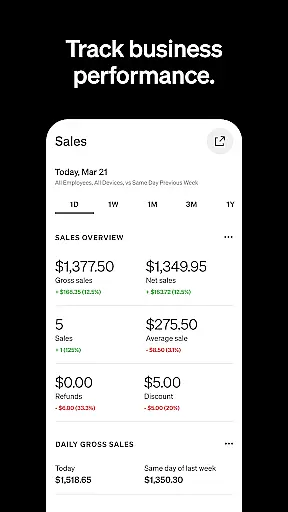
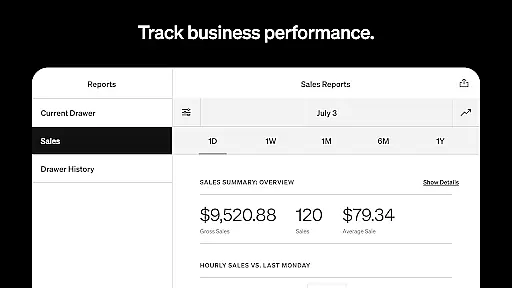
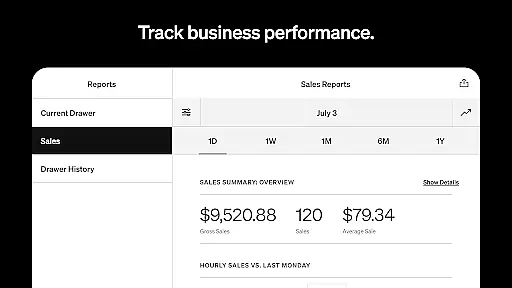
Square POS also offers detailed reporting tools through its Dashboard, where users can review daily sales, payment methods, and itemized transaction details. This level of insight enables businesses to make informed decisions and adjust their strategies accordingly. For retail businesses, real-time inventory management helps keep track of stock levels and automate restocking processes, reducing the risk of over or under-stocking.
Overall, Square Point of Sale's task management capabilities provide businesses with the tools they need to stay organized, efficient, and competitive. By leveraging these features, businesses can focus more on growth and customer satisfaction, knowing that their operational tasks are well-managed.
User-friendly interface
Wide range of payment options
Comprehensive reporting tools
Offline transaction processing
Industry-specific customization
Limited features outside the U.S.
Transaction fees apply
Occasional bugs reported
Customer support delays
Steep learning curve for new users

Find jobs and make money fast with JobStack.
 4.60
4.60
Find the right fit, faster.
4.70
Take the stress out of storage with the all-in-one app to manage your space.
3.70
Simple, Fast & Lightweight
3.90
Grow your business and connect with more people with Meta Business Suite.
4.60
view, manage, and share every PDF file you have
3.60
Permission Guard is a security app that helps you manage app permissions.
4.80
Work happy with AI Companion
4.10
Make money as a delivery driver with DoorDash and work when you want as a Dasher
4.30
Ask Accio anything about business. Alibaba-backed, built by experts, not just AI
4.60
Paychex Flex - Save Time and Stay Connected
4.60
Ship, Track, Find a Location or Get a Quote with UPS. Anytime. Anywhere.
4.60
Earn money with the driver & delivery partner app for Uber, UberEats & Postmates
4.60
Chat, meet, and collaborate to achieve more together, all in one place on Teams
4.60
The app that lets you deliver with Amazon.
4.50
Zoom built for Chrome OS
3.90
enjoy effortless PDF reading anytime, anywhere
3.90
Delivery Track App - Tracking with Fedex, USPS, UPS, DHL. Monitor your Orders.
3.20
Convert Your Lovable.dev Website into a Mobile App Instantly!
4.0


User Reviews