
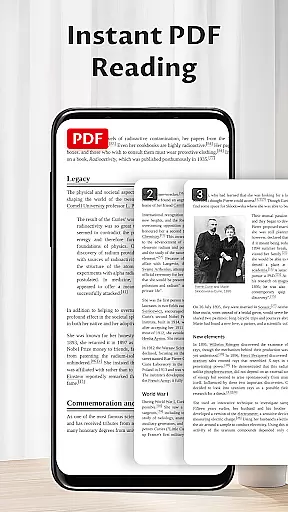
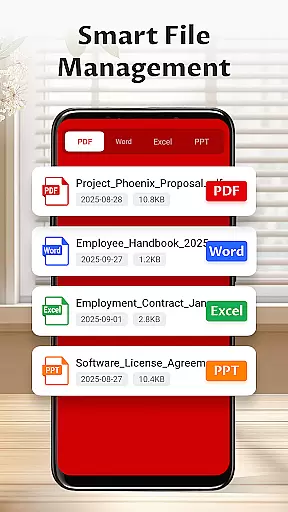
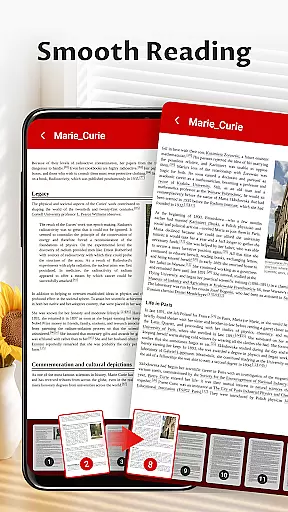
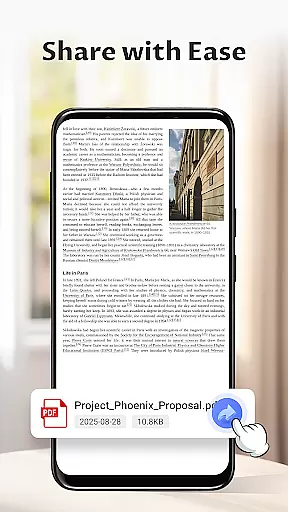
Pocket PDF is a streamlined PDF reader tailored for everyday use, offering users the ability to open, view, and manage PDF documents with remarkable ease. Its minimalist interface ensures that users can focus on their content without distraction, while essential features like easy sharing and deletion enhance document management.
Designed for users who value simplicity and performance, Pocket PDF eliminates complicated menus and superfluous functions. Whether you're accessing local files or handling documents on an Android 11+ device, this app provides a reliable experience through its focused functionality and efficient design.
Pocket PDF stands out with its clean and efficient design, making it an ideal choice for users seeking a straightforward PDF reading experience. The app allows quick access to locally stored PDFs, ensuring that your important documents are always within reach.
The minimalist interface creates a clutter-free environment, promoting better focus and productivity. Additionally, convenient sharing and deletion options empower users to manage their files effortlessly. With permission settings optimized for security, Pocket PDF delivers exactly what you need—a dependable tool for handling PDFs without unnecessary complexity.
Collaborative work features are essential for modern business applications as they enable teams to work together efficiently regardless of location. Pocket PDF supports this by allowing users to share PDF documents effortlessly. This functionality is particularly useful in professional environments where document sharing and collaboration are frequent needs.
The app's easy sharing feature ensures that team members can quickly send files via various methods such as email or cloud services. This seamless integration with other communication tools enhances productivity and ensures that important documents are accessible to all relevant parties without unnecessary delays.
Furthermore, Pocket PDF maintains a minimalist interface which reduces distractions during the collaboration process. By focusing on simplicity and performance, it allows users to concentrate on the content of their documents rather than navigating complex menus. This streamlined approach not only improves efficiency but also enhances the overall user experience when working collaboratively.
Effective task management is crucial for maintaining productivity and ensuring that projects progress smoothly. Pocket PDF contributes to this aspect by offering features that help users manage their PDF documents efficiently. The ability to delete files directly from the app is one such feature that aids in organizing tasks related to document handling.
In addition to deletion capabilities, the app provides an intuitive way to handle permissions on Android 11+ devices. By requiring MANAGE_EXTERNAL_STORAGE permission, Pocket PDF ensures that users have control over their external storage while performing essential document operations. This level of access management helps prevent clutter and keeps the workspace organized, which is vital for effective task management.
Moreover, the appu2019s straightforward design promotes quick access to necessary functions without overwhelming users with unnecessary options. This focus on simplicity allows individuals to complete their tasks more swiftly and accurately, ultimately leading to better time management and increased productivity within a business context.
User-friendly interface
Quick file access
Efficient sharing tools
Focus on simplicity
Lightweight performance
Limited advanced features
No cloud integration
Basic customization options
Restricted file format support
Android-specific functionality

 4.70
4.70
All Your Gig Work. One App.
4.30
The revolutionary flexible staffing platform
4.40
VSD Viewer - Visio Drawings Viewer for Android Preview VSD, VDX, VSDX drawings
4.10
enjoy effortless PDF reading anytime, anywhere
3.90
Start earning fast. Apply Today.
4.80
Collaborate seamlessly with Google Chat, part of Google Workspace
4.50
Say hello to the mobile work experience built to help you thrive at work.
4.30
Earn money with the driver & delivery partner app for Uber, UberEats & Postmates
4.60
BuildCalc - the easiest AND the most advanced construction calculator app.
4.80
We help people get jobs
4.70
Chat, meet, and collaborate to achieve more together, all in one place on Teams
4.60
Master crypto trading with real-time simulations and exciting challenges!
4.50
ADP Mobile Solutions is an employee self service app
4.50
Deliver and earn money
4.30
Zoom built for Chrome OS
3.90
All document reader, pdf viewer app, read docs & excel files
3.80
We are a dynamic team of creatives people of design, marketing, web & apps
3.00
viewing and sharing PDFs and other files—anytime, anywhere!
4.2


User Reviews