

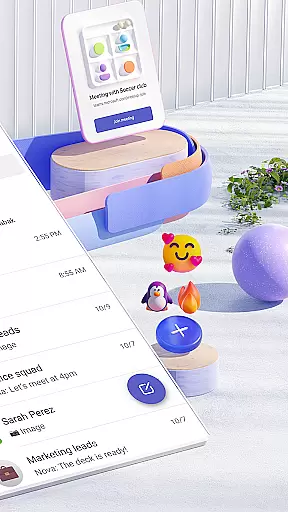

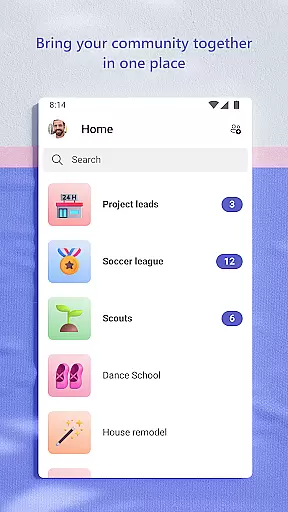
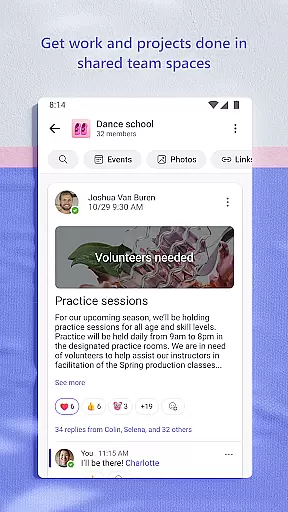
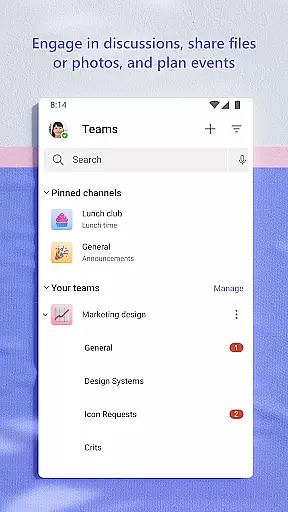
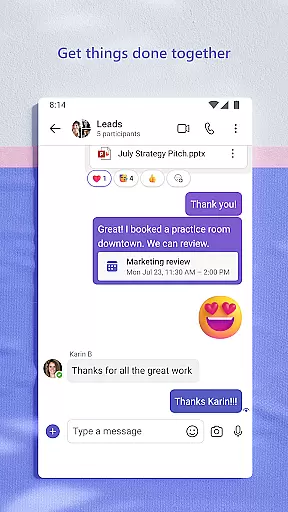
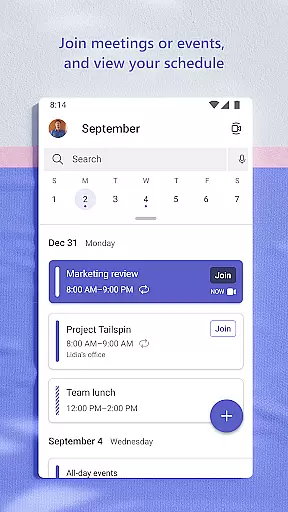
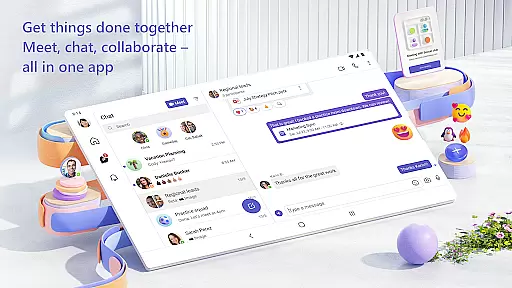
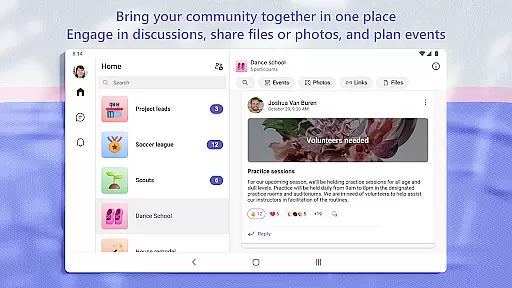
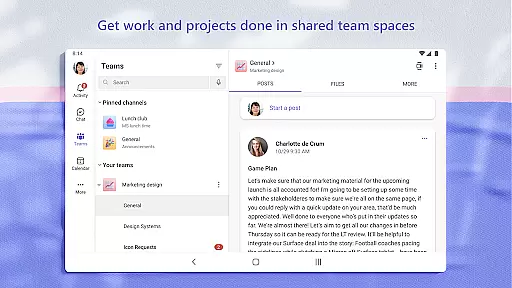
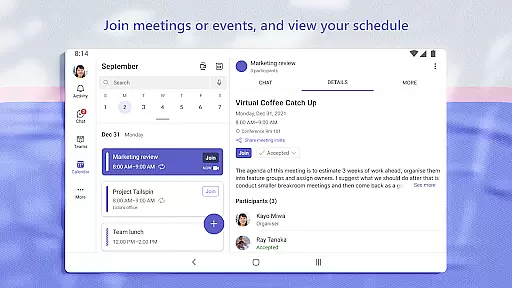
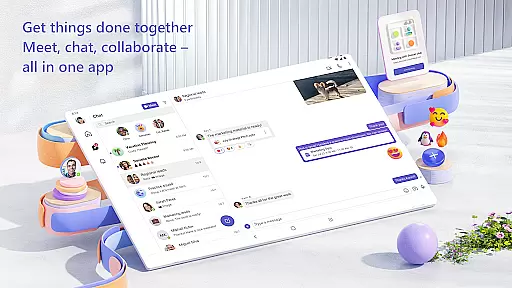
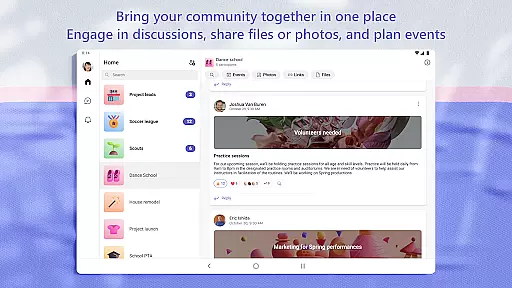
Microsoft Teams is a comprehensive business communication platform that integrates communities, events, chats, channels, meetings, storage, tasks, and calendars in one place. It enables users to connect, collaborate, and manage access to information seamlessly. Whether for community activities, teamwork, or family gatherings, Teams provides a unified space to accomplish tasks, share ideas, and make plans.
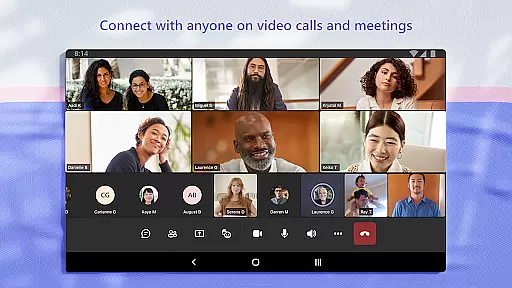
The app supports secure audio and video calls, document collaboration, and built-in cloud storage. With features like dedicated communities, topic-specific channels, and task management, Microsoft Teams ensures productive and organized communication. Its enterprise-level security and compliance standards provide peace of mind while maintaining control over data.
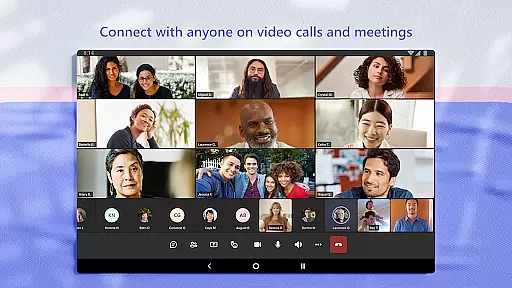
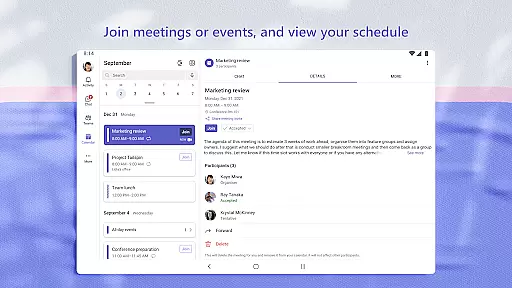
Microsoft Teams stands out with its rich feature set tailored for efficient collaboration. The app incorporates Skype functionalities, allowing users to continue their chats, calls, and contacts within Teams. Meetings can be set up instantly by sharing links or calendar invites, ensuring quick and secure connections with communities, teammates, or family.
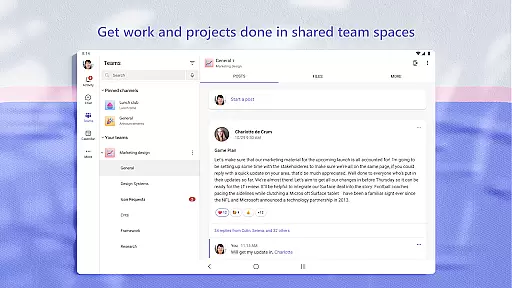
Teams offers organized conversations through teams and channels, enabling users to discuss specific topics and projects effectively. The ability to convert group chats to calls and use screenshare, whiteboard, or breakout rooms during meetings enhances collaborative efforts. Additionally, the app's task lists help users stay on top of projects by assigning tasks, setting due dates, and tracking progress, ensuring everyone remains aligned.
Collaborative work features are essential for modern teams to stay connected and productive. Microsoft Teams excels in this area by providing a comprehensive suite of tools that enable seamless collaboration.
The application allows users to create dedicated communities and channels for discussing specific topics, ensuring that conversations remain organized and focused. This feature is particularly useful for managing complex projects where different teams need to work on various aspects simultaneously.
Microsoft Teams also supports integrated audio and video calls, making it easy to transition from text-based communication to more interactive discussions. Users can instantly convert group chats into calls, enhancing the collaborative experience. Additionally, the ability to share screens, use virtual whiteboards, and create breakout rooms during meetings ensures that all participants can contribute effectively.
With enterprise-level security and compliance, teams can collaborate confidently, knowing that their data is protected. This peace of mind allows users to focus on their work without worrying about potential security risks.
Effective task management is crucial for keeping projects on track and ensuring that all team members are aligned. Microsoft Teams offers robust task management features that help teams stay organized and efficient.
Users can create task lists directly within the app, assigning tasks to specific team members and setting clear due dates. This functionality ensures that everyone knows their responsibilities and deadlines, reducing the likelihood of missed tasks or confusion.
In addition to basic task assignments, Microsoft Teams provides tools for managing access to information. As team members join or leave projects, administrators can easily adjust permissions, ensuring that only authorized individuals have access to sensitive data. This dynamic access control is vital for maintaining project integrity and confidentiality.
Furthermore, the integration of cloud storage within Microsoft Teams allows users to store and access shared documents and files from anywhere. This feature not only streamlines document management but also enhances collaboration by providing a centralized location for all project-related materials.
User-friendly interface
Integrated tools
Secure collaboration
Cloud storage
Task management
Paid features required
Complex setup
Resource intensive
Limited free version
Steep learning curve

 4.70
4.70
Find jobs and make money fast with JobStack.
4.60
The Penny Puss app with DG penny finder
4.10
Get your benefits on-the-go.
3.80
Windows App allows you to connect to remote PCs and virtual apps.
3.70
Get instant construction estimates: accurate home repair & material calculator.
4.70
One marketplace. Hundreds of services. Unlimited possibilities. All on Fiverr.
4.40
Start earning fast. Apply Today.
4.80
Roadie connects people with stuff to send with drivers already going that way.
3.50
Manage Your Shop
4.70
Paychex Flex - Save Time and Stay Connected
4.60
Grow your business and connect with more people with Meta Business Suite.
4.60
Earn money with the driver & delivery partner app for Uber, UberEats & Postmates
4.60
Manage work life on the go
4.50
From Gone to Back Again — In Just a Few Taps
4.50
Earn crypto with secure cloud mining. Monitor, track & withdraw easily
4.40
Build a store in minutes with our full suite of AI tools. Start for free!
4.20
Shop, deliver, and earn with the Spark Driver™ App
4.10
All document reader, pdf viewer app, read docs & excel files
3.80


User Reviews