
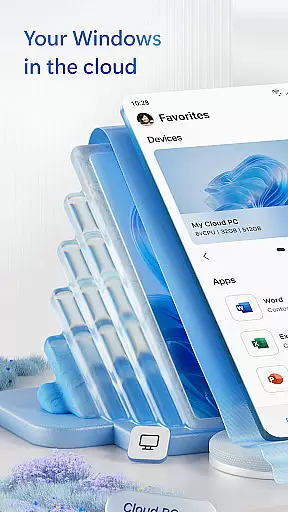
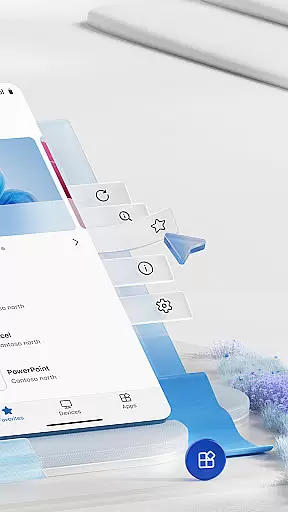
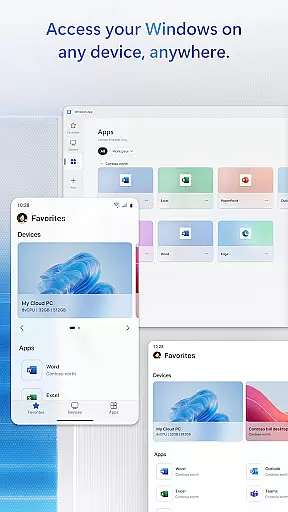
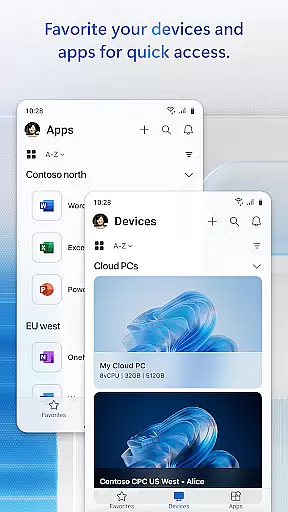
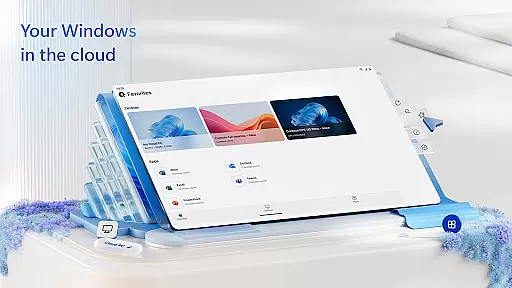
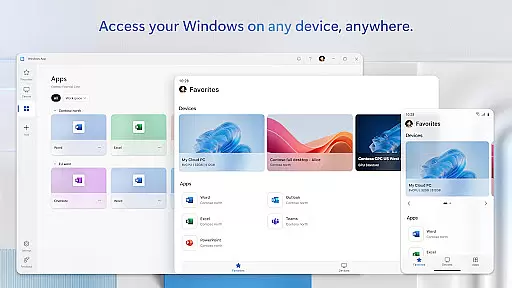
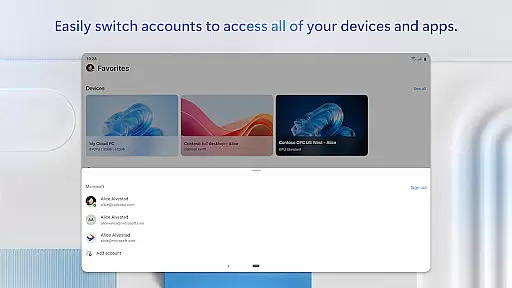
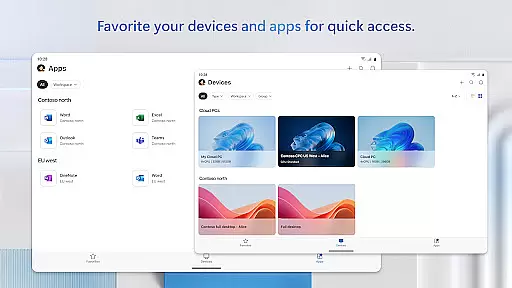
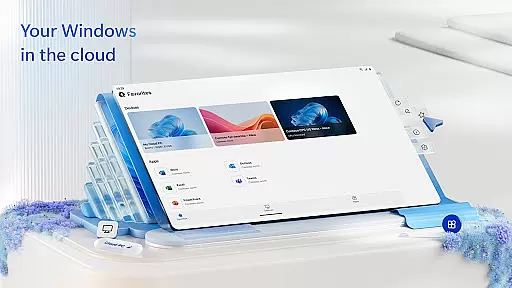
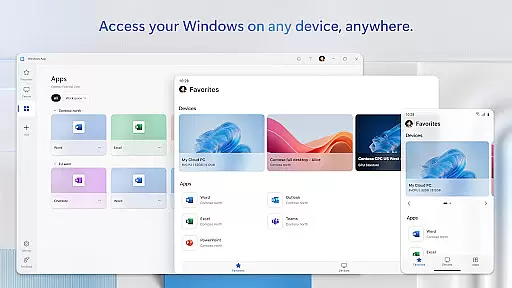
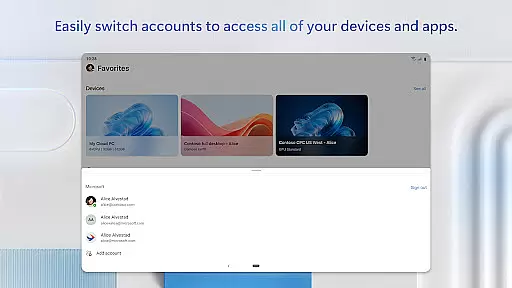
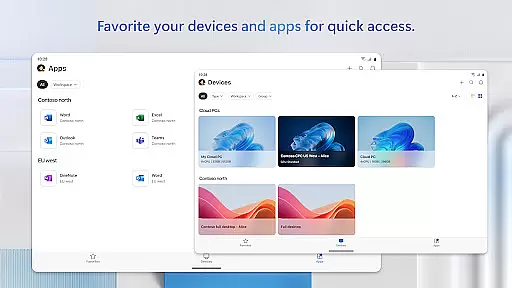
Windows App is a powerful business tool that enables secure remote connections to various Windows environments. These include Azure Virtual Desktop, Windows 365, Microsoft Dev Box, Remote Desktop Services, and remote PCs. It ensures users can access their desktops and apps from anywhere, providing flexibility and continuity in work operations.
The app is optimized for Android devices running version 11 and above, including tablets, smartphones, VR headsets, and Chromebooks with Play Store support. This broad compatibility makes it an essential utility for professionals who rely on mobile access to their Windows workflows.
By using Windows App, businesses can enhance productivity while maintaining security standards. The ability to connect remotely to critical systems allows employees to work efficiently from any location, making it ideal for modern hybrid work environments.
Windows App offers a comprehensive set of features designed to facilitate seamless remote access. One key feature is its support for multiple remote connection types, ensuring compatibility with various Windows services like Azure Virtual Desktop and Windows 365.
The application provides robust security protocols to protect data during transmission. It employs advanced encryption methods, safeguarding sensitive information as users connect to their remote desktops or applications.
Additionally, the app's user-friendly interface simplifies navigation and control, even on smaller screens. Customizable settings allow users to tailor their experience according to personal preferences or specific project requirements, enhancing overall usability.
Collaborative work features are essential for modern business applications, enabling teams to work together efficiently regardless of location. Windows App excels in this area by providing seamless connections to various remote Windows environments.
This application supports multiple remote services such as Azure Virtual Desktop, Windows 365, and Microsoft Dev Box. These integrations allow users to access their complete desktop environments from Android devices, facilitating real-time collaboration on projects and documents.
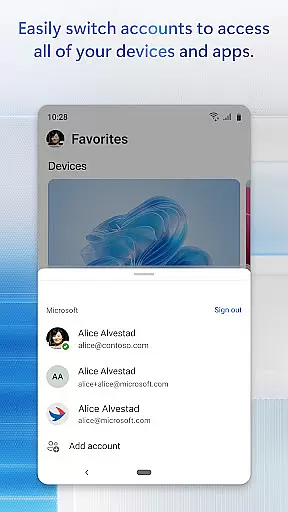
Users benefit from the ability to connect to different remote services using a single application. This consolidated approach streamlines workflows and enhances productivity, particularly for teams that rely on diverse technological ecosystems.
The secure connection ensures that all collaborative work remains protected while maintaining high performance across supported Android devices running Android 11 and above, including tablets, smartphones, and Chromebooks.
Effective task management is crucial for maintaining productivity in business settings. Windows App offers robust solutions for managing tasks across various remote Windows platforms, ensuring users can stay organized and efficient.
Through its integration with services like Remote Desktop Services and remote PCs, the application allows users to maintain consistent task lists and schedules. This feature enables professionals to keep track of deadlines, appointments, and project milestones without switching between multiple applications.
One significant advantage is the synchronization of task data across different devices. Whether working on a tablet, smartphone, or Chromebook, users experience uniform task management capabilities, enhancing their ability to manage time effectively.
Additionally, the app's support for upcoming releases and new features, detailed at aka.ms/WindowsApp, ensures that task management tools continue to evolve, meeting the changing needs of businesses and their employees.
Secure remote access
Wide device compatibility
Supports multiple services
Advanced encryption
User-friendly interface
Limited to Android 11+
No iOS version available
Requires stable internet
Some features may need subscription
Occasional connectivity issues

AI-powered document scanner with auto enhance for perfect PDFs.
 4.60
4.60
Quickly open and manage PDF files on your device.
3.80
The Penny Puss app with DG penny finder
4.10
The All-in-One File Manager for Phone, TV, Watch, Cars, XR / VR, Chromebook
4.10
Your employer must have UKG Ready software configured for Mobile.
4.60
Employee Management Made Easy
4.80
Recover what matters — quickly and easily.
4.70
All your team communication in one place
4.70
Roadie connects people with stuff to send with drivers already going that way.
3.50
FaxCover - Create fax cover pages. Works with any app or fax machine.
4.90
Job search app that finds jobs for you! Takes the work out of looking for a job!
4.90 4.70
4.70
Manage Your Shop
4.70
Collaborate seamlessly with Google Chat, part of Google Workspace
4.50
Find work, shifts and gigs near you. Jobs lasting a few hours to a few months.
4.30
Make money as a delivery driver with DoorDash and work when you want as a Dasher
4.30
Scan Business Cards & Conference Badges - Capture Leads at Events & Tradeshows
4.20
Find flexible, hourly jobs hiring near you in restaurant, retail & hospitality!
4.00
view, manage, and share every PDF file you have
3.60


User Reviews