
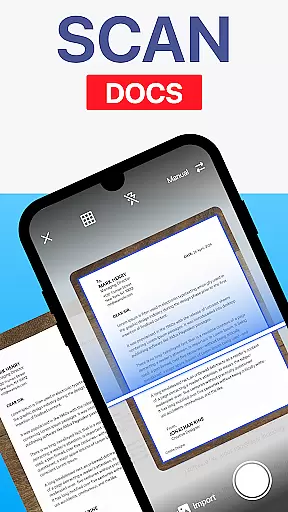
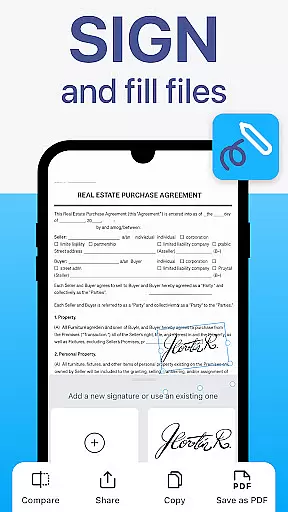
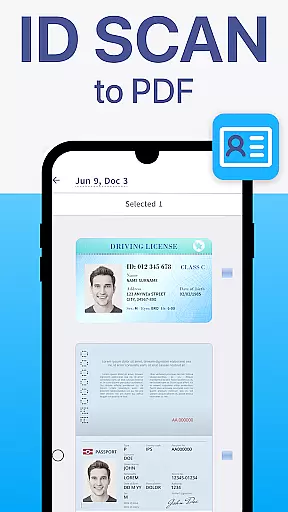
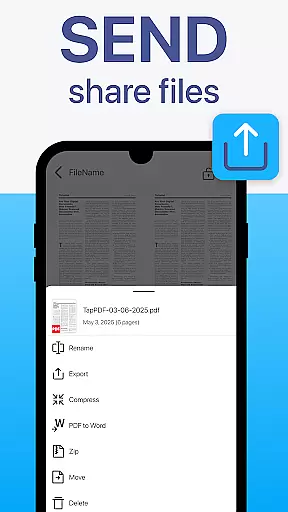
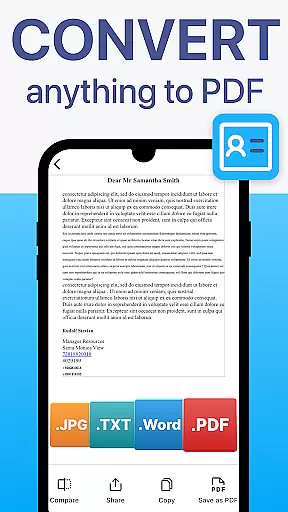
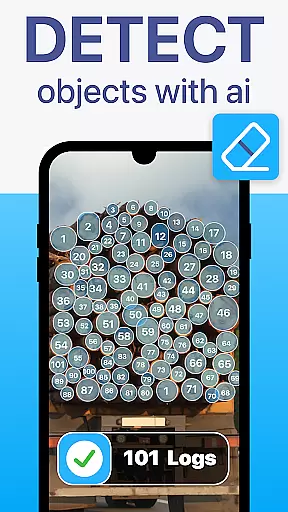
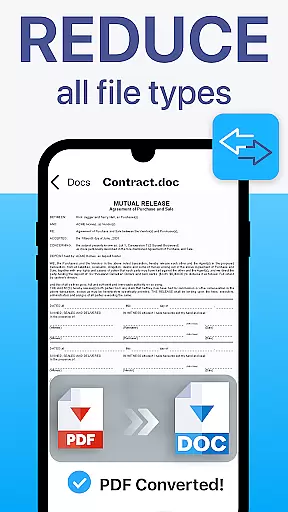
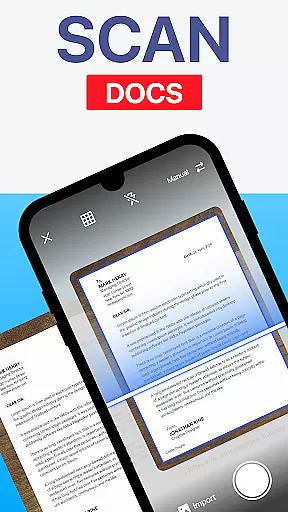
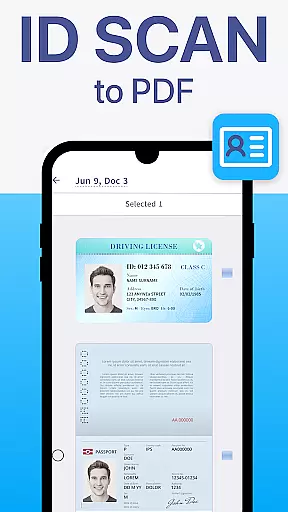
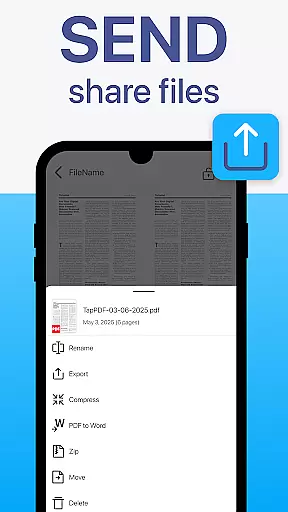
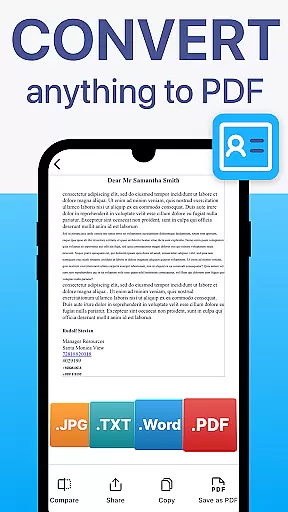
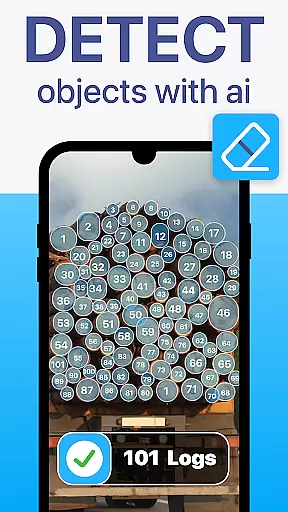
TapScanner is a powerful mobile application that transforms your device into a professional-grade document scanner and comprehensive PDF management tool. Trusted by millions globally, this app allows users to capture, edit, organize, and share documents with remarkable ease and security.
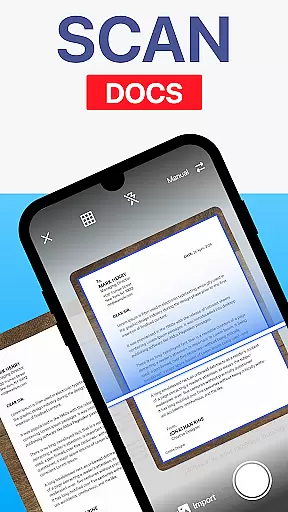
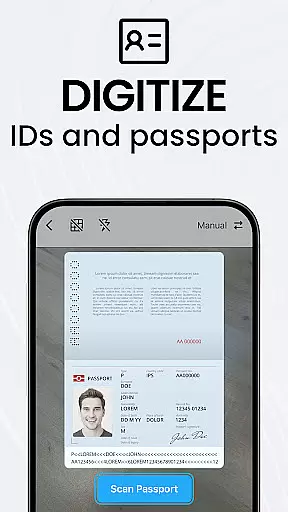
The app's standout feature is its ability to produce high-quality scans through automatic edge detection and intelligent image correction. Whether you're digitizing receipts, contracts, or multi-page documents, TapScanner ensures professional results every time. Additionally, the built-in OCR technology supports over 110 languages, making scanned text fully searchable and editable.
TapScanner is particularly beneficial for professionals who need to manage paperwork efficiently while on the go. Its seamless integration with cloud services like Google Drive and Dropbox, along with advanced PDF editing capabilities, makes it an indispensable tool for anyone seeking to streamline their document workflows.
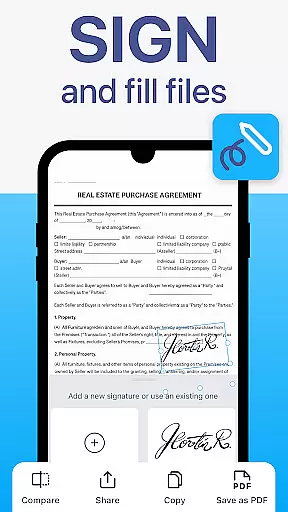
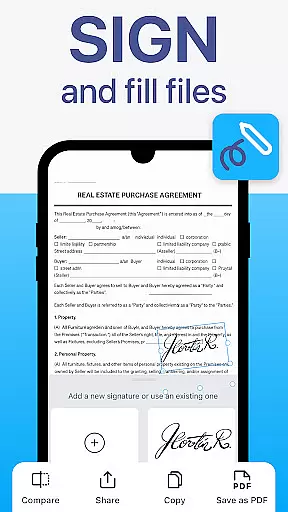
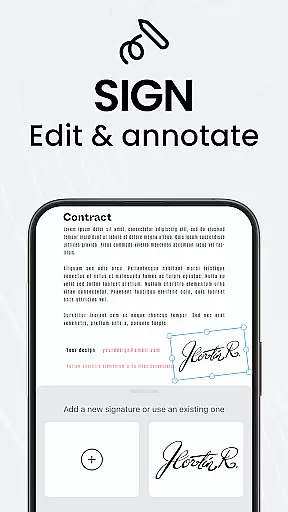
TapScanner offers an impressive array of features designed to enhance productivity and simplify document management. One of its key strengths is the complete PDF workspace, which allows users to merge, split, reorder, sign, and annotate PDF files directly within the app. This functionality eliminates the need for separate desktop software and enables users to handle all their PDF needs on the go.
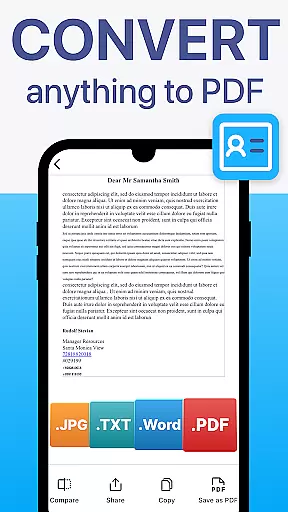
Another notable feature is the Optical Character Recognition (OCR) capability, which converts scanned images into editable and searchable text. This function supports more than 110 languages, catering to a global audience. The app also includes productivity boosters such as batch scanning, one-tap renaming, and automated file organization, saving users valuable time when processing multiple documents.
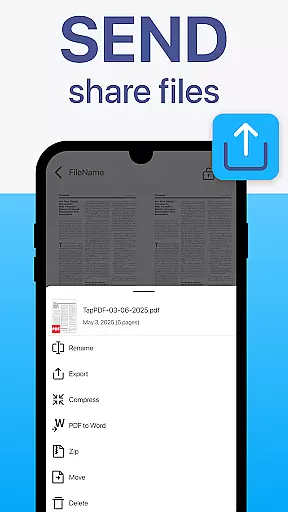
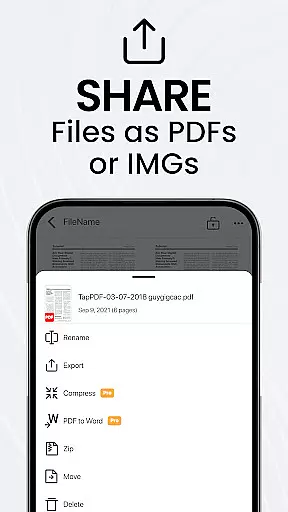
Furthermore, TapScanner provides secure cloud backup options and password protection for sensitive files, ensuring data safety. With support for multi-page documents, image enhancements, and instant sharing via email or Wi-Fi printing, this app delivers a complete solution for both personal and professional document management needs.
TapScanner offers a comprehensive suite of collaborative work features that streamline document management for teams and professionals. The app allows multiple users to access, edit, and manage PDF documents simultaneously, ensuring seamless teamwork.
One of the standout collaborative features is the ability to merge, split, reorder, sign, and annotate PDFs directly within the app. This functionality enables teams to handle complex document workflows without needing additional software, thus maintaining productivity and document integrity.
Furthermore, TapScanner supports secure cloud backup and synchronization with popular services like Google Drive, Dropbox, and OneDrive. This ensures that all team members have access to the latest document versions and can collaborate in real-time, regardless of their location.
The app also includes OCR text recognition in over 110 languages, making it easier for global teams to work together on multilingual documents. With these robust collaborative tools, TapScanner significantly enhances team efficiency and document handling capabilities.
Effective task management is crucial for productivity, and TapScanner excels in this area by providing users with powerful tools to organize and manage their documents efficiently. The app's intuitive interface allows users to quickly capture, categorize, and retrieve scanned documents, streamlining daily tasks.
TapScanner offers batch scanning and one-tap renaming features, which save time when processing multiple documents. These functions help users maintain an organized digital workspace by automating repetitive tasks and reducing manual input errors.
In addition to document organization, TapScanner provides multi-page support, enabling users to compile dozens of pages into a single, neatly ordered PDF. This feature is particularly useful for managing lengthy reports or contracts, ensuring that all relevant information is consolidated and easy to navigate.
With its user-friendly design and advanced productivity boosters, TapScanner empowers users to focus on their core responsibilities while maintaining an efficient and organized document management system.
User-friendly interface
High-quality scans
Advanced PDF tools
Multi-language OCR
Secure cloud sync
Paid subscription required
Limited free features
Occasional bugs
Ads in free version
Internet needed for cloud

Quickly open and manage PDF files on your device.
 3.80
3.80
Convert Your Lovable.dev Website into a Mobile App Instantly!
4.2
One marketplace. Hundreds of services. Unlimited possibilities. All on Fiverr.
4.40
enjoy effortless PDF reading anytime, anywhere
3.90
We are a dynamic team of creatives people of design, marketing, web & apps
3.00
Master crypto trading with real-time simulations and exciting challenges!
4.50
Smarter career moves start here. AI job alerts, insights & the right tools.
4.20
Roadie connects people with stuff to send with drivers already going that way.
3.50
We help people get jobs
4.70
FaxCover - Create fax cover pages. Works with any app or fax machine.
4.90
Start earning fast. Apply Today.
4.80
Find the right fit, faster.
4.70
USPS Mobile®Access USPS.com’s most popular tools on-the-go.
4.70
Mobile POS for any business: sales, invoices, retail, restaurants & appointments
4.60
Chat, meet, and collaborate to achieve more together, all in one place on Teams
4.60
ANDROID'S TOP MOBILE OFFICE - Word, Excel, PowerPoint and PDF at your fingertips
4.50
Make money as a delivery driver with DoorDash and work when you want as a Dasher
4.30
viewing and sharing of PDFs
3.60
Find part-time earning opportunities near you that pay within days.
3.20


User Reviews