
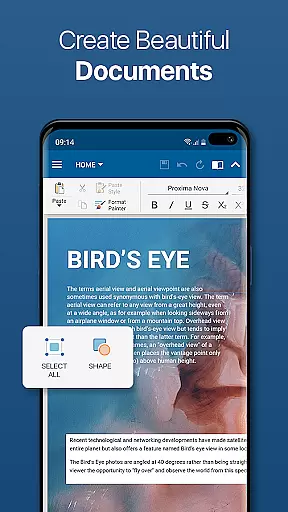
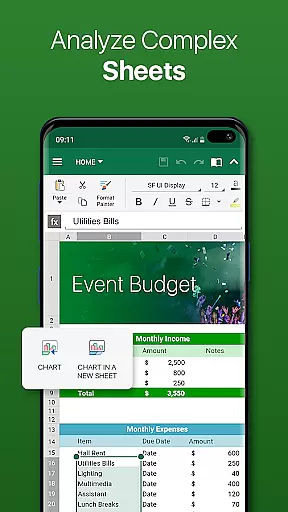
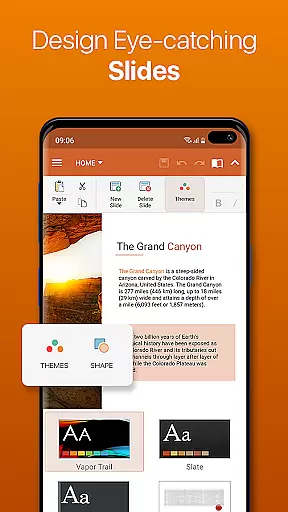
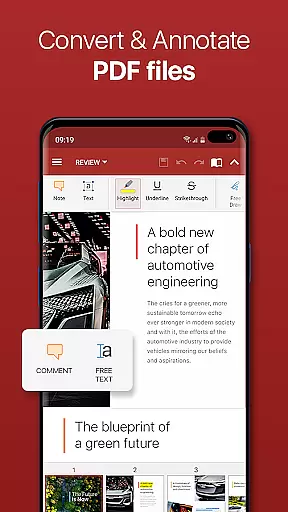
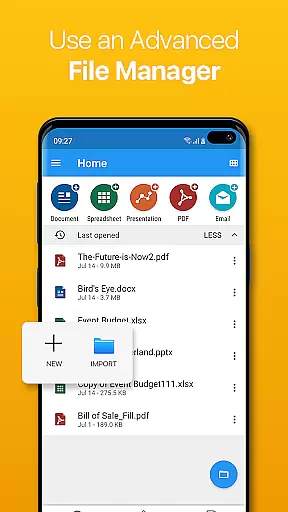

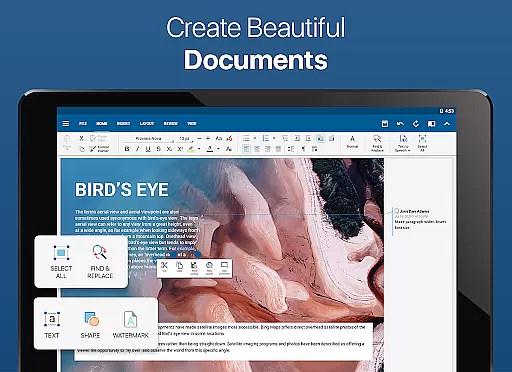
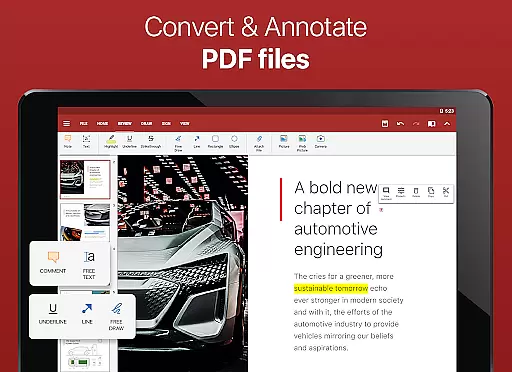

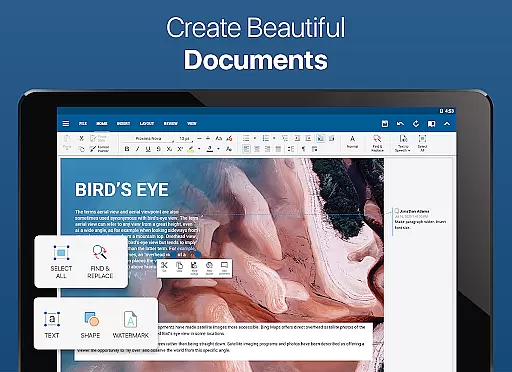
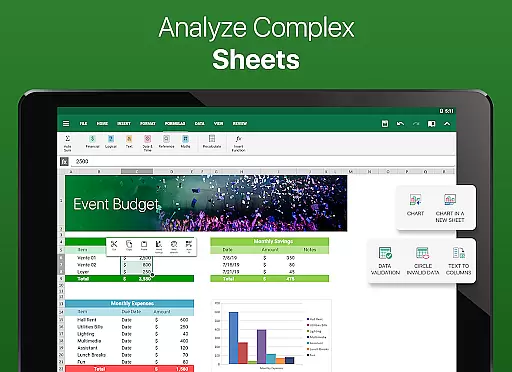
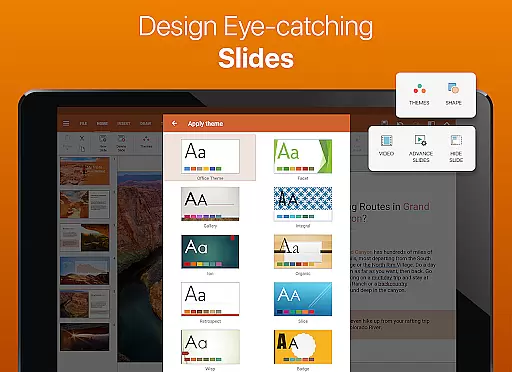
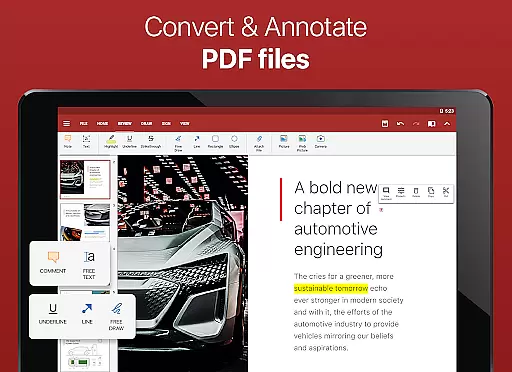

OfficeSuite Pro + PDF is a comprehensive business application that enables users to view, edit, and create Word, Excel, and PowerPoint documents with ease. The app offers full compatibility with Microsoft formats and supports PDF files, including features like PDF camera scanning and fillable forms. Preloaded on devices from top manufacturers and awarded by industry leaders, this app stands out as the most downloaded office app on Google Play.
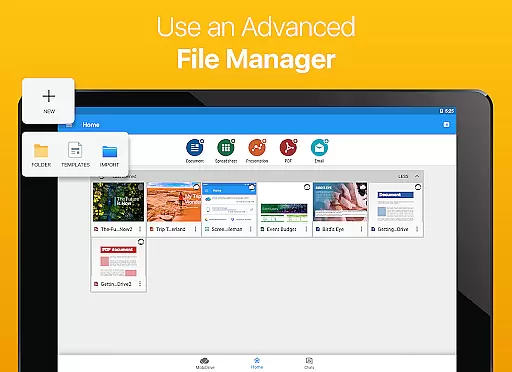
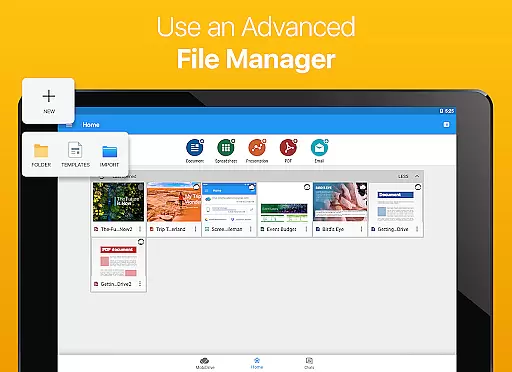
The application provides an integrated spell checker in over 40 languages, cloud service sharing, and advanced PDF security features. With its desktop-style interface, users can manage their files efficiently while benefiting from exclusive features such as OfficeSuite Chats for collaboration and document exchange. Available in 56 languages, it ensures global accessibility and productivity.
Designed around Android Q, OfficeSuite Pro + PDF enhances user experience with new functionalities like sign-in via phone number, Apple file conversion, and split-screen mode for multitasking. Its ability to protect individual sheets in spreadsheets and cast presentations across devices makes it indispensable for modern professionals seeking secure and flexible document management solutions.
OfficeSuite Pro + PDF boasts an array of features designed to enhance productivity. It supports a wide range of file formats including DOC, DOCX, XLS, XLSX, PPT, PPTX, and PDF, ensuring seamless document handling. The app's desktop-style interface allows users to work with complex office documents effortlessly, providing full compatibility with Microsoft formats and additional support for Open Office formats through in-app purchases.
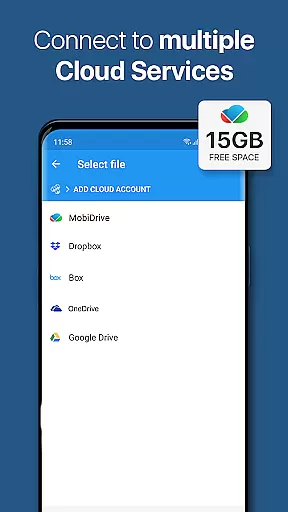
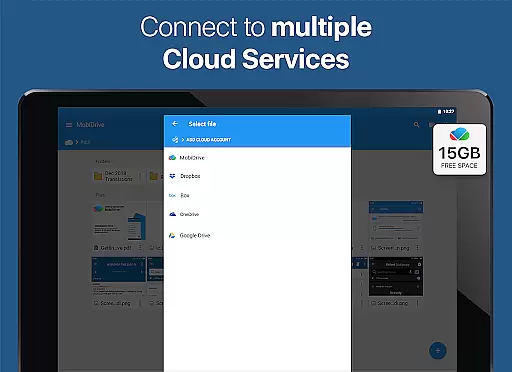
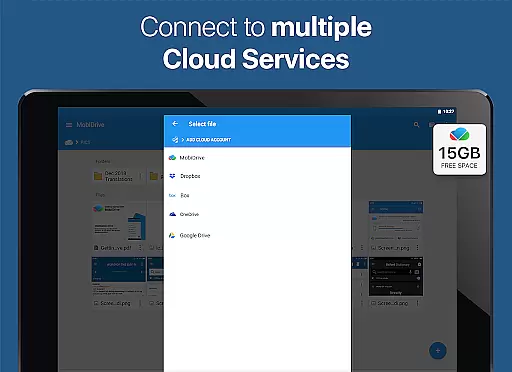
Security is paramount, with options for password-protected files, digital signatures, and permissions management for PDFs. Users can leverage integrated cloud services like Google Drive and Dropbox for easy sharing and synchronization. Advanced functionalities include track changes with multiple author support, interactive form support for PDFs, and enhanced mouse support for Chromebooks, making it versatile for various professional needs.
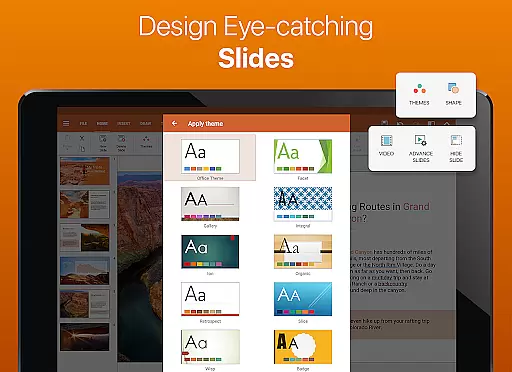
Innovative features such as Quick Sign for PDFs, beautiful presentation themes, and the ability to open multiple documents simultaneously using split-screen mode cater to modern work environments. With text-to-speech support and Japanese font packs available as add-ons, OfficeSuite Pro + PDF delivers a robust solution for creating, editing, and managing office documents securely and efficiently.
Collaborative work features are essential for modern business applications, enabling teams to work together efficiently regardless of location. OfficeSuite Pro excels in this area by offering real-time document sharing and editing capabilities through its integrated cloud services.
The application supports collaboration via popular cloud platforms like Google Drive, Dropbox, and OneDrive, allowing multiple users to access and edit documents simultaneously. This ensures that team members can work on the same document without compatibility issues or version conflicts.
OfficeSuite Pro also includes OfficeSuite Chats, a new feature that enables users to communicate and exchange documents seamlessly within the app. This integration of chat functionality with document management streamlines workflow and enhances productivity.
With these collaborative features, businesses can improve their operational efficiency, reduce communication barriers, and ensure that all team members have access to the most up-to-date information, making OfficeSuite Pro an invaluable tool for any organization.
Effective task management is crucial for maintaining productivity and meeting deadlines in business environments. OfficeSuite Pro offers robust tools to help users organize, track, and manage their tasks efficiently.
The application provides features such as document tracking, which allows users to monitor changes and updates made by different authors. This is particularly useful for projects involving multiple contributors, ensuring that everyone is aware of the latest modifications.
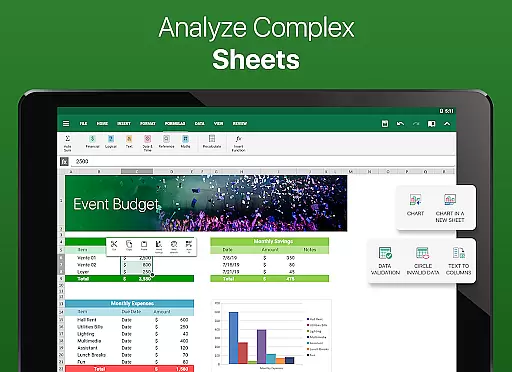
Additionally, OfficeSuite Pro supports advanced Excel functionalities, including conditional formatting and data filtering, which assist in organizing and analyzing task-related information. These features enable users to create detailed project plans and timelines.
By integrating these task management capabilities, OfficeSuite Pro helps businesses maintain control over their workflows, allocate resources effectively, and achieve their goals more efficiently, ultimately leading to improved performance and success.
User-friendly interface
Extensive format support
Advanced security features
Cloud integration
Cross-device functionality
Paid version required
Some features locked
Occasional bugs
Heavy on resources
Learning curve

 4.70
4.70
All Your Gig Work. One App.
4.30
Finance, Investing, Stocks, Trading and Stock news
4.60
All document reader, pdf viewer app, read docs & excel files
3.80
Deliver and earn money
4.30
Mobile POS for any business: sales, invoices, retail, restaurants & appointments
4.60
Find part-time earning opportunities near you that pay within days.
3.20
Collaborate seamlessly with Google Chat, part of Google Workspace
4.50
Chat, meet, and collaborate to achieve more together, all in one place on Teams
4.60
Start earning fast. Apply Today.
4.80
Get instant construction estimates: accurate home repair & material calculator.
4.70
All your team communication in one place
4.70
USPS Mobile®Access USPS.com’s most popular tools on-the-go.
4.70
Paychex Flex - Save Time and Stay Connected
4.60
From Gone to Back Again — In Just a Few Taps
4.50
A secure, all-in-one team collaboration app
4.30
Make money as a delivery driver with DoorDash and work when you want as a Dasher
4.30
Roadie connects people with stuff to send with drivers already going that way.
3.50
We are a dynamic team of creatives people of design, marketing, web & apps
3.00


User Reviews