
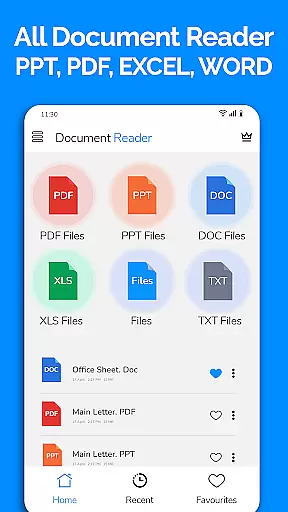
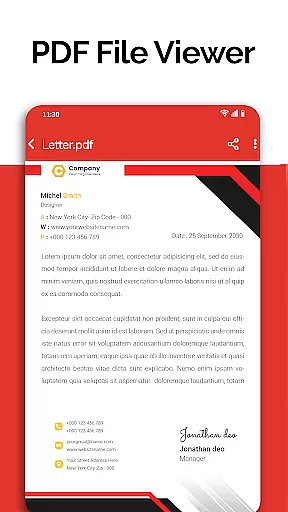
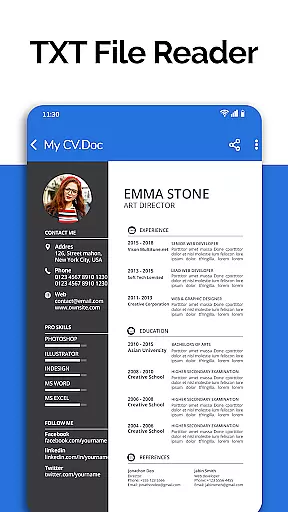
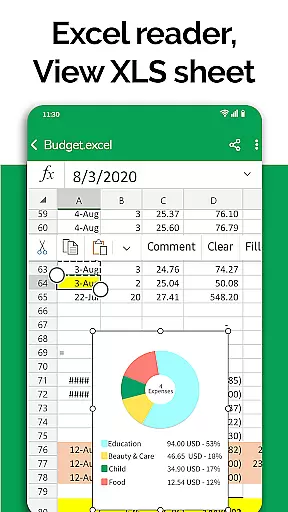
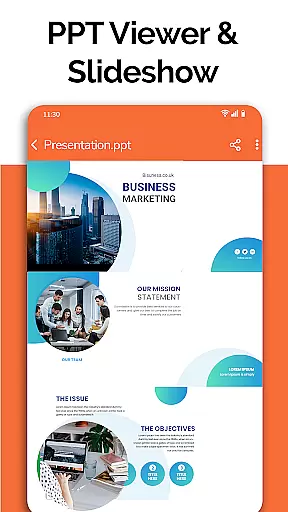
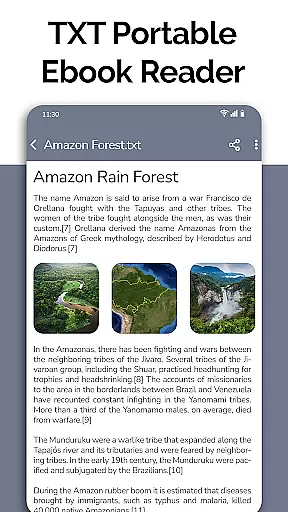
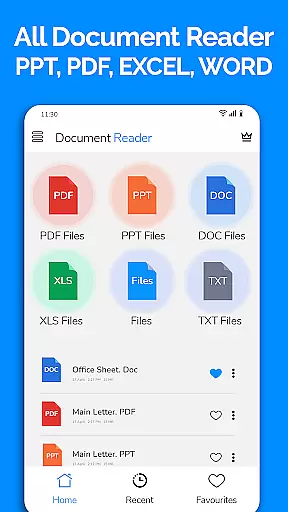
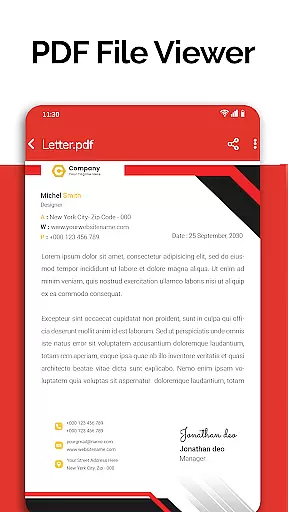
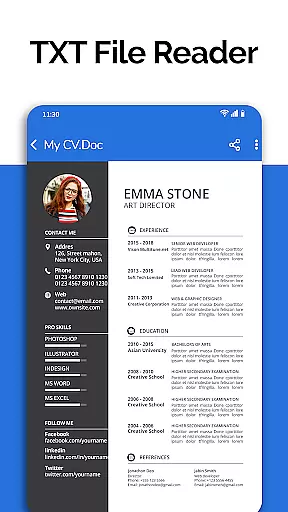
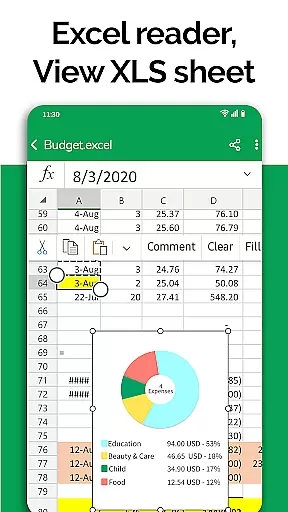
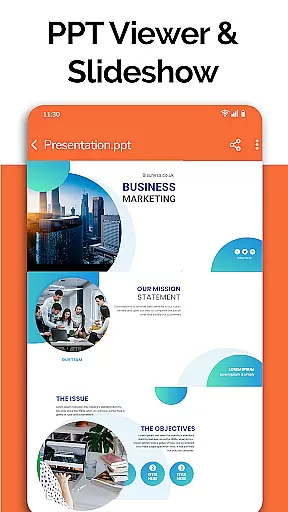
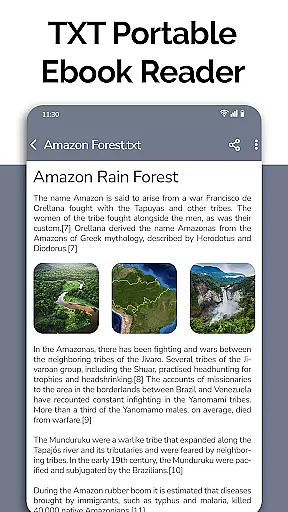
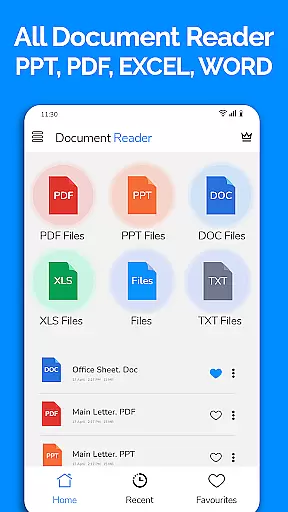
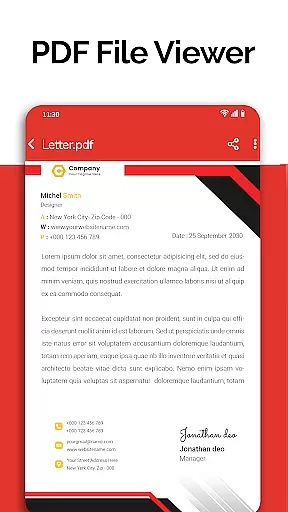
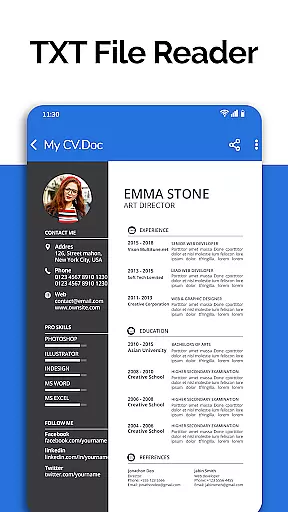
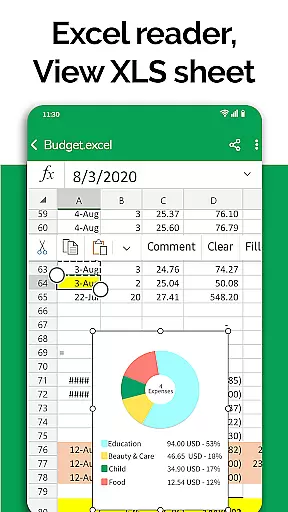
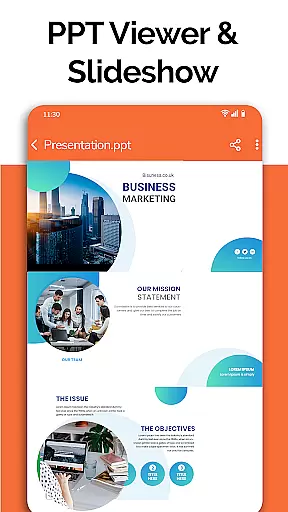
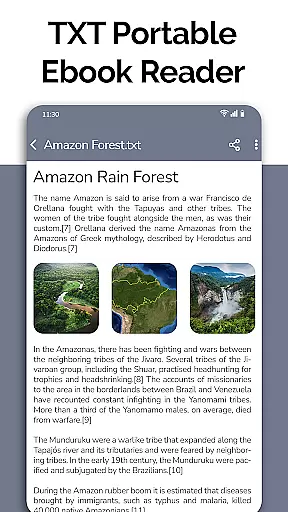
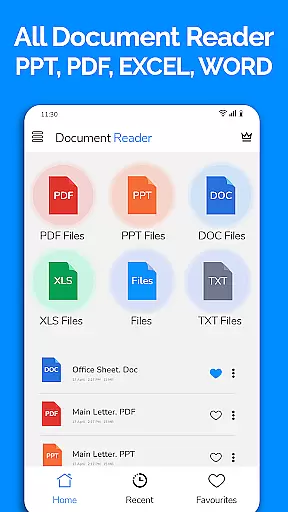
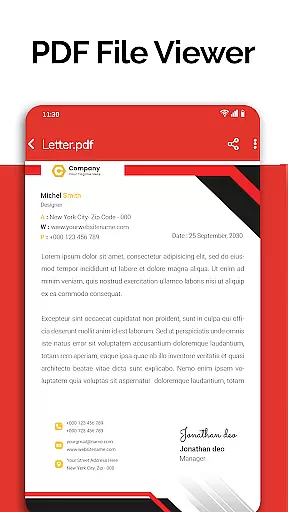
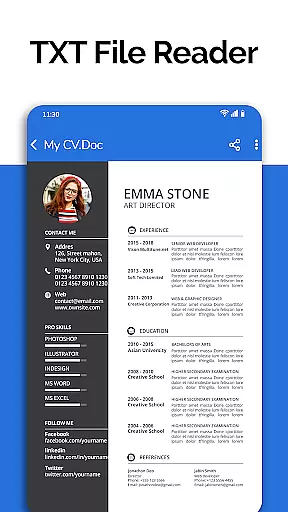
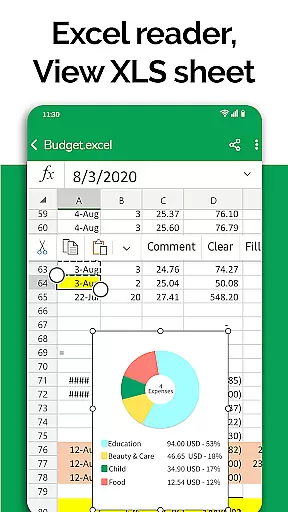
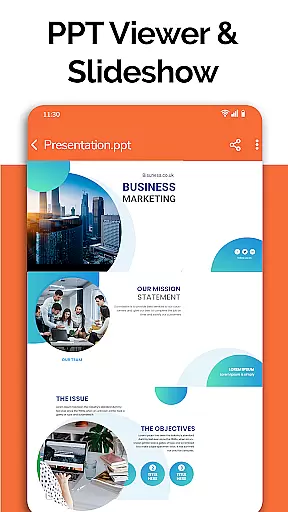
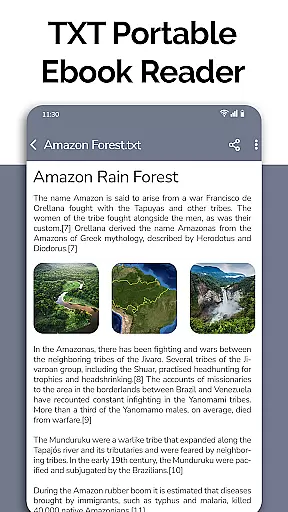
All Document Reader is a comprehensive document management solution that allows users to open, view, and manage various file formats directly on their mobile devices. The app supports a wide range of document types including Word, PDF, Excel, PowerPoint, and TXT files, eliminating the need for multiple specialized apps.
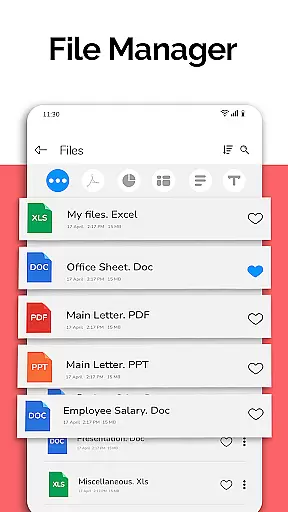
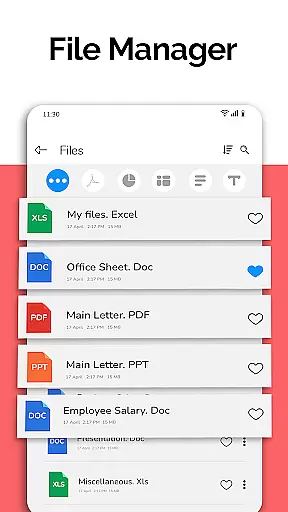
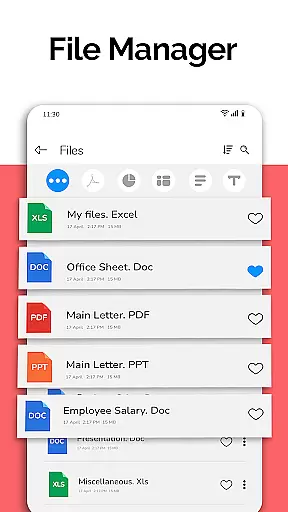
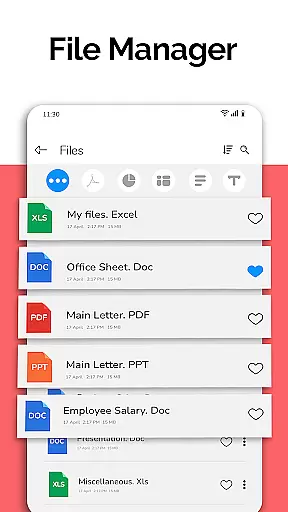
One of the standout features of this business tool is its integrated file manager, which simplifies document organization and access. Users can easily sort, delete, rename, and share files across different formats. The app's intuitive interface provides seamless navigation through documents while maintaining high-quality rendering of content.
The application proves particularly useful for professionals who need to review business invoices, presentation slides, or financial spreadsheets while traveling. Its ability to handle large files and maintain document formatting makes it an essential tool for mobile office productivity.
All Document Reader distinguishes itself through its comprehensive feature set designed for business professionals. The app's PDF reader functionality supports daily activities such as reading newspapers, viewing business documents, and managing academic materials with ease.
A key advantage lies in its multi-format support system. Users can seamlessly switch between different document types including DOC, XLSX, PPT, and PDF files. The automatic document sorting feature enhances productivity by organizing files systematically. Additionally, the app enables basic editing capabilities and sharing options across various document formats.
The inclusion of advanced tools like the PPT editor and Excel document viewer demonstrates the app's commitment to professional-grade functionality. These features allow users to prepare presentations and review complex spreadsheets directly from their mobile devices, making it an indispensable tool for remote work scenarios.
Collaborative work features are essential for modern business applications as they enable teams to work together efficiently regardless of location. All Document Reader offers robust collaboration capabilities that allow users to view, edit, and share various document formats including Word, Excel, PowerPoint, PDF, and TXT files.
The app simplifies teamwork by providing a unified platform where documents can be accessed and managed easily. With its integrated file manager, users can organize files automatically, making it simple to find and work on specific documents. This ensures that all team members have the most updated version of a file, reducing confusion and errors.
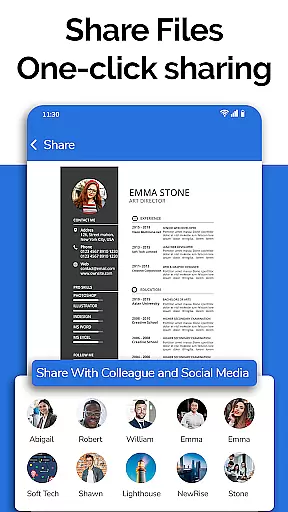
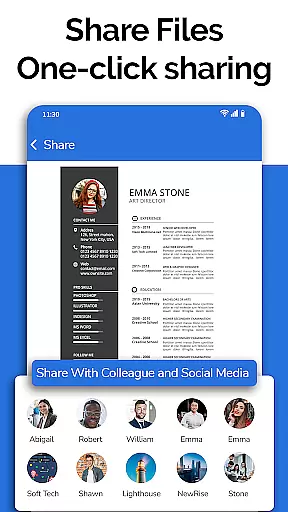
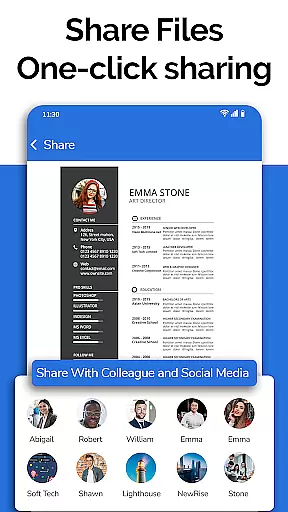
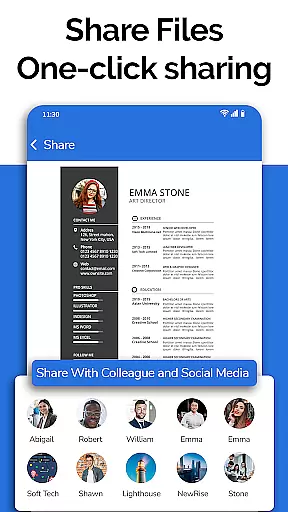
All Document Reader also supports real-time sharing of documents, which is crucial for collaborative projects. Team members can quickly send files to each other without needing additional software or services. The ability to handle multiple formats within one application streamlines workflows and enhances productivity, allowing professionals to focus more on content creation rather than technical issues related to file compatibility.
Effective task management is vital for maintaining productivity and ensuring timely completion of projects. All Document Reader provides comprehensive tools that assist users in managing their tasks efficiently through its versatile document handling features. Users can open, review, and modify different types of documents such as Word, Excel, PowerPoint, PDFs, and text files directly from their mobile devices.
The app's file manager plays a significant role in task management by sorting and organizing documents systematically. This feature helps users locate necessary files quickly, saving valuable time during busy work schedules. Additionally, the ability to delete, rename, and share documents adds flexibility to how tasks are managed and executed.
Moreover, All Document Reader enhances task management with functionalities like viewing detailed file information, including file paths, sizes, and modification dates. These insights enable better tracking of document versions and updates, which is particularly useful when coordinating with team members. By consolidating these powerful features into one intuitive interface, the app empowers users to manage their tasks effectively while staying organized and productive.
User-friendly interface
Multi-format support
Integrated file manager
High-quality rendering
Document editing capabilities
Limited advanced editing
Large app size
Occasional lag
No cloud integration
Ads in free version

 4.70
4.70
Quickly open and manage PDF files on your device.
3.80
Convert Your Lovable.dev Website into a Mobile App Instantly!
4.1
A secure, all-in-one team collaboration app
4.30
Use Generative Summary to understand your rental or insurance docs in seconds.
4.70
Deliver and earn money
4.30
We are a dynamic team of creatives people of design, marketing, web & apps
3.00
Master crypto trading with real-time simulations and exciting challenges!
4.50
Make money as a delivery driver with DoorDash and work when you want as a Dasher
4.30
Employee Management Made Easy
4.80
Manage Your Shop
4.70
Access to Paylocity, empowering employees with information they need 24/7.
4.70
Make invoices, bills, receipts & estimates on the go with Invoice Generator.
4.70
Grow your business and connect with more people with Meta Business Suite.
4.60
Manage work life on the go
4.50
ADP Mobile Solutions is an employee self service app
4.50
Simple, Fast & Lightweight
3.90
viewing and sharing of PDFs
3.60
Completed Course Lectures on how to use IBM Maximo in Maintenance issues
4.4


User Reviews