

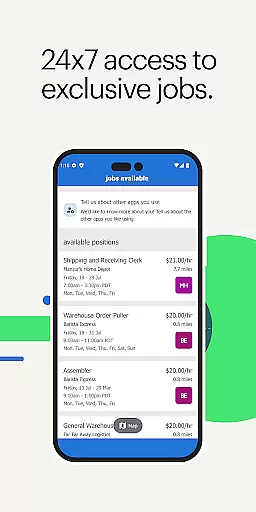
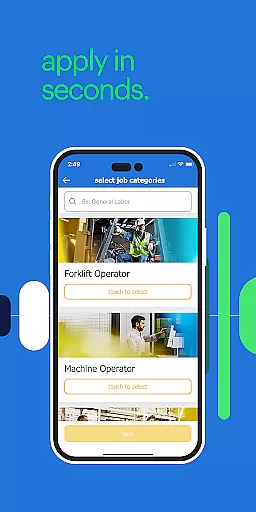
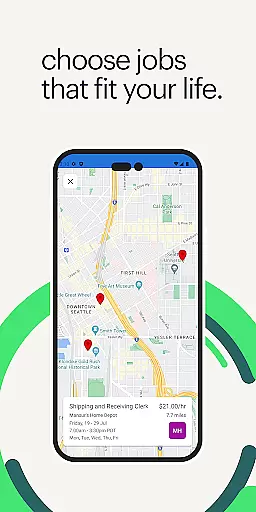
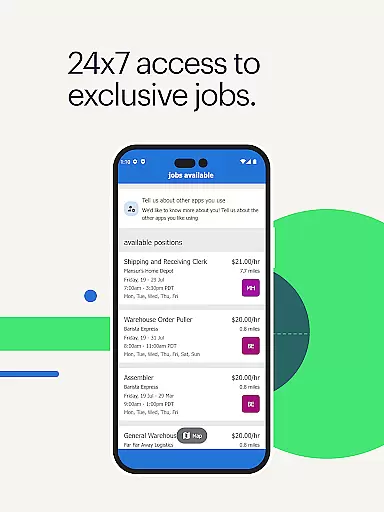
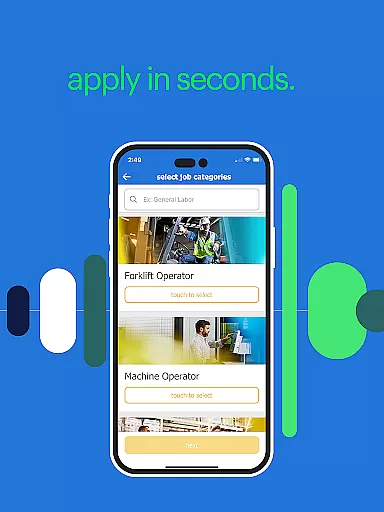
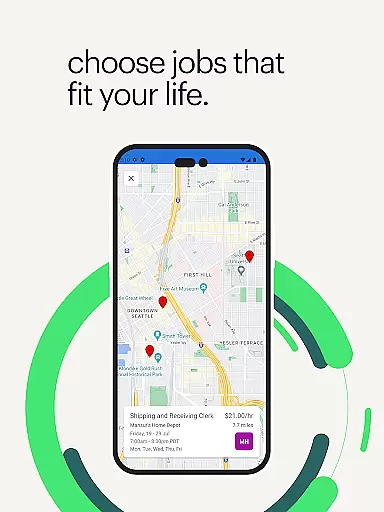
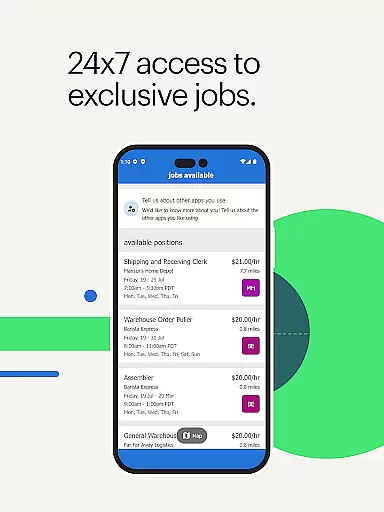
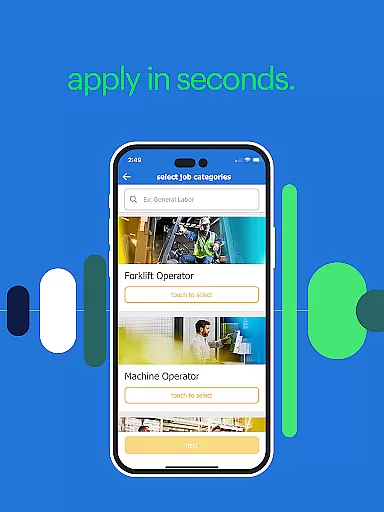
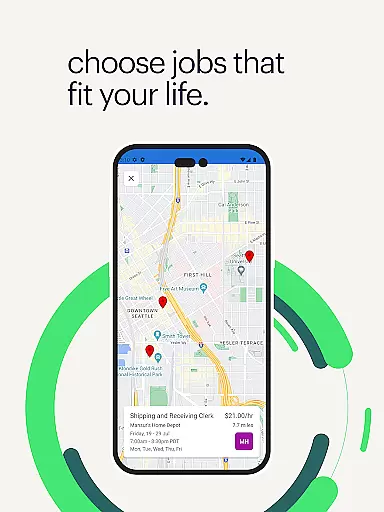
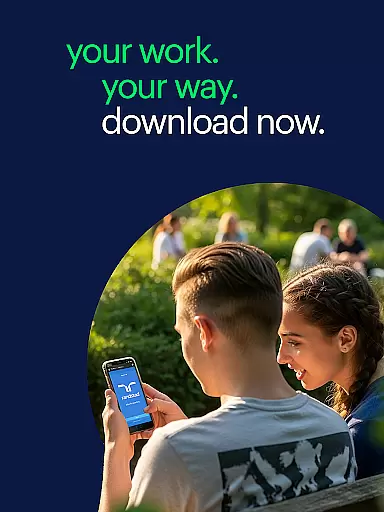
Randstad is a business-oriented mobile application designed to revolutionize the job search process. It provides users with free, 24/7 access to nearby job opportunities, empowering them to take control of their career journey. The app's core functionality lies in its self-service approach, enabling job seekers to browse and select positions that match their qualifications and preferences.
One of the standout features of Randstad is its real-time job update system, which ensures users are always informed about the latest openings. Additionally, the app offers comprehensive job details including pay rates, company information, and requirements upfront, allowing for more informed decision-making. Its user-friendly interface also supports essential work-related tasks such as shift confirmation, time entry, and pay stub viewing, making it an all-in-one solution for modern professionals.
This app is particularly beneficial for individuals seeking flexible employment options across the United States. Even if jobs aren't currently available in a user's immediate area, Randstad's expanding network suggests future opportunities. The platform's commitment to transparency and convenience makes it a valuable tool for anyone looking to advance their career on their own terms.
Randstad distinguishes itself through several innovative features that enhance the job-seeking experience. First and foremost, the app offers unprecedented accessibility by delivering job notifications directly to users' mobile devices. This instant access to relevant opportunities eliminates the uncertainty often associated with traditional job applications.
The app's comprehensive functionality extends beyond basic job searching. Users can complete essential employment processes entirely through the app, including background checks and identity verification. This streamlined approach significantly reduces waiting times and administrative hurdles. Furthermore, Randstad incorporates practical tools for managing ongoing employment, such as shift scheduling, time tracking, and pay information management.
Additional notable features include client rating systems, push notifications for important updates, and a referral program with financial incentives. These elements create a holistic employment ecosystem that not only helps users find jobs but also supports them throughout their professional engagements. The app's availability in Spanish further demonstrates its commitment to serving diverse user bases.
Collaborative work features are essential for modern business applications, enabling seamless interaction between team members and clients. The Randstad app excels in this area by providing a self-service platform where users can manage their job applications and communications efficiently.
This app allows users to receive real-time updates on job openings they are qualified for, ensuring they never miss an opportunity. By delivering these updates directly to the user's mobile device, it fosters an environment of constant connectivity and collaboration.
Moreover, the app facilitates direct interactions with potential employers, allowing users to choose jobs and shifts autonomously. This autonomy not only empowers users but also streamlines the hiring process, making it more efficient for both parties involved.
Additionally, features such as rating clients after completing a shift contribute to a transparent and collaborative work culture. These feedback mechanisms help improve the overall quality of engagements and future interactions within the platform.
Effective task management is crucial for maintaining productivity and ensuring timely completion of assignments. The Randstad app offers robust task management capabilities tailored specifically for job seekers and temporary workers.
Users can easily access upcoming shifts and assignments through the app, which provides clear information about each job's requirements, pay rate, and location upfront. This transparency helps users plan their schedules effectively and make informed decisions about their work commitments.
The app also includes functionalities for managing work-related tasks, such as entering hours worked and break times. This feature simplifies time tracking and ensures accurate record-keeping, which is vital for payroll processing and compliance.
Furthermore, push notifications and reminders keep users informed about important deadlines and upcoming shifts. By integrating these task management tools, the Randstad app enhances user productivity and supports successful career navigation.
User-friendly interface
Real-time job updates
Comprehensive job details
Streamlined hiring process
Flexible shift management
Limited geographic coverage
Occasional technical issues
Variable job availability
Requires frequent updates
Learning curve for new users

Zoom built for Chrome OS
 3.90
3.90
Ask Accio anything about business. Alibaba-backed, built by experts, not just AI
4.60
Paychex Flex - Save Time and Stay Connected
4.60
Recover what matters — quickly and easily.
4.70
Deliver and earn money
4.30
Start earning fast. Apply Today.
4.80
Smarter career moves start here. AI job alerts, insights & the right tools.
4.20
Earn money with the driver & delivery partner app for Uber, UberEats & Postmates
4.60
Chat, meet, and collaborate to achieve more together, all in one place on Teams
4.60
Find the right fit, faster.
4.70
Finance, Investing, Stocks, Trading and Stock news
4.60
The revolutionary flexible staffing platform
4.40
Find work, shifts and gigs near you. Jobs lasting a few hours to a few months.
4.30
A secure, all-in-one team collaboration app
4.30
FX Plus adds media, networking, and cloud capabilities to FX File Explorer.
4.10
The All-in-One File Manager for Phone, TV, Watch, Cars, XR / VR, Chromebook
4.10
Find flexible, hourly jobs hiring near you in restaurant, retail & hospitality!
4.00
We are a dynamic team of creatives people of design, marketing, web & apps
3.00
Completed Course Lectures on how to use IBM Maximo in Maintenance issues
4.0


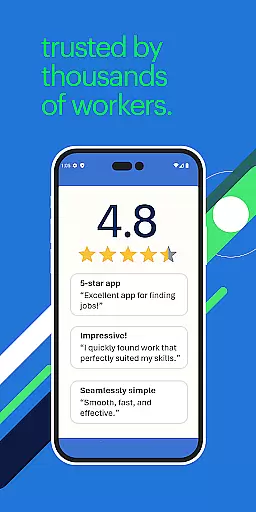
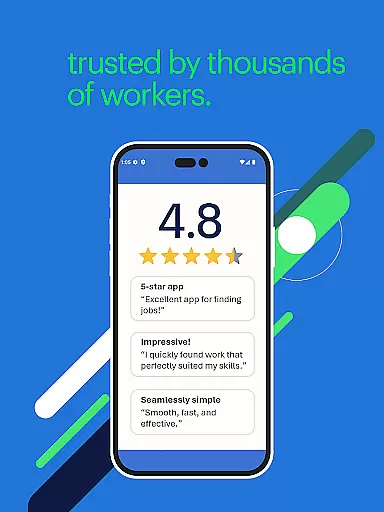
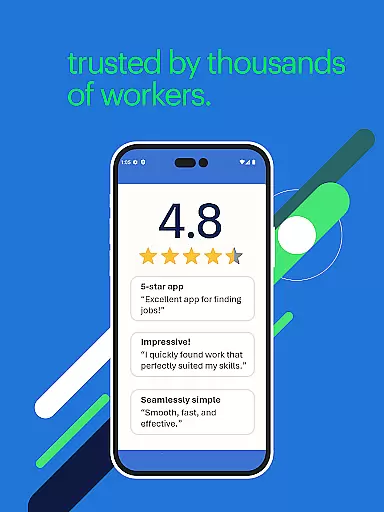
User Reviews