
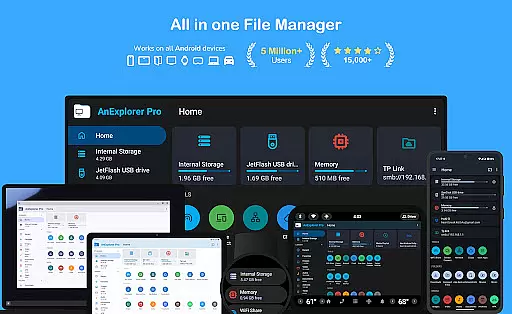
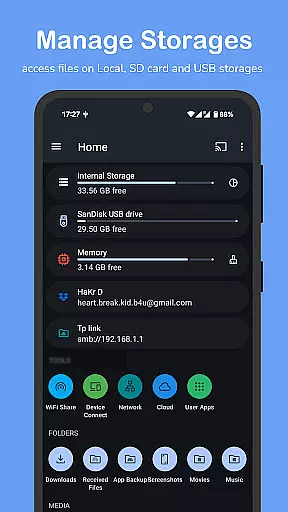
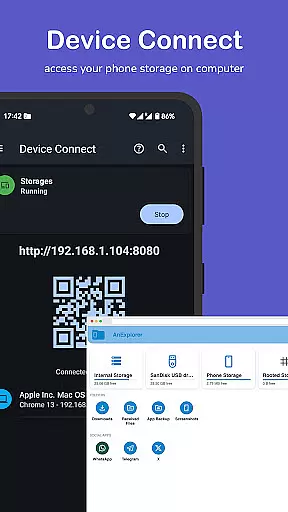

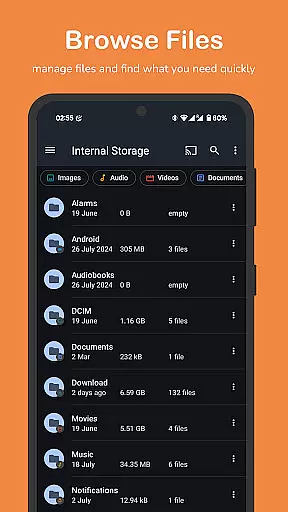
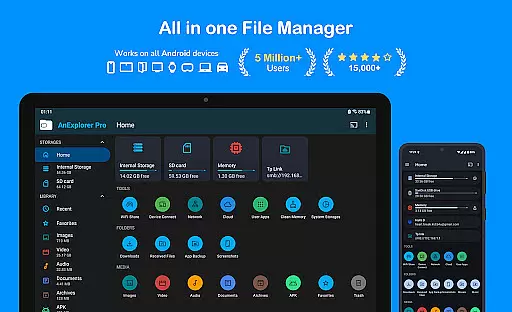
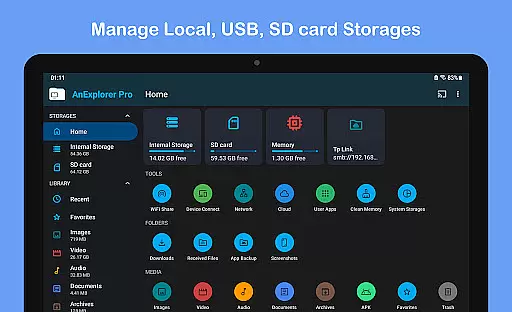

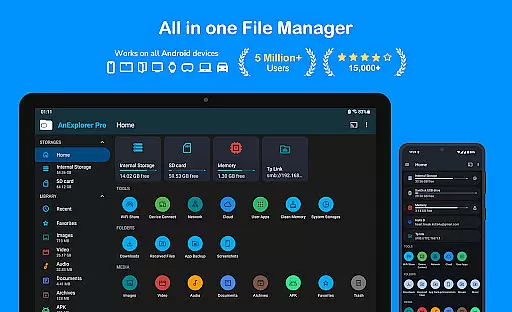
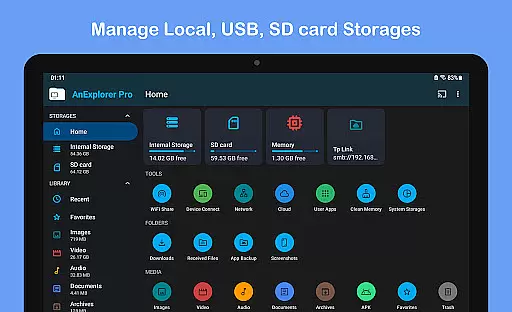

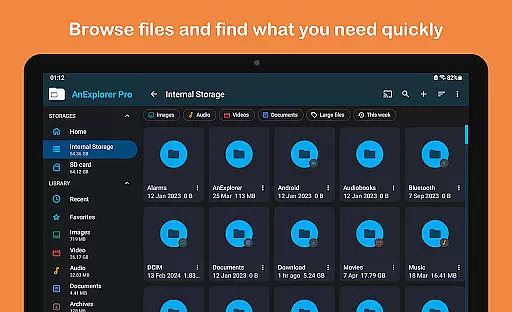
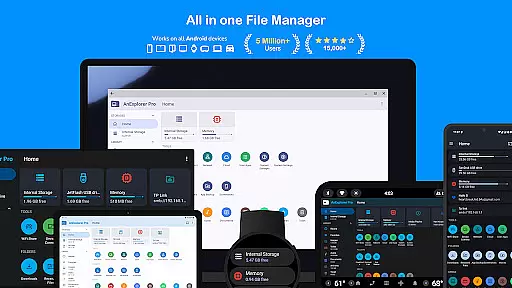
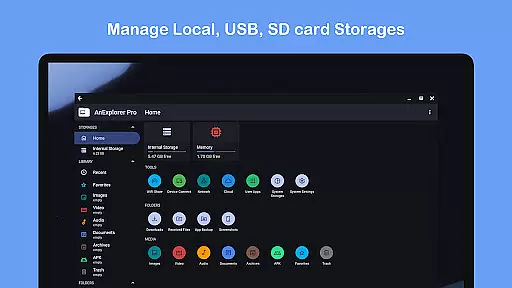
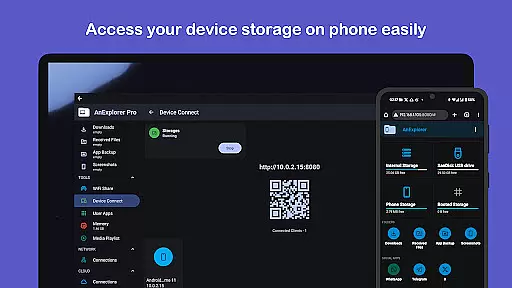
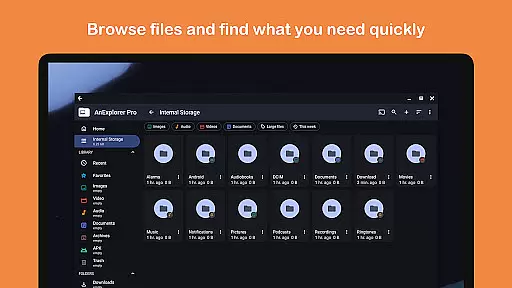
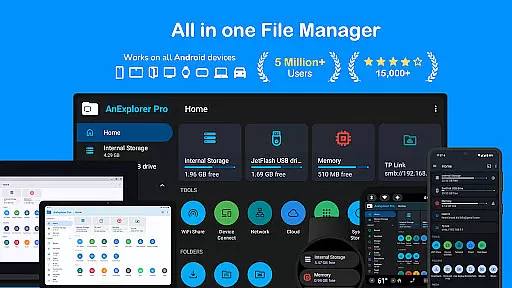
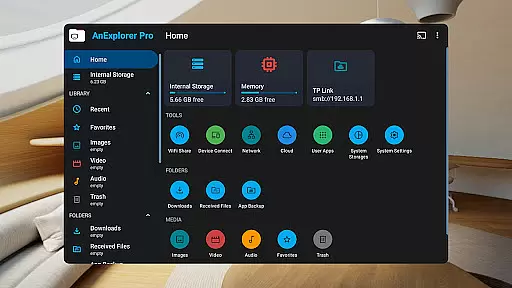
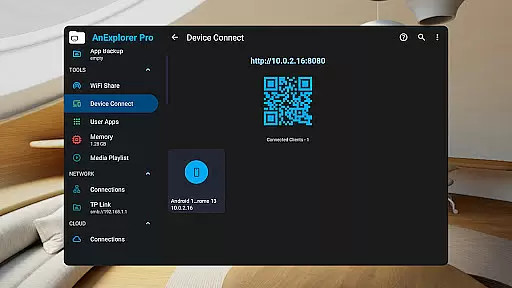
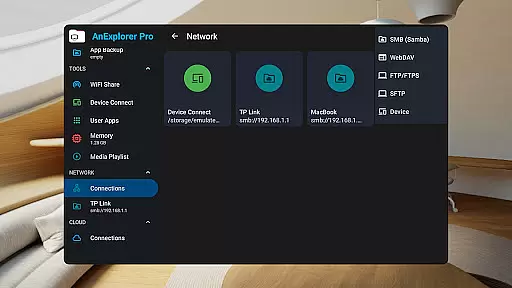
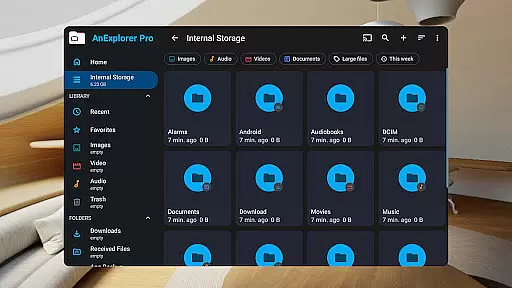
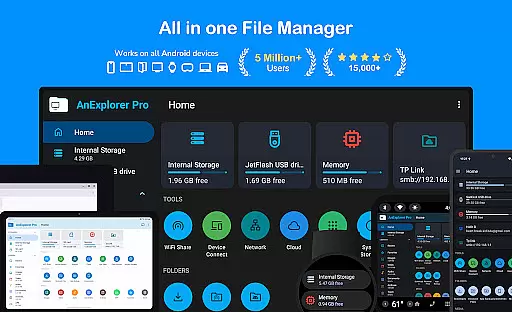
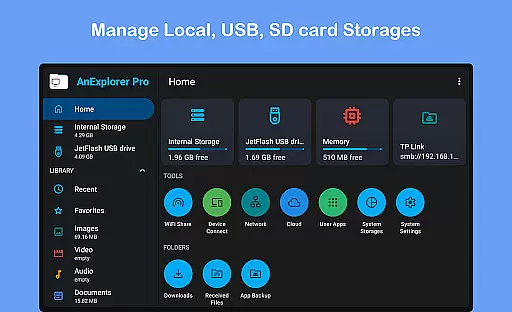
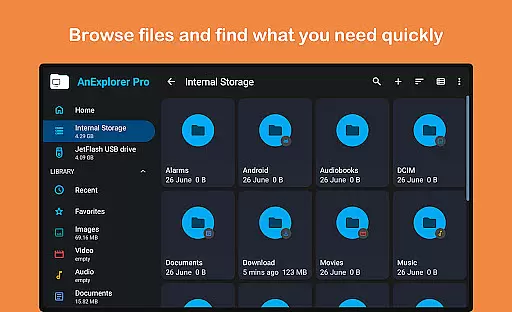
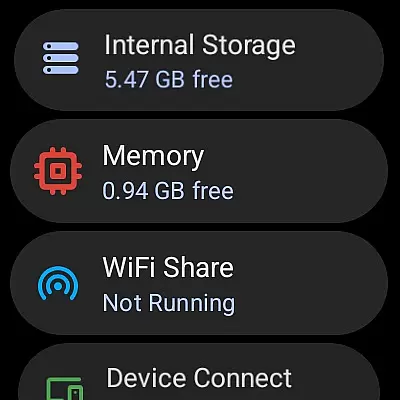



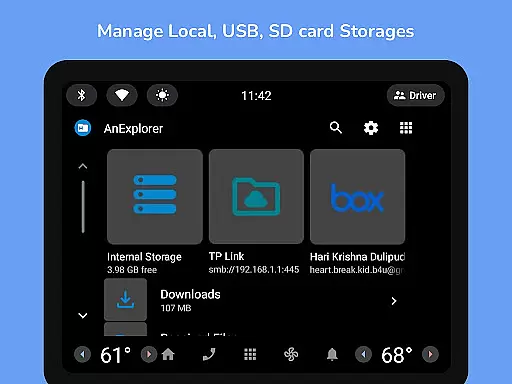
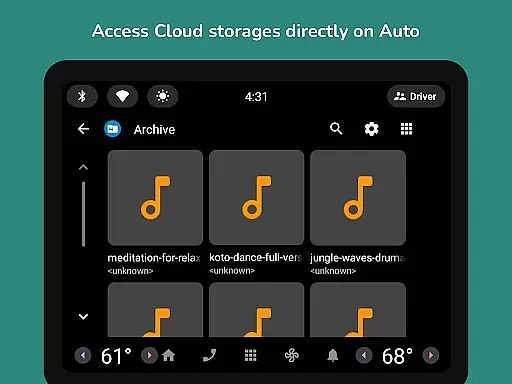
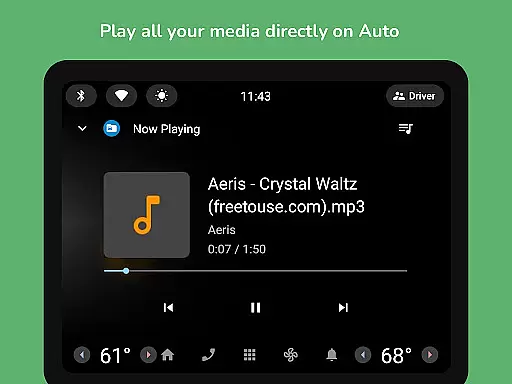
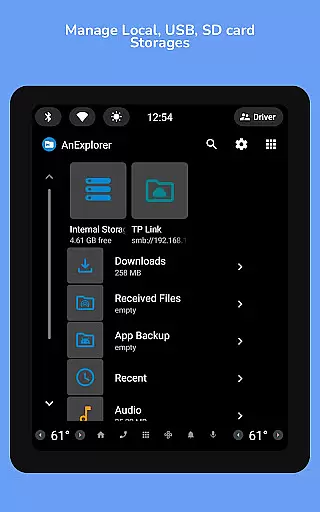
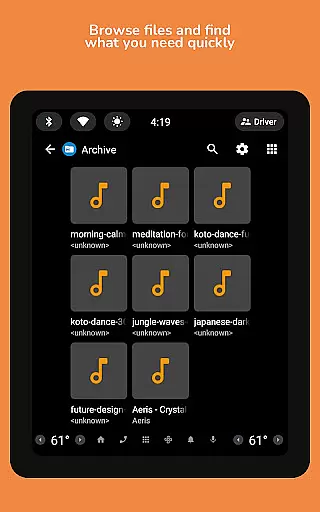
AnExplorer Pro File Manager is a comprehensive file management solution designed for Android users who need an efficient way to handle their files across multiple devices and platforms. This app offers a clean, intuitive interface with support for various storage types including local storages, USB drives, SD cards, network storages, cloud services, and even specialized environments like TVs, cars, and VR headsets.
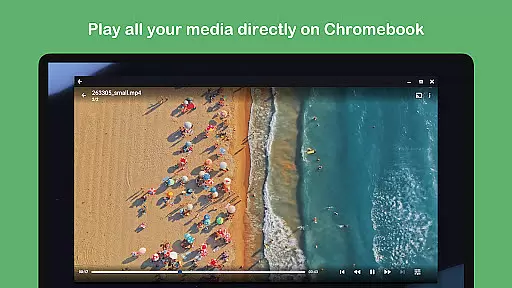
With its powerful features, AnExplorer allows users to browse, organize, and manage files with ease. It supports operations such as copying, moving, renaming, deleting, compressing, and extracting files. Additionally, it provides advanced functionalities like photo viewing, music and video playback, text editing, PDF viewing, and app installation. The app also facilitates wireless file transfers and media streaming, making it a versatile tool for both personal and professional use.
The true value of AnExplorer lies in its ability to seamlessly integrate with different ecosystems while offering unique features such as RTL language support and folder size display. Whether you're managing files on a smartphone or handling complex tasks on an Android TV, this app ensures that your workflow remains smooth and efficient.
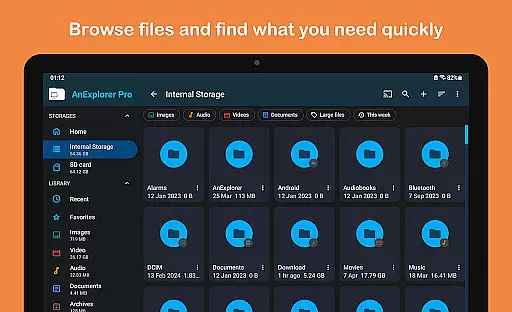
AnExplorer Pro stands out with its extensive feature set tailored for diverse file management needs. One of its key strengths is the robust file organization capability, allowing users to perform essential file operations like browsing, copying, moving, renaming, deleting, compressing, and extracting files. It also includes advanced search functionalities, enabling users to filter files by name, type, size, or date, and view hidden folders and thumbnails.
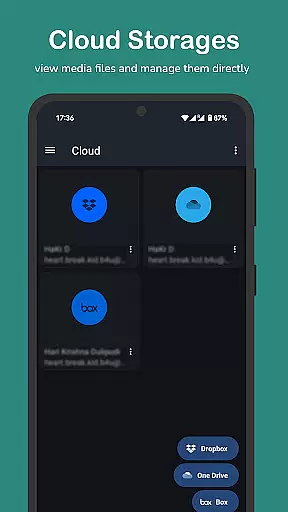
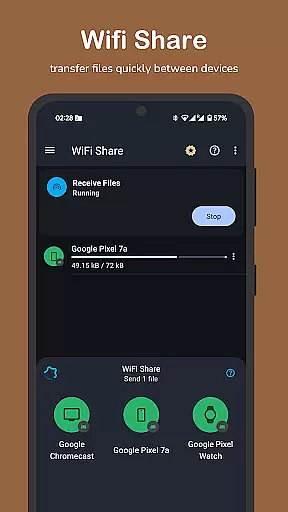
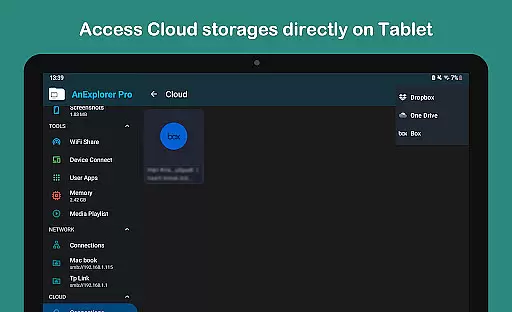
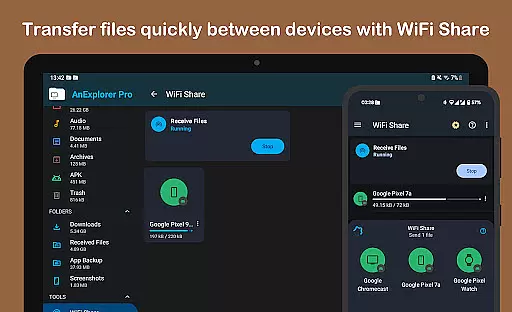
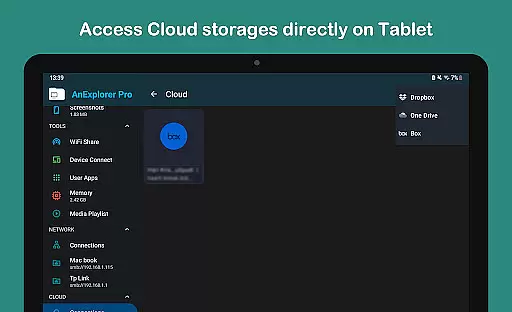
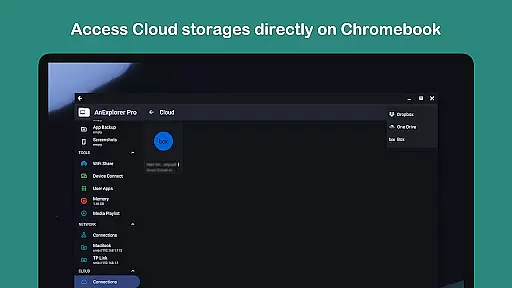
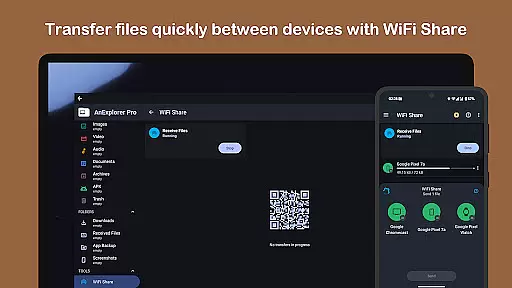
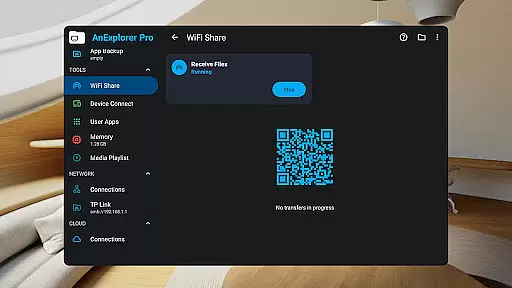
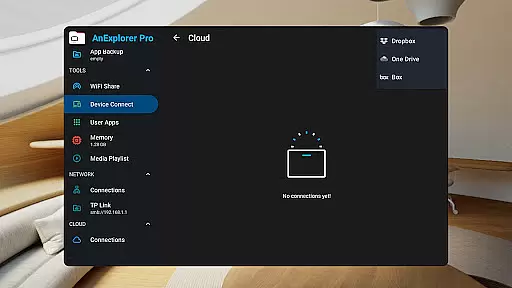
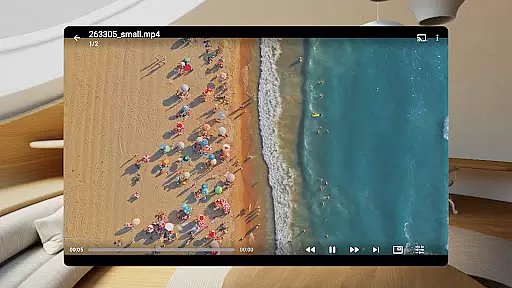
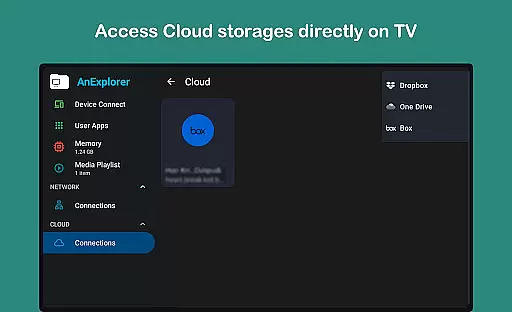
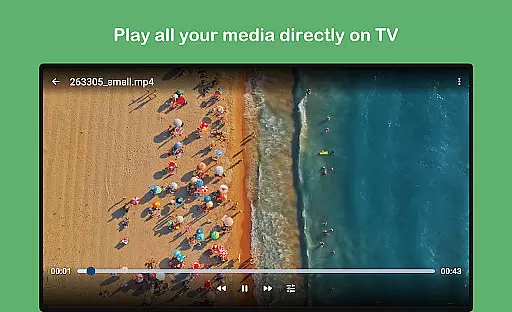
Beyond basic file management, AnExplorer offers specialized tools such as a photo viewer with zoom and slideshow support, a music and video player with playlist management, and a text editor that handles various file formats. The app's archive viewer supports multiple formats like ZIP, RAR, TAR, and 7z, while its cloud integration allows seamless management of files across Box, Dropbox, and OneDrive. Furthermore, the offline WiFi share feature enables instant wireless file transfers between devices on the same network.
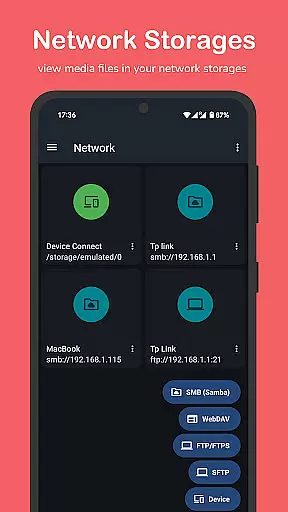
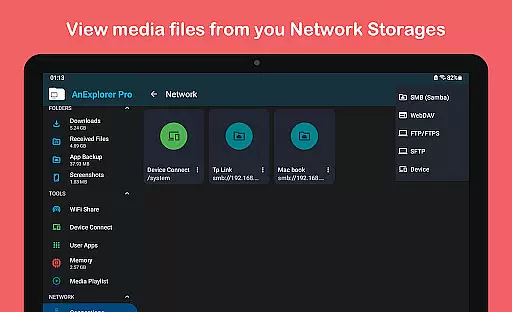
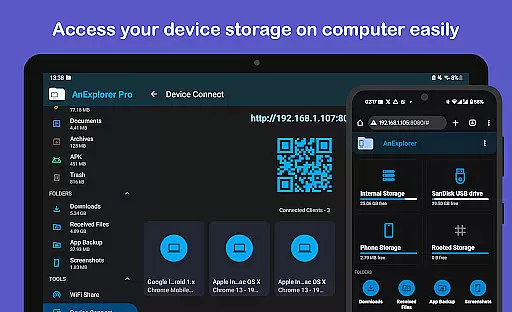
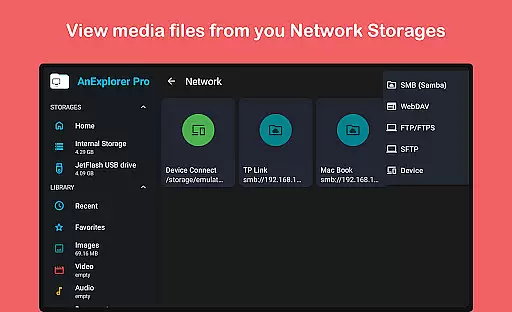
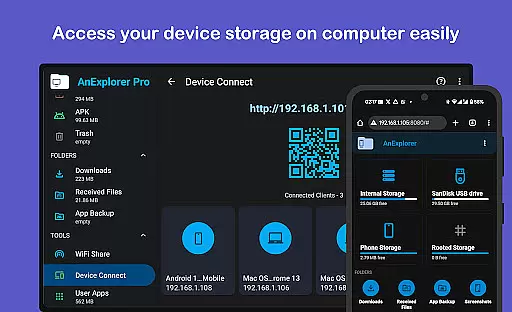
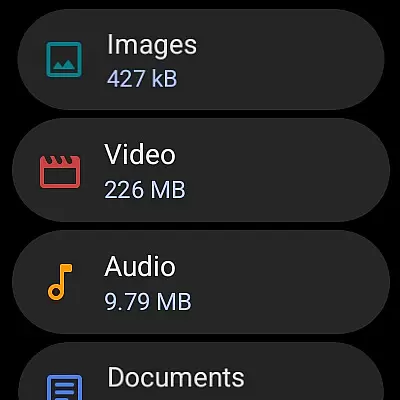
For power users, AnExplorer provides root mode for system-level file editing and device connectivity options like FTP, FTPS, SMB, and WebDAV server access. Its media library manager auto-categorizes files into images, videos, music, documents, and more, ensuring organized storage. With dedicated managers for social media files, TV storage, wearables, and VR/XR environments, this app caters to virtually every possible use case, making it an indispensable tool for Android users.
Collaborative work features are essential for modern business applications, enabling teams to work together efficiently regardless of location. AnExplorer Pro File Manager supports this through its robust network file management capabilities.
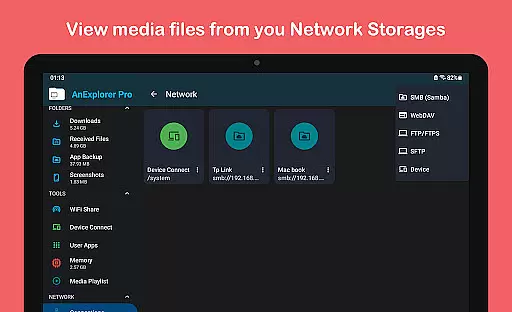
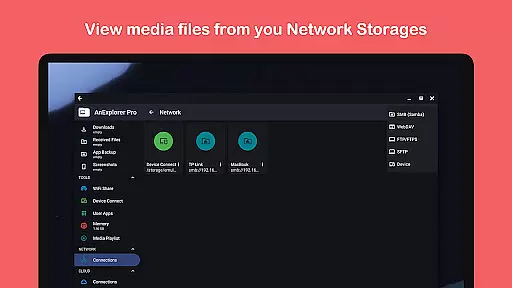
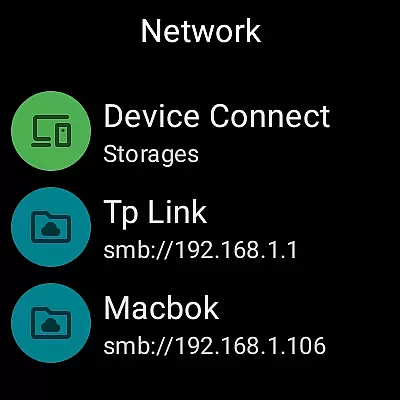
The app allows users to connect to various network storage solutions such as FTP, FTPS, SMB, and WebDAV servers. This functionality ensures that team members can access shared folders and NAS devices seamlessly, promoting real-time collaboration.
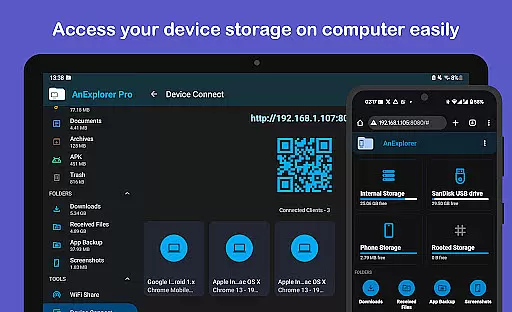
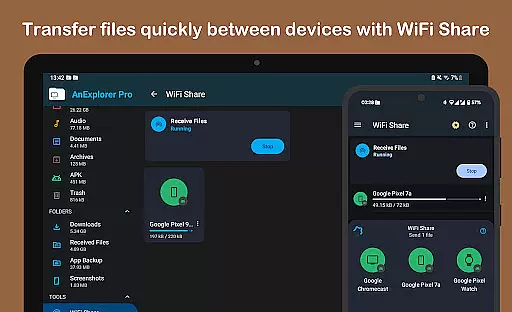
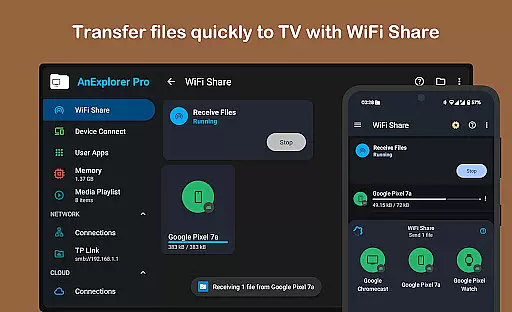
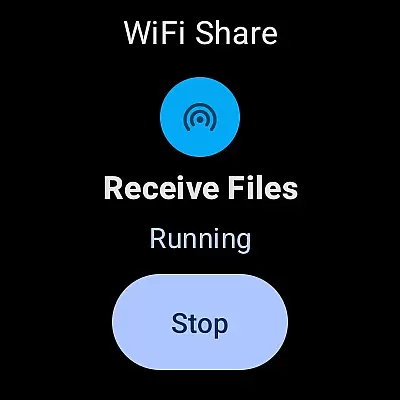
Additionally, the offline WiFi share feature facilitates instant wireless file transfers between Android devices on the same network. This means teams can quickly exchange documents, media, and other important files without needing an active internet connection.
By integrating these collaborative tools, AnExplorer Pro enhances productivity and ensures that all team members have access to the necessary resources whenever they need them, making it a valuable asset for businesses.
Effective task management is crucial for maintaining productivity and ensuring projects are completed on time. AnExplorer Pro File Manager offers several features that contribute to streamlined task management.
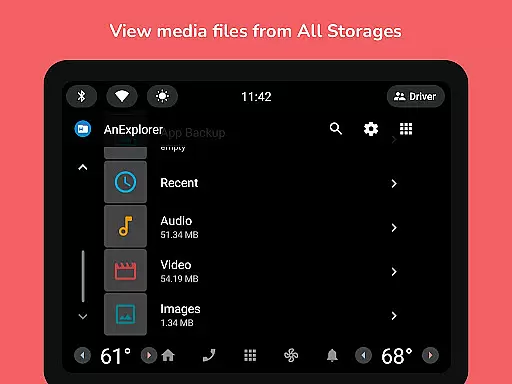
One key aspect is the app's ability to organize files into categories such as images, videos, music, documents, and archives. This auto-categorization helps users quickly locate the files they need, reducing time spent searching and increasing focus on tasks at hand.
Moreover, the built-in memory cleaner tool aids in optimizing device performance by freeing up RAM and removing unnecessary cache and junk files. A faster device translates to quicker file operations and smoother multitasking, which is beneficial when managing multiple tasks simultaneously.
With these comprehensive task management features, AnExplorer Pro empowers users to maintain an organized digital workspace, ultimately leading to improved efficiency and better task outcomes.
User-friendly interface
Wide range of supported formats
Advanced file management tools
Wireless transfer capabilities
Comprehensive cloud integration
Some features require root access
Premium version may be costly
Occasional performance lags
Complex for beginners
Limited iOS compatibility

AI-powered document scanner with auto enhance for perfect PDFs.
 4.60
4.60
GoTo Mobile is a simple & secure calling, messaging & meetings solution
4.80
The Penny Puss app with DG penny finder
4.10
Finance, Investing, Stocks, Trading and Stock news
4.60
Drive and earn extra money
4.50
Delivery Track App - Tracking with Fedex, USPS, UPS, DHL. Monitor your Orders.
3.20
Start earning fast. Apply Today.
4.80
Job search app that finds jobs for you! Takes the work out of looking for a job!
4.90
Roadie connects people with stuff to send with drivers already going that way.
3.50
Employee Management Made Easy
4.80
Access to Paylocity, empowering employees with information they need 24/7.
4.70
We help people get jobs
4.70
No more passwords, easier sign-in, and greater protection for your accounts.
4.60
Collaborate seamlessly with Google Chat, part of Google Workspace
4.50
The revolutionary flexible staffing platform
4.40
Build a store in minutes with our full suite of AI tools. Start for free!
4.20
On the go? Take FedEx with you.
4.00
enjoy effortless PDF reading anytime, anywhere
3.90
Windows App allows you to connect to remote PCs and virtual apps.
3.70


User Reviews