
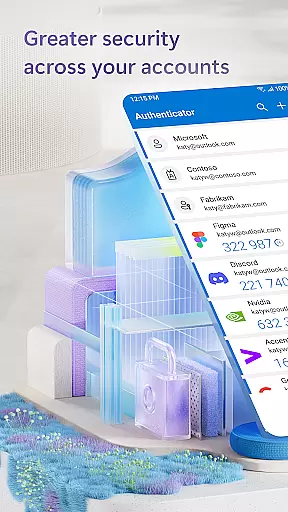
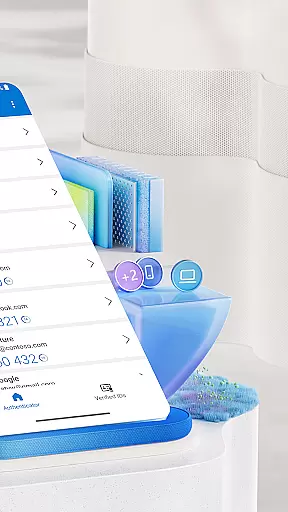
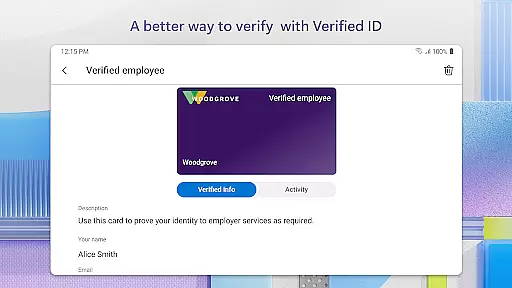
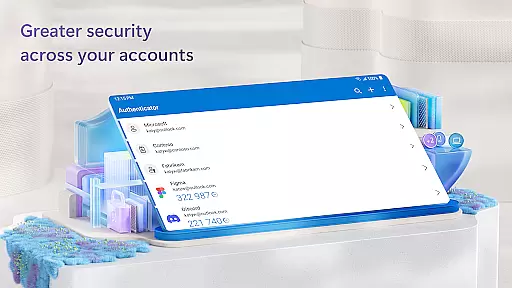
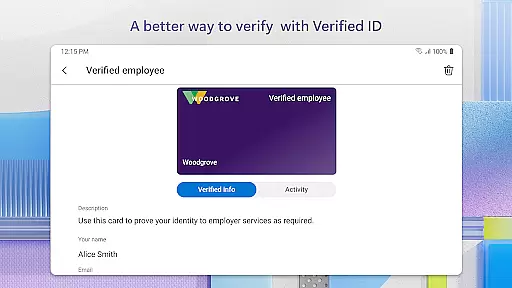
Microsoft Authenticator is a robust business application designed to enhance security for online accounts through multi-factor authentication (MFA), passwordless login, and traditional password usage. It supports both personal Microsoft accounts and work or school accounts, providing users with secure access to services like Outlook, OneDrive, and Office.
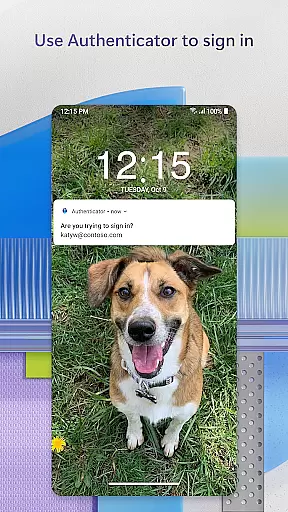
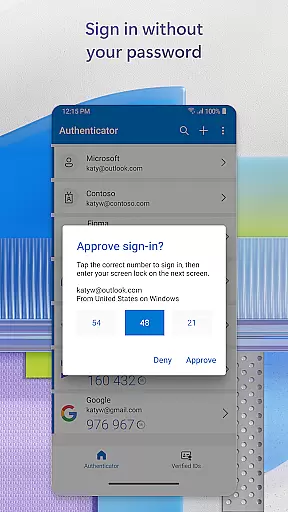
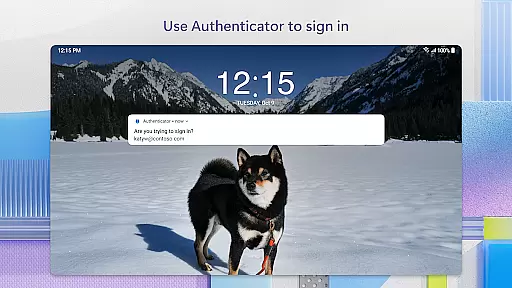
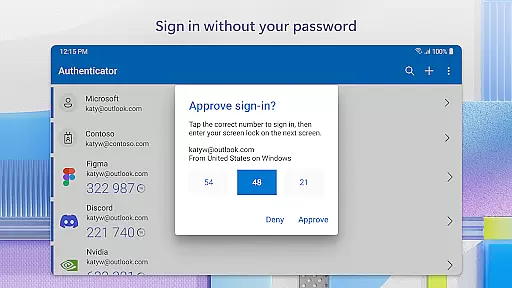
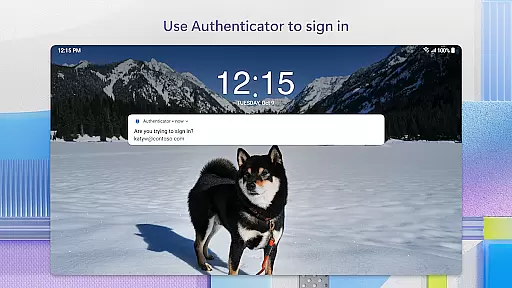
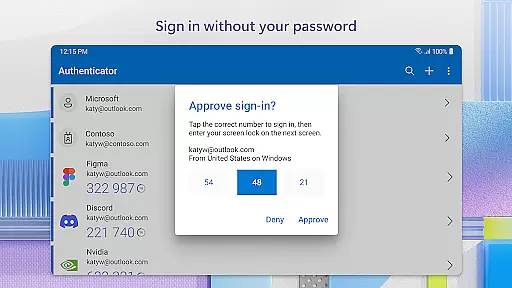
The app's core functionality lies in its ability to provide an additional layer of security when logging into accounts. Users can approve sign-in requests via notifications, use one-time passwords (OTP), or leverage biometric verification methods such as fingerprint or face ID. This ensures that only authorized individuals gain access to sensitive information, making it ideal for businesses that prioritize data protection.
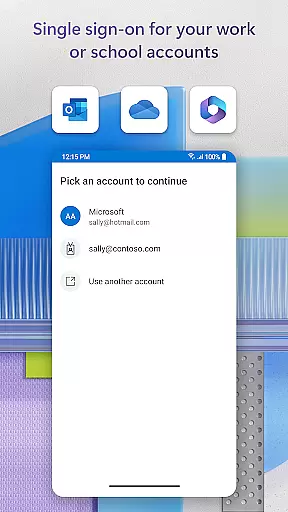
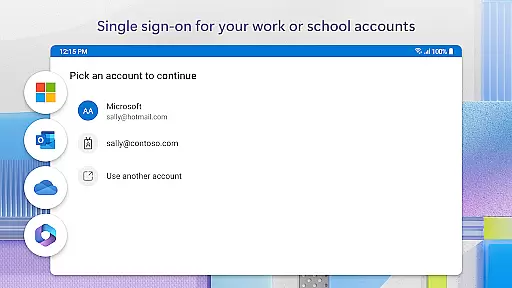
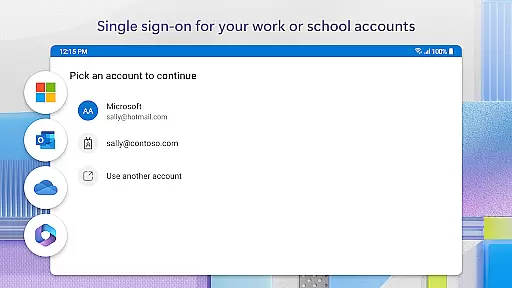
With support for cert-based authentication and single sign-on capabilities, the app streamlines the user experience while maintaining high-security standards. These features make Microsoft Authenticator particularly valuable in corporate environments where secure access to multiple resources is crucial.
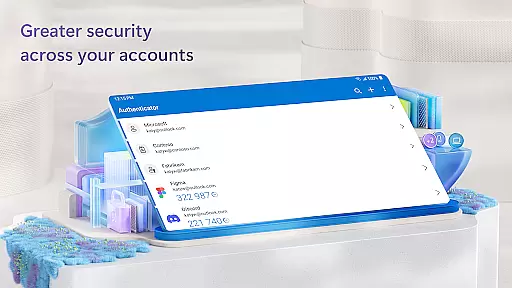
Microsoft Authenticator offers a comprehensive set of features that cater to various authentication needs. The app supports multi-factor authentication (MFA) by sending push notifications or generating time-based one-time passwords (TOTP) that refresh every 30 seconds. This dynamic approach to authentication significantly reduces the risk of unauthorized access.
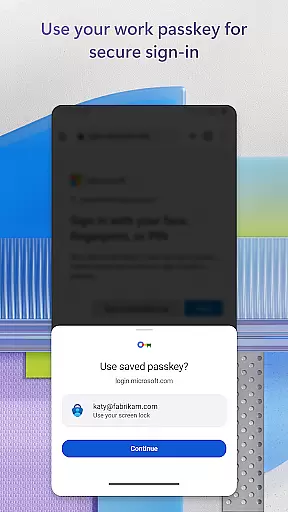
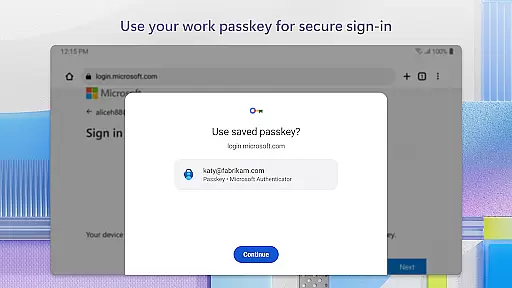
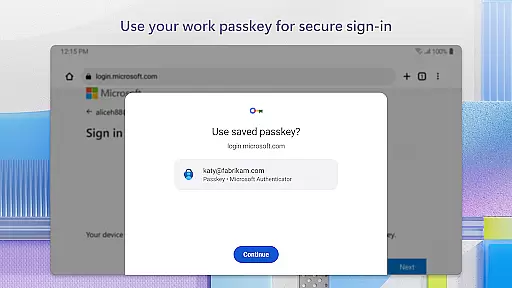
In addition to MFA, the app facilitates passwordless logins using biometric verification methods such as fingerprint or face ID. Once users enter their username, they can approve a notification on their device and use their biometric data to complete the two-step verification process. This seamless integration of advanced security measures enhances both convenience and protection.
For enterprise users, Microsoft Authenticator provides cert-based authentication and single sign-on capabilities. These features allow organizations to verify the trustworthiness of devices and enable users to access multiple Microsoft services without repeatedly entering credentials. The app also includes optional permissions for camera access (to scan QR codes) and location services, which can be enabled based on organizational policies.
In today's interconnected work environment, collaborative work features are essential for seamless teamwork. Microsoft Authenticator supports this by enabling secure access to shared resources without the need to repeatedly authenticate.
Through cert-based authentication, the app issues a certificate on your device, signaling to your organization that sign-in requests come from a trusted source. This allows teams to access Microsoft apps and services like Outlook and OneDrive securely, fostering collaboration while maintaining security protocols.
Furthermore, with single sign-on capabilities, once users authenticate via Microsoft Authenticator, they can access multiple Microsoft services without repeated logins. This streamlines workflows and enhances productivity, as team members spend less time managing credentials and more time focusing on collaborative tasks.
Effective task management is crucial for personal productivity and organizational success. Microsoft Authenticator aids in task management by simplifying the login process across various platforms and services.
By supporting passwordless logins, the app reduces the cognitive load of remembering complex passwords, allowing users to concentrate on their tasks rather than credential management. The integration of biometric verification methods such as fingerprint or face ID adds a layer of convenience and security.
Moreover, the ability to approve sign-in notifications directly from the app means users can quickly authenticate and return to their work. This efficient handling of authentication tasks ensures minimal disruption, keeping the focus on productivity and task completion within business environments.
Enhanced security
User-friendly interface
Multi-platform support
Seamless integration
Regular updates
Requires internet
Limited offline
Device compatibility
Occasional bugs
Learning curve

The revolutionary flexible staffing platform
 4.40
4.40
TurboScan turns your phone into a full-featured PDF document scanner.
4.80
Manage work life on the go
4.50
viewing and sharing PDFs and other files—anytime, anywhere!
4.2
Get instant construction estimates: accurate home repair & material calculator.
4.70
All document reader, pdf viewer app, read docs & excel files
3.80
Delivery Track App - Tracking with Fedex, USPS, UPS, DHL. Monitor your Orders.
3.20
Find part-time earning opportunities near you that pay within days.
3.20
Earn money with the driver & delivery partner app for Uber, UberEats & Postmates
4.60
BuildCalc - the easiest AND the most advanced construction calculator app.
4.80
We help people get jobs
4.70
Grow your business and connect with more people with Meta Business Suite.
4.60
Amazon A to Z is the place to manage your work-life at Amazon.
4.50
Drive and earn extra money
4.50
Find jobs near you and temp work in minutes, from your phone.
4.50
Measure distances, surfaces and draw plans in seconds with CamToPlan!
4.40
Find work, shifts and gigs near you. Jobs lasting a few hours to a few months.
4.30
A secure, all-in-one team collaboration app
4.30
Roadie connects people with stuff to send with drivers already going that way.
3.50


User Reviews