
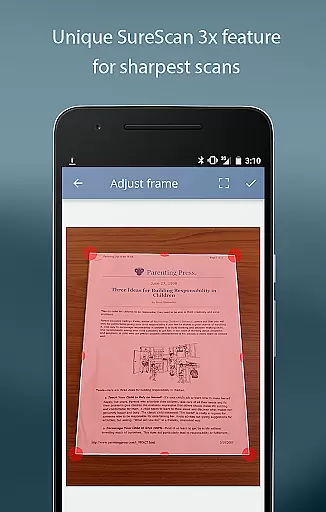
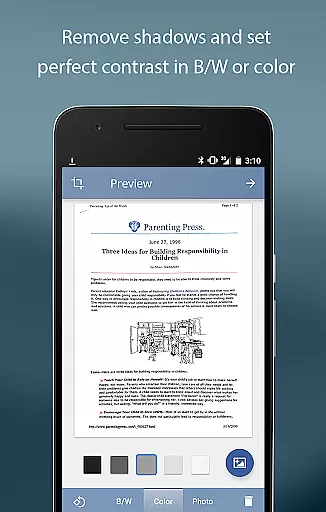
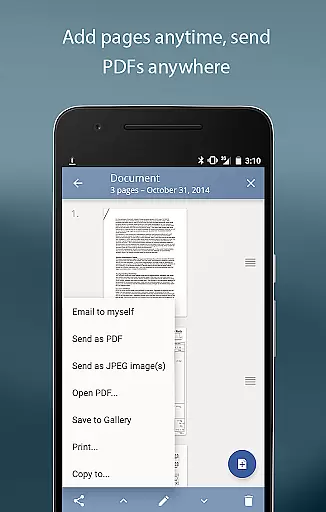
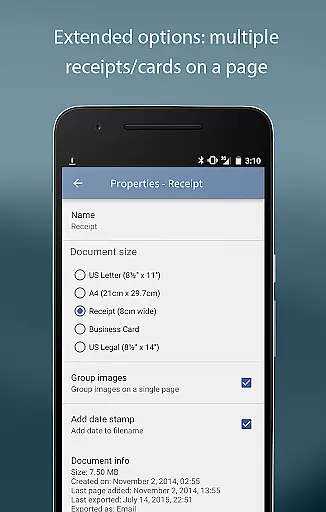
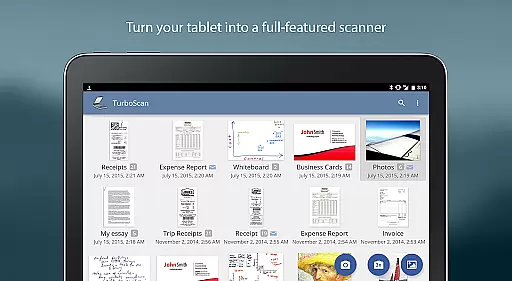
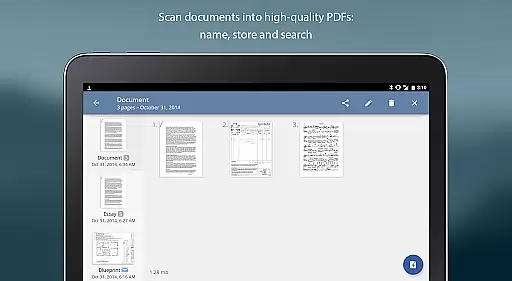
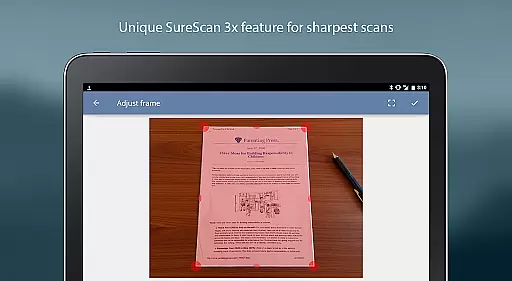
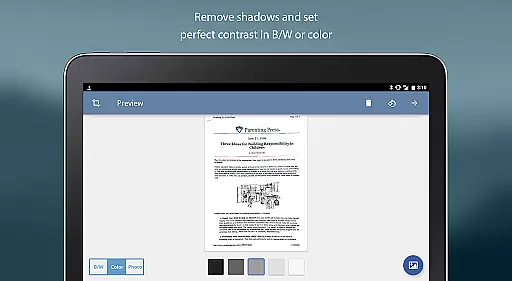
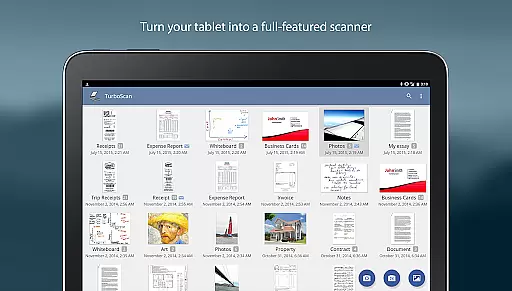
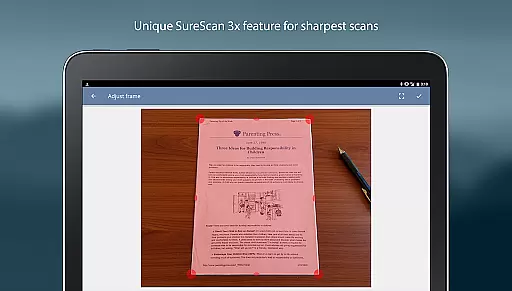
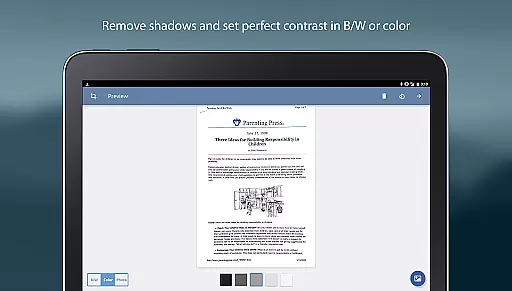
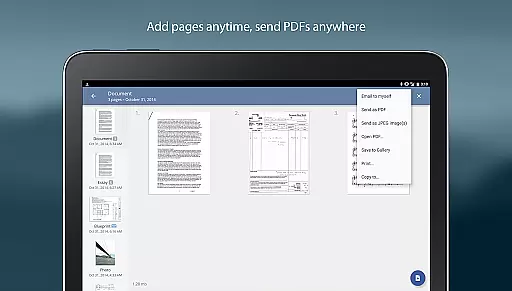
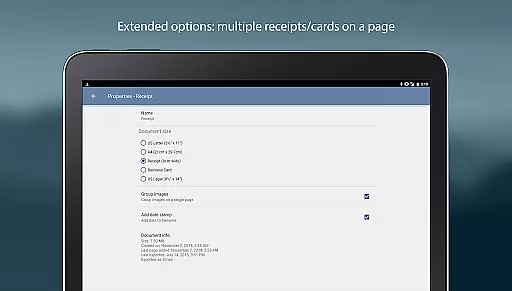
TurboScan Pro is a premier mobile scanning solution that transforms your smartphone into a versatile document scanner. This application excels in capturing high-quality scans of documents, receipts, notes, and more, exporting them as multipage PDF or JPEG files. TurboScan Pro stands out with its advanced algorithms that detect document edges, correct perspective, and optimize contrast for professional results.
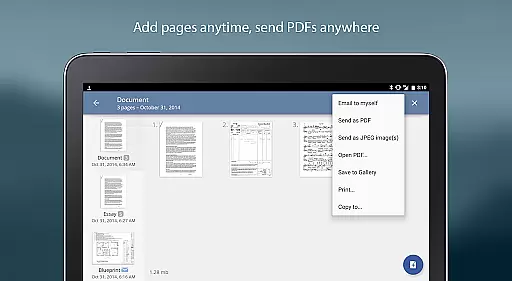
Designed for efficiency and ease of use, TurboScan Pro offers rapid processing speeds and intuitive controls. Users can benefit from features like SureScan for sharper images in challenging lighting conditions and the 'Email to myself' function for swift document sharing. The app ensures data privacy by processing everything directly on the device without requiring an internet connection.
TurboScan Pro boasts an array of sophisticated features tailored for business professionals and individuals alike. Its automatic edge detection and perspective correction tools ensure every scan is perfectly aligned and clear. The proprietary SureScan mode enhances image sharpness, particularly beneficial in low-light environments, by capturing three images of the same document.
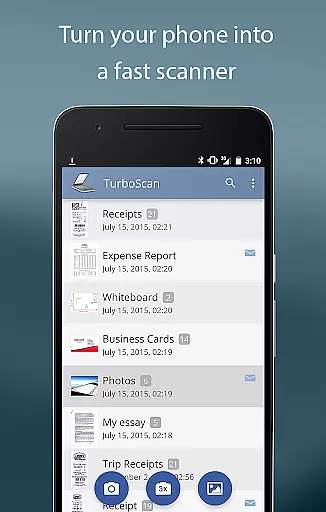
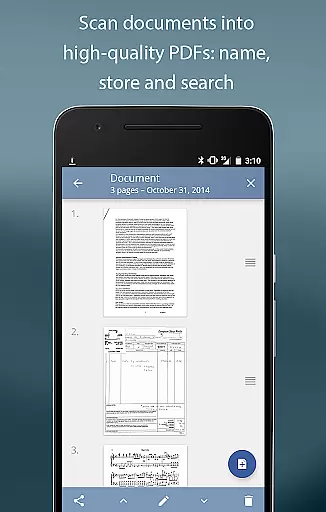
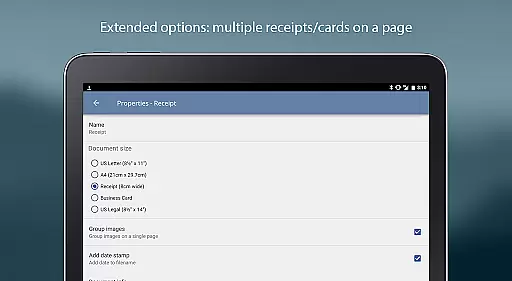
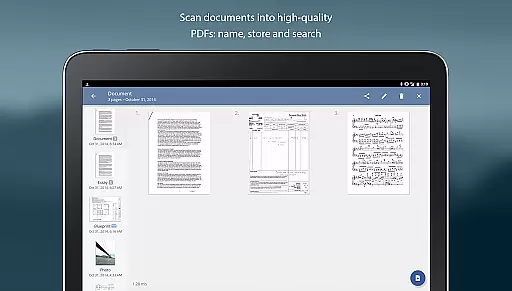
The app's interface consolidates essential editing functions such as brightness, rotation, and color adjustments onto a single screen for seamless operation. Additionally, TurboScan Pro supports multipage editing, document naming, and internal storage with search capabilities. Users can also export their scans in various formats including PDF, JPEG, or PNG, and integrate with cloud services like Dropbox and Evernote for convenient file management.
In today's fast-paced business environment, the ability to collaborate effectively is crucial. TurboScan Pro enhances collaborative efforts by providing tools that make document sharing and editing seamless. With its multipage editing feature, team members can add, reorder, and delete pages within scanned documents, ensuring everyone has the most up-to-date information.
The app also supports copying pages between stored scans, which is particularly useful for compiling reports or presentations from various sources. This functionality streamlines workflows and reduces the time spent on document management, allowing teams to focus on more critical tasks.
TurboScan Pro further facilitates collaboration through its compatibility with cloud services. Users can open PDFs or JPEGs in other apps like Dropbox, Evernote, Google Drive, and more. This integration enables teams to store, share, and edit documents across different platforms effortlessly, enhancing productivity and ensuring that all team members have access to necessary files regardless of their location.
Efficient task management is at the core of TurboScan Prou2019s design, empowering users to handle their responsibilities with precision and ease. The app allows for quick scanning of documents in high quality, storing them, or sending them as multipage PDF or JPEG files. This immediate processing capability ensures that tasks related to document handling are executed swiftly, without unnecessary delays.
One standout feature is the u201cEmail to myselfu201d function, which lets users send documents to a predefined address or upload them to online storage sites like Evernote with just one tap. This feature simplifies task delegation and tracking, making sure that important documents reach their intended recipients promptly and securely.
Additionally, TurboScan Pro offers robust document naming, storage inside the app, and search functionalities. These features collectively contribute to an organized digital workspace where users can easily locate and manage their scanned documents. By maintaining an orderly repository of files, users can better prioritize their tasks and ensure nothing falls through the cracks, ultimately leading to enhanced productivity and peace of mind.
Fast and accurate scanning
User-friendly interface
Advanced image processing
Secure offline functionality
Versatile file export options
Premium version costs
Occasional glitches reported
Limited free features
Requires manual updates
Ads in free version

Get your benefits on-the-go.
 3.80
3.80
Take the stress out of storage with the all-in-one app to manage your space.
3.70
Paychex Flex - Save Time and Stay Connected
4.60
Grow your business and connect with more people with Meta Business Suite.
4.60
Find part-time earning opportunities near you that pay within days.
3.20
Smarter career moves start here. AI job alerts, insights & the right tools.
4.20
Earn money with the driver & delivery partner app for Uber, UberEats & Postmates
4.60
No more passwords, easier sign-in, and greater protection for your accounts.
4.60
We help people get jobs
4.70
Job search app that finds jobs for you! Takes the work out of looking for a job!
4.90
Employee Management Made Easy
4.80
Find the right fit, faster.
4.70
Drive and earn extra money
4.50
Master crypto trading with real-time simulations and exciting challenges!
4.50
Find jobs near you and temp work in minutes, from your phone.
4.50
The revolutionary flexible staffing platform
4.40
VSD Viewer - Visio Drawings Viewer for Android Preview VSD, VDX, VSDX drawings
4.10
The All-in-One File Manager for Phone, TV, Watch, Cars, XR / VR, Chromebook
4.10
Completed Course Lectures on how to use IBM Maximo in Maintenance issues
4.1


User Reviews