

Alight Mobile is a comprehensive business application designed to provide employees with seamless access to their employer-sponsored benefits. The app serves as a one-stop solution for managing health, retirement, and payroll information, ensuring that users can conveniently access their personal benefits data anytime, anywhere.
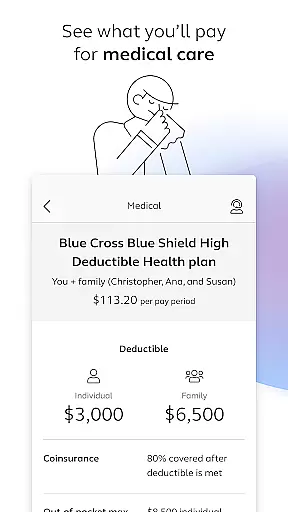
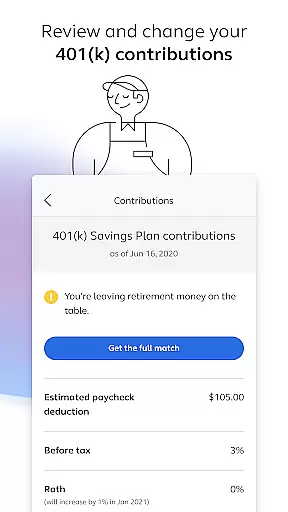
With Alight Mobile, users can perform essential tasks such as finding healthcare providers, enrolling in benefits, reviewing medical plans, and managing 401(k) contributions. The app also offers features like insurance card access, retirement planning tools, and time-off balance reviews, all tailored to enhance the employee benefits experience.
This app is particularly valuable for employees of companies partnering with Alight Solutions, as it simplifies the management of HR-related programs by consolidating various resources into a single platform. By providing personalized benefits information and support, Alight Mobile empowers users to make informed decisions about their health and financial well-being.
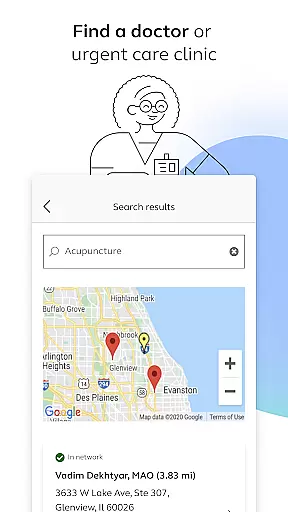
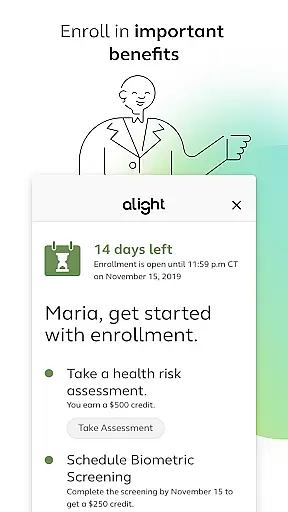
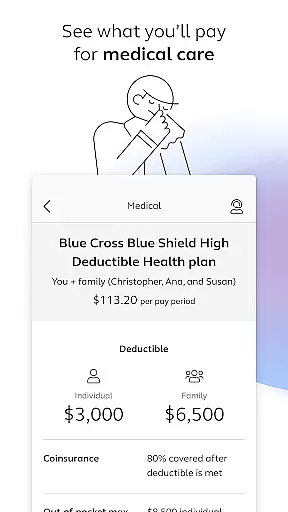
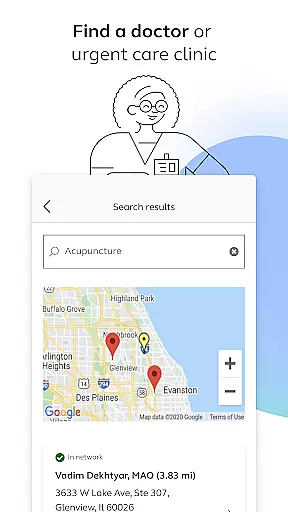
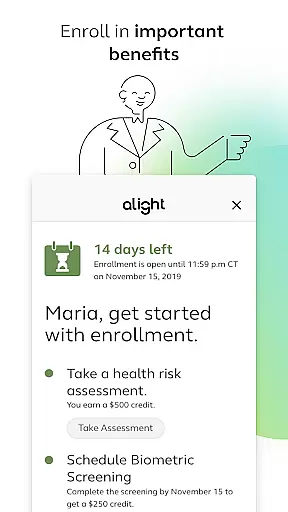
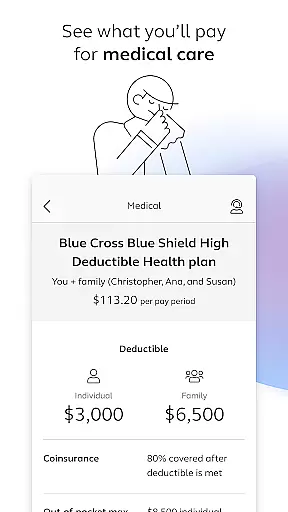
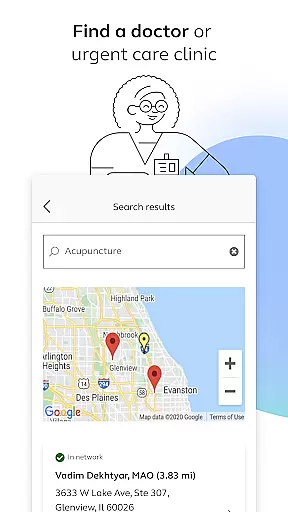
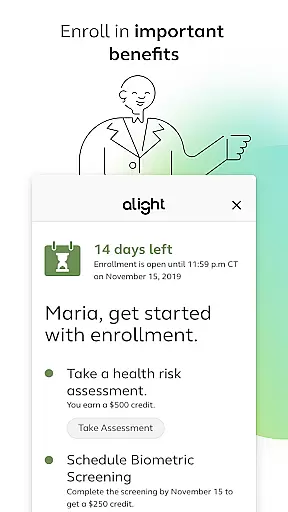
Alight Mobile stands out with its diverse range of features designed to streamline benefits management. One of its key capabilities is the ability to locate healthcare providers, including doctors and urgent care clinics, which helps users quickly find necessary medical services. Additionally, the app allows users to enroll in important benefits programs and review their medical plans and expenditures, offering transparency and control over healthcare spending.
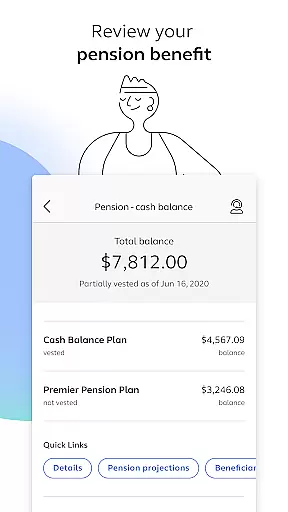
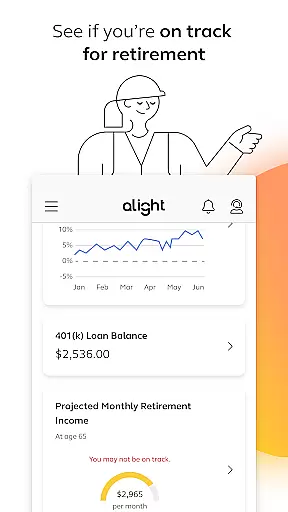
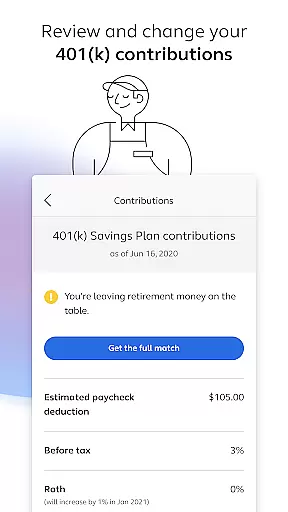
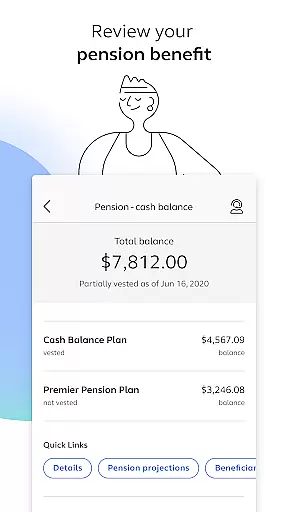
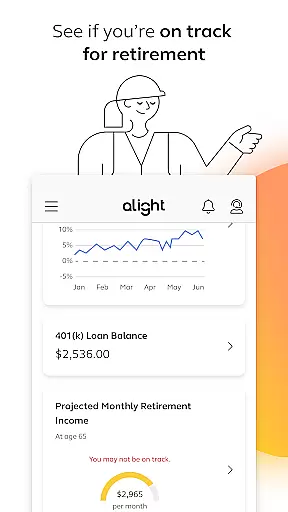
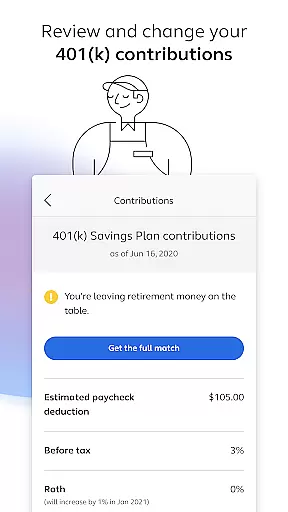
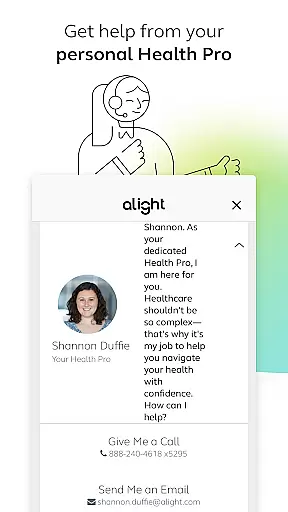
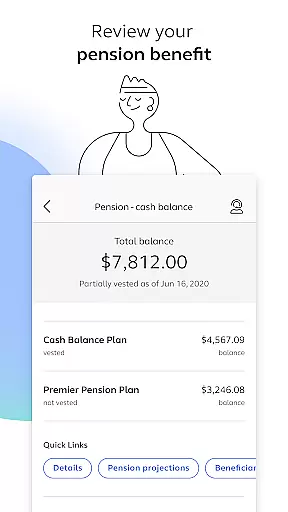
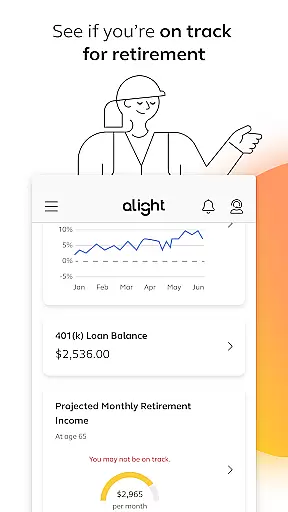
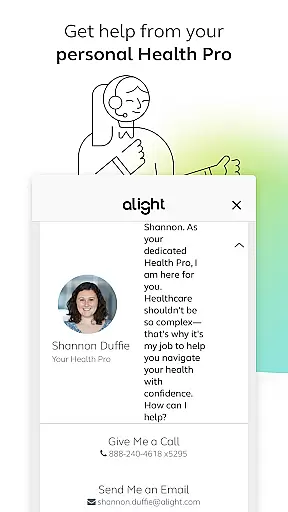
The app also provides robust tools for retirement planning. Users can review their 401(k) contribution elections, make necessary adjustments, and assess their pension benefits. Furthermore, Alight Mobile includes features to evaluate retirement readiness, helping users plan effectively for their future. These functionalities are complemented by the ability to access and save digital copies of insurance cards and consult with personal Health Pros for additional guidance.
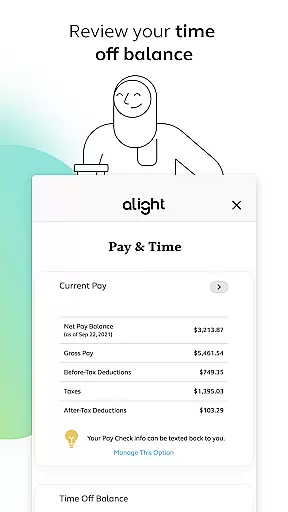
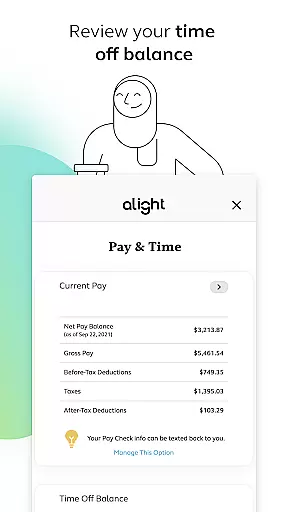
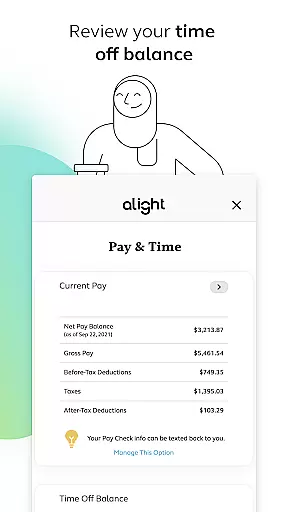
Another notable feature is the centralized access to various benefit resources, which enhances user convenience. Whether checking time-off balances or exploring additional HR-related resources, Alight Mobile ensures that all essential information is readily available. This consolidation not only improves efficiency but also enhances the overall user experience by reducing the need to navigate multiple platforms.
In today's fast-paced business environment, the ability to collaborate effectively is crucial. Alight Mobile facilitates seamless collaboration by providing employees and benefit participants with instant access to their personal benefits information. This empowers users to enroll in important benefits, review medical plans, and make necessary changes to their 401(k) contributions from anywhere, at any time.
The app serves as a centralized platform where users can effortlessly manage their health, retirement, and payroll details. By integrating various HR and benefit programs into one accessible location, Alight Mobile ensures that all team members are on the same page. Whether it's finding a doctor, accessing insurance cards, or consulting with a personal Health Pro, this app streamlines processes that traditionally fragmented workplace communication.
Furthermore, Alight Mobile enhances collaborative efforts by offering features like time off balance reviews and access to numerous benefit resources. These capabilities not only foster better teamwork but also allow for more personalized and efficient interactions between employers and employees. The result is an interconnected workforce that can focus on what truly matters u2013 achieving organizational goals while maintaining personal well-being.
Effective task management is essential for maximizing productivity and ensuring that nothing falls through the cracks. With Alight Mobile, users gain comprehensive control over their benefits-related tasks, enabling them to stay organized and proactive about their future. From reviewing pension benefits to checking if they are on track for retirement, the app equips users with tools needed to manage these critical aspects of their lives efficiently.
Alight Mobile goes beyond basic task tracking by offering dynamic functionalities such as real-time updates on medical plan spending and easy access to enrollment periods. Users can conveniently monitor their progress towards financial stability and wellness goals without having to navigate multiple platforms or sift through paperwork. This streamlined approach saves time and reduces stress associated with managing complex benefit programs manually.
Moreover, subject to terms, conditions, and availability based on the employeru2019s benefit plan, Alight Mobile provides tailored solutions designed to meet individual needs within diverse organizational structures. By consolidating all relevant data into one intuitive interface, it simplifies decision-making processes related to healthcare choices, investment options under retirement plans, and other vital considerations impacting both professional growth and personal satisfaction.
User-friendly interface
Comprehensive benefits management
Personalized support options
Convenient mobile access
Integrated resource platform
Limited to partner companies
Feature availability varies
Potential privacy concerns
Dependent on employer plans
Occasional update delays

Formerly Facebook Ads Manager. Manage and create ads on the go.
 4.20
4.20
The All-in-One File Manager for Phone, TV, Watch, Cars, XR / VR, Chromebook
4.10
viewing and sharing PDFs and other files—anytime, anywhere!
4.3
Get instant construction estimates: accurate home repair & material calculator.
4.70
We are a dynamic team of creatives people of design, marketing, web & apps
3.00
Find jobs near you and temp work in minutes, from your phone.
4.50
Collaborate seamlessly with Google Chat, part of Google Workspace
4.50
All-in-one Mobile solutions for employees & managers to succeed at work
4.30
The app that lets you deliver with Amazon.
4.50
Job search app that finds jobs for you! Takes the work out of looking for a job!
4.90
Create curriculum vitae, a professional cover letter creator and resume designer
4.80
Start earning fast. Apply Today.
4.80
Permission Guard is a security app that helps you manage app permissions.
4.80
Access to Paylocity, empowering employees with information they need 24/7.
4.70
Your employer must have UKG Ready software configured for Mobile.
4.60
From Gone to Back Again — In Just a Few Taps
4.50
All Your Gig Work. One App.
4.30
view, manage, and share every PDF file you have
3.60
Completed Course Lectures on how to use IBM Maximo in Maintenance issues
4.5


User Reviews