
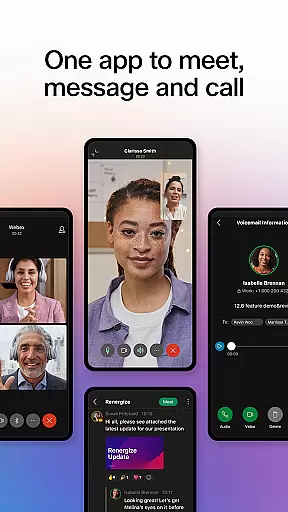


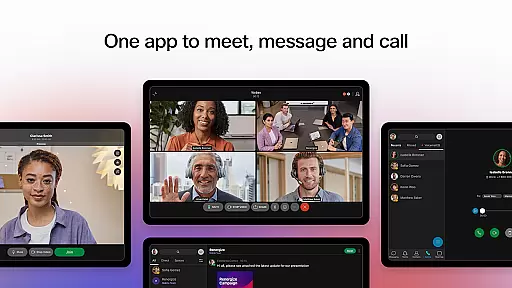


Webex is a comprehensive business communication app that unifies meetings, messaging, and calling in one secure platform. Designed for modern workplaces, it enables seamless collaboration regardless of location or time zone.
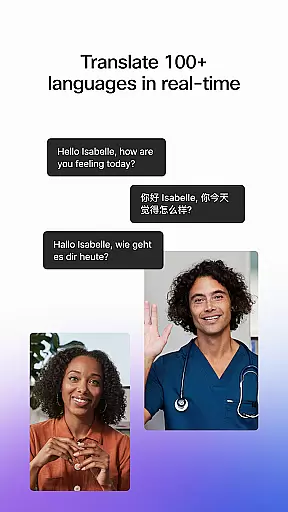
The app's standout feature is its ability to support engaging and inclusive interactions through advanced technologies like real-time language translation for over 100 languages, intelligent meeting layouts, and background noise removal. These capabilities ensure every participant can contribute effectively.
Whether you're working remotely or in the office, Webex provides distinct value by streamlining communication workflows and enhancing productivity through its integrated approach to workplace collaboration.
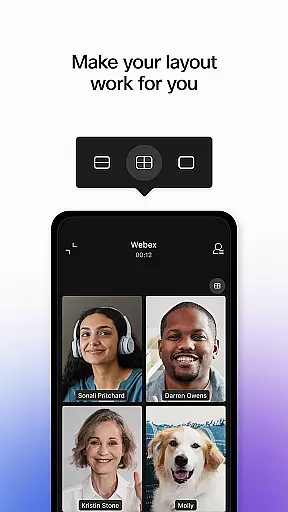
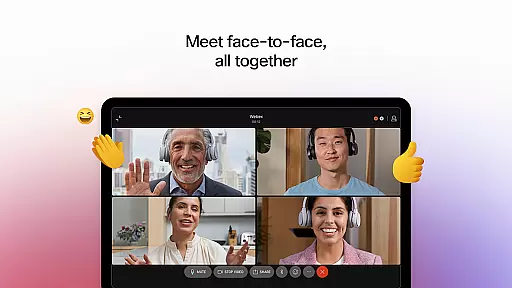
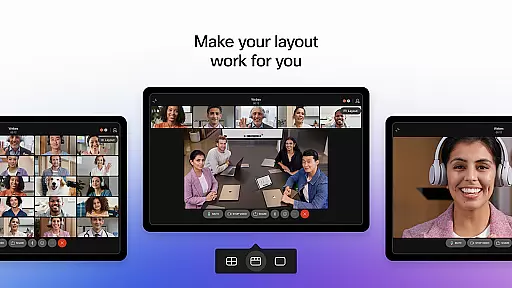
Webex offers an impressive array of features designed to improve team collaboration. The Meet functionality supports personalized meeting layouts with real-time translation and noise cancellation, making virtual meetings more effective than ever before.
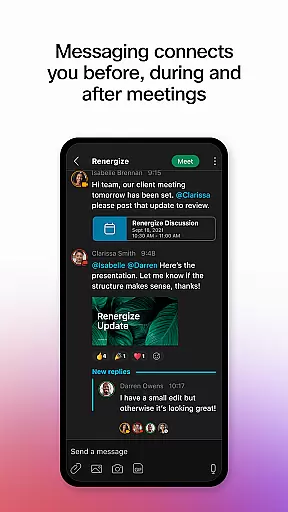
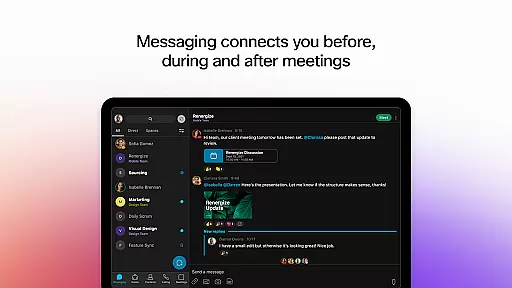
With the Message feature, users can engage in real-time conversations via 1:1 or group chats while securely sharing files using just an email address. This ensures smooth communication both internally and externally.
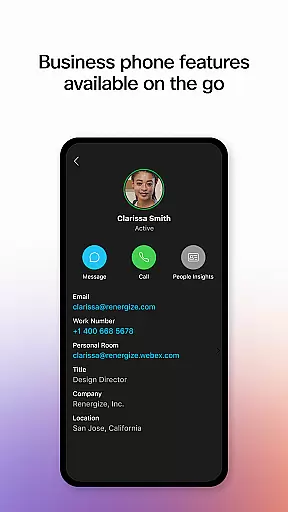
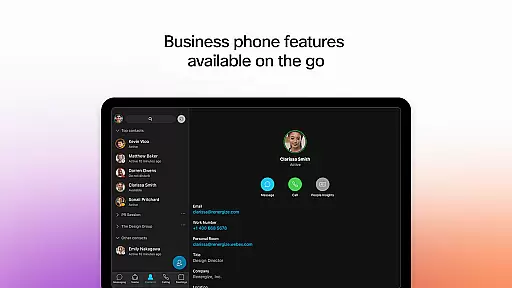
The Call capability integrates essential telephony features directly into the app, allowing users to make business calls from anywhere. Features like visual voicemail and instant call initiation enhance accessibility and convenience.
Collaborative work features are essential for modern business applications, enabling teams to work together efficiently regardless of their physical locations. Webex excels in this area by providing a comprehensive suite of tools designed to facilitate seamless collaboration.
The application offers real-time meeting capabilities with over 100 languages translated on-the-fly, ensuring that language barriers do not hinder productivity. Personalized meeting layouts and background noise removal further enhance the experience, making sure every participant can be clearly seen and heard.
Beyond meetings, Webex supports continuous engagement through its messaging feature. Users can connect via 1:1 or group chats, fostering communication that persists before, during, and after meetings. The secure file-sharing option allows for easy collaboration with both internal teams and external partners, using just an email address.
These collaborative features ensure that teams remain cohesive and productive, offering a unified workspace where ideas can be freely exchanged, and projects can progress without unnecessary interruptions.
Effective task management is crucial for maintaining productivity and ensuring that all team members are aligned with the organization's goals. Webex addresses this need by integrating various task management features within its platform, streamlining workflows and enhancing overall efficiency.
One of the standout features is the ability to instantly start impromptu conversations, allowing team members to address urgent matters without delay. This spontaneity is complemented by access to visual voicemail, which helps users manage their communications more effectively.
Additionally, Webex incorporates robust calling features directly into the app, empowering users with their favorite business phone functionalities at any time and from any location. This ensures that important discussions and decisions are not postponed due to logistical constraints.
By consolidating these essential task management tools into a single, user-friendly interface, Webex enables businesses to maintain high levels of coordination and responsiveness, ultimately driving better outcomes and sustained success.
User-friendly interface
Secure communication
Real-time translation
Noise removal technology
Integrated workflow
Limited offline access
Requires stable internet
Premium features costly
Complex setup process
Occasional bugs

Find flexible, hourly jobs hiring near you in restaurant, retail & hospitality!
 4.00
4.00
VSD Viewer - Visio Drawings Viewer for Android Preview VSD, VDX, VSDX drawings
4.10
BuildCalc - the easiest AND the most advanced construction calculator app.
4.80
Amazon A to Z is the place to manage your work-life at Amazon.
4.50
Drive and earn extra money
4.50
Access to Paylocity, empowering employees with information they need 24/7.
4.70
Job search app that finds jobs for you! Takes the work out of looking for a job!
4.90
Collaborate seamlessly with Google Chat, part of Google Workspace
4.50
Shop, deliver, and earn with the Spark Driver™ App
4.10
Create curriculum vitae, a professional cover letter creator and resume designer
4.80
USPS Mobile®Access USPS.com’s most popular tools on-the-go.
4.70
Ask Accio anything about business. Alibaba-backed, built by experts, not just AI
4.60
Master crypto trading with real-time simulations and exciting challenges!
4.50
Find jobs near you and temp work in minutes, from your phone.
4.50
ADP Mobile Solutions is an employee self service app
4.50
Take the stress out of storage with the all-in-one app to manage your space.
3.70
Roadie connects people with stuff to send with drivers already going that way.
3.50
Completed Course Lectures on how to use IBM Maximo in Maintenance issues
4.0
Convert Your Lovable.dev Website into a Mobile App Instantly!
4.1


User Reviews